Slide 4 of 4 from Simple Process Diagram with Textboxes for PowerPoint
4043-simple-textbox-wide-4
Six-Step Process Flow Diagram for Presentations
- Diagram
- Process Flow
- Process Slide
- 16:9
- 100% Editable
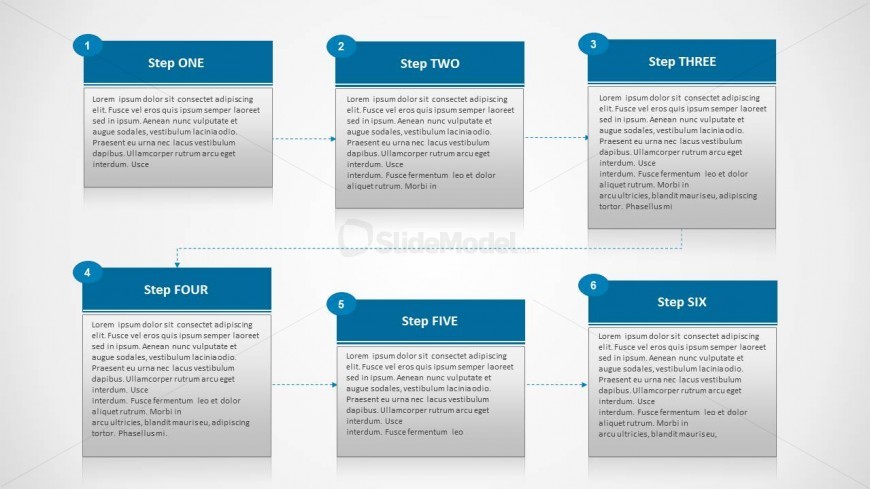
The Six-Step Process Flow slide from the Simple Process Diagram with Textboxes for PowerPoint template provides a structured layout ideal for illustrating workflows or project phases. This slide features editable shapes arranged horizontally to guide audiences through sequential steps clearly, making it suitable for business presentations and project management discussions using PowerPoint templates or Google Slides templates.
What’s on This Slide
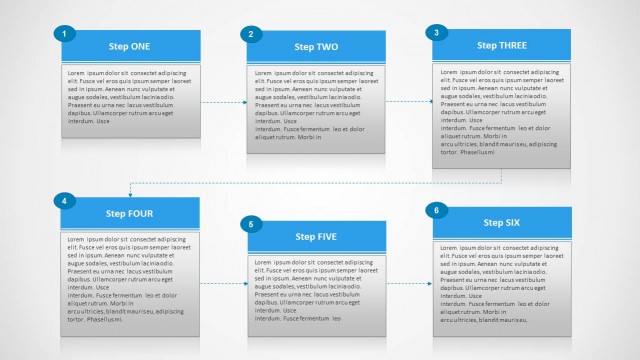
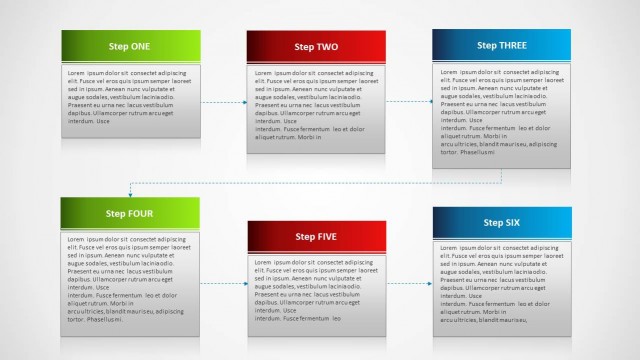
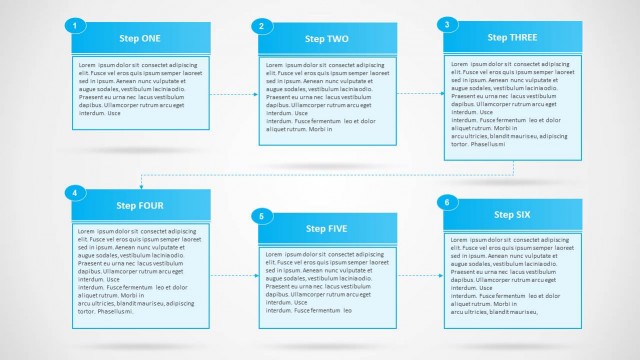
The layout features a horizontal arrangement of six rectangular boxes, each representing a step in a process. The boxes are color-coded with blue headers and contain text placeholders for titles and descriptions. The first box is positioned at the top left, followed by five additional boxes arranged in a single row. Connecting arrows flow from one box to the next, indicating progression. Each box has a number in the top left corner, providing a clear sequence. The overall design emphasizes clarity and organization.
How to Use It
This layout serves to illustrate a linear process with six distinct steps. It is suitable for presentations that require a clear depiction of workflows, project phases, or procedural instructions. This slide fits well within a sequence that begins with an introduction to the process and concludes with a summary or conclusion. It is particularly useful in business contexts where step-by-step guidance is necessary for understanding complex tasks or procedures.
Text Placeholders & Capacity
Keep your copy within these limits so it fits without resizing. Each step can hold a title and a brief description, approximately 15-20 words each.
| Placeholder | Count | Max characters (approx.) |
|---|---|---|
| Item heading | 6 | 20 |
| Item body | 6 | 200 |
Slide Keywords
Download unlimited PowerPoint templates, charts and graphics for your presentations with our annual plan.
DOWNLOADReturn to Simple Process Diagram with Textboxes for PowerPoint.