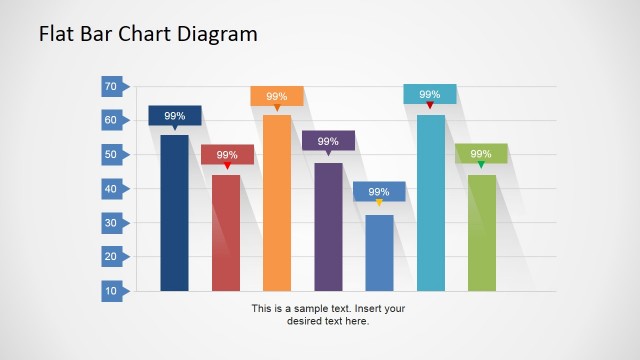
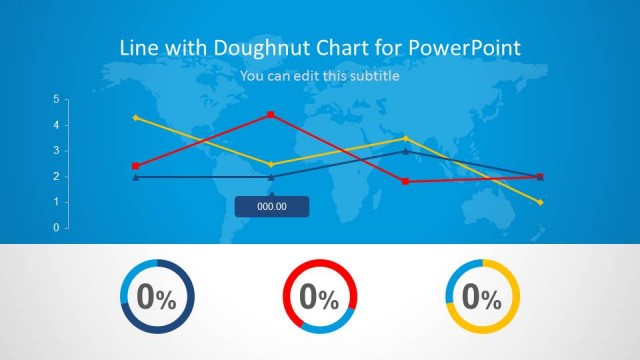
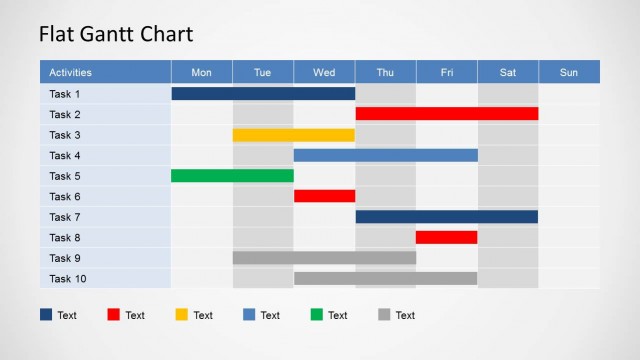
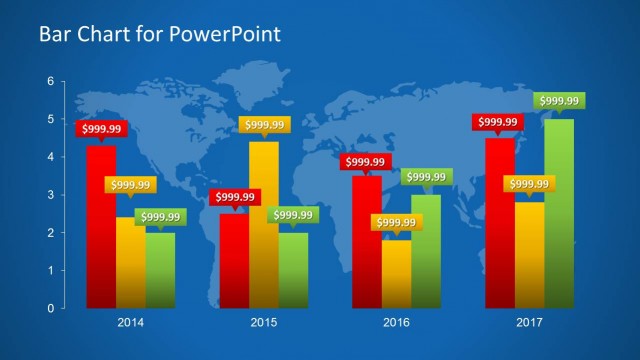
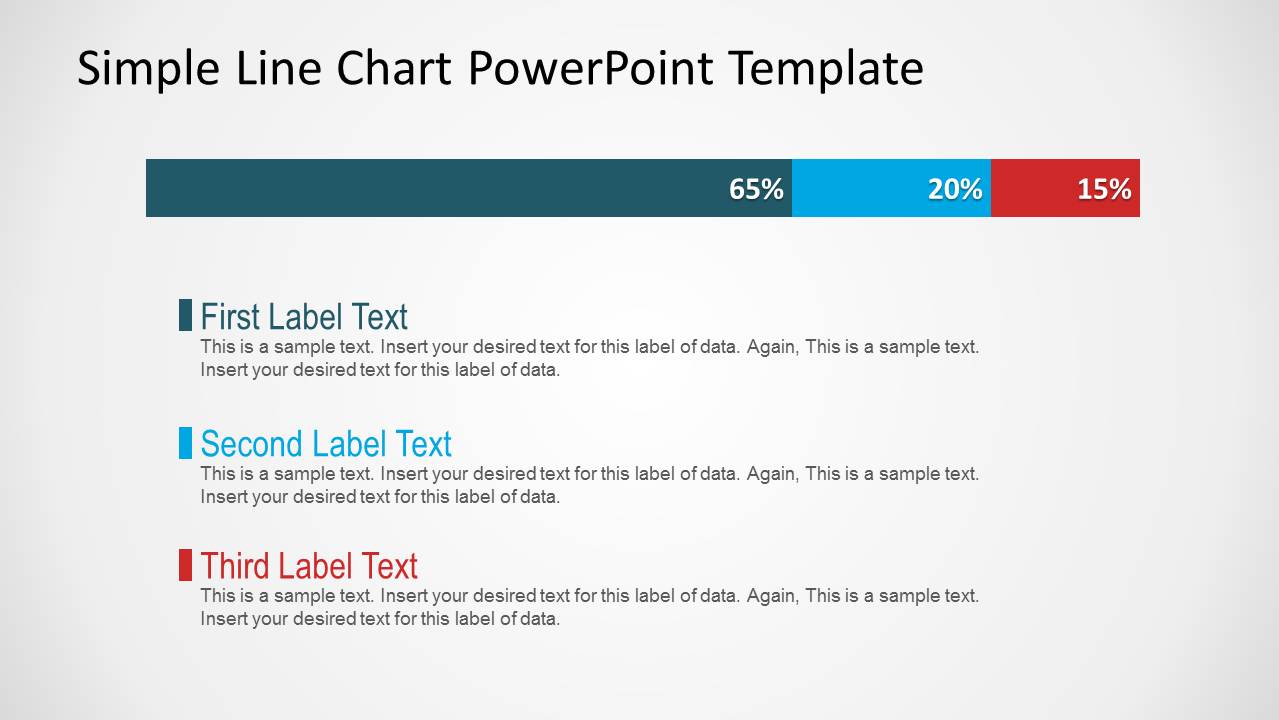
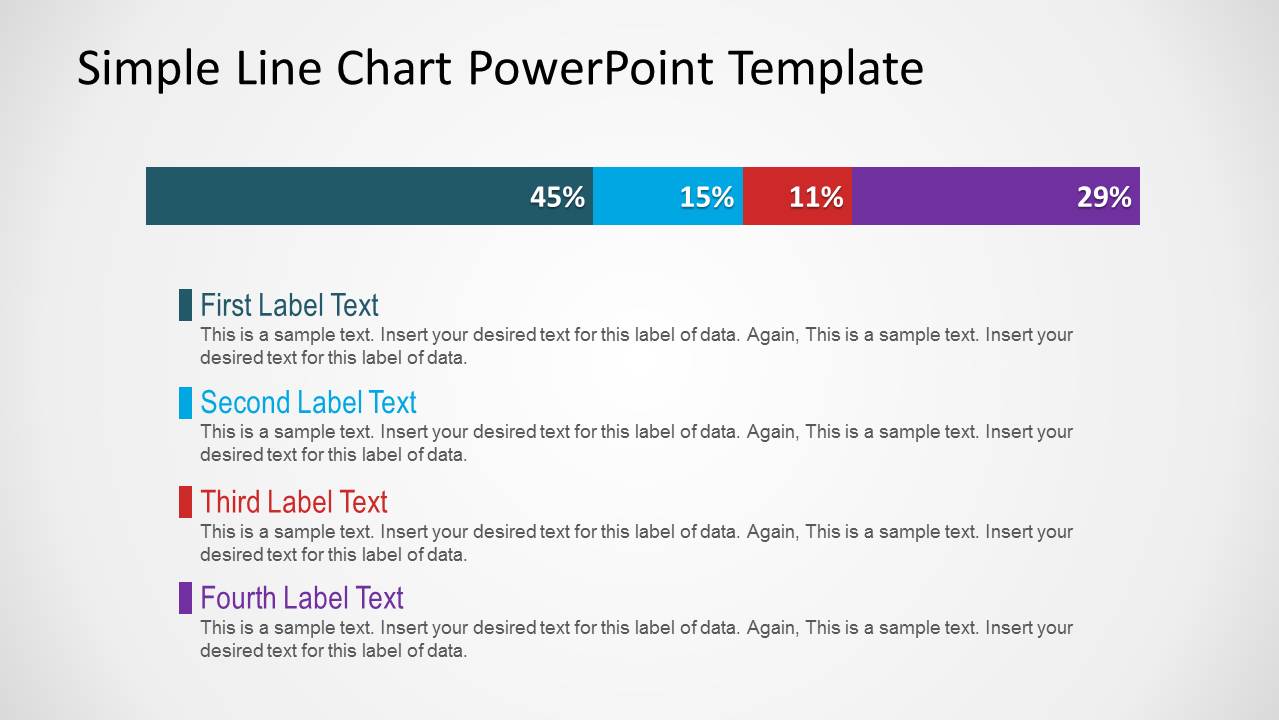
Simple Line Chart for PowerPoint is a presentation design containing a line chart slide. You can download this simple template containing three different slide designs with a line bar chart style.
You can edit the chart by adjusting the data series and change the chart colors. Alternatively you can download other data elements and PowerPoint presentation templates including dashboard templates and KPI slide designs.
What’s inside this template
Example presentation scenarios
- A business analyst can use the four-segment percentage bar to explain market share or category mix to an executive audience in a short reporting meeting.
- A product manager can use the three-segment chart slide to summarize feature adoption or user segment distribution for stakeholders who need a quick visual breakdown.
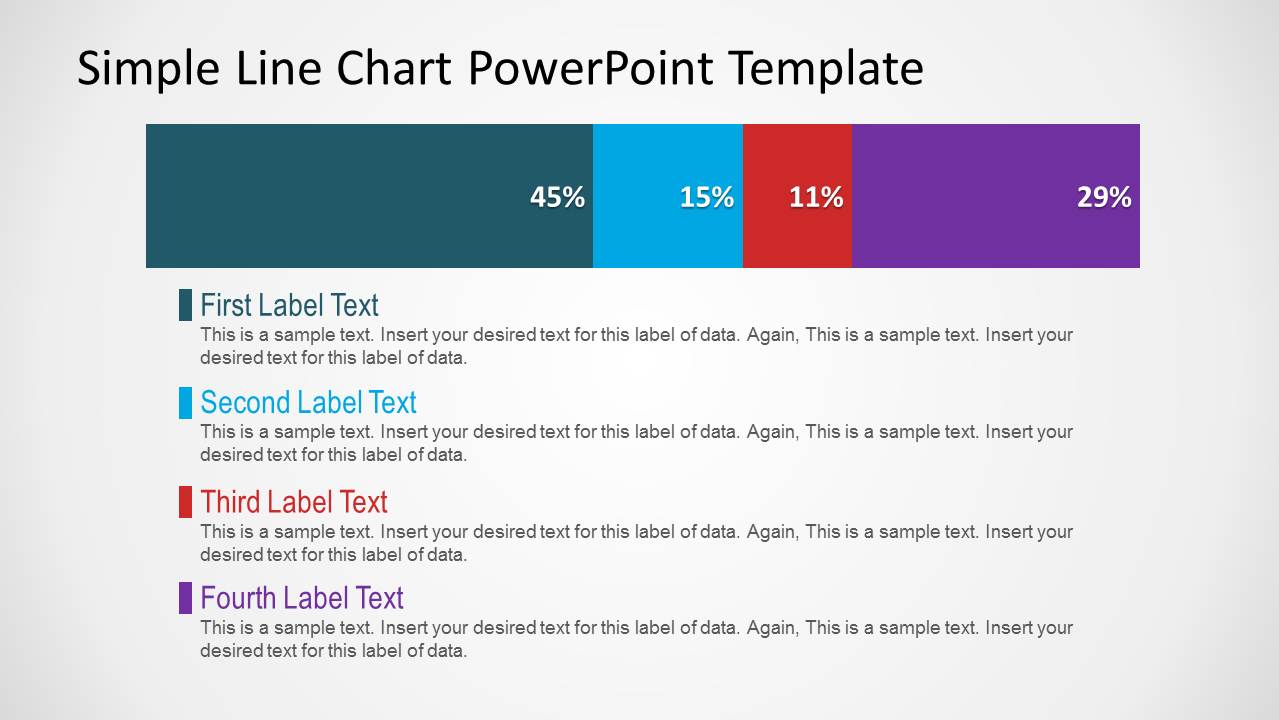
- A finance presenter can use the enlarged stacked bar slide to report expense mix, budget allocation, or revenue contribution with clear percentage labels.
- A consultant can use the color-keyed label blocks to translate survey response proportions into a concise client recommendation.
Features
- 100% editable presentation template
- Compatible with Microsoft PowerPoint
- 16:9 aspect ratio slides
- Scalable vector shapes, icons and illustrations
- AI-Ready for Microsoft Copilot and Claude
- Instant access and download
Frequently asked questions
Q: How should I present the percentage breakdown so the audience understands it quickly?
A: Lead with the conclusion before pointing to the bar. Keep the segment order in the label list the same as the visual order across the bar, then use each short text block to explain why that percentage matters. Avoid long paragraphs because the layout is built for a fast scan of proportion and meaning.
Q: Who is this template best suited for in a business presentation?
A: This template works best for analysts, managers, consultants, and finance presenters who need to explain a single composition metric rather than a full analytical model. It is useful when the message is share of total, allocation, mix, or distribution, especially with three or four categories that can be explained in brief notes.
Q: Why does the design place the segmented bar above the explanatory text?
A: The top bar acts as a whole-to-parts metaphor, so viewers first see the total and then the relative weight of each segment. The matching colored markers below connect each explanation to its segment without forcing the audience to read a dense table. This sequencing supports quick orientation before interpretation.


Simple Line Chart for PowerPoint
3-slide PowerPoint presentation template with minimalist percentage charts and labeled data summaries
Simple Line Chart for PowerPoint is a 3-slide data chart template for Microsoft PowerPoint in 16:9. It contains segmented horizontal percentage bars, three-item and four-item legend summaries, and a large stacked chart variation for analysts, managers, and consultants explaining metric breakdowns, share-of-total comparisons, or dashboard-style summaries.
- Category
- Data & Charts
- Rating

 Loading...
- Aspect ratio
- 16:9
- Item ID
- 1163
- Colors
 Microsoft PowerPoint
  Microsoft Copilot
  Claude for PowerPoint
 Other formats supported
Subscribe today and get immediate
access to download our PowerPoint templates.