Bring about effective visuals with Line with Doughnut Chart Template for PowerPoint. The template is especially minimalistic and functional. The PowerPoint shapes create a photographic display of information. This helps the audience remember important ideas easily.
Ideal for a wide range of concepts, this PowerPoint template is reusable and efficient. It is best applicable in financial presentations. The slide designs can be used for economics and history reports because of the world map background. The graphs are also perfect for statistics and business pieces. It can be considered as generic with its fully customisable features.
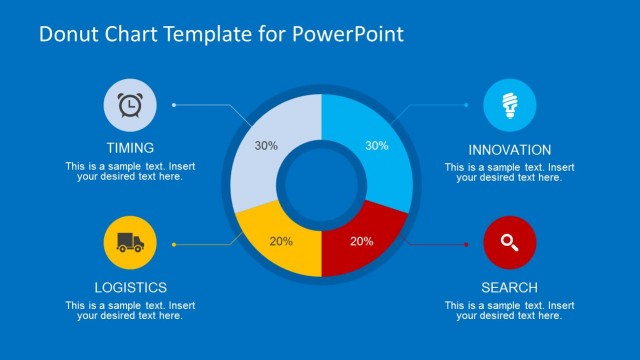
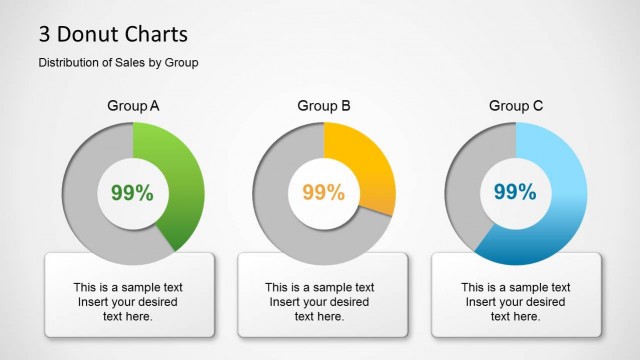
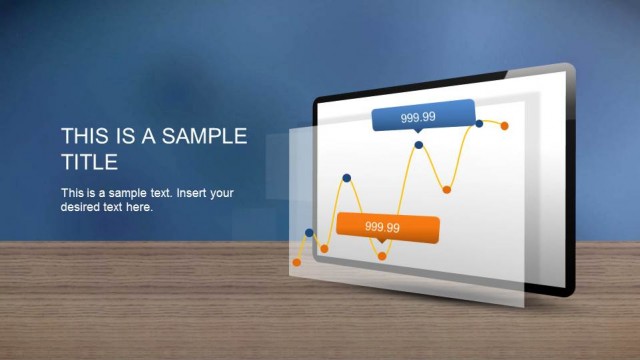
A line chart or line graph illustrates a series of quantitative information through points. Every point has a value. These points are traced and connected to each other, making a line along the way. This line represents a particular relationship between the points. Donut or circle charts, on the other hand, is divided into slices. Every arc or slice depicts a certain proportion of a numerical whole. These diagrams are designed to present data in a meaningful manner. They illustrate patterns and more comprehensive presentations compared to a textual report.
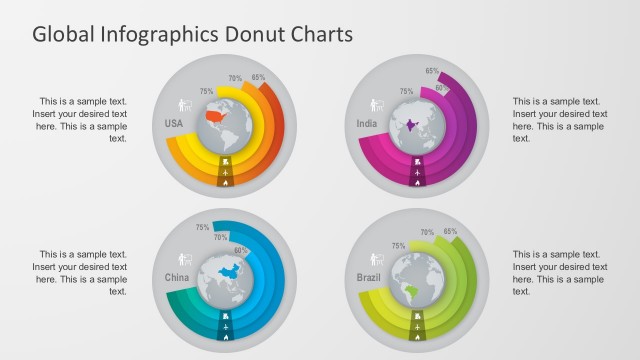
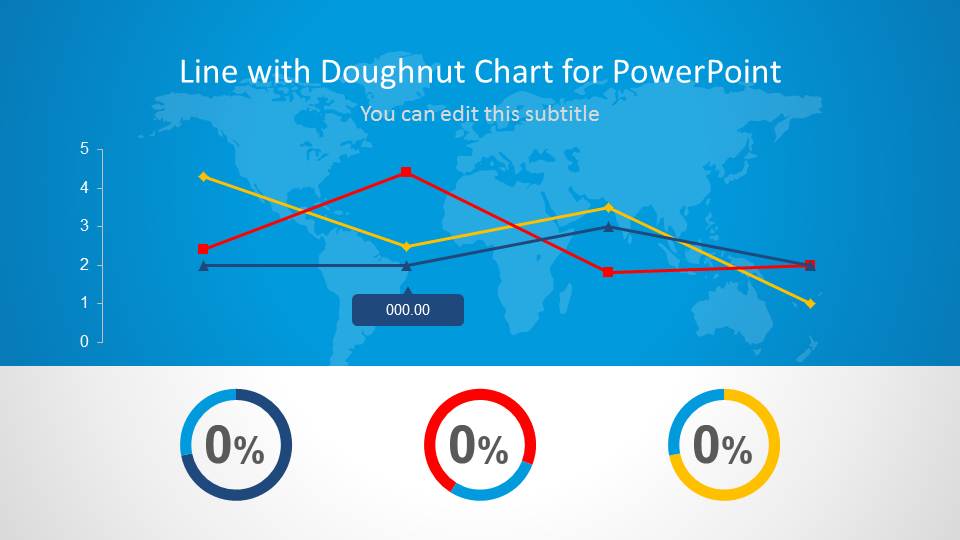
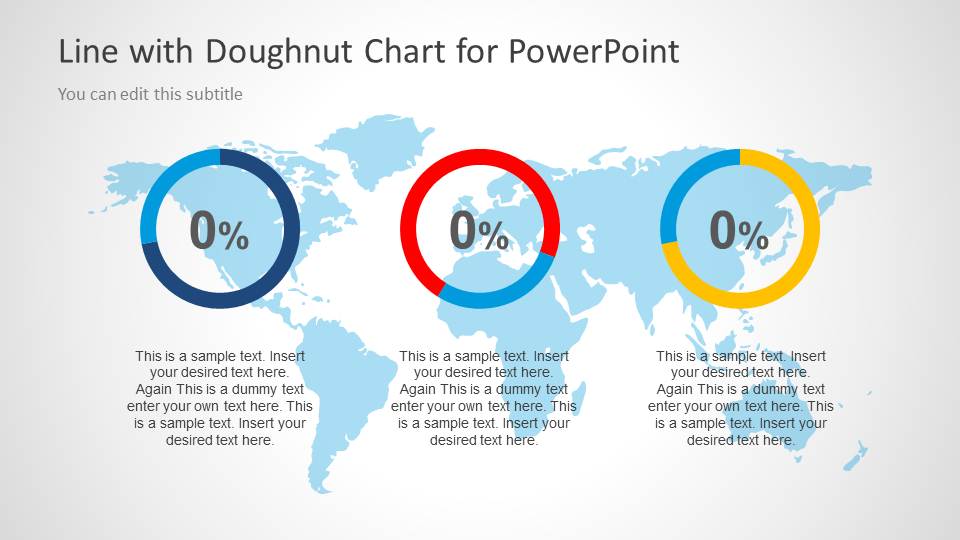
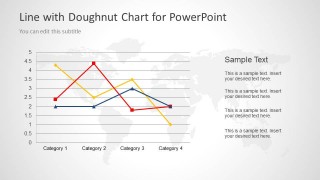
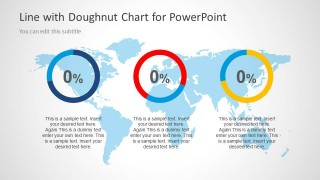
The entire PowerPoint template has a world map background. The first slide outlines the whole lecture. A line graph is featured on the middle of the slide. On the bottom part, the 3 donut charts are aligned horizontally. Each donut chart corresponds to one line in the line graph. It interprets the proportion of the values in the line to the total quantity of all variables. In the second slide, the line graph is given emphasis. The user can detail on the chart while on this slide. The third slide showcases the 3 donut charts and their quick descriptions. The layout allows very little text to keep the presenter from crowding it with information.
Attractive and smart, Line with Doughnut Chart Template for PowerPoint can surely impress global audiences. Numerous styles are downloadable from Data, Curve and Charts for PowerPoint section of SlideModel gallery. You can also download other data driven presentation templates, fully compatible with PowerPoint and Google Slides presentations.
What’s inside this template
Example presentation scenarios
- A finance manager can use the line chart slide to explain revenue, cost, or margin trends across several categories before discussing metric ratios.
- A business analyst can present an executive dashboard by opening with the combined line chart and doughnut KPI overview, then moving into details.
- A consultant can use the world map background and doughnut meters to frame a regional performance update for a client leadership team.
- An operations manager can use the three doughnut indicators to compare progress against targets after the trend pattern has been introduced.
Features
- 100% editable presentation template
- Compatible with Microsoft PowerPoint and Google Slides
- 16:9 aspect ratio slides
- Scalable vector shapes, icons and illustrations
- AI-Ready for Microsoft Copilot and Claude
- Instant access and download
Frequently asked questions
Q: How should a presenter structure the message with these three slides?
A: Start with the first slide as the high-level dashboard so the audience sees the relationship between trend lines and the three doughnut indicators. Use the second slide to explain the movement between categories, then close with the third slide to interpret the three percentage metrics. This order keeps the audience from comparing ratios before they understand the trend.
Q: Who is this template best suited for in a business presentation?
A: It fits analysts, finance managers, consultants, and operations leaders who need to report performance without building a large dashboard. The line chart supports trend discussion, while the doughnut meters work well for three key ratios or completion measures. The world map background also supports regional or global business reporting.
Q: Why combine a line chart with doughnut meters instead of using one chart type?
A: The line chart explains movement across categories, while the doughnut meters summarize individual proportions at a glance. This pairing separates trend analysis from status interpretation. The repeated circular meters create a simple visual rhythm, and the map background gives the data a broader business context without adding another data layer.

Line with Doughnut Chart Template for PowerPoint
3-slide presentation template with line chart, doughnut KPIs, and world map styling
This 3-slide presentation template for Microsoft PowerPoint and Google Slides combines a multi-series line chart, three doughnut KPI meters, and world map backgrounds. It is designed for business analysts, finance teams, and managers presenting trend comparisons, performance ratios, forecasts, or geographic business metrics in a simple dashboard format.
- Category
- Data & Charts
- Rating


 Loading...
- Aspect ratio
- 16:9
- Item ID
- 6097-01
- Colors
 Microsoft PowerPoint
  Microsoft Copilot
  Claude for PowerPoint
 Other formats supported
Subscribe today and get immediate
access to download our PowerPoint templates.