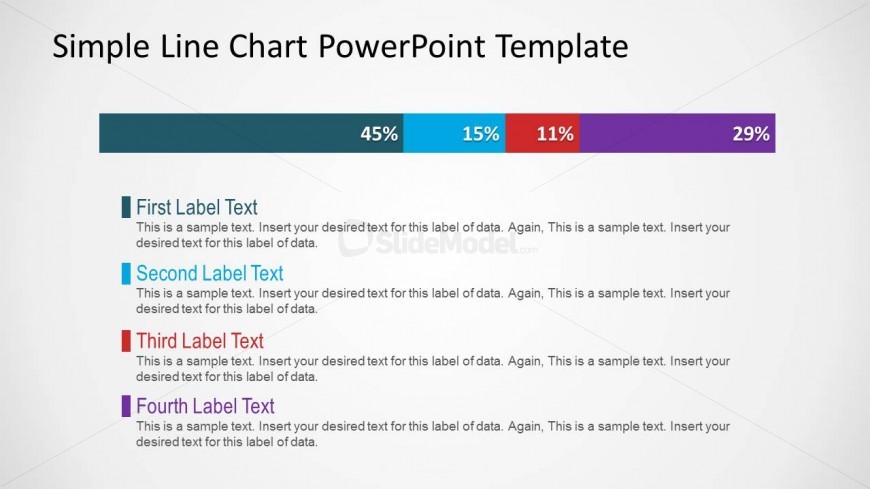
Slide 2 of 3 from Simple Line Chart for PowerPoint
Simple Line Chart PowerPoint Slide Design
Simple Line Chart for PowerPoint
- Chart
- Bar Horizontal
- Evaluation Slide
- 16:9
- 100% Editable
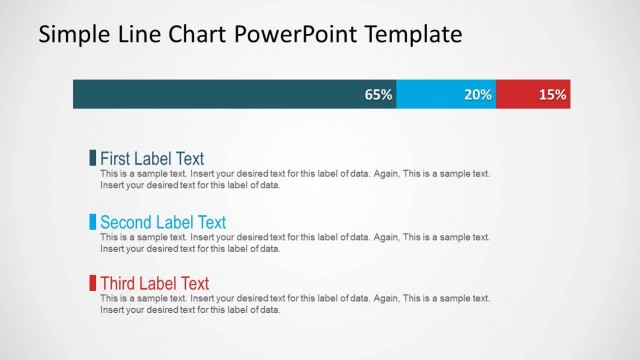
The Simple Line Chart slide from the Simple Line Chart for PowerPoint template offers a clear layout for presenting percentage breakdowns and data comparisons. This slide layout is designed for business presentations and pitch decks, featuring editable shapes and vector icons to enhance data visualization. Its horizontal bar chart format supports effective communication of survey results or market share analysis within professional slide decks.
About This Slide
Creative way to display a line chart of data using PowerPoint. This data-driven chart can easily be adjusted by right-clicking over the data chart and then adjusting the data in an Excel spreadsheet.
What’s on This Slide
The slide features a horizontal line chart with four distinct data segments represented by colored bars. Each bar is labeled with a percentage value indicating its proportion. Below the chart, there are four text placeholders aligned vertically, each corresponding to a data segment. The first placeholder is positioned at the top, followed by the second, third, and fourth placeholders in descending order. The background is light with a subtle gradient, enhancing the visibility of the chart and text. The overall layout emphasizes clarity and organization.
How to Use It
This layout serves as a data visualization tool, ideal for presenting percentage breakdowns or comparisons among four categories. It fits well in a presentation sequence after introducing a topic, allowing for a clear depiction of data metrics. This format is suitable for business meetings, reports, or any context where quantitative analysis is required. It can be used to summarize performance metrics, survey results, or market share data effectively.
Text Placeholders & Capacity
Keep your copy within these limits so it fits without resizing. Node body slots can accommodate roughly 15-20 words each.
| Placeholder | Count | Max characters (approx.) |
|---|---|---|
| Item heading | 4 | 30 |
| Item body | 4 | 100 |
| Chart title | 1 | 30 |
Slide Keywords
Download unlimited PowerPoint templates, charts and graphics for your presentations with our annual plan.
DOWNLOADReturn to Simple Line Chart for PowerPoint.