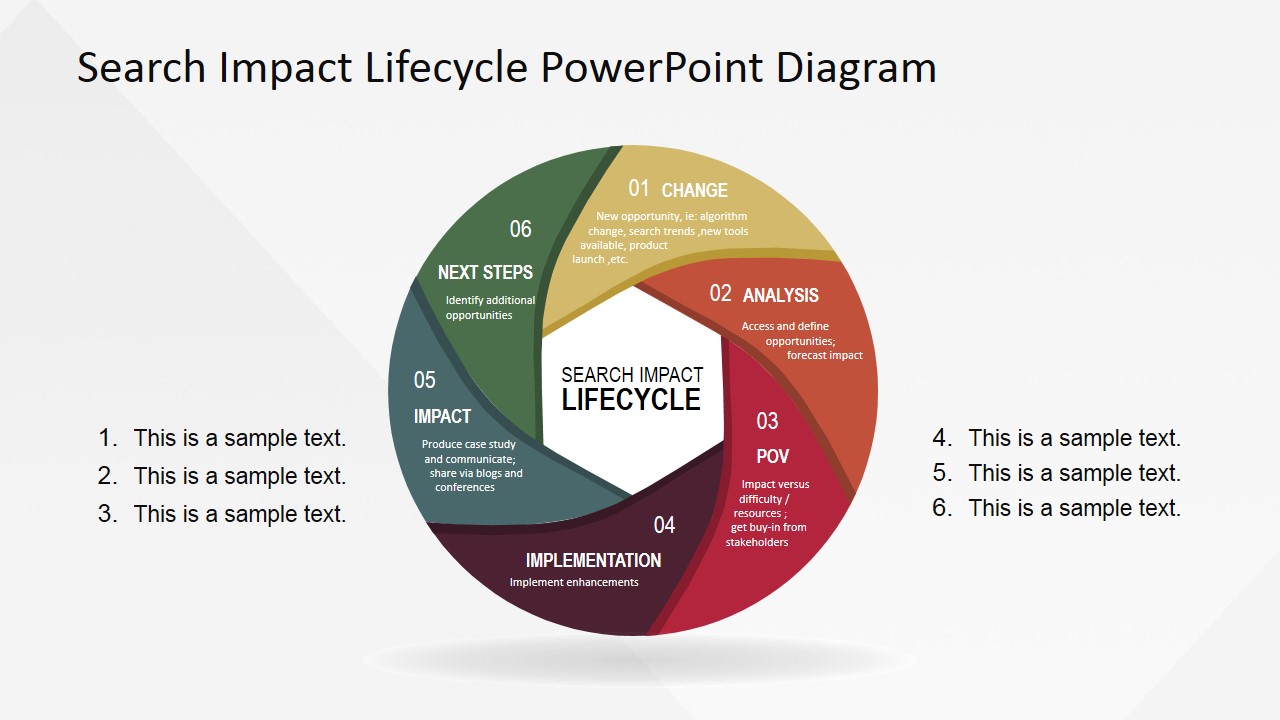
Search Impact Life Cycle PowerPoint Diagram is a professional PowerPoint presentation containing the 6 stages search impact life-cycle process. The Search Impact Life-Cycle Process is a loop process designed for internet marketers and search manager to adapt their search strategies in a constantly changing environment. In the last 2 years search engines (mostly Google) have shown that their adaptivity to customer centric searches prioritizes the searcher relevance need than the page owner relevance content effort. In other words, search engines will prioritize quality content that customers can consume, than bad quality content that customers tend to avoid. The process became popular around SEO and search managers after the success case presented by Adobe.
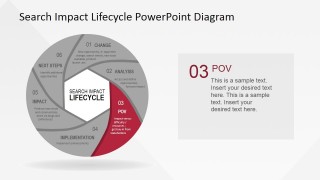
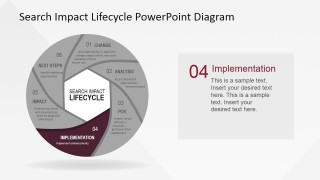
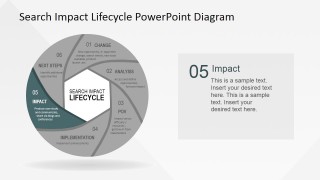
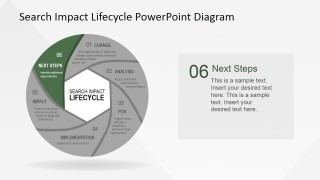
The process consists of 6 steps that close a loop:
- Change – A change in the search engine optimization environment.
- Analysis – Analysis of the impact, threat and opportunity of the change.
- Prioritization – Prioritization of solutions or strategie corrections.
- Implementation – Implement the course of action.
- Next Steps – Decide how to iterate over the change, how measure improvement and repeat the loop until goals are reached.
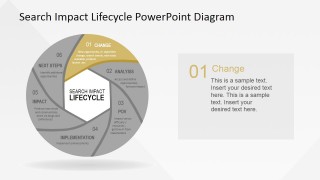
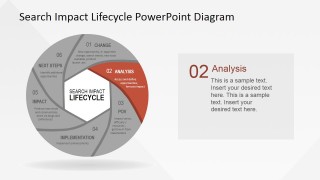
The Search Impact Life Cycle PowerPoint Diagram is 100% Editable, and created with PowerPoint Shapes, allowing the user to fully customize its appearance and properties. The PowerPoint Template provides one slide per process steps and an individual process overview slide.
Impress your audience with this professional PowerPoint Diagram of the Search Impact life cycle process.
What’s inside this template
Example presentation scenarios
- An SEO manager can use the circular lifecycle overview to brief executives on how the team tracks algorithm changes, assesses impact, and decides next steps.
- A digital marketing consultant can use the highlighted Analysis, POV, and Implementation slides to explain a client remediation plan after a search performance shift.
- An agency strategist can use the numbered text list and lifecycle stages to align writers, analysts, and paid search specialists around a repeatable search response process.
- A marketing operations lead can use the Impact and Next Steps slides to summarize measurement findings and define the next iteration of optimization work.
Features
- 100% editable presentation template
- Compatible with Microsoft PowerPoint and Google Slides
- 16:9 aspect ratio slides
- Scalable vector shapes, icons and illustrations
- AI-Ready for Microsoft Copilot and Claude
- Instant access and download
Frequently asked questions
Q: How should a presenter explain the lifecycle without making every stage sound equal?
A: Start with the full circular overview to establish the loop, then spend more time on the highlighted stage slides where decisions are made. For example, give extra context on Analysis and POV because those stages turn search changes into a point of view and action plan. Keep the right-side text panels focused on one key message per stage.
Q: Who is this template best suited for in a marketing meeting?
A: It fits SEO managers, search leads, agency strategists, and digital marketing consultants who need to explain a repeatable response process. The format works well when an audience already understands search marketing basics but needs alignment on how the team will react to change, prioritize corrections, implement work, and measure impact.
Q: Why does the circular lifecycle design help communicate SEO change management?
A: The circle reinforces that search strategy is iterative rather than one-time. Each detail slide grays out the full lifecycle while highlighting one segment, so the audience sees both the current discussion point and its place in the larger loop. This metaphor is useful for showing adaptation, learning, and ongoing optimization.


Search Impact Life Cycle PowerPoint Diagram
7-slide presentation template for SEO lifecycle analysis, impact stages, and search marketing process planning.
Search Impact Life Cycle PowerPoint Diagram is a 7-slide marketing presentation template for explaining a six-stage SEO response cycle. It includes a circular lifecycle overview, highlighted stage detail slides, and a numbered text list for action items. It is intended for search marketers, SEO managers, and digital strategy teams using Microsoft PowerPoint or Google Slides.
- Category
- Marketing
- Rating


 Loading...
- Aspect ratio
- 16:9, 4:3
- Item ID
- 6585-04
- Colors
 Microsoft PowerPoint
  Microsoft Copilot
  Claude for PowerPoint
 Other formats supported
Subscribe today and get immediate
access to download our PowerPoint templates.