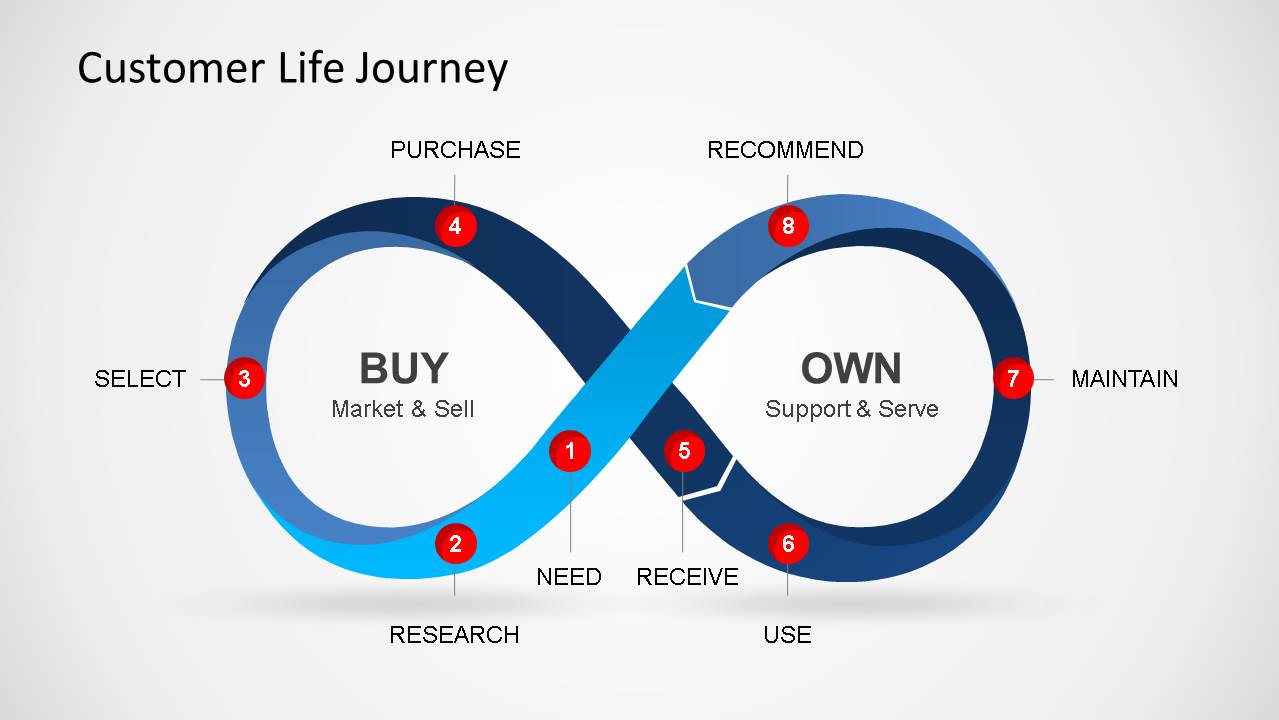
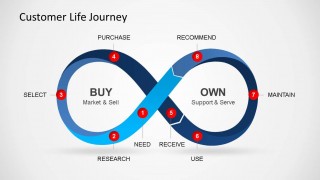
Customer Life Journey PowerPoint Diagram is a presentation containing different slides of the customer journey model within a 3D infinite loop. Use this model to enrich your Marketing presentation or to explain the customer rationale for purchasing, following the well know process of Need, Research, Selection, Purchase, Receive, Use, Maintain and Recommend.
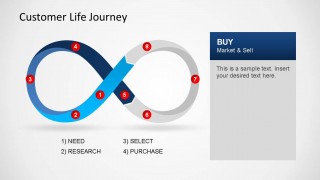
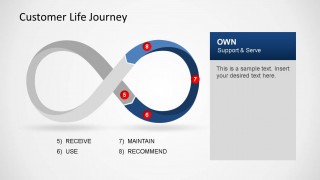
This tool is extremely powerful to understand the customer experience over your marketing offering. The presentation is broken down in two groups of experiences (Buy & Own), but the user is encouraged to break the experiences in more phases, just replicating the slide in the presentation and changing the title of the text box.
Customer Journey Diagram is also combined with our Marketing PowerPoint Templates or Business Presentations.
The Diagram is designed with PowerPoint object shapes that can be completely updated, allowing full customization.
Engage your audience with the Customer Life Journey PowerPoint Diagram and deliver a wonderful presentation.
What’s inside this template
Example presentation scenarios
- A marketing manager can use the full infinity loop to explain how need, research, selection, and purchase connect to later customer behavior.
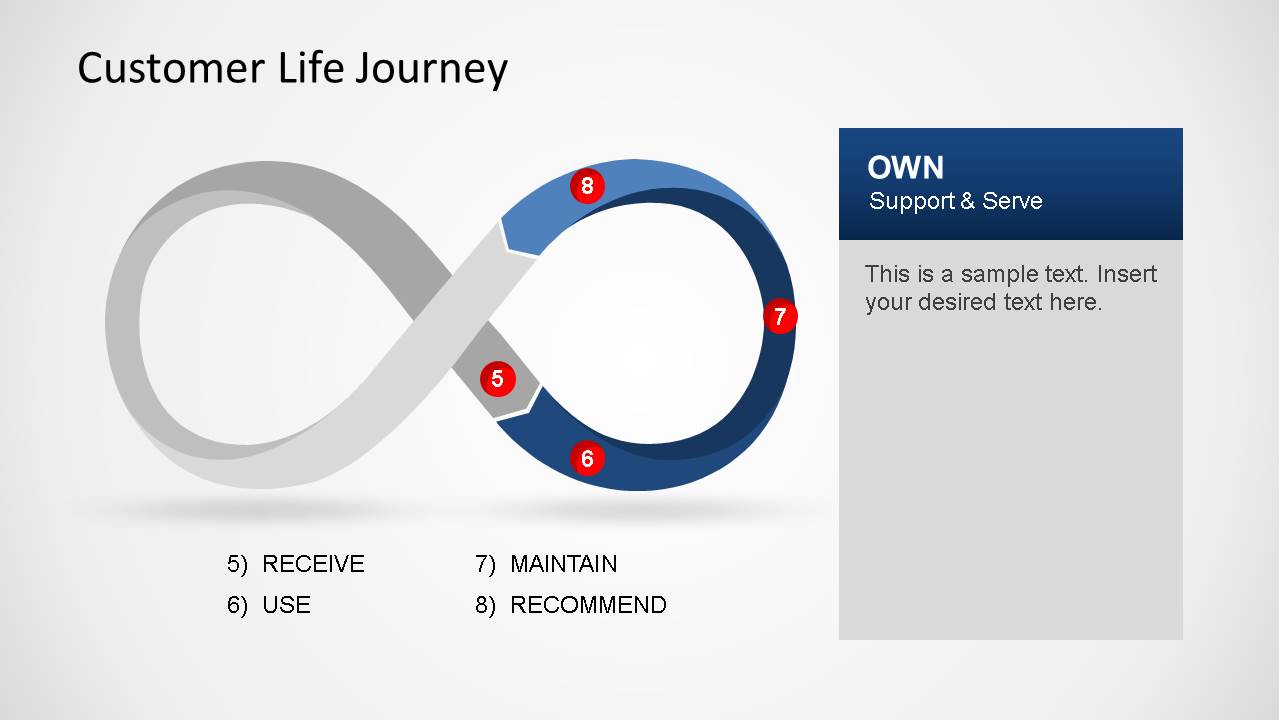
- A customer experience lead can use the Own phase slide to discuss receive, use, maintain, and recommend activities with support and service stakeholders.
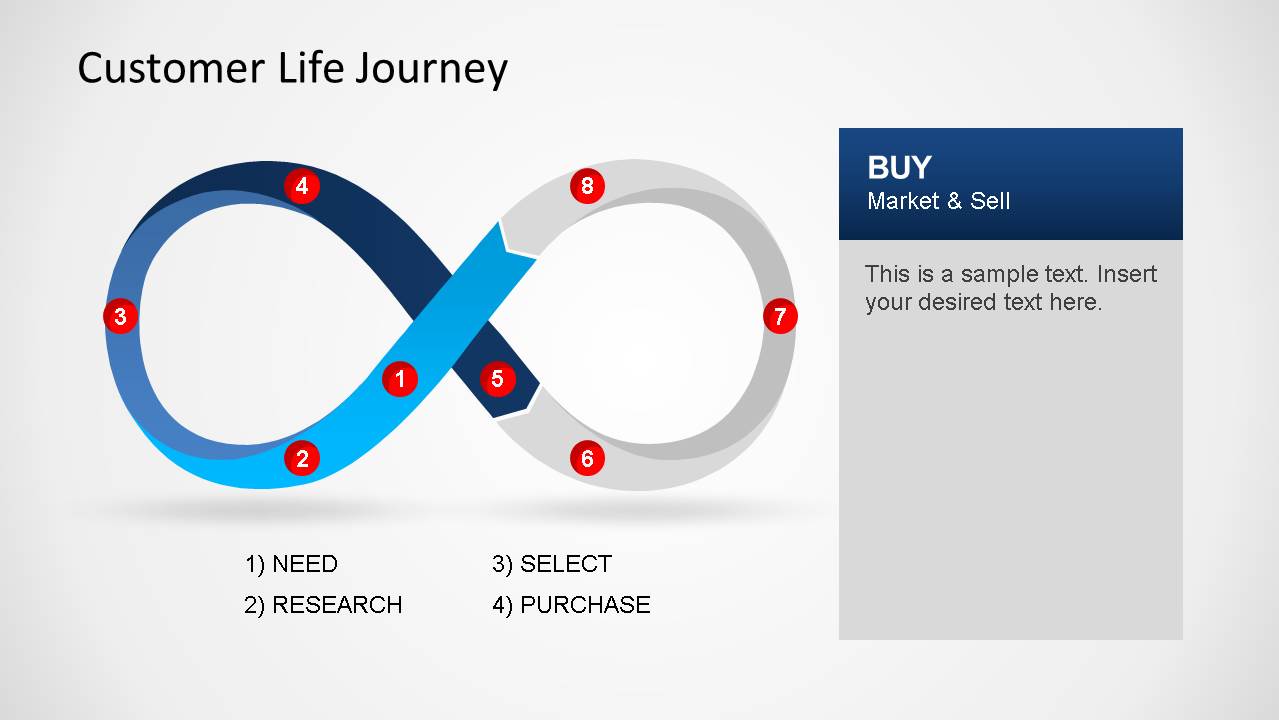
- A sales leader can use the Buy phase slide to align the team on the customer decision path before handoff to delivery or support teams.
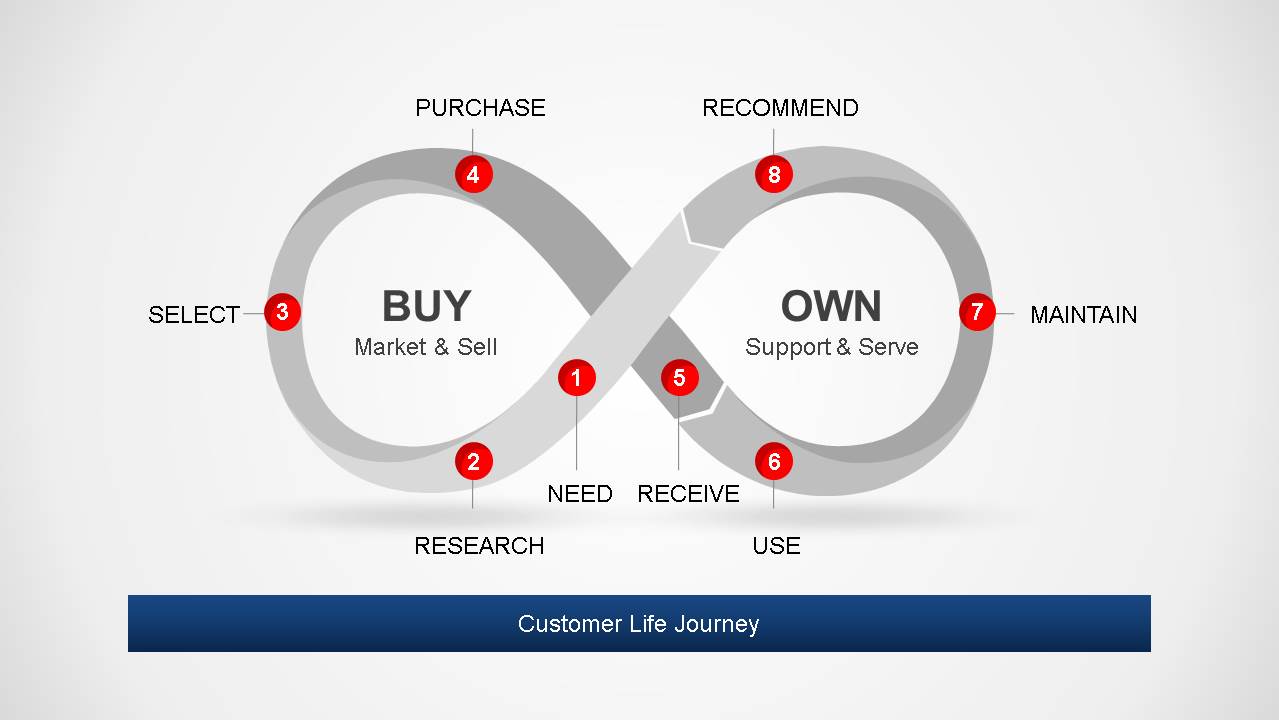
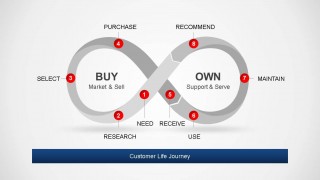
- A business consultant can use the grayscale summary slide to facilitate a workshop where participants identify gaps across the full customer lifecycle.
Features
- 100% editable presentation template
- Compatible with Microsoft PowerPoint and Google Slides
- 16:9 aspect ratio slides
- Scalable vector shapes, icons and illustrations
- AI-Ready for Microsoft Copilot and Claude
- Instant access and download
Frequently asked questions
Q: How should a presenter explain the journey without making the infinity loop feel abstract?
A: Start with the complete loop to define the two halves: Buy and Own. Then move into the highlighted Buy and Own slides so the audience can focus on one decision context at a time. Use the numbered markers as a spoken path, not as decoration, and connect each stage to a real customer behavior.
Q: Who is this template best suited for in a business presentation?
A: It fits teams that need to explain a customer lifecycle at a high level, especially marketing, customer experience, sales, product, and support groups. The layout is strongest when the goal is to align stakeholders around the purchase and ownership journey before defining campaigns, service actions, or handoff responsibilities.
Q: Why does the infinity loop design work for a customer journey message?
A: The infinity loop reinforces that the relationship does not stop at purchase. By placing Buy on one side and Own on the other, the diagram makes retention, maintenance, and recommendation part of the same cycle. That visual metaphor helps presenters frame advocacy as the next input into future demand.
Customer Life Journey PowerPoint Diagram
8-slide customer journey presentation template with infinity loop process diagram for buy and own stages
Customer Life Journey PowerPoint Diagram is an 8-slide process diagram template for mapping customer experience stages. Visible layouts include an infinity loop journey map, Buy stage highlight, Own stage highlight, and a grayscale summary slide. It is intended for marketing, sales, and customer experience teams in Microsoft PowerPoint and Google Slides.
- Category
- Process Diagrams
- Rating


 Loading...
- Aspect ratio
- 16:9, 4:3
- Item ID
- 6437-02
- Colors
 Microsoft PowerPoint
  Microsoft Copilot
  Claude for PowerPoint
 Other formats supported
Subscribe today and get immediate
access to download our PowerPoint templates.