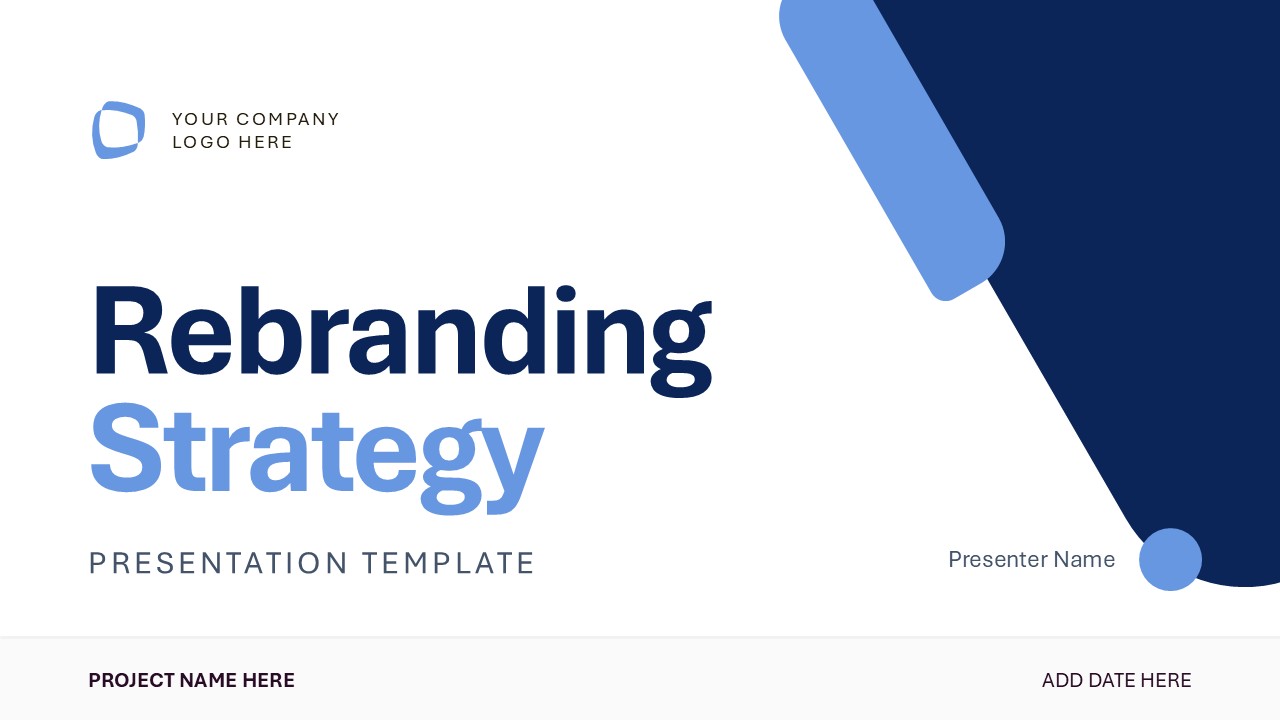
Share the brand transformation framework in the stakeholder presentations with our editable Rebranding Strategy PowerPoint Template. Competition is getting tougher with each passing day, and new brands are emerging to dominate the market. In this case, rebranding can be an innovative approach to target the customer base with the same message in a modern way. This helps brands leverage their already existing market position and retarget their audience effectively. This rebranding strategy template includes slides for brand audit, market conditions, and current positioning. The rebranding PPT slide deck has 13 slides, each with a specific layout to effectively convey the rebranding techniques. The template allows brand managers to showcase the reasons for rebranding, market competition, and customer insights.
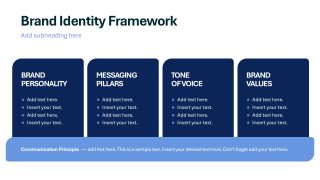
This Rebranding Strategy PowerPoint Template features a white-and-blue color scheme that helps marketing directors present their ideas with clarity and focus. Marketing directors use the rebranding template to communicate a new brand identity framework and outline components like:
- Brand personality
- Messaging Pillars
- Tone of Voice
- Brand Values
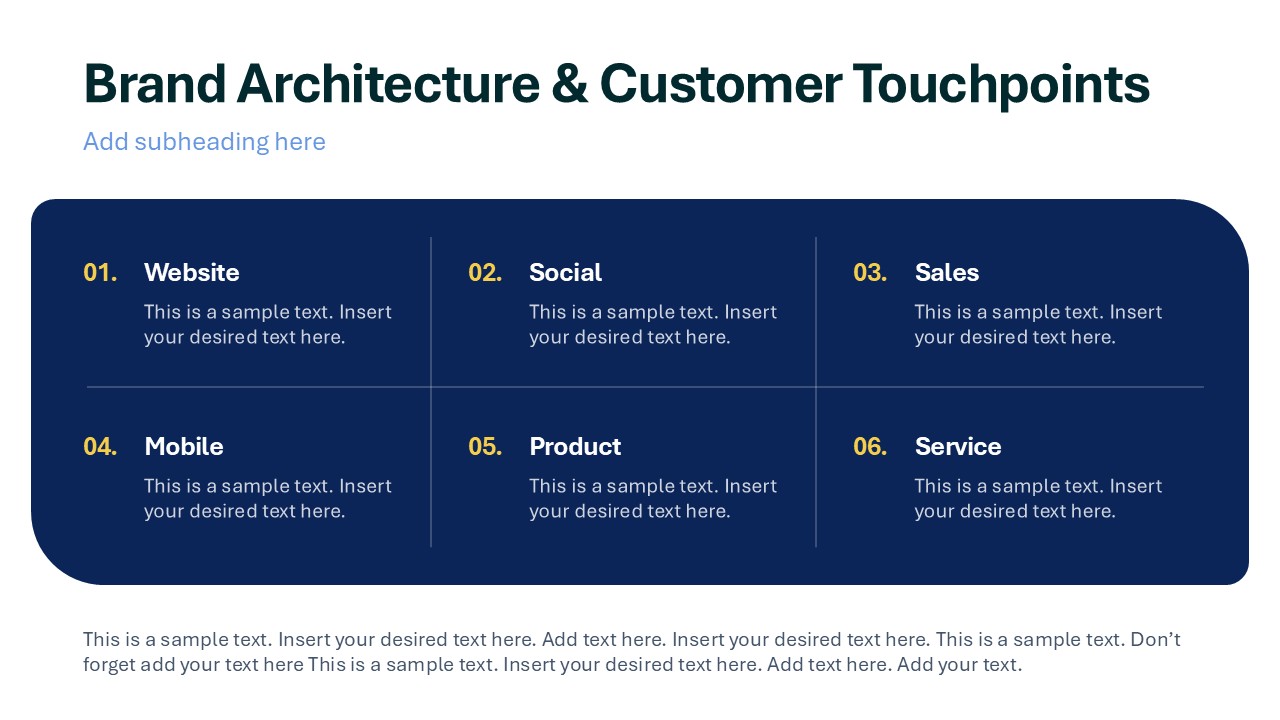
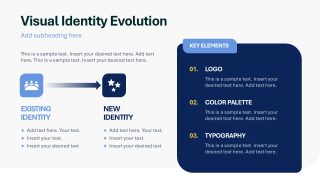
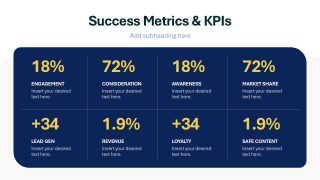
They also share the new logos, colors, and fonts that must be implemented. Brand growth strategists use editable slides to discuss visual evolution, brand architecture, customer touchpoints, and success KPIs. Also, the success KPIs slide and the current assessment slides use bold percentage callouts to clearly showcase the data points. You can change the template’s color scheme and fonts to match the design and its branding elements. Download the rebranding strategy PPT template for your investor presentations to present ways to tackle an evolving market with a new visual identity. Additionally, try our collection of business strategy templates to choose the best format for your executive presentation.
What’s inside this template
Example presentation scenarios
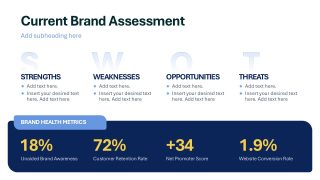
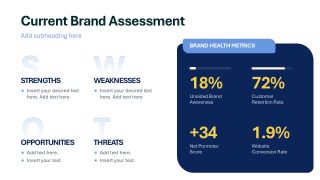
- A brand manager can use the SWOT assessment and brand health metrics slides to brief executives on why the current identity no longer fits market or customer needs.
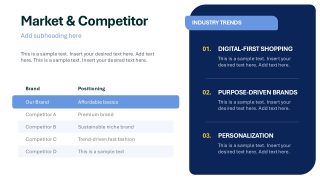
- A marketing director can use the competitor positioning table and industry trends panel to show how the proposed rebrand responds to category movement and audience behavior.
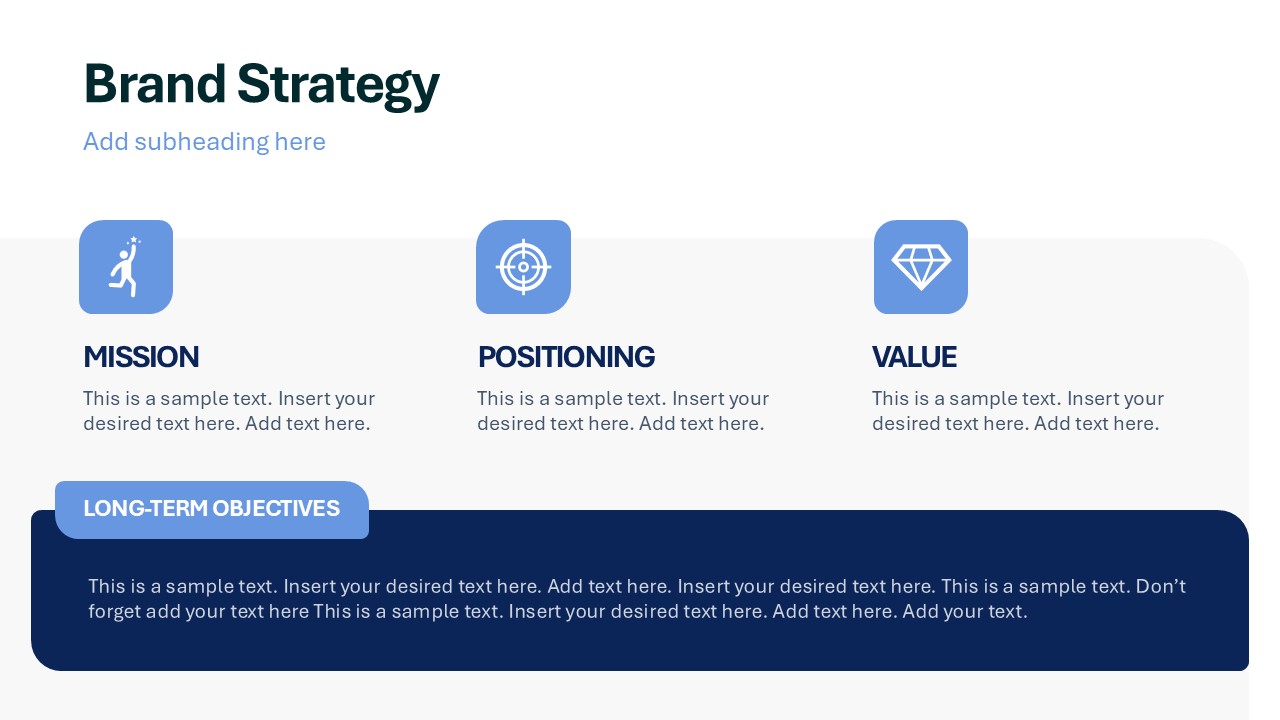
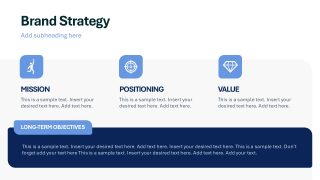
- A strategy consultant can use the mission, positioning, value, and long-term objectives slide to align leadership around the strategic logic behind the new brand direction.
- A creative director can use the visual identity evolution slide and brand identity framework to explain changes in logo, color palette, typography, tone, and messaging.
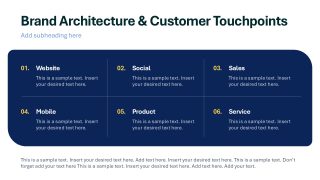
- A growth strategist can use the customer touchpoint matrix and KPI dashboard to connect the rebrand rollout with measurement across website, social, sales, product, and service channels.
Features
- 100% editable presentation template
- Compatible with Microsoft PowerPoint and Google Slides
- 16:9 aspect ratio slides
- Scalable vector shapes, icons and illustrations
- AI-Ready for Microsoft Copilot and Claude
- Instant access and download
Frequently asked questions
Q: How should a presenter structure the rebranding argument with this deck?
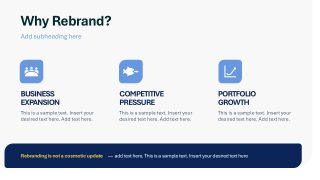
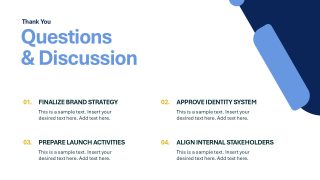
A: Start by making the business case on the Why Rebrand slide, then prove the need with the SWOT assessment, brand health metrics, competitor table, and customer insight slide. Move next to the strategic response: mission, positioning, value, identity framework, and visual evolution. Close with touchpoints, KPIs, and the discussion slide so decisions are linked to action.
Q: Who is the best audience for this rebranding strategy template?
A: This deck is best for leadership teams, marketing stakeholders, creative partners, and cross-functional managers who need to agree on the direction of a rebrand. It works well when the presenter must connect market pressure, customer insight, brand identity choices, and success metrics in one executive-level strategy conversation.
Q: Why do the card, quadrant, and dashboard layouts help explain a rebrand?
A: The template separates diagnosis, decision, and measurement into distinct visual forms. SWOT quadrants make the current-state audit easy to scan, cards define brand pillars without crowding the slide, and the KPI dashboard turns success criteria into visible targets. The blue panels create continuity, which helps audiences see the rebrand as one connected system.








Rebranding Strategy PowerPoint Template
13-slide rebranding strategy presentation template with SWOT assessment, brand identity framework, and KPI layouts
The Rebranding Strategy PowerPoint Template is a 13-slide deck for planning and presenting a brand transformation. It includes a SWOT brand assessment, competitor positioning table, customer insights slide, brand identity framework, touchpoint map, and KPI summary. It is built for marketing and strategy teams in Microsoft PowerPoint and Google Slides.
- Category
- Strategy
- Rating

 Loading...
- Aspect ratio
- 16:9
- Item ID
- 94226-02
- Colors
 Microsoft PowerPoint
  Microsoft Copilot
  Claude for PowerPoint
 Other formats supported
Subscribe today and get immediate
access to download our PowerPoint templates.