Slide 2 of 13 from Rebranding Strategy PowerPoint Template
Agenda Points – Rebranding Strategy Presentation
Today's Agenda Overview Slide
- Text Layout
- Agenda Toc
- Agenda Slide
- 16:9
- 100% Editable
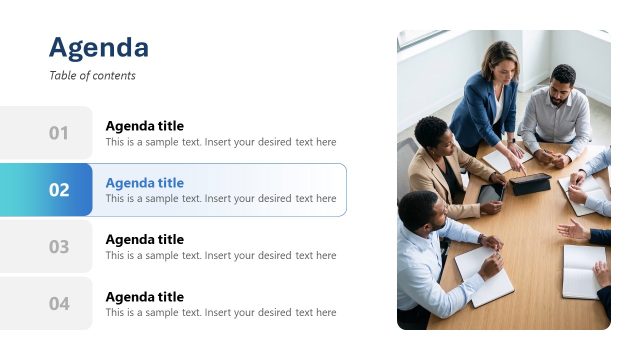
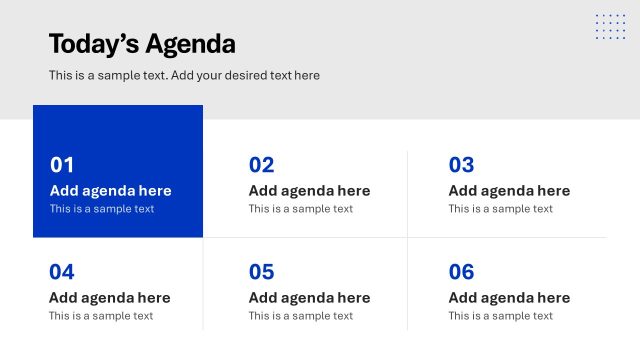
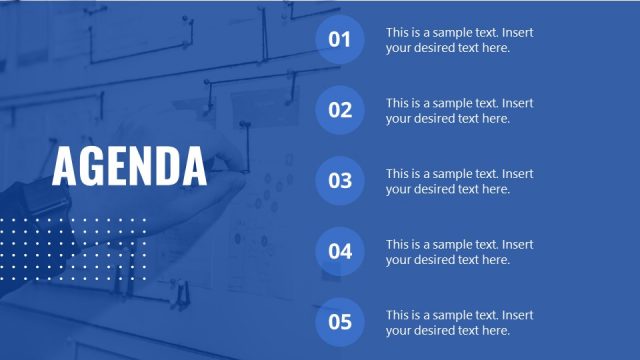
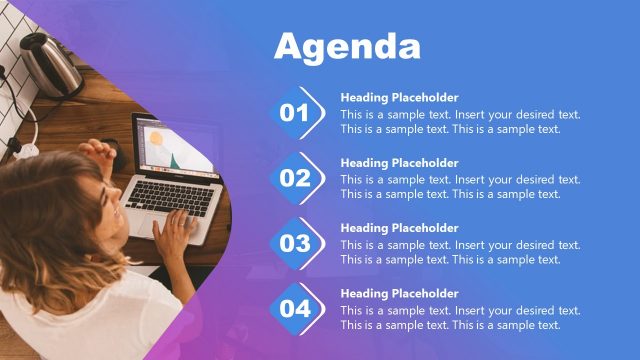
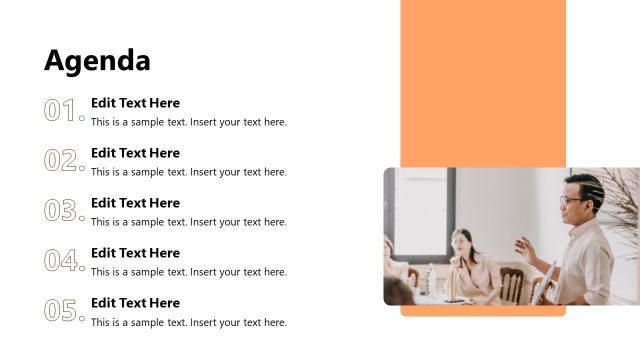
The Agenda Overview slide from the Rebranding Strategy PowerPoint Template offers a clear layout for outlining meeting agendas or workshop topics. This slide template features editable shapes and a structured vertical list to help presenters organize key discussion points effectively within a business presentation or pitch deck template.
What’s on This Slide
The layout features a vertical list on the left side, containing five numbered agenda items. Each item has a title and a description placeholder, aligned left. The fifth agenda item is highlighted with a blue background, indicating its significance. On the right side, a prominent title reads 'Today's Agenda' with a subtitle placeholder below it. A sample text placeholder is present at the bottom, suggesting space for additional details. The overall color scheme includes dark blue and white, creating a clear visual hierarchy.
How to Use It
This layout serves as an agenda overview, fitting well after an introduction slide in a presentation. It is useful for outlining key discussion points or topics to be covered. This structure is ideal for meetings, workshops, or presentations where clarity on the agenda is essential. It helps guide the audience through the presentation flow, ensuring they understand what to expect next.
Text Placeholders & Capacity
Keep your copy within these limits so it fits without resizing. Node labels can accommodate about 20 characters each, while node bodies can hold roughly 50 characters.
| Placeholder | Count | Max characters (approx.) |
|---|---|---|
| Slide title | 1 | 30 |
| Item heading | 5 | 20 |
| Item body | 5 | 50 |
| Callout | 1 | 100 |
Slide Keywords
Download unlimited PowerPoint templates, charts and graphics for your presentations with our annual plan.
DOWNLOADReturn to Rebranding Strategy PowerPoint Template.