Outline the strategic framework to achieve a specific brand position in the target market with our Brand Positioning PowerPoint Template. Brand positioning refers to the perception of the brand in the target customer’s mind. Brand positioning affects customers’ decision-making during the buying journey. The company works to establish a clear brand positioning to improve sales and generate long-term revenue. Brand positioning involves multiple strategic elements, which branding experts can visualize in their team presentations using this template. These are:
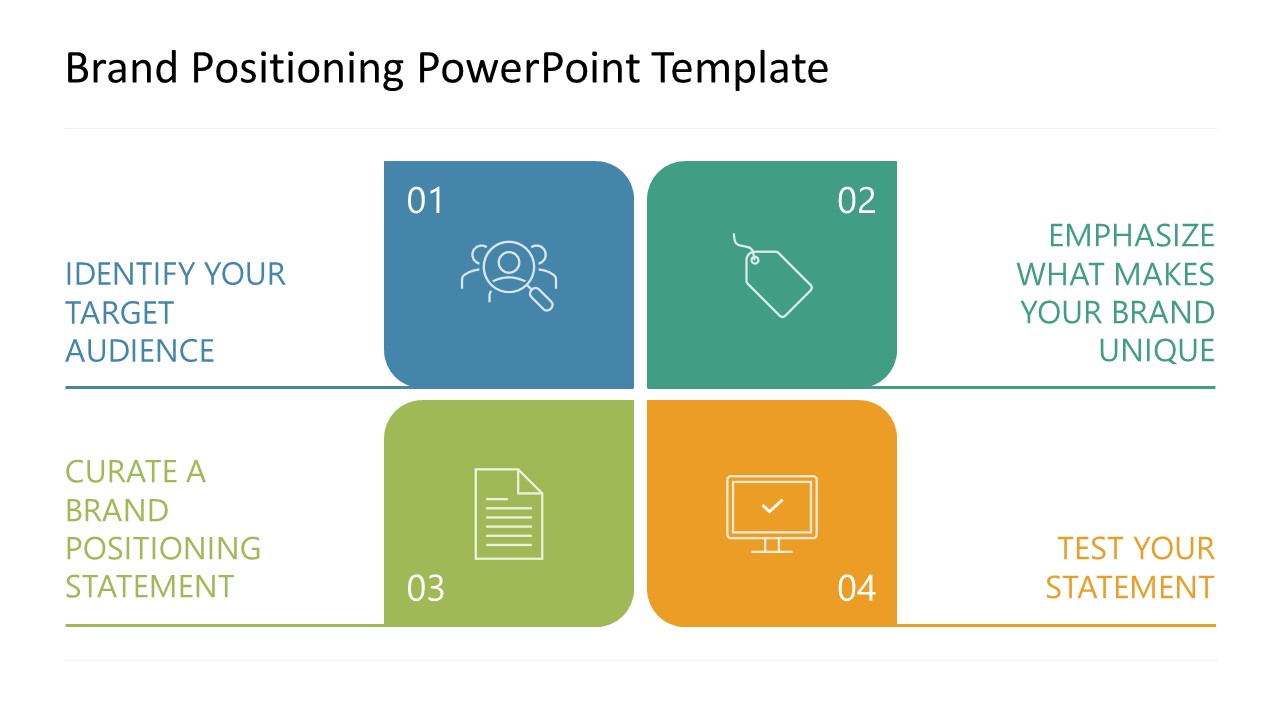
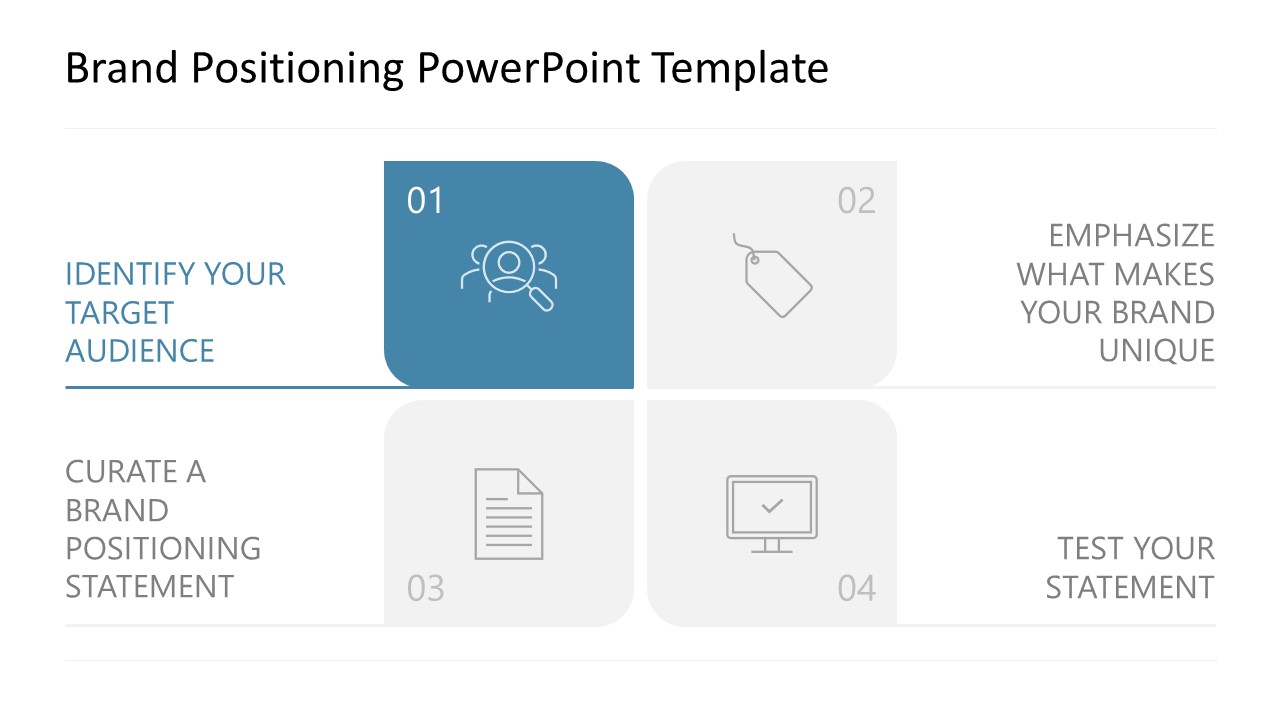
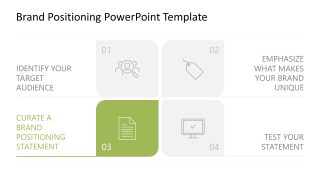
- Identify your target audience.
- Emphasize what makes your brand unique.
- Curate a brand positioning statement.
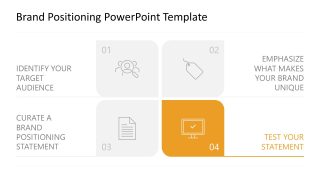
- Test your statement.
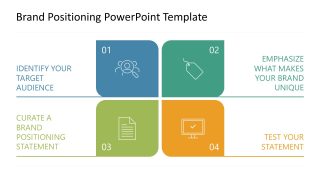
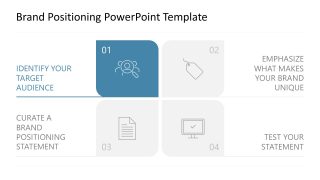
The Brand Positioning PowerPoint Template features a 2×2 matrix layout containing four square blocks with infographics. Each box is numbered and shows a unique infographic related to the point of presentation. Marketing consultants can mention the four components of the brand positioning framework across these blocks by editing the placeholder text. After the title slide, project managers showcase the brand positioning strategy segments one by one using the focus effect. Only the cover slide has a color highlight, while the remaining slide components are grey. This lets the audience fully grasp the content and understand the points. Furthermore, if you need to present marketing strategies or models, you can browse our collection of marketing PPT templates and choose the most suitable design. The brand position template is also customizable with Google Slides.
You can adjust the color scheme, fonts, and other PPT elements to accurately match their theme needs. Download the brand-positioning PPT slide template and use it in your next business presentation to communicate your ideas to stakeholders. Alternatively, download other professional slide templates for PowerPoint presentations.
What’s inside this template
Example presentation scenarios
- A brand manager can use the 2x2 matrix overview to align executives on the four decisions behind a new positioning strategy.
- A marketing consultant can use the focused quadrant slides to guide a client workshop through target audience, uniqueness, statement drafting, and testing.
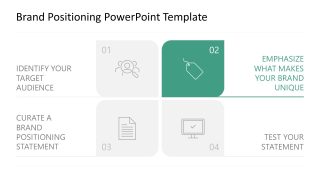
- A product marketer can use the differentiation quadrant to explain how a product should be described against competing offers.
- A startup founder can use the positioning statement and testing slides to prepare investors or advisors for a go-to-market discussion.
Features
- 100% editable presentation template
- Compatible with Microsoft PowerPoint and Google Slides
- 16:9 aspect ratio slides
- Scalable vector shapes, icons and illustrations
- AI-Ready for Microsoft Copilot and Claude
- Instant access and download
Frequently asked questions
Q: How should a presenter explain the brand positioning message with this template?
A: Start with Slide 1 as the complete model, then move through the four focused quadrant slides in order. Treat each quadrant as a decision point: who the brand serves, what makes it different, how the statement is written, and how it is tested. This keeps the discussion from becoming a general branding conversation.
Q: Who is this template best suited for?
A: This template fits brand managers, product marketers, consultants, and founders who need to align stakeholders around a simple positioning process. It is strongest when the goal is to explain a strategic framework, run a workshop, or summarize a brand direction before deeper campaign, messaging, or research work begins.
Q: Why does the repeated 2x2 matrix design help communication?
A: The repeated matrix creates a stable mental map. The audience sees all four positioning elements first, then each later slide uses color focus to isolate one part without losing the overall structure. The icons act as quick visual anchors for audience, uniqueness, statement creation, and validation.


Brand Positioning PowerPoint Template
5-slide brand positioning presentation template with a 2x2 matrix and focused quadrant slides
The Brand Positioning PowerPoint Template is a 5-slide strategy deck for explaining a brand positioning framework. It includes a 2x2 quadrant matrix, an overview slide, and four focused step slides for target audience, differentiation, positioning statement, and testing. It is made for marketing teams using PowerPoint or Google Slides.
- Category
- Strategy
- Rating

 Loading...
- Aspect ratio
- 16:9
- Item ID
- 23668-01
- Colors
 Microsoft PowerPoint
  Microsoft Copilot
  Claude for PowerPoint
 Other formats supported
Subscribe today and get immediate
access to download our PowerPoint templates.