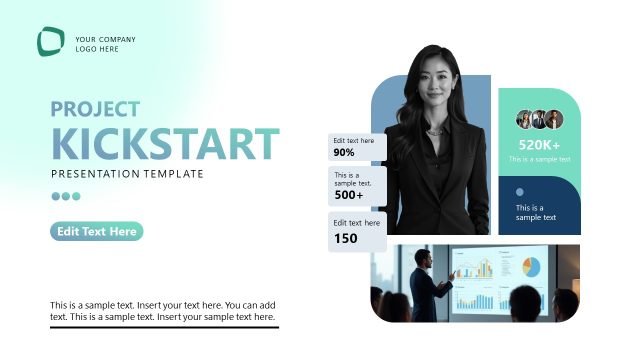
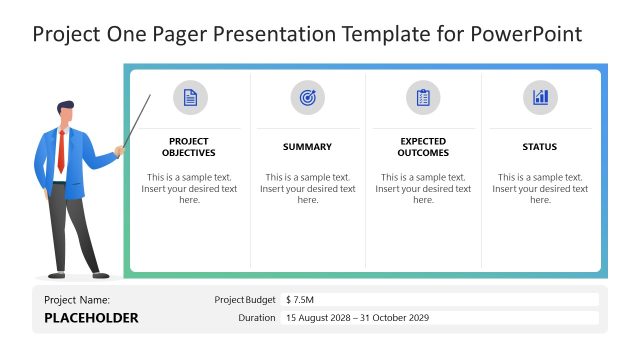
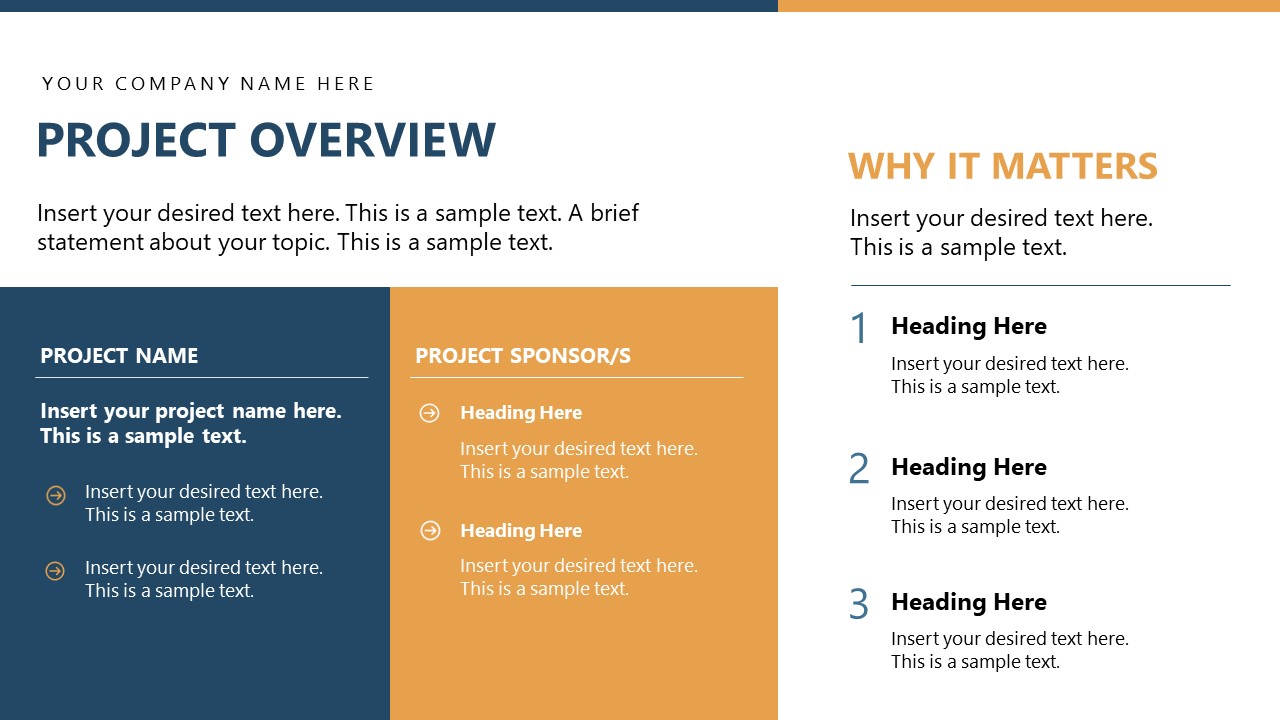
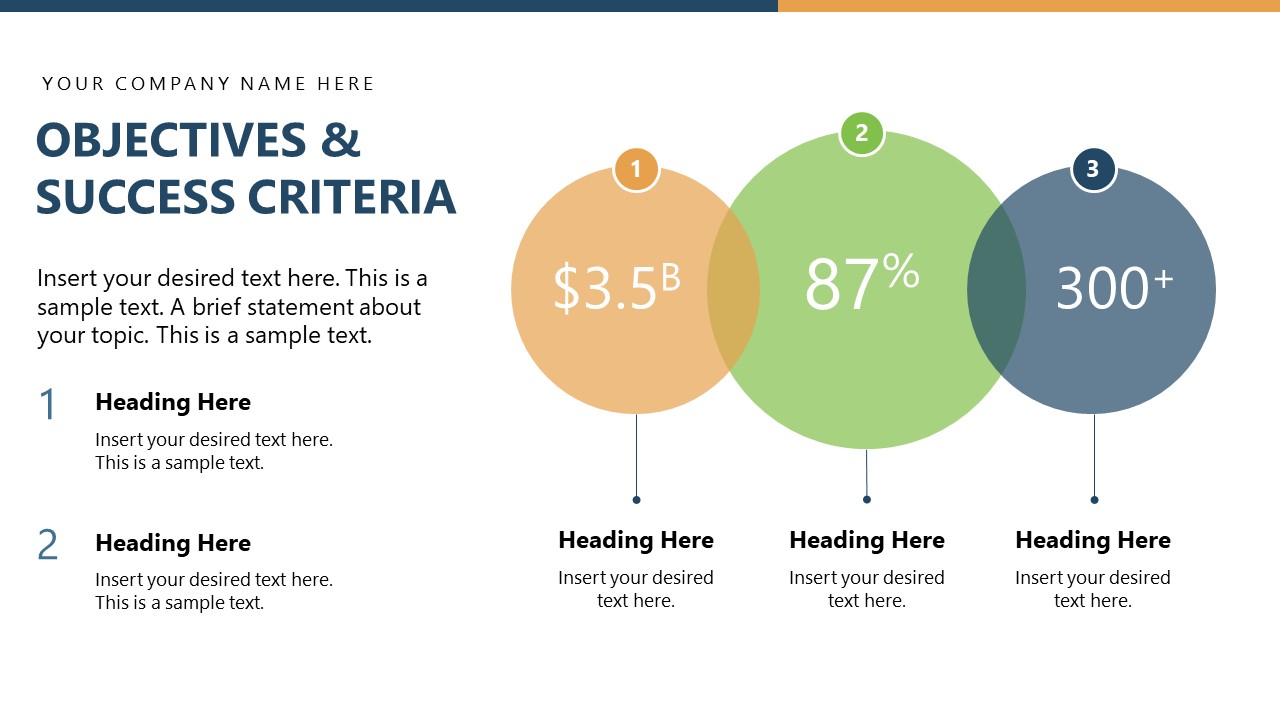
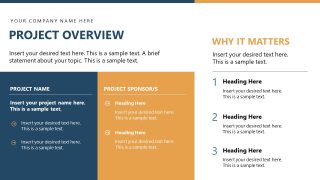
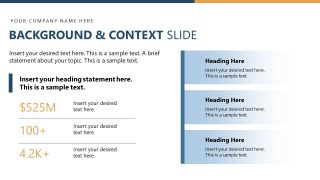
Are you looking for an impressive template to quickly design your project kickoff meeting presentation? Look no further, download our Project Presentation PowerPoint Template with a modern blue, teal, and orange color theme. This creates a compelling look and keeps the audience engaged. Our animated PPT template is ideal for showcasing the objectives, project scope, action plan, and timeline in team meetings. This helps the team members determine their roles and align their activities with the project vision. After the title and agenda slides, a project overview slide presents the project name, sponsors, and the rationale for the project. Next, PMs can showcase the project background and context with stats. Furthermore, we have slides that display the objectives and success criteria in circular shapes. In addition, there are multiple slides in this project overview PPT template:
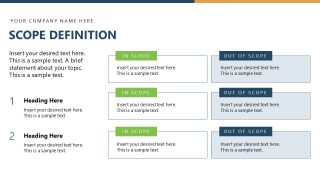
- Scope Definition
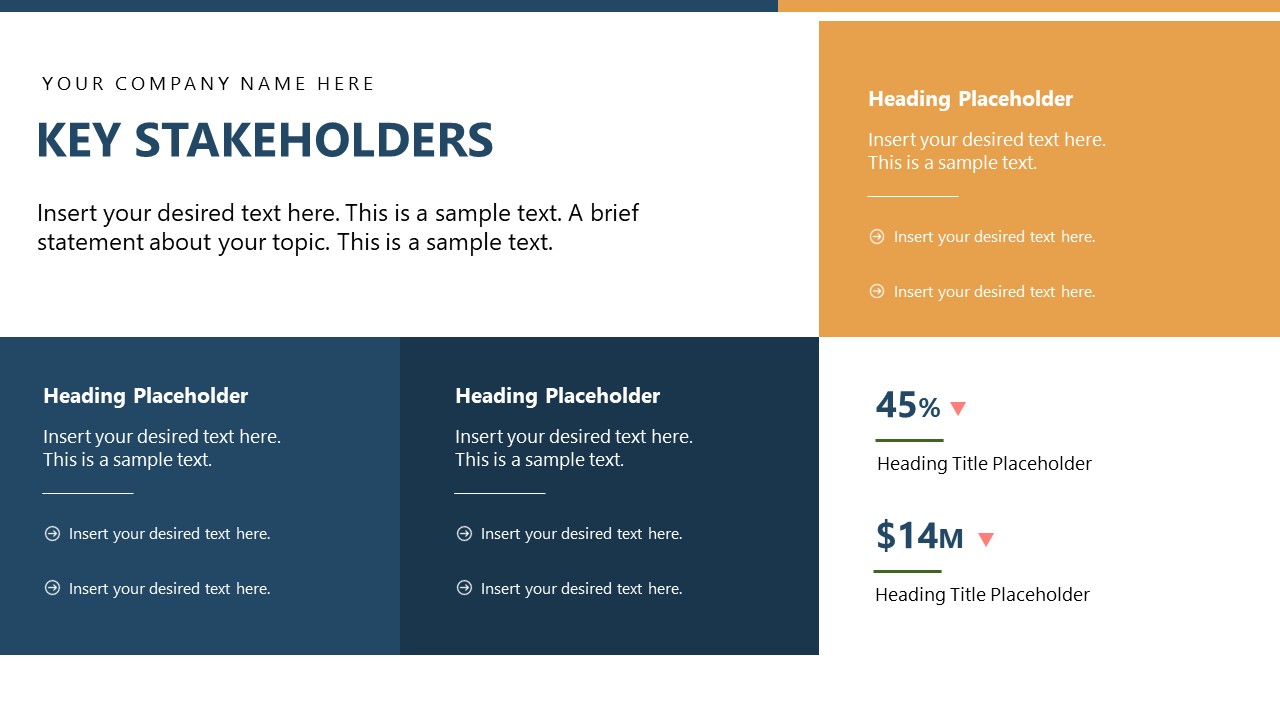
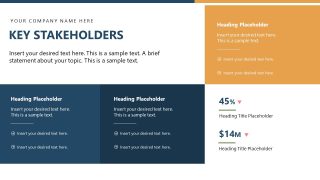
- Key Stakeholders
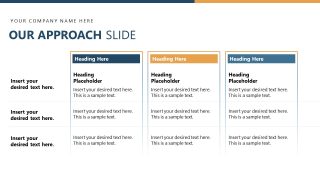
- Our Approach
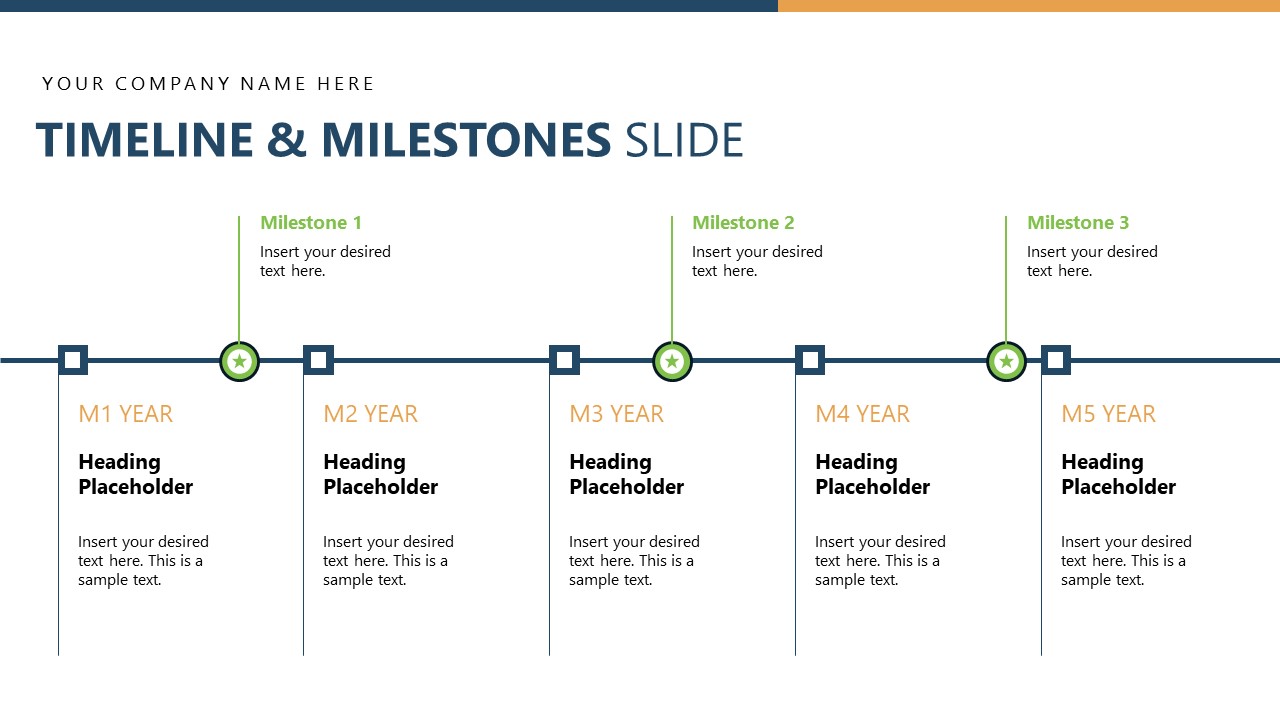
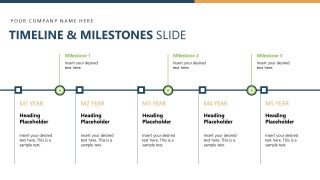
- Timeline & Milestones
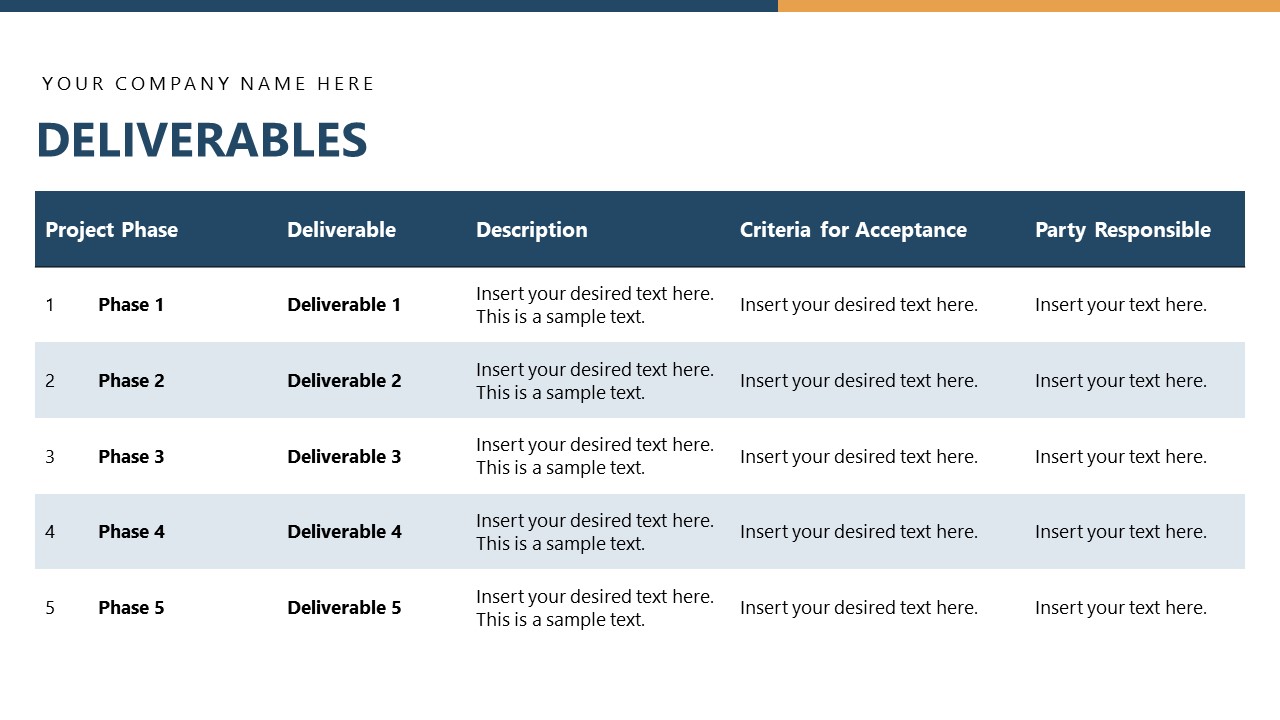
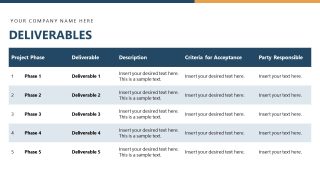
- Deliverables
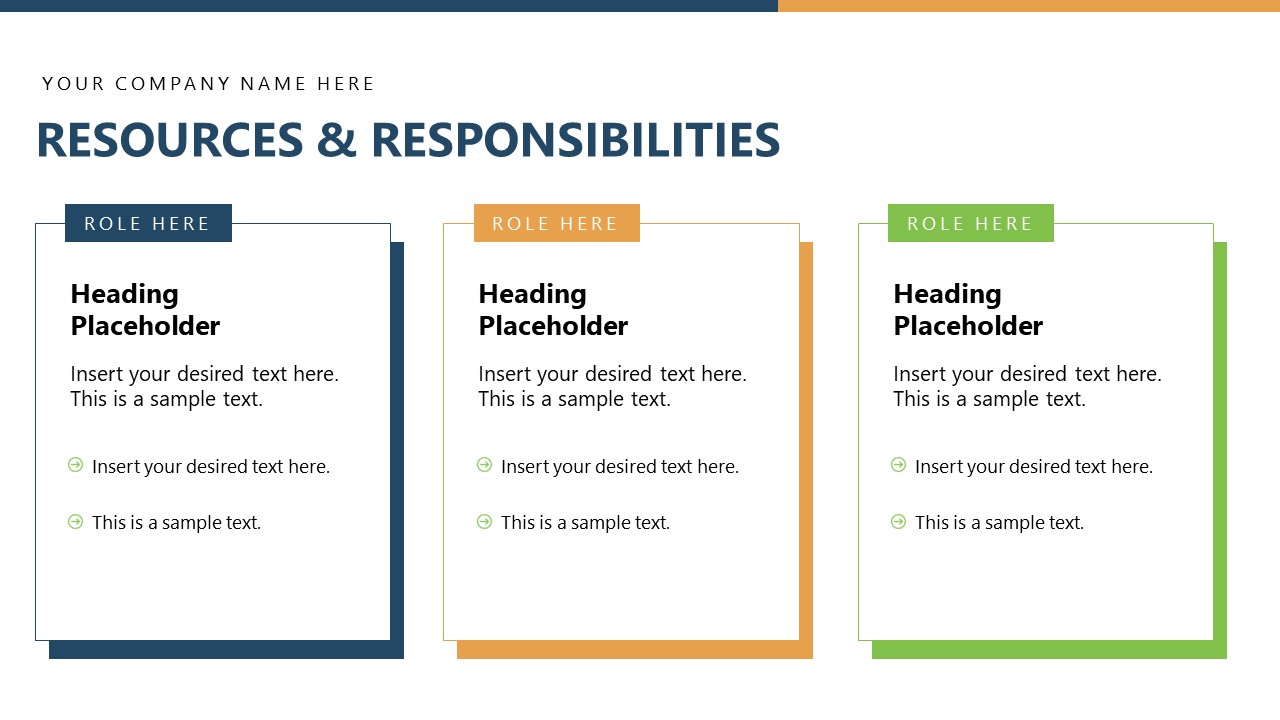
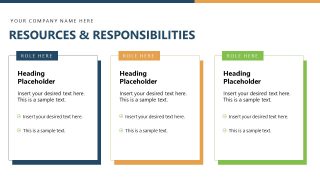
- Resources & Responsibilities
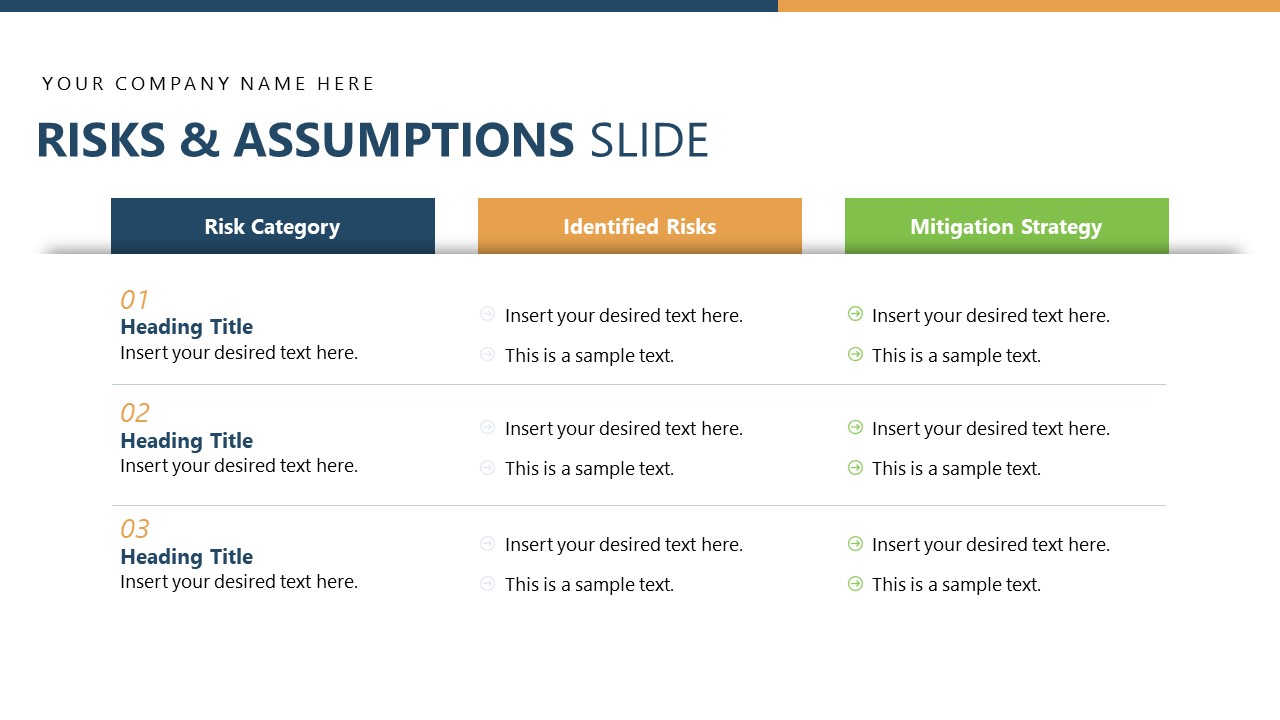
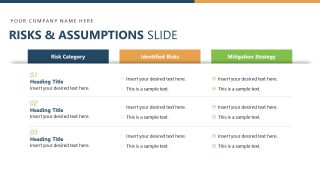
- Risks & Assumptions
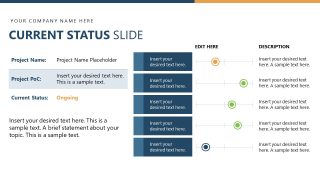
- Current Status
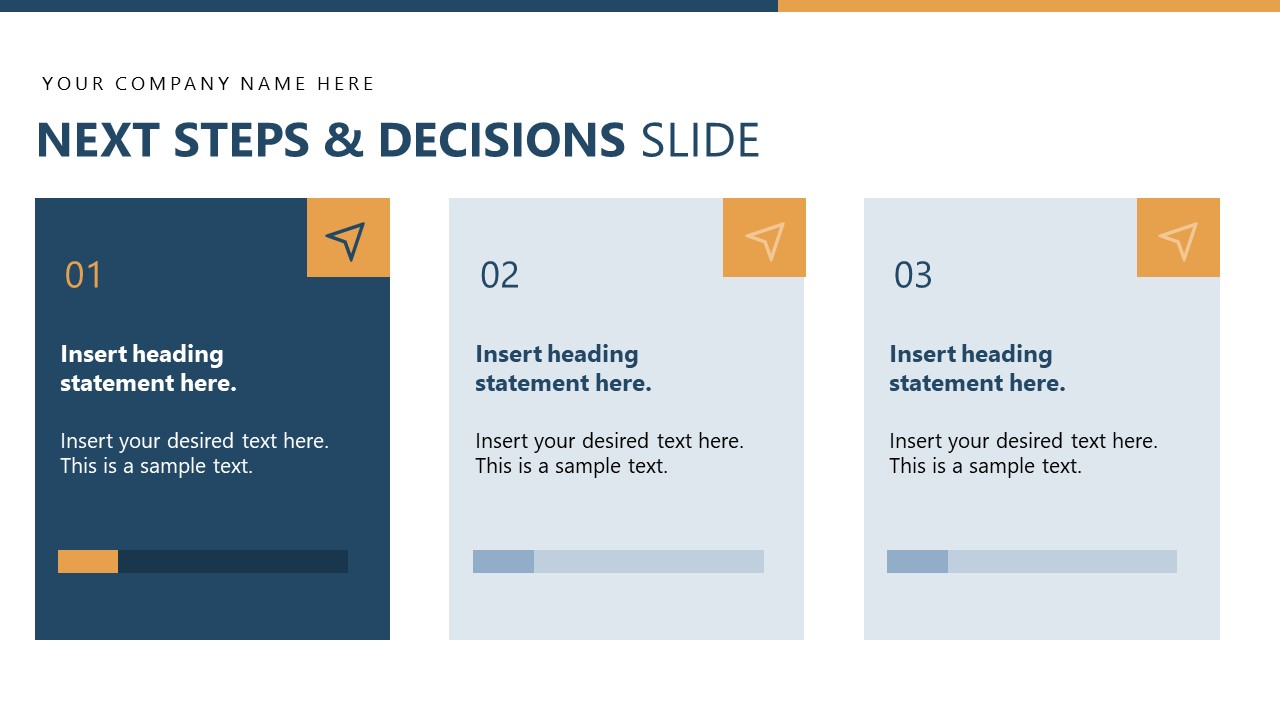
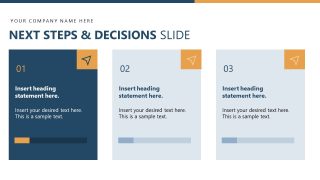
- Next Steps & Decisions
Our project presentation template enables professionals to visualize their approach to project execution, helping investors drive funding gains. This is also helpful for client onboarding sessions. Users can easily repurpose it for crafting project proposals, investor pitch decks, or other presentations. The Project Presentation PowerPoint Template features a simple, modern design that enables managers to visually demonstrate project features in stakeholder meetings. The layout is editable, allowing users to easily customize the design for their sessions with vivid PowerPoint animations that deliver a professional aesthetic to the deck. You also have the option to modify the graphical layout, adjust the color scheme, and add your relevant brand elements to match your theme accurately. Download the project kickoff meeting PowerPoint template and visualize the comprehensive project overview today!
What’s inside this template
Example presentation scenarios
- A project manager can use the agenda, project overview, and objectives slides to run a kickoff meeting and align the delivery team on purpose, sponsors, and success criteria.
- A consultant can present the scope definition, key stakeholders, and our approach slides to show a client what is included, who is involved, and how the engagement will proceed.
- A PMO lead can use the timeline and milestones slide with the deliverables table to report implementation progress and clarify ownership across phases.
- An operations leader can use the risks and assumptions slide and current status tracker to discuss blockers, mitigation plans, and decisions needed from sponsors.
- A client success manager can use the next steps and thank you slides to close an onboarding session with action owners and contact information.
Features
- 100% editable presentation template
- Compatible with Microsoft PowerPoint
- 16:9 aspect ratio slides
- Scalable vector shapes, icons and illustrations
- Ready with Animations & Transitions in PowerPoint
- AI-Ready for Microsoft Copilot and Claude
- Instant access and download
Frequently asked questions
Q: How should a presenter organize the message with this project deck?
A: Start with the agenda and project overview to establish why the work matters, then use objectives, scope definition, and stakeholders to remove ambiguity. Move into approach, timeline, deliverables, and responsibilities to show execution. Close with risks, current status, and next steps so the audience leaves knowing what decisions or actions are required.
Q: Who is this template best suited for, and in what meeting context?
A: This template is best for project managers, consultants, PMO teams, and client-facing delivery leads who need to align sponsors, clients, and team members. It works well in kickoff meetings, planning reviews, onboarding sessions, and status briefings because it covers scope, stakeholders, timeline, deliverables, responsibilities, risks, and action decisions in one sequence.
Q: Why do the tables, cards, and timeline improve project communication?
A: The design separates different project questions into distinct visual forms: the timeline answers when, the deliverables table answers what and who, the scope comparison answers boundaries, and the risk table answers control. This reduces cognitive load because each slide uses a layout that matches the decision the audience needs to make.










Project Presentation PowerPoint Template
15-slide Microsoft PowerPoint presentation template for project kickoff, timeline, stakeholders, and risks
This 15-slide project presentation template for Microsoft PowerPoint structures a project kickoff or status briefing. Visible layouts include an agenda, project overview, scope definition, stakeholder matrix, timeline and milestones, deliverables table, risk register, status tracker, and next steps cards. It is designed for project managers, sponsors, and delivery teams.
- Category
- Business PowerPoint Templates
- Rating

 Loading...
- Aspect ratio
- 16:9
- Item ID
- 85309-02
- Colors
 Microsoft PowerPoint
  Microsoft Copilot
  Claude for PowerPoint
 Other formats supported
Subscribe today and get immediate
access to download our PowerPoint templates.