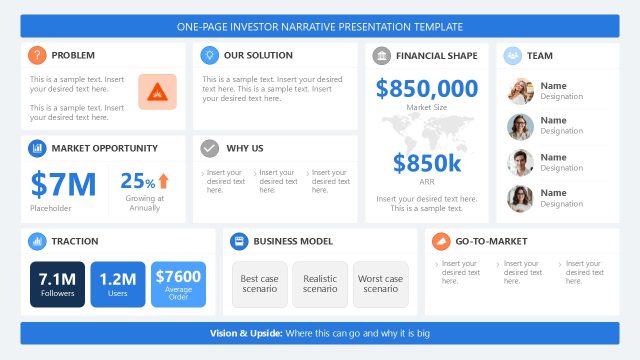
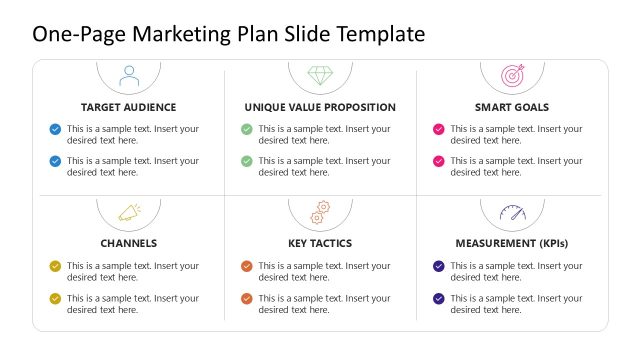
Present a quick overview of the project progress in your stakeholder meetings with this comprehensive Project One Pager PowerPoint Template. Board members and stakeholders never have enough time to review the entire project deck and plan daily activities. The project one-pager template lets project managers present a clear snapshot of the project’s status. They can also share the project accomplishments and pending tasks. A one-page summary is useful for quickly highlighting key points, enabling stakeholders to assess performance efficiently. Consultants use this project summary layout to report to their clients on the project’s health or to discuss funds and the timeline. Our users can easily change PPT elements, such as colors or icons, to fit their needs.
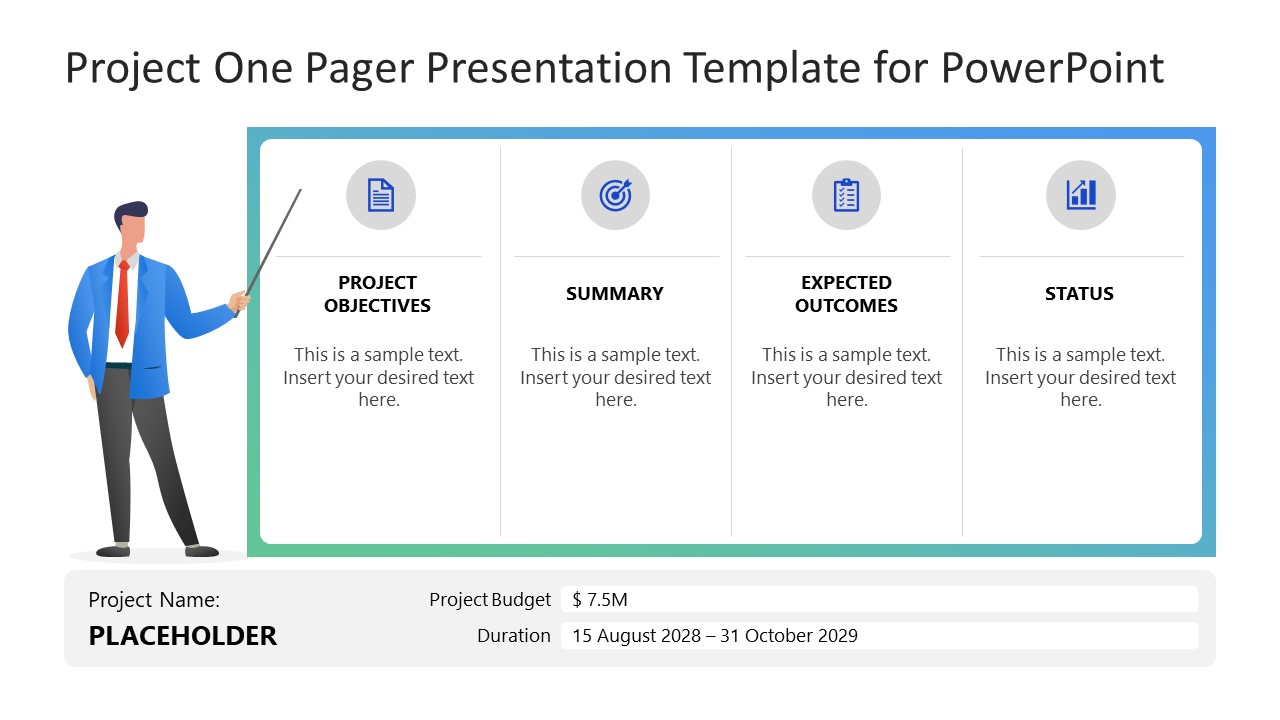
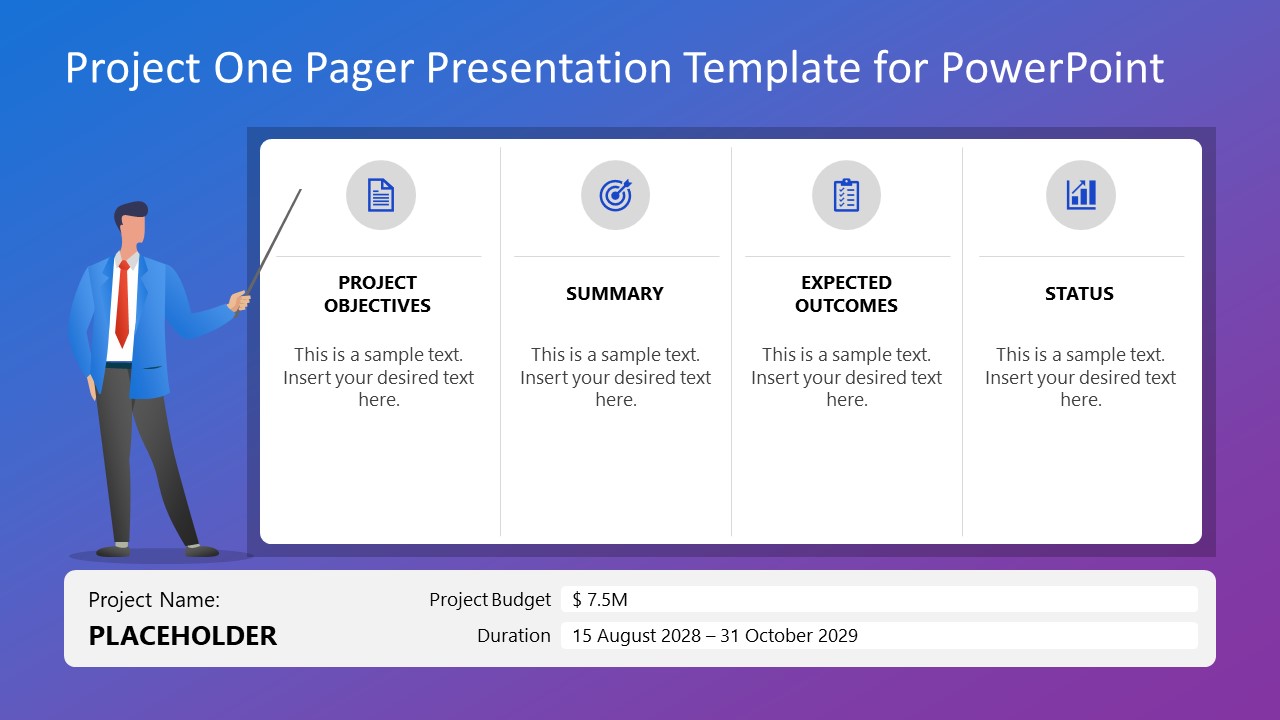
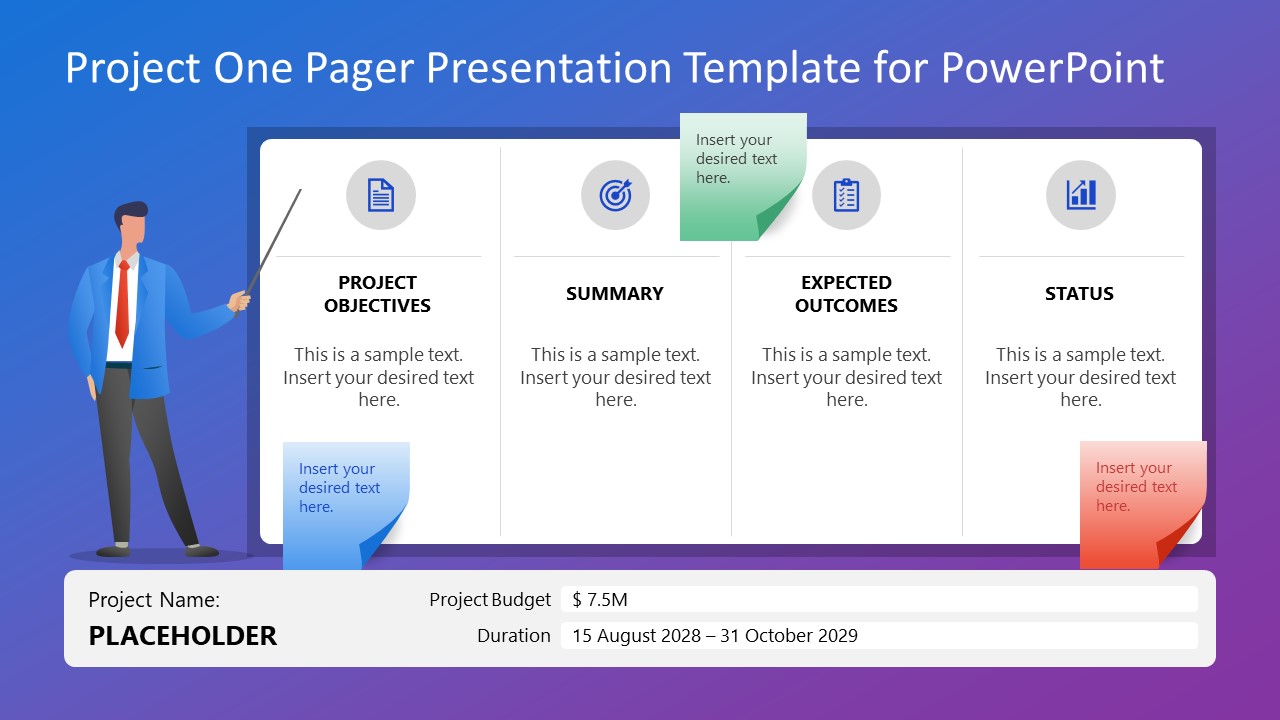
The Project One Pager PowerPoint Template lets team leads explain the project’s expected outcomes and current state. They can also cover budgeting or process timeline in the sprint presentation using the one-pager layout. The first slide features a four-column rectangular block for showing project objectives, summary, expected outcomes, and status. At the bottom, management officers can edit the placeholders to display the project name, budget, and duration (or timeline). On the left, a graphical illustration presents the data, with a stick pointing to the accurate information. These illustrations, gradient colors, and icons help program leaders engage with the executive members and convey their thoughts effectively. The second slide shows sticky notes that highlight additional key points relevant to the project summary. We have two sets of slides with the same design and graphical arrangement, but the first two have a white background, while the second two have a dark gradient background.
Download the project one-pager PPT template or visit our collection of project summary templates to create executive briefs and report presentations!
What’s inside this template
Example presentation scenarios
- A project manager can use the four-column one-pager to brief executives on objectives, summary, expected outcomes, and status during a steering committee meeting.
- A consultant can use the sticky note version to call out risks, client decisions, or follow-up items while keeping the main project summary readable.
- A team lead can use the footer fields for budget and duration to summarize sprint scope before discussing delivery priorities with department heads.
- An operations manager can use the dark gradient version for a concise milestone update where the presenter illustration and icon headers help separate the main points.
Features
- 100% editable presentation template
- Compatible with Microsoft PowerPoint and Google Slides
- 16:9 aspect ratio slides
- Scalable vector shapes, icons and illustrations
- AI-Ready for Microsoft Copilot and Claude
- Instant access and download
Frequently asked questions
Q: How should a presenter structure the message on a single project one-pager?
A: Start with the project objective so the audience knows the purpose, then move across the grid to summary, expected outcomes, and status. Keep each column to one short point or decision-ready statement. Use the footer for hard facts such as project name, budget, and duration so the slide separates narrative from reference information.
Q: Who is this template best suited for in a project review?
A: This template fits project managers, consultants, and team leads who need to brief senior stakeholders quickly. It is strongest when the goal is not to teach every detail, but to show project health, expected results, timeline, and budget in one view before discussion or decision-making.
Q: Why does the design combine a presenter illustration, icons, and sticky notes?
A: The presenter illustration acts as a visual anchor, guiding attention toward the main information panel. The four icon headers divide the project story into scan-friendly categories, while sticky notes create a natural metaphor for comments, risks, or reminders. This helps the audience separate the core report from supporting annotations.

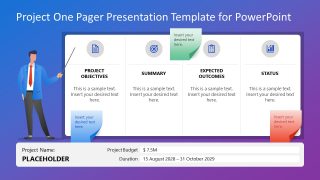
Project One Pager PowerPoint Template
4-slide project one pager presentation template for project summary, status, and stakeholder review
The Project One Pager PowerPoint Template is a 4-slide business summary deck for project managers, consultants, and team leads. It includes a four-column project snapshot, sticky note callouts, project footer fields for budget and duration, and presenter illustration layouts in light and dark gradient versions for Microsoft PowerPoint and Google Slides.
- Category
- Business PowerPoint Templates
- Rating

 Loading...
- Aspect ratio
- 16:9
- Item ID
- 23596-01
- Colors
 Microsoft PowerPoint
  Microsoft Copilot
  Claude for PowerPoint
 Other formats supported
Subscribe today and get immediate
access to download our PowerPoint templates.