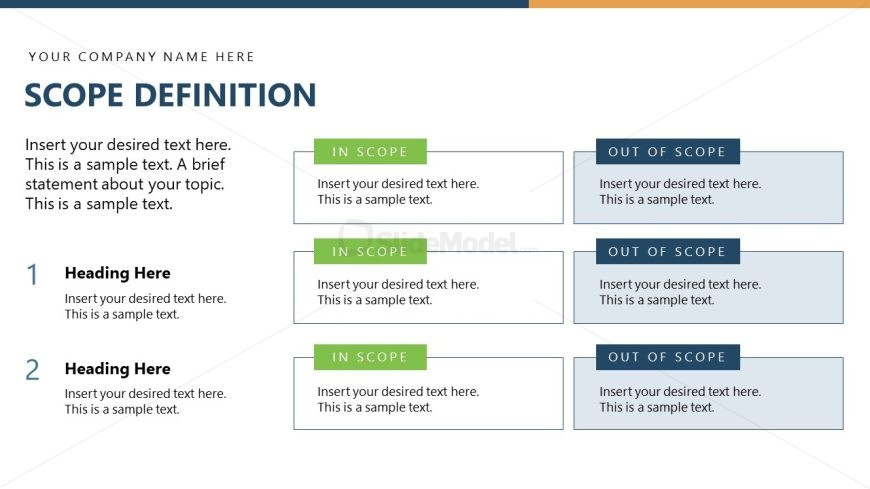
Slide 6 of 15 from Project Presentation PowerPoint Template
Scope Definition Presentation – Project Presentation Slide Template
Scope Definition Slide for Project Presentations
- Text Layout
- Other
- Strategic Analysis Slide
- 16:9
- 100% Editable
The Scope Definition Layout from the Project Presentation PowerPoint Template offers a structured approach to delineate project boundaries clearly. This slide template is designed for project managers to communicate in-scope and out-of-scope elements effectively during stakeholder presentations or project planning meetings. Its organized format with editable shapes supports clarity in business presentations and pitch deck templates, enhancing the overall project communication process.
What’s on This Slide
The slide features a title area at the top, labeled 'SCOPE DEFINITION,' with a placeholder for a company name. Below, there are two sections, each containing two 'IN SCOPE' boxes on the left and two 'OUT OF SCOPE' boxes on the right. The 'IN SCOPE' boxes are highlighted in green, while the 'OUT OF SCOPE' boxes are in light blue. Each box has a placeholder for text, with a visual hierarchy indicating headings and body text. The overall layout is structured and organized, allowing for clear differentiation between in-scope and out-of-scope items.
How to Use It
This layout serves as a clear delineation of project scope, ideal for project kickoffs or status updates. It fits within a presentation sequence after introducing project objectives and before detailing stakeholders or deliverables. This structure is useful for project managers to communicate what is included and excluded from the project scope, ensuring clarity for all stakeholders involved. It can be applied in various business scenarios where scope definition is critical, such as project planning meetings or stakeholder briefings.
Text Placeholders & Capacity
Keep your copy within these limits so it fits without resizing. Node body slots can hold roughly 25-30 words each.
| Placeholder | Count | Max characters (approx.) |
|---|---|---|
| Slide title | 1 | 30 |
| Item heading | 4 | 20 |
| Item body | 4 | 150 |
Slide Keywords
Download unlimited PowerPoint templates, charts and graphics for your presentations with our annual plan.
DOWNLOADReturn to Project Presentation PowerPoint Template.