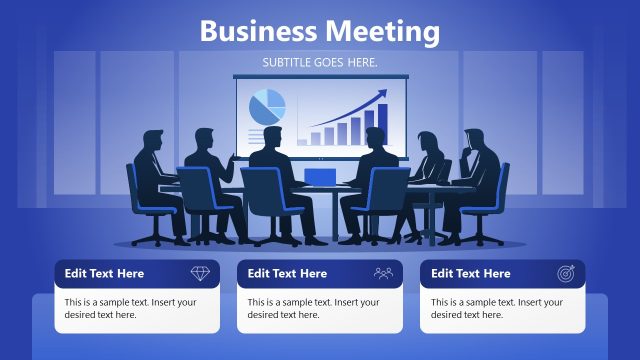
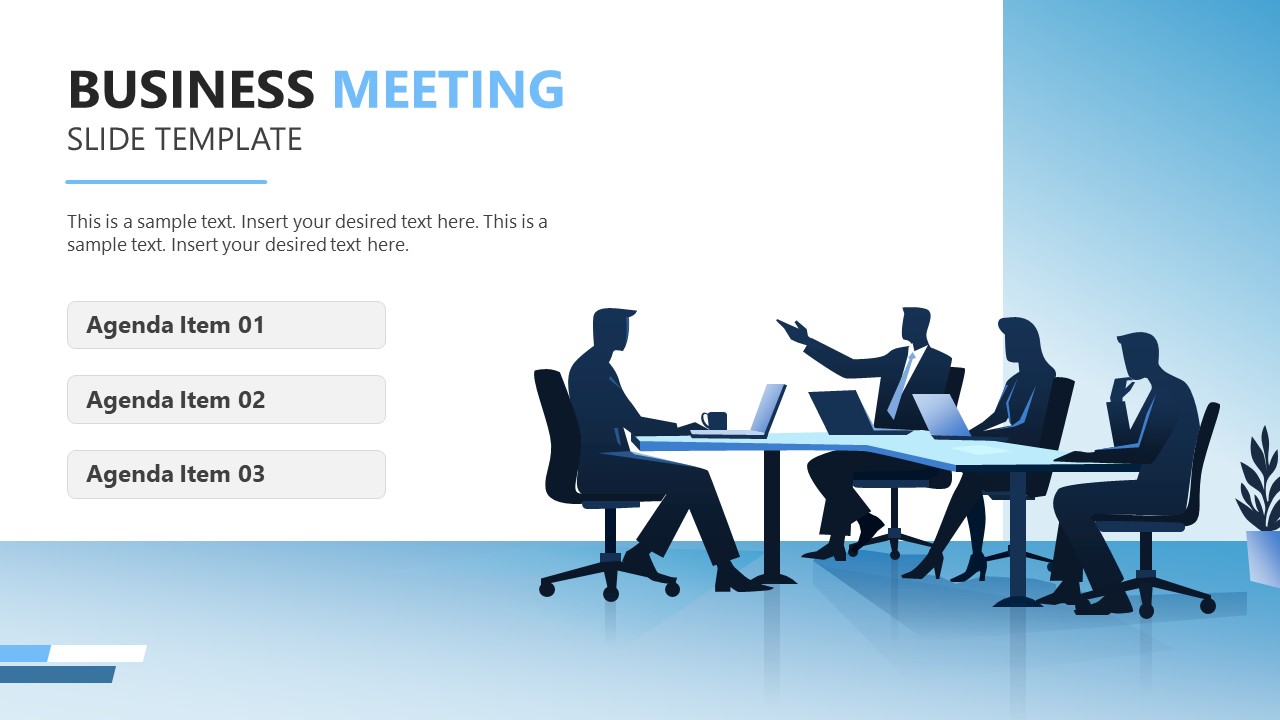
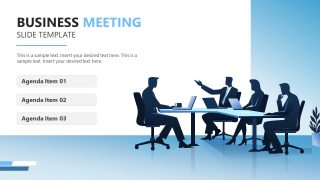
Provide an overview of project updates to senior stakeholders using our editable Business Meeting Slide PowerPoint Template in the review presentations. The business meeting template lets professionals grab their audience’s attention with a conference-room illustration of leaders or strategists discussing KPIs. The blue floor in the conference room adds a sense of trust to the slide presentation. In cross-functional team meetings, operational managers highlight the predefined agenda items using the simple three-box format. Board coordinators and executive assistants may use the conference room depiction in their client presentations to present an organizational improvement plan and outline the steps. We have given our users the option to change the layout, fonts, colors, and other PPT elements to suit their presentation needs.
The Business Meeting Slide PowerPoint Template is a single-slide layout for a corporate presentation. Marketing managers can use this slide template in their social media strategy design presentations to outline key content improvements to their teams. They can use illustrations of people to depict social media managers discussing ad performance. Consultants can shape their client onboarding presentations with clarity and showcase the key value proposition using this business meeting slide template. The template enables project managers to share the quarterly progress report with the investors. An HR business partner uses the business meeting template to guide more than 40 employees about announcement items and keep them aligned.
In addition, you can edit this slide template with Google Slides and other versions of Microsoft PowerPoint. Download the business meeting slide PPT template and use it in your leadership presentations to outline a structured policy update. Alternatively, customize our Business Meeting PowerPoint Template to try a different version.
What’s inside this template
Example presentation scenarios
- A project manager can open a stakeholder review by listing three agenda items in the rounded boxes and using the conference-room illustration to frame the meeting as a decision-focused discussion.
- An executive assistant can prepare a leadership meeting cover slide that names the session, adds brief context text, and previews the meeting order in the three agenda fields.
- A consultant can start a client onboarding presentation by replacing the sample text with the engagement objective and using the agenda boxes to introduce discovery, planning, and next steps.
- An HR business partner can guide a staff announcement meeting by placing policy topics in the three agenda boxes and keeping the large title area focused on the meeting theme.
Features
- 100% editable presentation template
- Compatible with Microsoft PowerPoint and Google Slides
- 16:9 aspect ratio slides
- Scalable vector shapes, icons and illustrations
- AI-Ready for Microsoft Copilot and Claude
- Instant access and download
Frequently asked questions
Q: How should I present the three agenda items so the slide stays focused?
A: Treat the three agenda boxes as the meeting contract. Use short labels, keep each item parallel in wording, and explain the outcome expected from each topic before moving on. The title and body text should set the purpose, while the agenda list tells the audience how the conversation will be organized.
Q: Who is this single-slide meeting opener best suited for?
A: This template fits presenters who need to start a business discussion quickly, such as project managers, consultants, executive assistants, HR partners, or team leads. It works best when the main goal is alignment: naming the meeting topic, setting expectations, and giving the audience three clear discussion points before detailed slides or live discussion begins.
Q: Why does the conference-room illustration improve the meeting message?
A: The conference-room scene acts as a visual metaphor for collaboration and structured decision-making. It balances the agenda list with a human business context, so the slide feels less like a plain checklist. The seated group also signals that the session is meant for discussion, review, and shared attention.
Business Meeting Slide PowerPoint Template
1-slide presentation template for business meeting agendas with a conference-room team illustration
Business Meeting Slide PowerPoint Template is a 1-slide presentation template for opening a corporate meeting or review. It combines a large title block, short body text, a three-box agenda list, and a conference-room team illustration. It is intended for managers, consultants, coordinators, and team leads using Microsoft PowerPoint or Google Slides.
- Category
- Business PowerPoint Templates
- Rating

 Loading...
- Aspect ratio
- 16:9
- Item ID
- 23568-01
- Colors
 Microsoft PowerPoint
  Microsoft Copilot
  Claude for PowerPoint
 Other formats supported
Subscribe today and get immediate
access to download our PowerPoint templates.