Slide 13 of 15 from Project Presentation PowerPoint Template
Current Status Presentation Slide with Table and Labels
Current Status Slide for Project Presentations
- Text Layout
- Definition Block
- Project Plan Slide
- 16:9
- 100% Editable
The Current Status Slide from the Project Presentation PowerPoint Template offers a clear layout for project updates and stakeholder briefings. This slide template includes editable shapes and vector icons to visually represent progress, making it a practical choice for business presentations and project status reports within a slide deck.
What’s on This Slide
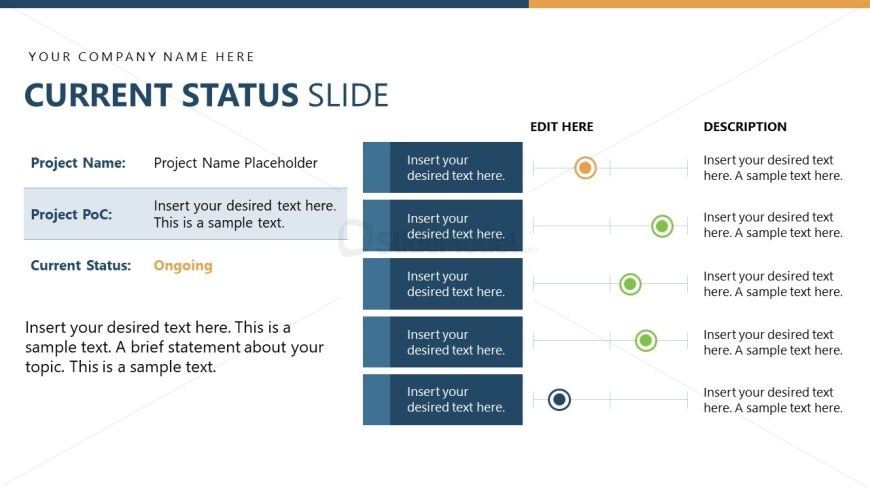
The layout features a title at the top, stating 'CURRENT STATUS SLIDE.' Below, there are three sections aligned vertically on the left side. Each section contains a label and a placeholder for text, with the first section labeled 'Project Name,' the second 'Project PoC,' and the third 'Current Status,' which has the word 'Ongoing' highlighted. On the right, there are additional placeholders for editing and descriptions, arranged in a vertical list with circular icons indicating progress. The overall color scheme includes blue, orange, and green elements, creating a structured and organized appearance.
How to Use It
This layout serves to present the current status of a project, making it suitable for project updates or briefings. It fits well in a sequence following project objectives or milestones, providing a clear overview of progress. This slide is useful for project managers reporting to stakeholders or team members, summarizing key project details and status updates in a concise manner.
Text Placeholders & Capacity
Keep your copy within these limits so it fits without resizing. Body slots can hold approximately 40-50 words each.
| Placeholder | Count | Max characters (approx.) |
|---|---|---|
| Slide title | 1 | 30 |
| Item heading | 3 | 30 |
| Item body | 3 | 100 |
| Body paragraph | 1 | 250 |
Slide Keywords
Download unlimited PowerPoint templates, charts and graphics for your presentations with our annual plan.
DOWNLOADReturn to Project Presentation PowerPoint Template.