Slide 12 of 15 from Project Presentation PowerPoint Template
Risks & Assumptions Slide – Project Presentation PPT Template
Risks and Assumptions Slide for Project Presentations
- Table
- Comparison Table
- Risk Assessment Slide
- 16:9
- 100% Editable
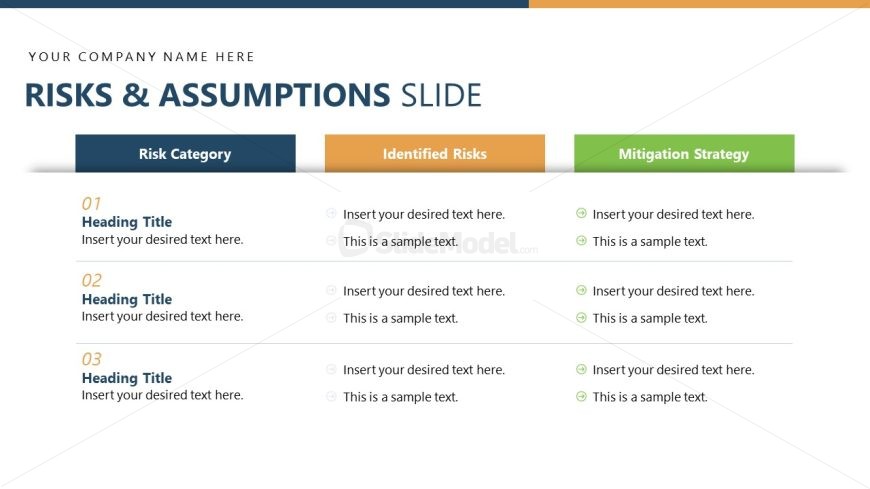
The Risks and Assumptions Overview slide from the Project Presentation PowerPoint Template offers a clear, structured table layout ideal for project risk assessment and stakeholder briefings. This slide uses distinct colored columns to differentiate risk categories, identified risks, and mitigation strategies, making it an effective tool within business presentation templates. Its design supports concise communication of risk factors and corresponding actions, enhancing the clarity of project status updates and pitch deck presentations.
What’s on This Slide
The layout features three main columns aligned horizontally across the slide. The left column is labeled 'Risk Category' with a heading title placeholder. The center column, titled 'Identified Risks,' contains two text placeholders for risk descriptions. The right column, labeled 'Mitigation Strategy,' includes corresponding placeholders for mitigation details. Each column has a distinct background color: blue for the first, orange for the second, and green for the third. There are numbered sections for clarity, and the overall design emphasizes a structured approach to presenting risks and strategies.
How to Use It
This layout serves as a structured overview for presenting risks and assumptions in a project context. It is suitable for project management presentations, particularly during risk assessment discussions. The slide fits well after problem identification and before action planning, allowing for a clear transition. It can be used to summarize key risks and their mitigation strategies, making it valuable for stakeholders during project briefings or status updates.
Text Placeholders & Capacity
Keep your copy within these limits so it fits without resizing. Body slots can accommodate roughly 8-10 words each.
| Placeholder | Count | Max characters (approx.) |
|---|---|---|
| Slide title | 1 | 30 |
| Item heading | 3 | 20 |
| Item body | 6 | 50 |
Slide Keywords
Download unlimited PowerPoint templates, charts and graphics for your presentations with our annual plan.
DOWNLOADReturn to Project Presentation PowerPoint Template.