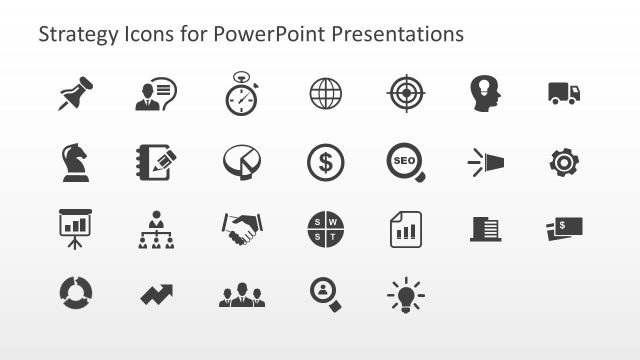
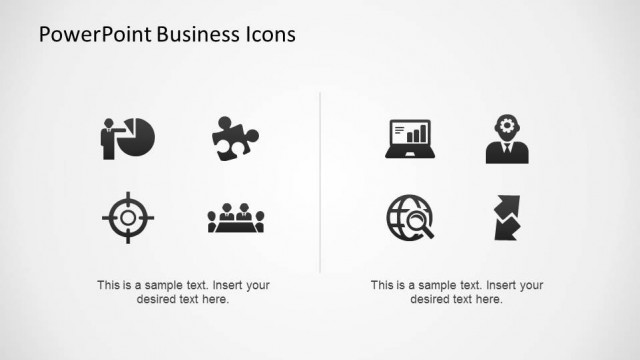
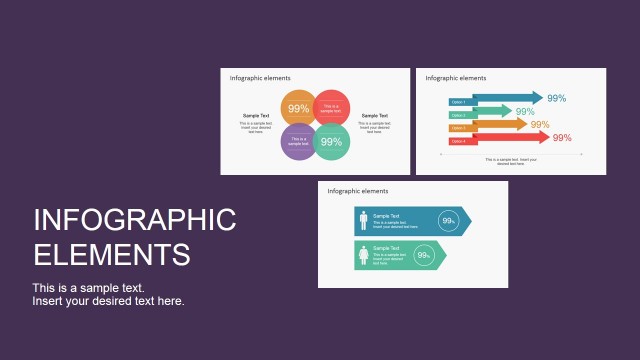
Professional Statistics PowerPoint Icons – Make an appealing presentation that speaks to all levels of business professionals across the board. These PowerPoint Icons are designed with a minimalistic concept to emphasize the data it represents rather than the aesthetics. Its simplicity creates a professional appeal to the audience which makes it an ideal accessory in any type of data presentation.
Statistics are an important industrial tool that is used as a basis for major business moves and decisions. It allows a person to see the big picture using concise details. It is a study of gathering data, its organization, presentation, description and analysis. The data that comes from statistics guide a business decision maker towards the pursuits of its company goals. With the help of statistics, people and organizations can identify can identify patterns within the data and predict behaviors. Aside from business strategies, statistics are also used in forecasting a company’s financial status. Based on the company’s financial data, its analysts can provide predictive descriptions of the company’s sales, profit or loss, growth, market share and other financial aspects in the organization.
Our Professional Statistics PowerPoint Icons are created 100% as vectorial PowerPoint Shapes, allowing the user to fully customize their appearance as background color, stroke, size, position and effects. The Icons can be used in any previous created presentations and they will no lose visual quality when being resized. Clipart Icons are ideal for decorating business diagrams and tables, as they provide visual meaning and context to the surrounding text.
Impress your audience with our Professional Statistics PowerPoint Icons and create presentation deck that appeal to global audiences.
What’s inside this template
Example presentation scenarios
- A business analyst can use the chart and curve icons to label sections in a monthly performance report and guide the audience through trends, distributions, and comparisons.
- A consultant can place the magnifier, target, and line chart icons beside recommendation slides to connect findings with analysis steps and decision criteria.
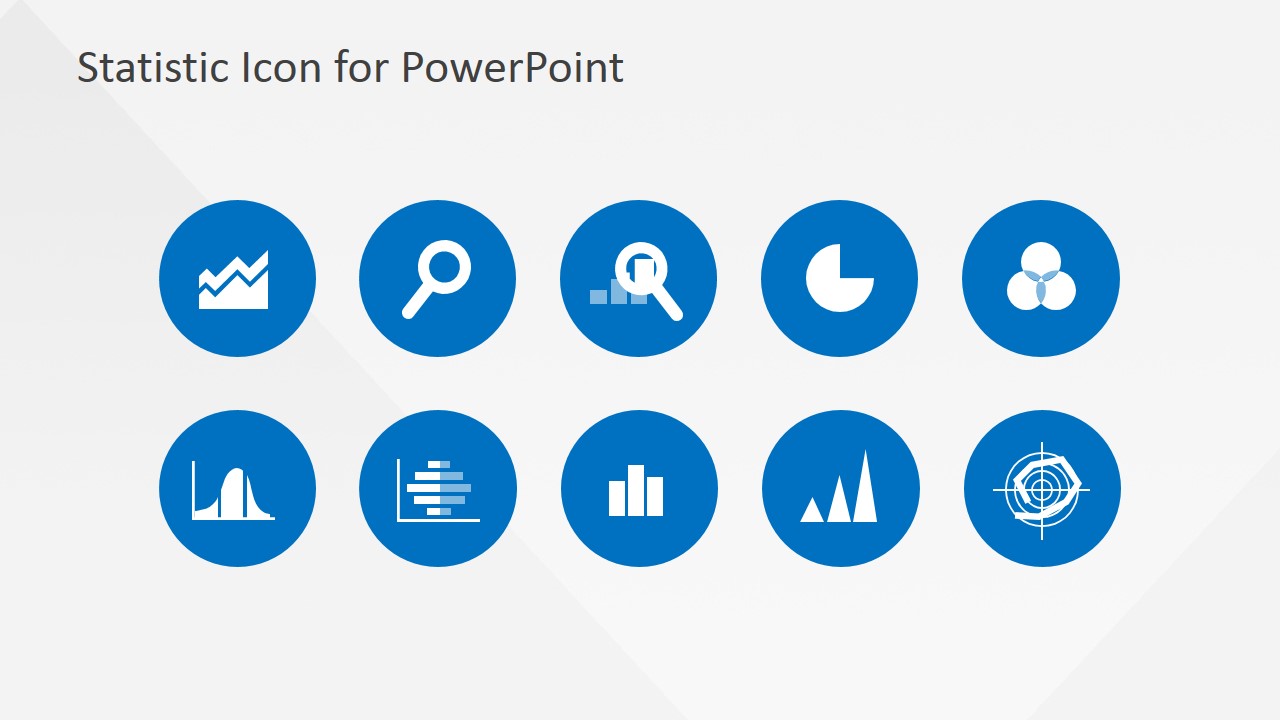
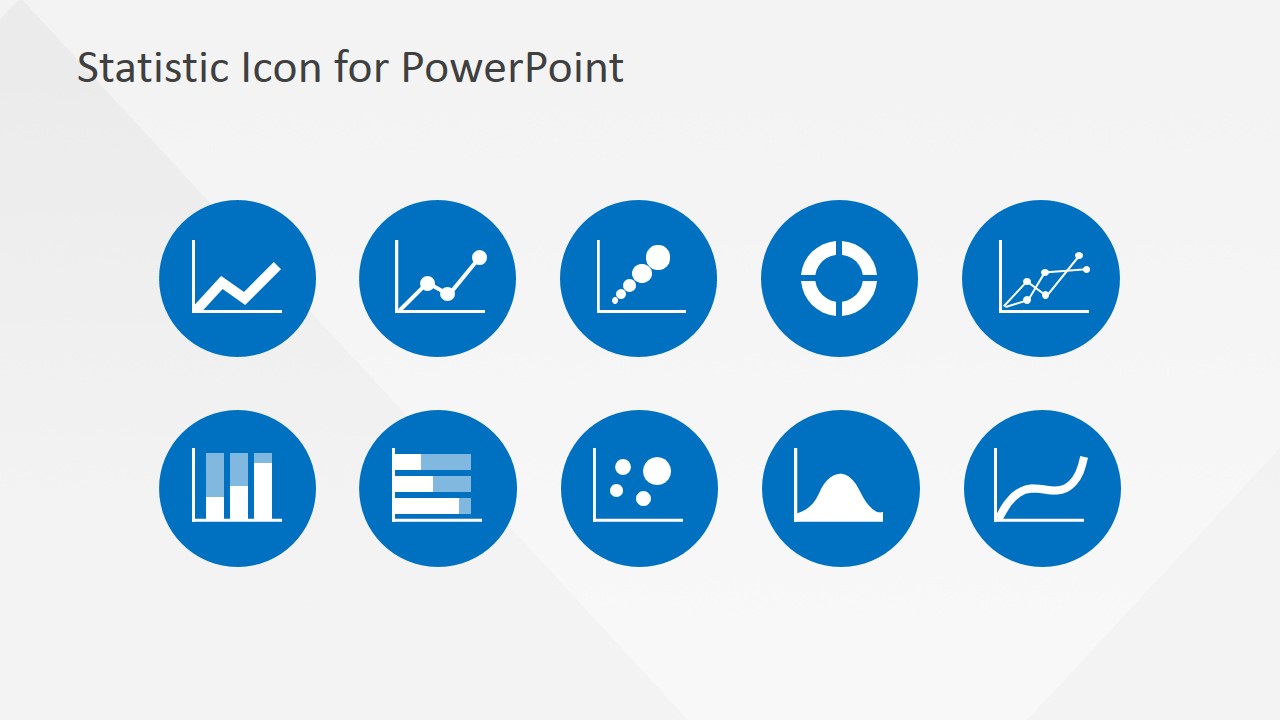
- A finance presenter can use the blue circular badge icons as recurring signposts in a forecast or variance review so executives can quickly separate charts, assumptions, and conclusions.
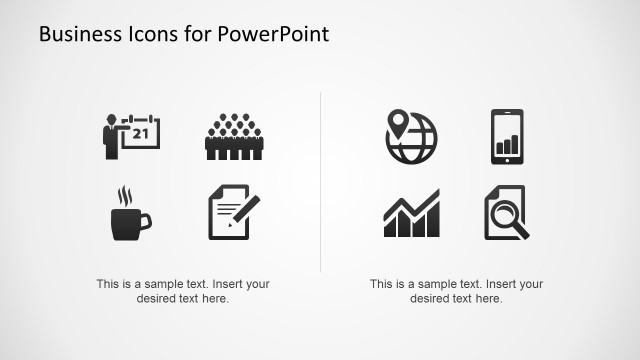
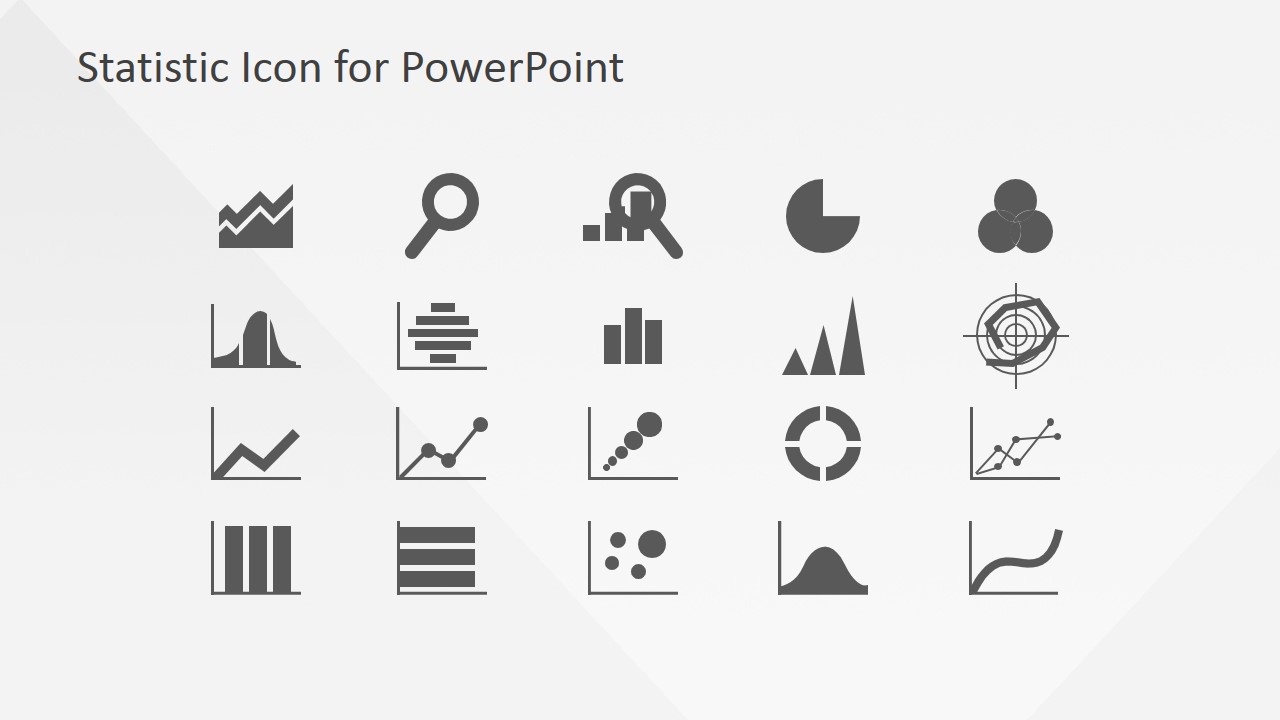
- A marketing manager can use the monochrome icon sheet to mark dashboards, survey results, or campaign metrics without adding visual weight to dense data slides.
Features
- 100% editable presentation template
- Compatible with Microsoft PowerPoint and Google Slides
- 16:9 aspect ratio slides
- Scalable vector shapes, icons and illustrations
- AI-Ready for Microsoft Copilot and Claude
- Instant access and download
Frequently asked questions
Q: How should a presenter choose icons from this set without making a data slide feel busy?
A: Start by assigning one icon to one recurring idea, such as a magnifier for analysis, a target for objectives, and a curve for trends. Keep the icon near the relevant headline or chart label rather than scattering symbols across the slide. This makes the icon work as a navigation cue, not decoration.
Q: Which presentations are the best fit for this statistics icon template?
A: This set fits analytical business presentations where the speaker needs to label metrics, chart types, research methods, or decision points. It is well suited for analysts, consultants, finance teams, and marketing teams preparing reports or recommendations. It is less suited to presentations that need complete chart layouts or numeric dashboards.
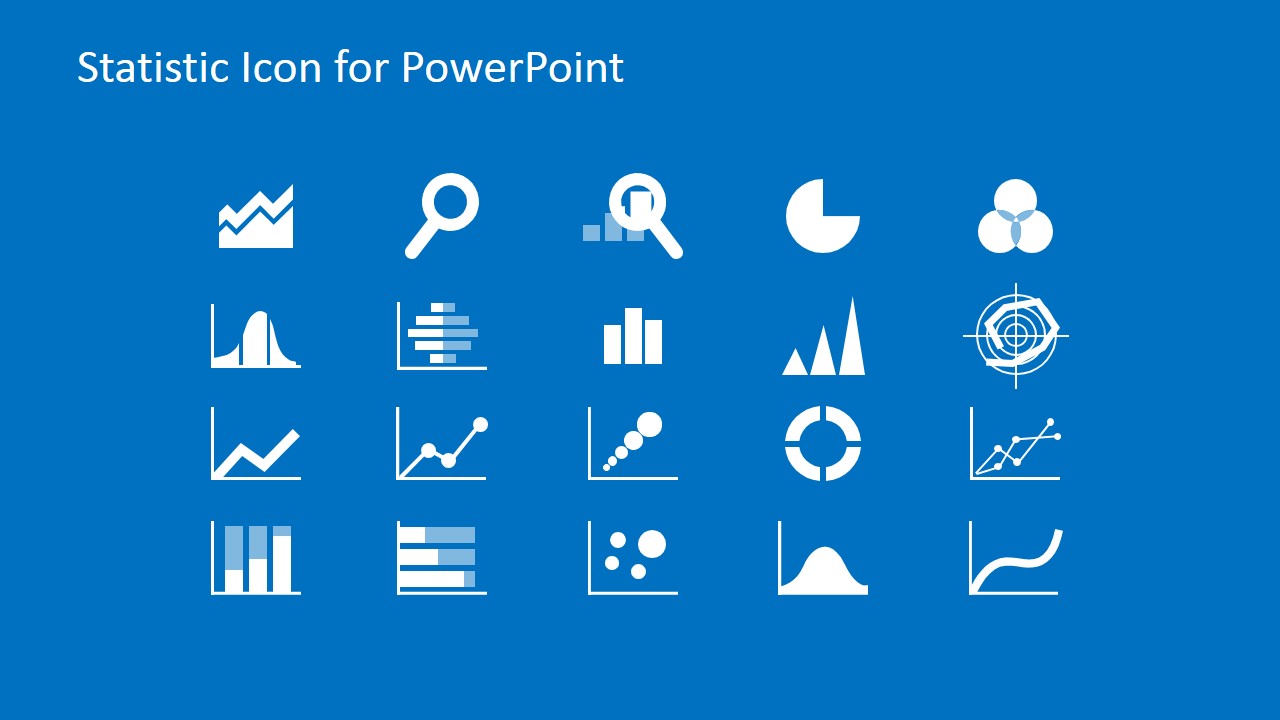
Q: Why does the template show the icons as badges, gray marks, and white marks on blue?
A: The three treatments let the same visual metaphor serve different slide roles. Blue circular badges work for section markers and callouts, gray icons work inside light report pages, and white icons on blue support divider or summary slides. Keeping the symbol shape consistent helps the audience recognize repeated ideas faster.
Professional Statistics PowerPoint Icons
4-slide statistics icon presentation template with chart, magnifier, target, and distribution symbols
Professional Statistics PowerPoint Icons is a 4-slide icon presentation template for data and analysis decks. It includes blue circular icon badge grids, a monochrome statistics icon sheet, and a blue-background white icon sheet with chart, magnifier, target, curve, and distribution symbols. Business analysts, consultants, and managers can use it in Microsoft PowerPoint and Google Slides.
- Category
- Shapes
- Rating


 Loading...
- Aspect ratio
- 16:9, 4:3
- Item ID
- 6710-01
- Colors
 Microsoft PowerPoint
  Microsoft Copilot
  Claude for PowerPoint
 Other formats supported
Subscribe today and get immediate
access to download our PowerPoint templates.