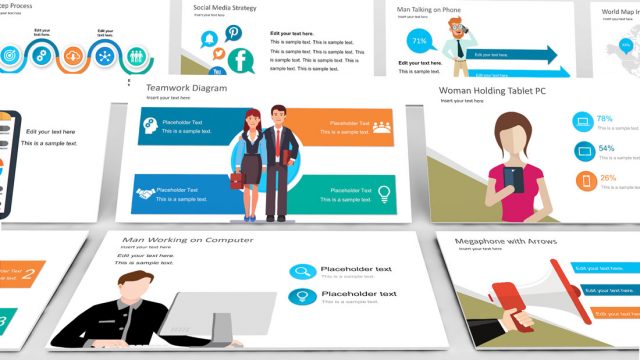
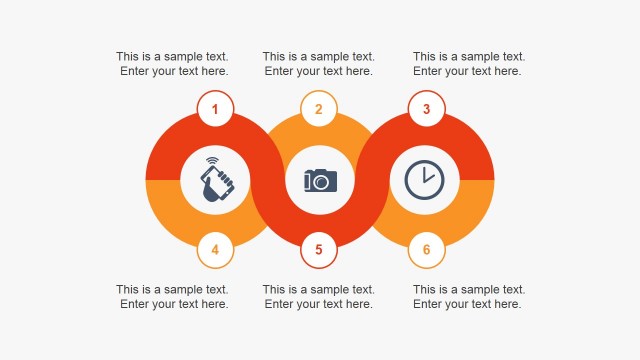
Creative Business Flat Icons for PowerPoint – Make a fun presentation with the “Creative Business Flat Icons for PowerPoint.” This set of PowerPoint icons are made with high-quality flat PowerPoint objects that resembles popular internet applications. They are perfect for emphasizing business ideas in presentations without using too many texts. These icons are all editable objects; their sizes and color combinations are customizable without altering their visual quality. There are unlimited uses for these icons as they can be presented on their own, individually or pasted on different PowerPoint Templates we have.
Most of the time, business meetings and presentations are scheduled for an hour or so. It’s quite a long time for watching something. Making this one hour presentation interesting and meaningful can be a challenge despite the wonderful idea that constitutes a presentation. The key is to show the audience the value in the presentation in relation to the company’s business goals. Putting all the thoughts in words can easily express what exactly the ideas are but there are a lot of concerns in presentations full of words. First, it’s boring. The fact that you are handing out and showing pages of manuscript might as well have them bring the literature to read at home. Often times, people get overwhelm with boredom instead of seeing value to a presentation. They most likely will realize its importance after a few hours and that wouldn’t be efficient. The audience needs to see value in the business idea the moment they lay eyes on it. Second thing about presentations full of words is that it isn’t efficient. Icons take only a second or two to send the message to your audience. It also doesn’t take so much effort to recognize the images whereas words are quite a task to the visually impaired. Lastly, these icons are way more interesting than texts. They are entertaining but not overly distracting. These are just some of the evident advantages in using icons in business presentations.
Impress your audience with new flat PowerPoint icons, and create presentations that appeal to global audiences.
What’s inside this template
Example presentation scenarios
- A marketing presenter can use the video, chat, search, and location icons to label campaign channels and make a digital strategy deck easier to scan.
- A product manager can use the monitor, gear, shopping basket, and phone icons to explain app features, platform components, or customer touchpoints.
- A training facilitator can place the lock, calendar, document, and cloud download icons into agenda or instruction slides to mark security, scheduling, resources, and file-sharing topics.
- A consultant can use the three-icon spotlight slides to introduce a short set of business themes, such as communication, commerce, and productivity, before moving into detailed recommendations.
Features
- 100% editable presentation template
- Compatible with Microsoft PowerPoint and Google Slides
- 16:9 aspect ratio slides
- Scalable vector shapes, icons and illustrations
- AI-Ready for Microsoft Copilot and Claude
- Instant access and download
Frequently asked questions
Q: How should a presenter use these icons without making a slide feel decorative?
A: Assign each icon a clear meaning before placing it on a slide. For example, use the lock for security, the calendar for timing, the basket for purchasing, and the chat bubble for customer interaction. Keep captions short and repeat the same icon meaning throughout the deck so the audience learns the visual code quickly.
Q: Who is this icon set best suited for?
A: This set fits presenters who need quick visual cues for business, app, commerce, and communication concepts. Marketing teams, product managers, consultants, and trainers can use the icon grids or three-icon spotlight layouts to support overviews, service menus, feature summaries, or instructional content without building custom artwork.
Q: Why does the template include both light and dark icon panels?
A: The light slides work well for standard corporate decks, while the dark panels help icons stand out in section breaks, demos, or technology-themed slides. Showing the same icon style on both backgrounds gives presenters a consistent visual vocabulary while adapting contrast to different slide roles and audience viewing conditions.


Creative Business Flat Icons for PowerPoint
12-slide presentation template with flat business icons, app symbols, and social media visuals
Creative Business Flat Icons for PowerPoint is a 12-slide icon presentation template for business and digital communication slides. It includes full icon index grids, three-icon spotlight layouts, light and dark background icon panels, and grouped business, media, communication, commerce, and productivity symbols for Microsoft PowerPoint and Google Slides.
- Category
- Shapes
- Rating


 Loading...
- Aspect ratio
- 16:9, 4:3
- Item ID
- 6655-01
- Colors
 Microsoft PowerPoint
 Microsoft Copilot
 Claude for PowerPoint
Other formats supported
Subscribe today and get immediate
access to download our PowerPoint templates.