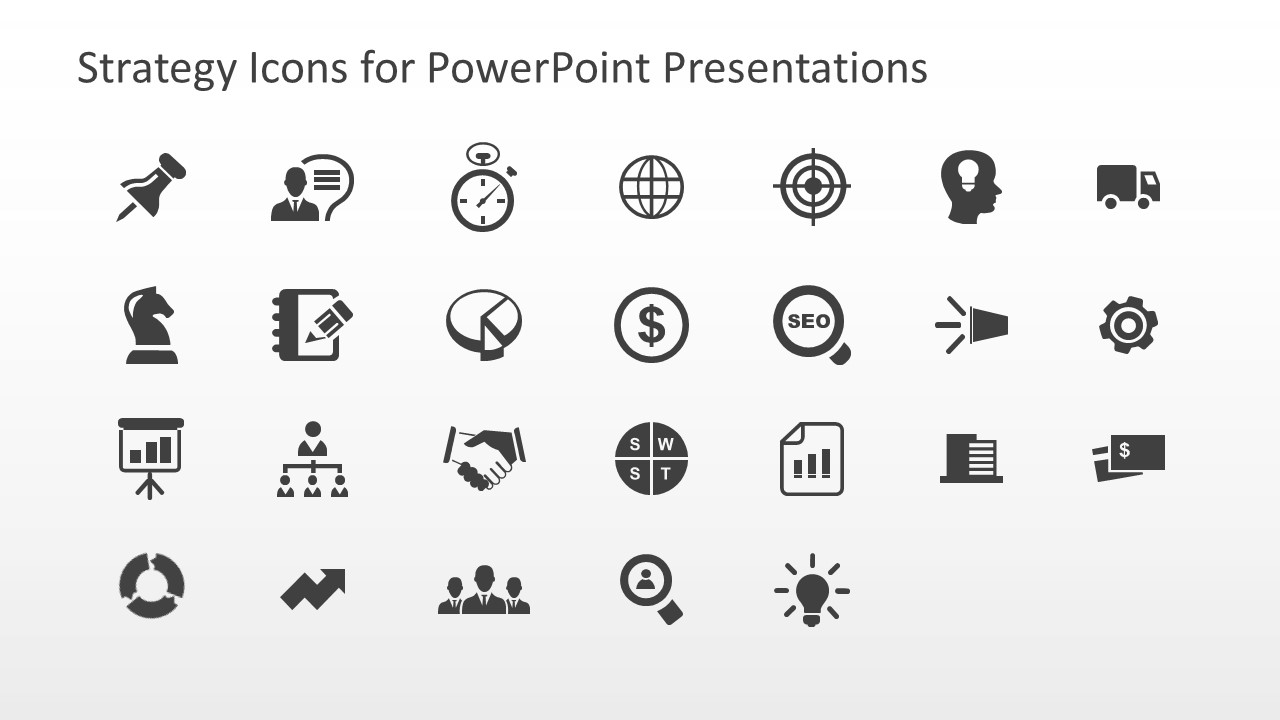
Download and pick the icons of your choice from the Strategy Icons for PowerPoint Presentations slide template. Strategy presentations are designed using professional elements that help engage the audience and communicate the ideas in a better way. To improve those presentations, we have collected the most used icons and provided them in an editable format for our corporate users. In this icons PPT template, 26 usable icons can be copied to other destinations. Professionals can change the colors and background of these icons according to their theme and requirements. However, this slide has a grey color tone, and the icons are colored black. All these graphics are crafted using PowerPoint shapes, thus the formatting would not change on copying on another PPT presentation.
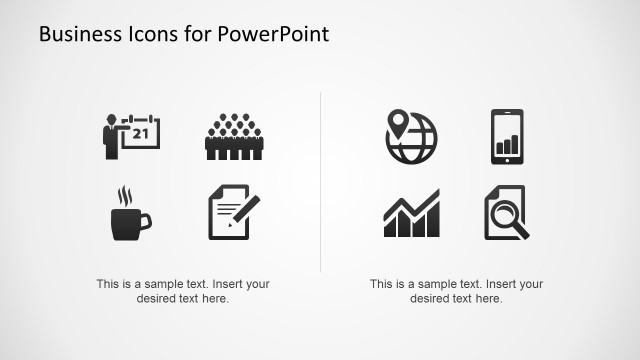
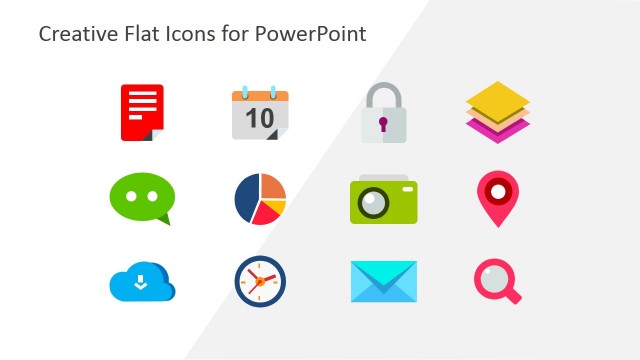
These Strategy Icons for PowerPoint Presentations have icons that can be used for various purposes in strategy and business presentations. For instance, it has the icons of thumb pin or pin, Knight, presentation board, cyclic process, notepad, org chart, ascending arrow, clock, pie-chart, joining hands, group of professionals, and a globe. It also includes the creative symbol icons for dollar, SWOT, persona, target, SEO, graphs chart, bulb, idea on mind, megaphone, building or bank, freight, credit cards, and settings or customizations. Professionals can use them according to their presentation topic, e.g., the joining hands symbol can help describe a situation where two parties are collaborating or signing a contract. Yet, in another use case, it can represent a moment when a new employee signs in. Likewise, all other symbols can have customized use cases for the users. Thus, download and try these business strategy icons for PowerPoint presentations and Google Slides. Get it now! Also, check our collection of PowerPoint icons and strategy PowerPoint templates.
What’s inside this template
Example presentation scenarios
- A strategy consultant can use the SWOT, target, and growth icons to label sections in a client planning presentation and keep repeated concepts visually consistent.
- A marketing manager can use the SEO magnifier, megaphone, persona search, and light bulb icons to mark campaign planning slides and separate research, awareness, and idea content.
- A business analyst can use the pie chart, dollar, report chart, and building icons to introduce finance, performance, and organizational topics in an executive update.
- A project manager can use the handshake, org chart, gear, clock, and freight icons to show ownership, operations, timing, and delivery themes in a project kickoff deck.
Features
- 100% editable presentation template
- Compatible with Microsoft PowerPoint and Google Slides
- 16:9 aspect ratio slides
- Scalable vector shapes, icons and illustrations
- AI-Ready for Microsoft Copilot and Claude
- Instant access and download
Frequently asked questions
Q: How should a presenter use these icons without making a strategy deck look cluttered?
A: Use one icon to introduce each major idea, not as decoration beside every sentence. Pair the SWOT icon with analysis, the target icon with goals, the org chart icon with structure, and the dollar icon with financial impact. Keeping each symbol tied to a clear topic helps the audience remember the structure of the message.
Q: Who gets the most value from this icon slide?
A: This template fits presenters who already have a business deck and need a consistent visual system for strategy content. Consultants, marketing managers, analysts, and founders can copy icons such as SEO, handshake, pie chart, team, or growth arrow into existing slides to mark topics quickly and keep the deck visually aligned.
Q: Why does the single-grid icon layout help presentation design?
A: The grid works like a controlled symbol library, so presenters can select icons from one visual language instead of mixing styles from different sources. The monochrome design keeps attention on the slide message, while metaphors such as target, clock, handshake, and light bulb make abstract strategy ideas easier to scan and recall.
Strategy Icons for PowerPoint Presentations
1-slide presentation template with strategy icons, SWOT symbols, org chart and SEO visuals
This is a 1-slide strategy icon gallery for Microsoft PowerPoint and Google Slides. The 16:9 slide shows editable vector icons for SWOT, org chart, target, SEO, pie chart, dollar, handshake, clock, team, growth, and operations topics. It is built for business presenters creating strategy, marketing, and planning decks.
- Category
- Strategy
- Rating

 Loading...
- Aspect ratio
- 16:9
- Item ID
- 6795-05
- Colors
 Microsoft PowerPoint
  Microsoft Copilot
  Claude for PowerPoint
 Other formats supported
Subscribe today and get immediate
access to download our PowerPoint templates.