Business Icons for PowerPoint is a presentation template containing a creative collection of business icons that you can use to decorate your presentation slides.
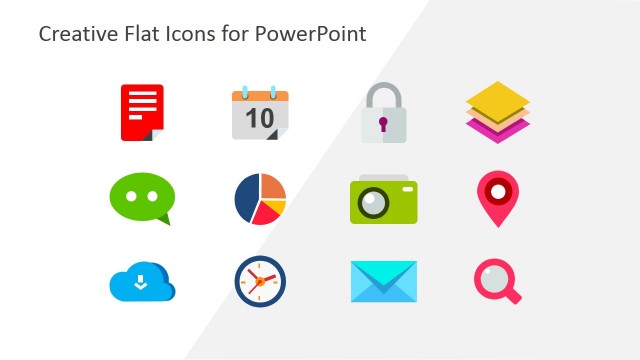
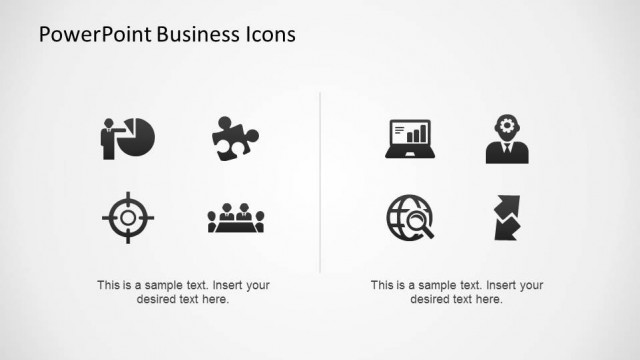
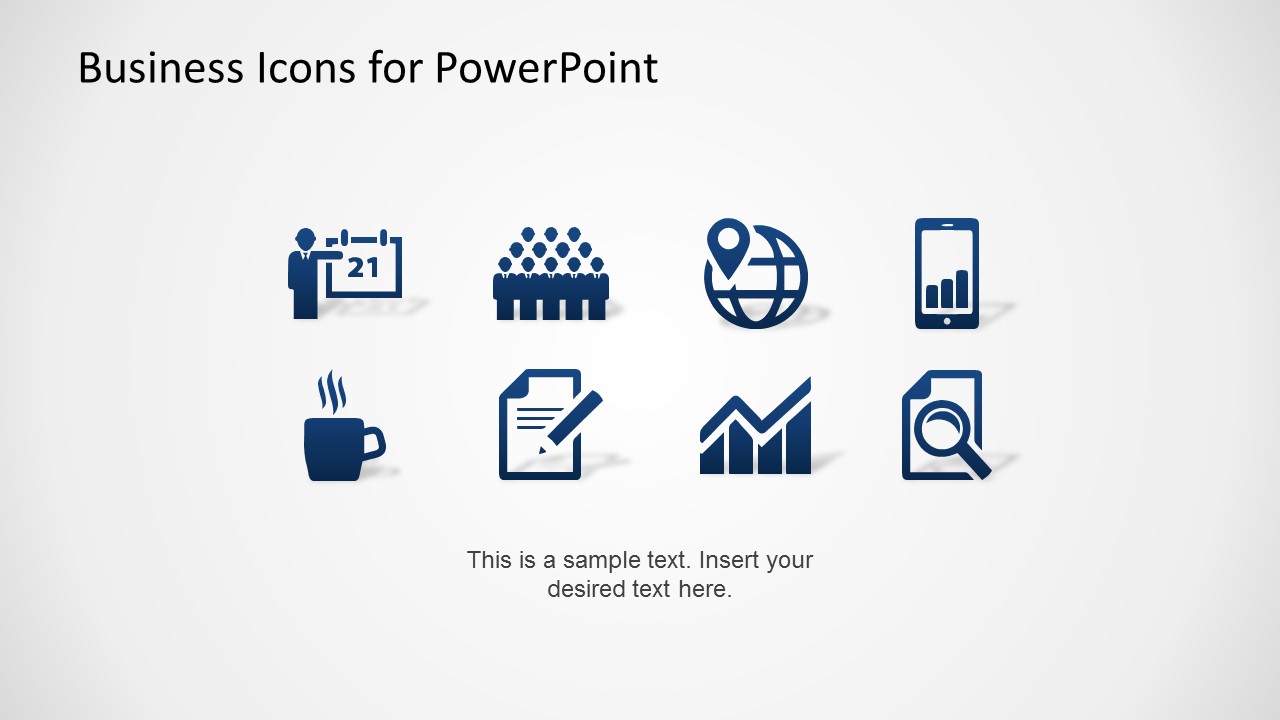
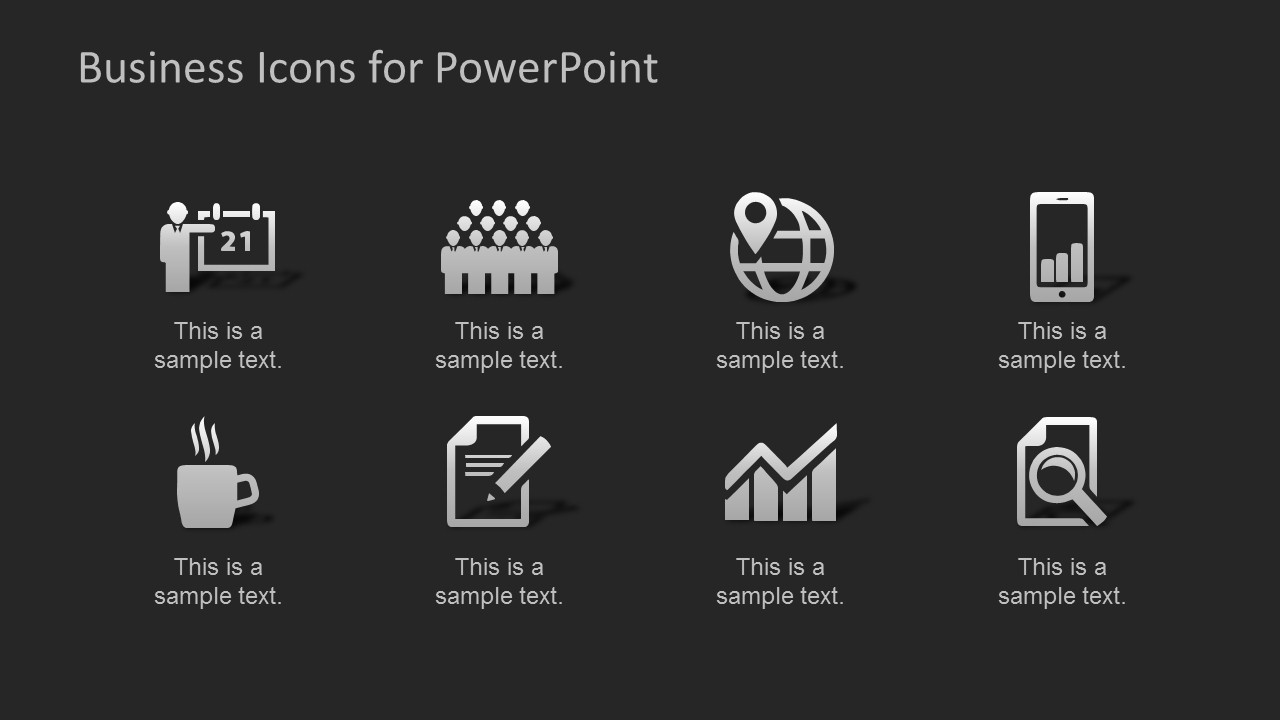
The collection of icons includes graphics that you can use in PowerPoint presentations, like an icon of a business man presenting a slide, a group of people that you can use as a metaphor of audience or team work, a chart, a geolocation icon, a cup of coffee, a notepad icon and a simple smartphone icon.
You can impress your audience with creative business icons that are very easy to edit and adapt to any presentation need. For example, you can adjust the icon colors in PowerPoint given that these icons are created as PowerPoint shapes. You can also add attractive shape effects like 3D rotation options, shadows or reflection to create awesome slides for your financial or business presentations.
What’s inside this template
Example presentation scenarios
- A consultant can use the icon gallery to add consistent symbols for audience, location, analytics, and mobile topics in a client strategy deck.
- A sales presenter can use the four-icon callout layouts to explain service pillars with calendar, audience, coffee, and notepad metaphors.
- A project manager can use the rounded button icon sets to label sections about tasks, meetings, documentation, reporting, and search activities.
- A trainer can use the dark icon grid to introduce a set of business concepts while keeping each concept paired with a short text explanation.
Features
- 100% editable presentation template
- Compatible with Microsoft PowerPoint
- 16:9 aspect ratio slides
- Scalable vector shapes, icons and illustrations
- AI-Ready for Microsoft Copilot and Claude
- Instant access and download
Frequently asked questions
Q: How should a presenter use these icons without making a slide feel decorative only?
A: Assign one clear meaning to each icon before placing it in a deck. For example, use the audience icon for stakeholders, the notepad for action items, and the map globe for location or market reach. Keep nearby text short so the icon acts as a label, not a competing illustration.
Q: What type of presentation is the best fit for this template?
A: This template fits business decks that need quick visual labels rather than complex data visuals. Consultants, trainers, sales teams, and project managers can use the icon galleries and four-icon callout slides to organize services, tasks, agenda sections, or recurring business themes in a consistent visual language.
Q: Why do the rounded button icons and flat icon grids work well for business communication?
A: The layouts turn common business ideas into simple metaphors: a calendar for meetings, a group for audience or teamwork, a chart for growth, and a magnifier for review. The rounded button style gives selected topics more weight, while the flat grids are better for showing many concepts evenly.

Business Icons for PowerPoint
7-slide presentation template with editable business icons for audience, tasks, charts, maps, and mobile topics
Business Icons for PowerPoint is a 7-slide icon presentation template for Microsoft PowerPoint. It includes a plain icon gallery, dark background icon grid, four-icon callout pages, and rounded button icon sets covering audience, calendar, map, smartphone, coffee, notes, chart, and search concepts for business presenters.
- Category
- Shapes
- Rating


 Loading...
- Aspect ratio
- 16:9
- Item ID
- 6524-01
- Colors
 Microsoft PowerPoint
  Microsoft Copilot
  Claude for PowerPoint
 Other formats supported
Subscribe today and get immediate
access to download our PowerPoint templates.