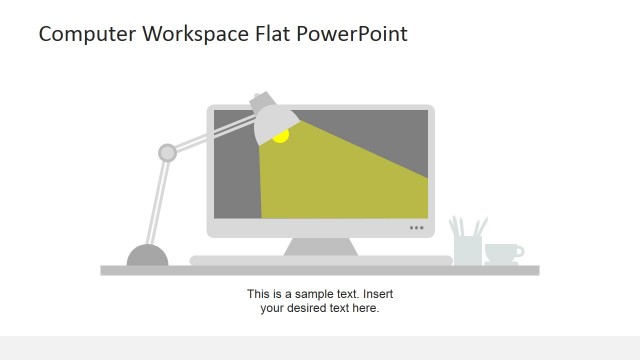
Decorate professional presentations with the Flat Office PowerPoint Icons. The template uses solid pastel colors to emphasize the detail in the white icons. The design lends a neat and professional look and feel to any presentation.
The office is one of the most important aspects of a business. It is where paperwork and other business procedures are processed and documented. The presence of an office allows a company to conduct business professionally with their clients. The different office activities, such as planning, scheduling, and processing, are featured on the icons. Symbols and icons let the audience connect two concepts easily without the need for the presenter to elaborate – thus, saving time and energy.
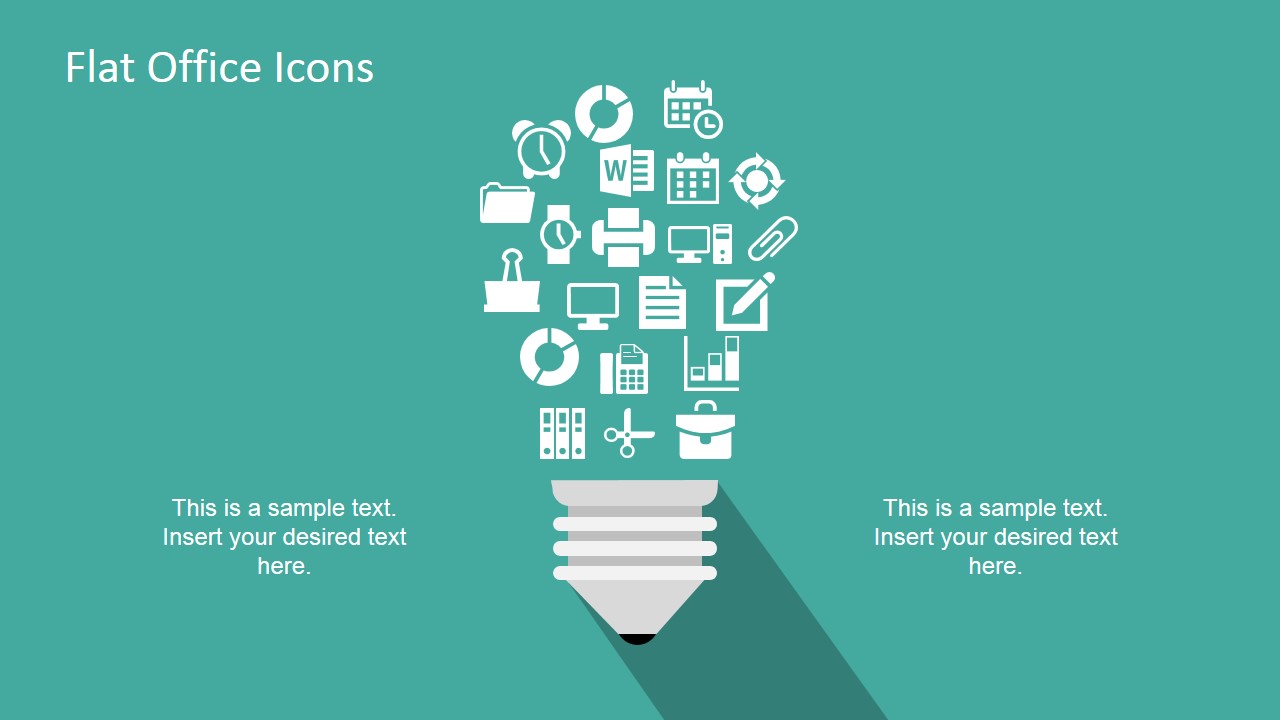
Flat icons, on their own, can be copied and pasted to other PowerPoint presentations to add visual impact to the slide designs. The simple look of the icons makes it easy to achieve a professional yet creative report. The PowerPoint template provides display layouts to combine the icons in a more representative metaphor. The first is a lightbulb design, wherein the bulb is a composite image of the PowerPoint icons. This slide can be used in brainstorming presentations, to show how common office activities can be improved. The second slide forms a relationship diagram through icons. It illustrates how some processes are broken down. For example, a computer monitor, symbolizing observation, is connected to a folder and a bar chart. These can refer to documentation and statistical analysis, respectively.
The icons are created as minimalist vector graphics. They include a calendar, a watch, a process diagram, a document, a clock, a bar chart, a briefcase, a personal computer, a pen, a folder, scissors, a paperclip, a printer, the Microsoft Word logo, a doughnut chart, and a calculator.
Perfect for presentations involving work office activities and processes, the Flat Office PowerPoint Icons may be arranged to suit the presenter’s need. Any modification, even to size, will not affect their graphic resolution. The presenter can download other PowerPoint Icons from our Gallery.
What’s inside this template
Example presentation scenarios
- An operations manager can use the relationship diagram to explain how documents, folders, charts, and computer work connect inside an administrative workflow.
- A trainer can use the icon library to create quick visual cues for lessons about scheduling, reporting, printing, filing, or office tools.
- A consultant can use the light bulb graphic to frame a workplace improvement idea and connect the concept to common office activities.
- A team lead can use the title cover and selected icons to introduce an internal process update without building a custom icon set from scratch.
Features
- 100% editable presentation template
- Compatible with Microsoft PowerPoint and Google Slides
- 16:9 aspect ratio slides
- Scalable vector shapes, icons and illustrations
- AI-Ready for Microsoft Copilot and Claude
- Instant access and download
Frequently asked questions
Q: How should a presenter use these icons without making the slide feel crowded?
A: Assign one icon to one idea, then pair it with a short label or phrase. Use the light bulb slide for a single idea theme and the relationship diagram for connected office tasks. The icon library should act as a source slide, not a slide to present in full unless the goal is to show available categories.
Q: Who is this template best suited for?
A: This template fits presenters explaining office work, administration, reporting, scheduling, documentation, or internal tools. Operations managers, trainers, consultants, and team leads can use the icons to make routine business concepts easier to scan. It is less suited to financial analysis decks where charts and numbers carry the main message.
Q: Why do the light bulb and relationship diagram work well for office concepts?
A: The light bulb turns many office activities into one idea metaphor, which helps the audience understand that documents, calendars, charts, and tools support a larger concept. The relationship diagram places the computer at the center, then branches to related symbols, making cause, support, or workflow relationships easier to explain verbally.







Flat Office PowerPoint Icons
4-slide presentation template with flat office icons, light bulb graphic, and relationship diagram
Flat Office PowerPoint Icons is a 4-slide icon and diagram template for business and office presentations. It includes a title scene, light bulb idea graphic, relationship diagram, and office icon library with calendar, document, printer, folder, chart, and computer symbols for Microsoft PowerPoint and Google Slides.
- Category
- Shapes
- Rating


 Loading...
- Aspect ratio
- 16:9, 4:3
- Item ID
- 6886-01
 Microsoft PowerPoint
  Microsoft Copilot
  Claude for PowerPoint
 Other formats supported
Subscribe today and get immediate
access to download our PowerPoint templates.