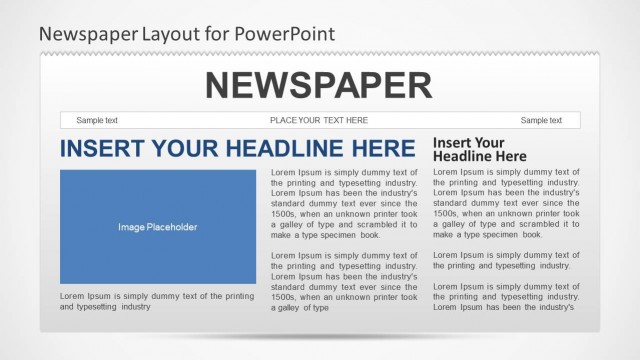
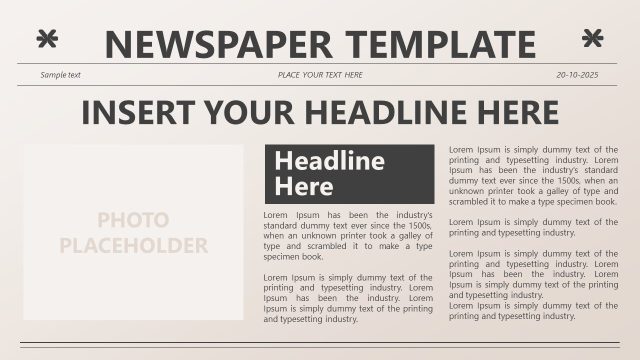
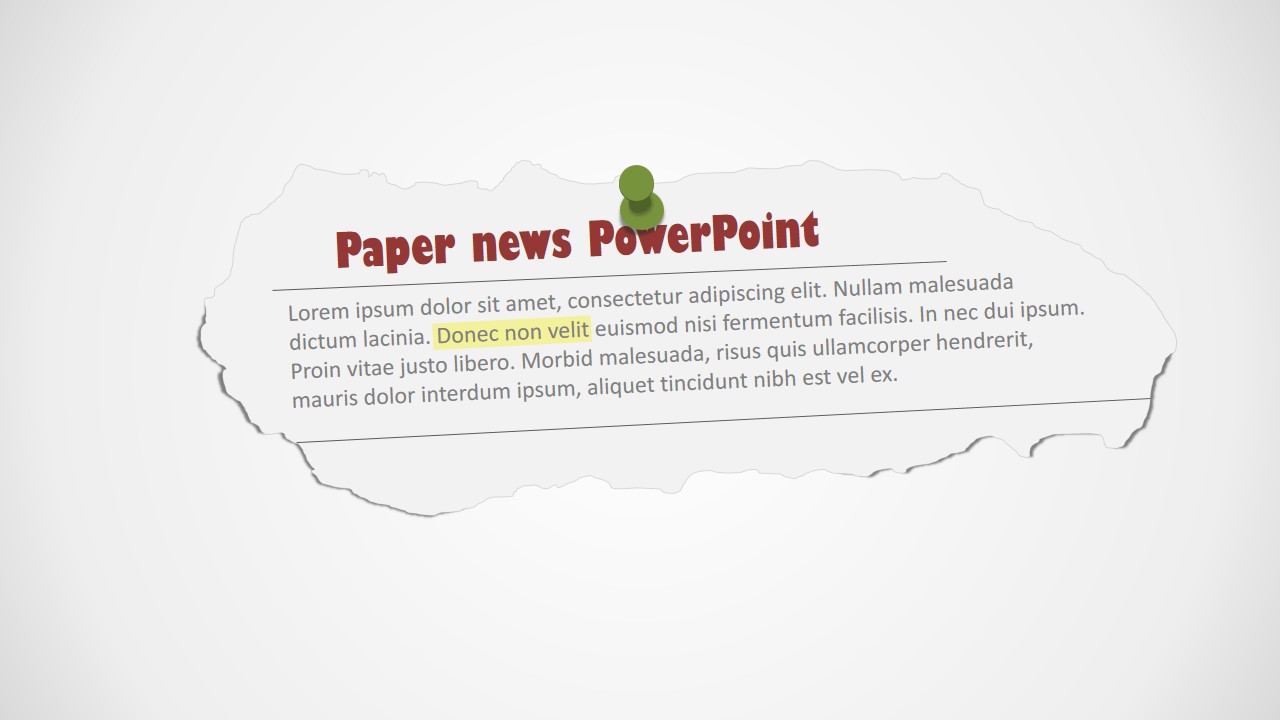
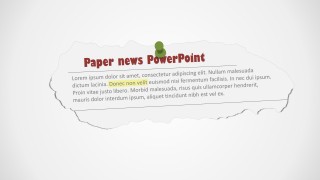
Create banners and marketing messages with the Newspaper Clipping PowerPoint Shapes. The PowerPoint template provides professional clipart designed to resemble a newspaper clipping, with editable placeholders where the user can write its message.
In the last century, the newspaper was one of the primary communication means. Organizations used to place newspaper clips in the boards around the corridors or visible places to communicate special announcements that were part of the newspaper edition. Ranging from advertisements to special events, people were used to read the clippings around their message boards. Nowadays, the digital communication means have replaced the newspaper and message boards, but the vintage look and feel is still part of the collective imaginary.
The user can edit the Newspaper Clipping PowerPoint Shapes and create original announcements to be placed in new or existing PowerPoint presentations. Each of the objects of the template are created as PowerPoint shapes, allowing the user to fully customize their appearance and effects. The fonts applied are default PowerPoint fonts, but the user can install proprietary fonts to create a more appealing effect over the newspaper clip. Small PowerPoint pins icons give the effect of board clip.
Impress your audience with a vintage touch including top of the line visual clipart that appeal to global audiences.
What’s inside this template
Example presentation scenarios
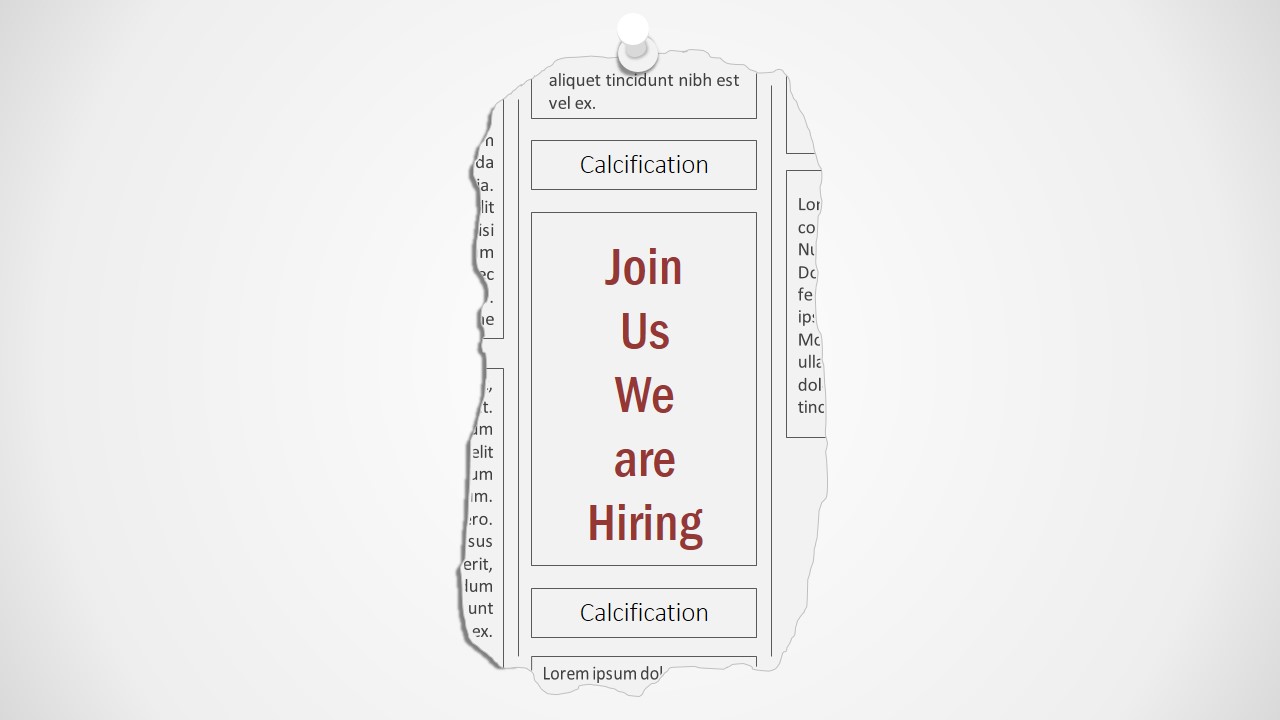
- An HR presenter can announce a recruiting campaign by using the vertical hiring newspaper clipping and replacing the sample headline with the open role or event message.
- A marketing manager can introduce a social media initiative by placing the campaign name in the central clipping and using the surrounding pinned labels for channels, audiences, or content themes.
- A communications lead can turn a policy update or office announcement into a newspaper-style headline banner with a short body message and one highlighted phrase.
- An educator or trainer can explain how communication topics connect by using the social media board diagram with arrows that point from one pinned label to another.
Features
- 100% editable presentation template
- Compatible with Microsoft PowerPoint and Google Slides
- 16:9 aspect ratio slides
- Scalable vector shapes, icons and illustrations
- AI-Ready for Microsoft Copilot and Claude
- Instant access and download
Frequently asked questions
Q: How should I structure a message with the newspaper clipping style?
A: Start with one short headline in the torn-paper banner or central clipping, then use the smaller body text only for context. The design works best when the clipping acts like a notice board item, not a full article. Keep one idea per clipping and use the pins or arrows to show what the audience should notice first.
Q: Who is this template best suited for?
A: This template fits presenters who need an announcement, campaign teaser, recruiting message, or social media concept with a visual hook. Communications, HR, and marketing teams can use it when a plain text slide feels too formal, but the message still needs clear hierarchy through headlines, labels, and connector arrows.
Q: Why use torn paper, push pins, and message board arrows as the visual metaphor?
A: The torn paper and push pins create the feeling of a posted public notice, which makes announcements feel immediate and curated. The social media layouts add arrows around pinned labels, turning a scattered set of topics into a connected conversation. This metaphor helps audiences read the slide as a board of related messages.









Newspaper Clipping PowerPoint Shapes
7-slide presentation template with newspaper clipping shapes, push pins, and social media message board diagrams
Newspaper Clipping PowerPoint Shapes is a 7-slide shape presentation template for building newspaper-style announcements and message boards in Microsoft PowerPoint and Google Slides. Visible layouts include a torn-paper headline banner, a vertical hiring clipping, and social media message board diagrams with pins and curved arrows. It fits marketing, HR, and internal communications.
- Category
- Shapes
- Rating


 Loading...
- Aspect ratio
- 16:9
- Item ID
- 0012-01
- Colors
 Microsoft PowerPoint
  Microsoft Copilot
  Claude for PowerPoint
 Other formats supported
Subscribe today and get immediate
access to download our PowerPoint templates.