Business Announcement Template for PowerPoint– designed with creative PowerPoint shapes, the Office template can surely enhance business announcement presentations. The selection of slides is of quality and effective visual aids. Powerful graphics make the report attractive and easy to remember. Quirk up professional minds through Business Announcement Template for PowerPoint.
The Microsoft PowerPoint template is perfect for business presentations. Marketing propaganda and ideas can be captured thoroughly. It is ideal for advertising and sales planning. It can be used to literally announce new ventures and activities that are related to the company’s development. It can metaphor public relations.
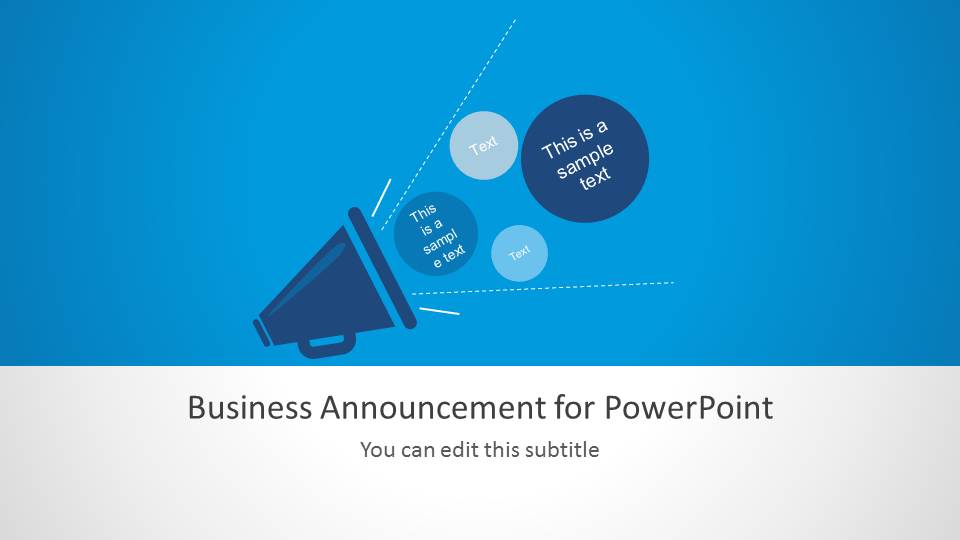
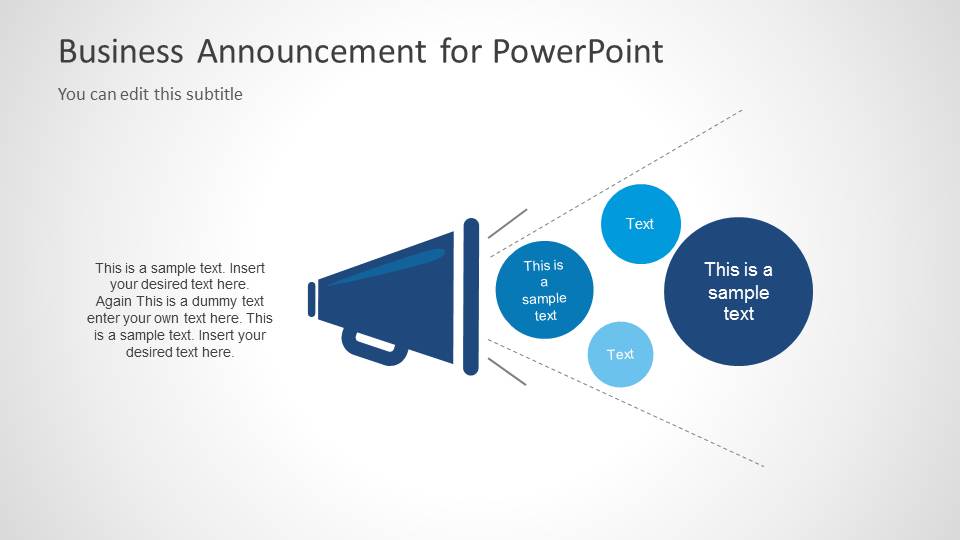
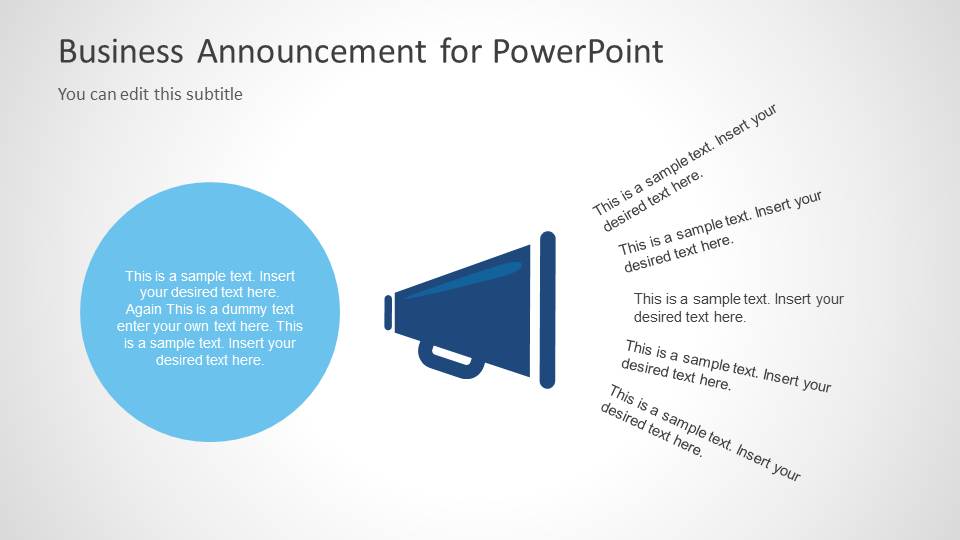
The first slide features a hand speaker PowerPoint shape. In front of its opening are circles in color blue shades. These are text placeholders where the user can include element titles. The dotted lines in the outline make a “loud” feel on the picture. Under the blue background and PowerPoint objects, the presenter can write the title of the report and a subheading. The 2nd slide is composed of a similar design but in a full white background. Finally, on the 3rd slide are vertical textual layouts at the opening of the hand speaker shape. The user can write some important descriptions associated to the elements. On the left portion is a sky blue circular text box. This can be used for a more general definition of the image.
Announcements are required to be catchy and understandable. The goal is to get the attention of the audience. It aims to inform the public about a particular activity or happening. Secondary to that, the presenter has to draw the audience to believe and act accordingly. It applies best to marketing ideas and objectives.
Spotlight marketing ventures and planning with Business Announcement Template for PowerPoint. It can supplement broader or personal presentations. The SlideModel gallery incorporates quality to numerous templates. See Download Shapes for PowerPoint for a competitive selection of PowerPoint shape designs.
What’s inside this template
Example presentation scenarios
- A marketing manager can present a new campaign announcement by opening with the blue title cover and then using the circular callout bubbles to name the main promotion points.
- A communications lead can brief employees on an internal update by placing the core message in the large circle and listing follow-up details as angled notes.
- A sales leader can introduce a new offer or incentive by using the megaphone slide to separate audience benefits into the visible circular message bubbles.
- A public relations presenter can explain a planned announcement by pairing the paragraph text area with the speaker metaphor to separate context from key talking points.
Features
- 100% editable presentation template
- Compatible with Microsoft PowerPoint and Google Slides
- Scalable vector shapes, icons and illustrations
- AI-Ready for Microsoft Copilot and Claude
- Instant access and download
Frequently asked questions
Q: How should a presenter organize the message across these three announcement slides?
A: Start with the cover slide to state the announcement in one clear sentence. Use the second slide to explain the context and group the main points in the circular callouts. Use the third slide for supporting details, actions, or audience instructions, keeping each angled note short enough to be read quickly.
Q: Who is this template best suited for in a business presentation?
A: This template fits marketing, sales, and communications presenters who need to make one announcement memorable without building a long deck. It works well for campaign reveals, new service notices, internal updates, or public relations messages where the speaker needs a bold visual cue plus space for concise explanation.
Q: Why does the megaphone metaphor help the audience understand the message?
A: The megaphone immediately signals broadcasting, attention, and public notice, so the audience understands that the slide is about a message that should be heard. The circles and angled notes act like sound or message fragments, helping the presenter separate the main announcement from related details without using dense paragraphs.
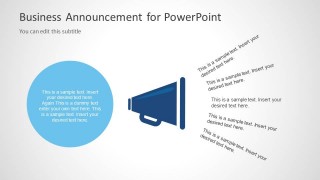
Business Announcement Template for PowerPoint
3-slide business announcement PowerPoint presentation template with megaphone callouts and message layouts
Business Announcement Template for PowerPoint is a 3-slide presentation template for announcing campaigns, launches, or internal updates. It includes a blue title cover, a megaphone with circular callout bubbles, and a megaphone with angled text notes. Marketing, communications, and sales teams can adapt the editable shapes and vector icons.


 Loading...
 Microsoft PowerPoint
  Microsoft Copilot
  Claude for PowerPoint
 Other formats supported
Subscribe today and get immediate
access to download our PowerPoint templates.