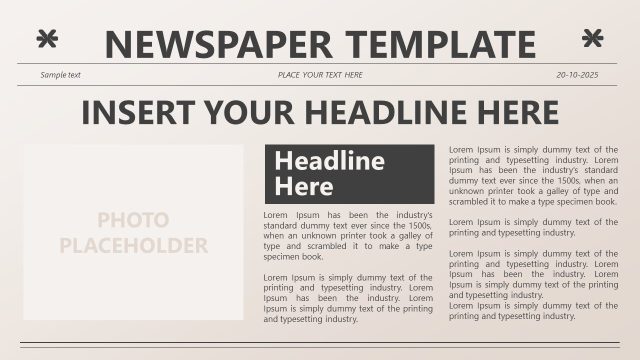
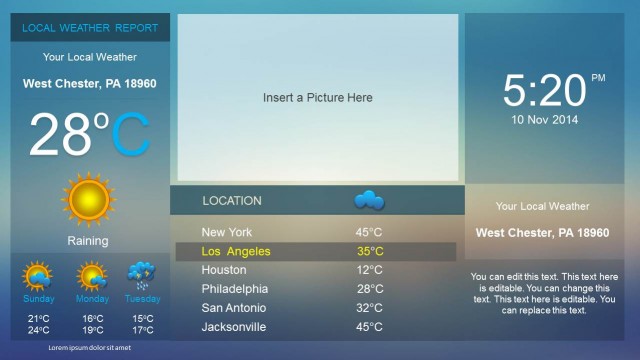
Newspaper PowerPoint Template is a presentation template with a newspaper theme created with shapes and compatible with PowerPoint and Google Slides. This PowerPoint slide with news headlines can be used to prepare a presentation on World News, News headlines, breaking news or Local news.
This news PPT template is designed to replicate the classic look and feel of a traditional newspaper layout. Featuring editable shapes and placeholders, this newspaper-themed slide is fully compatible with Microsoft PowerPoint and Google Slides.
This news template is ideal for presentations that require a news-style format or a visually engaging layout to highlight updates, stories, or announcements. Whether you’re creating a fictional newspaper for a school project, presenting world events in an educational setting, or sharing important company news in a business meeting, this layout provides a creative and impactful solution.
Possible uses:
- World News Presentations – Summarize key global events or headline stories.
- Breaking News Reports – Deliver urgent information or announcements in a compelling format.
- Educational Content – Great for history, journalism, or current events classes.
- Case Study Recaps – Present a business case or marketing campaign with a news-style narrative.
- Internal Newsletters – Share updates or achievements in company meetings.
- Creative Storytelling – Craft fictional news for workshops or creative presentations.
The newspaper PPT template can also be used to prepare slides for educational purposes, presenting a news topic to an audience or a case. You can download this newsletter template to prepare presentations using an old newspaper design. The newspaper template can be used to engage your audience with business news and you can easily combine other slides and graphics from different templates to prepare awesome newsletter designs.
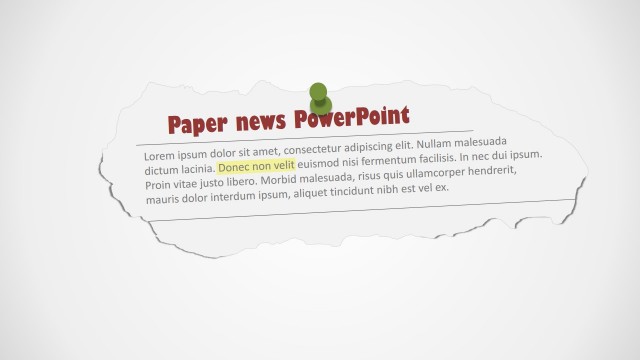
The newspaper clipping slide design for Microsoft PowerPoint comes with useful layouts where you can embed your own pictures and edit the text.
Engage your audience with a fresh, journalistic twist using this Newspaper PowerPoint Template. Whether for academic, professional, or creative purposes, this layout helps you tell your story in a unique and memorable way. Alternatively, explore our collection of other news headlines PPT templates or our latest collection of slide templates ready for PowerPoint.
What’s inside this template
Example presentation scenarios
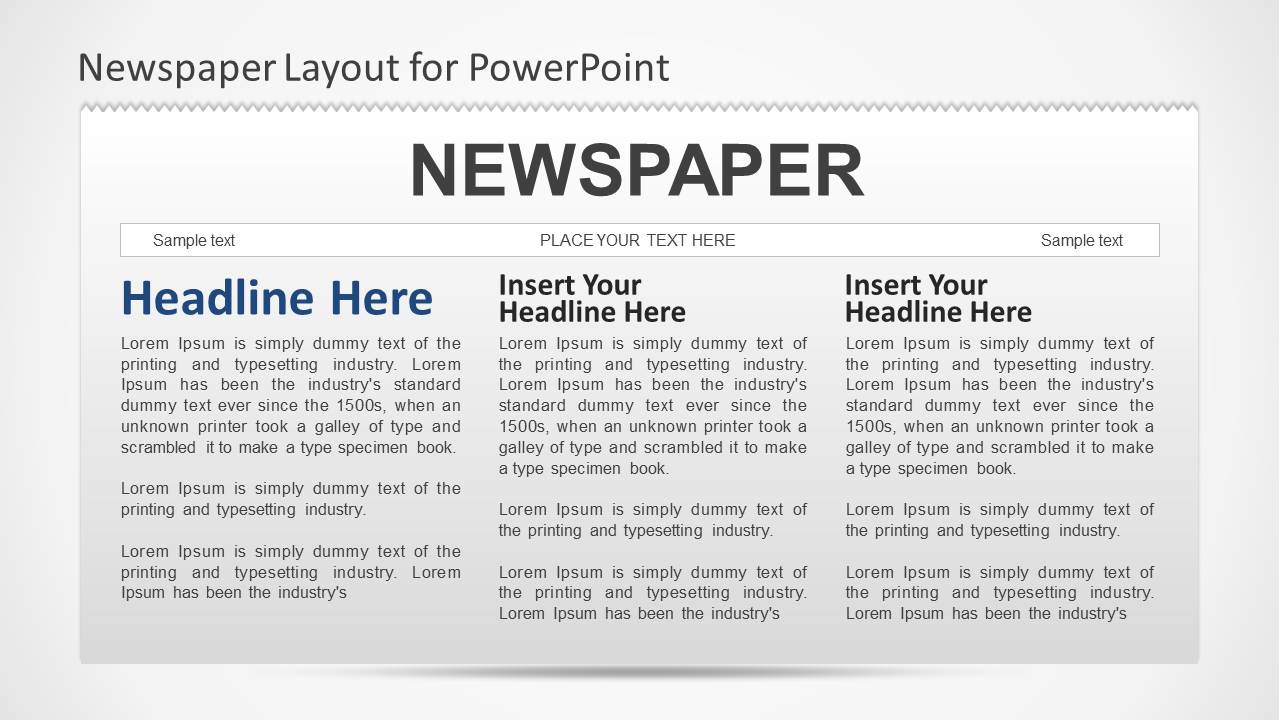
- A teacher can use the masthead and multi-column article layout to have students summarize current events in a format that feels like a newspaper front page.
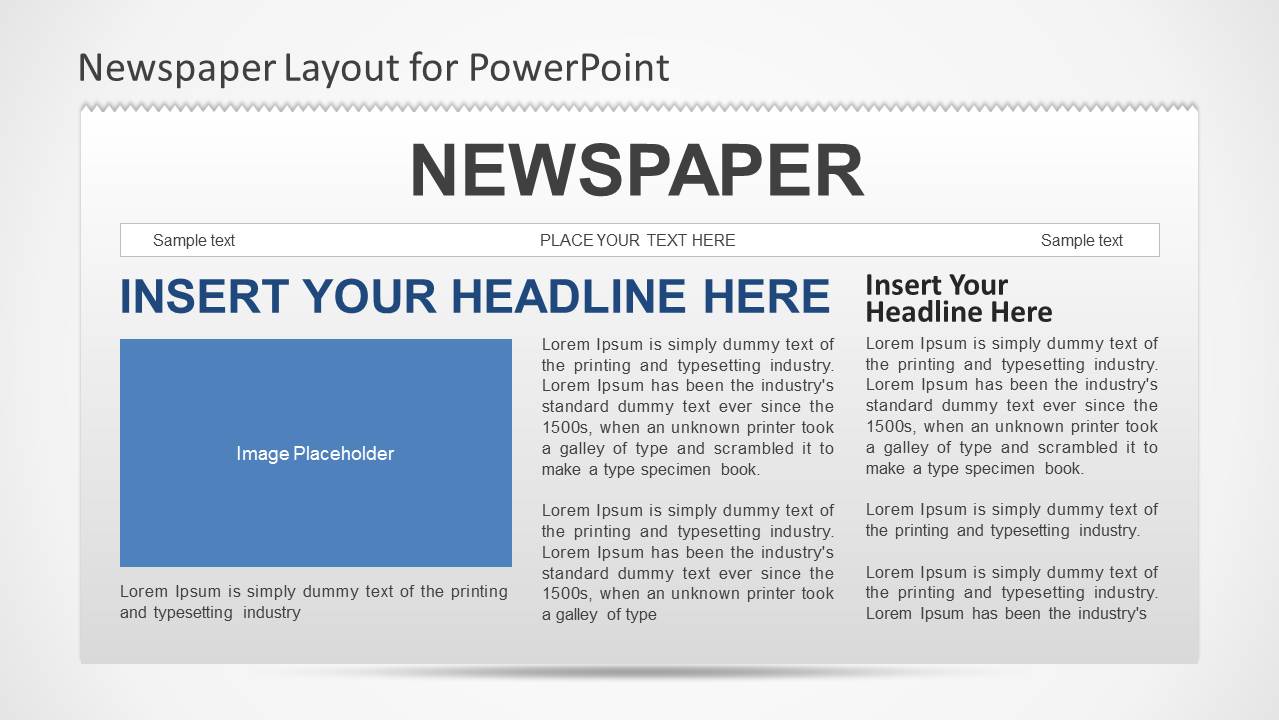
- A corporate communications manager can present internal announcements with the main headline, image placeholder, and side article blocks to separate the lead story from supporting updates.
- A marketing presenter can recap a campaign launch as a news feature using the large image placeholder and editorial caption area to focus attention on the central story.
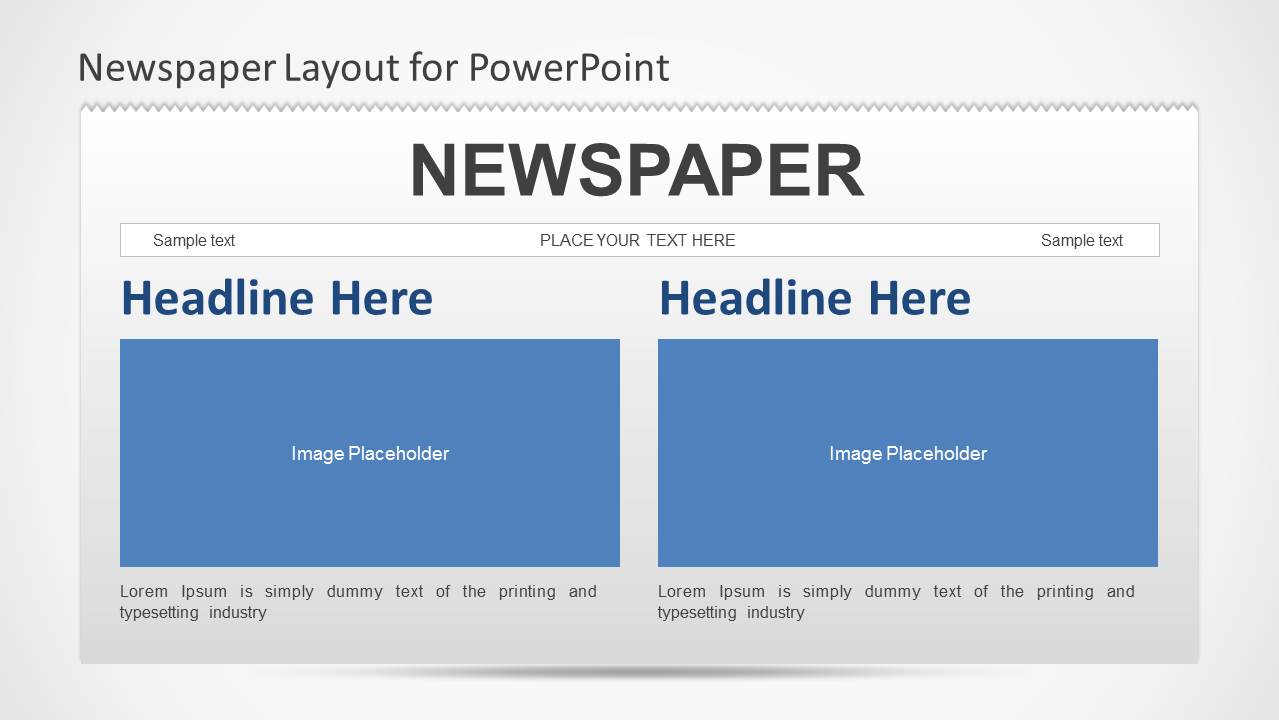
- A journalism instructor can demonstrate front-page hierarchy with the two-story layout, comparing how headlines, images, and captions guide reader attention.
Features
- 100% editable presentation template
- Compatible with Microsoft PowerPoint and Google Slides
- 16:9 aspect ratio slides
- Scalable vector shapes, icons and illustrations
- AI-Ready for Microsoft Copilot and Claude
- Instant access and download
Frequently asked questions
Q: How should a presenter organize content on the newspaper layout so it reads clearly?
A: Start with one dominant headline that states the news, then use the largest image placeholder for the visual proof or scene. Put essential context in the first article column and reserve smaller headline blocks for supporting details. This keeps the slide from becoming a wall of text while preserving the newspaper effect.
Q: Who is this newspaper template best suited for?
A: It fits presenters who want to turn updates into a recognizable editorial format, such as teachers covering current events, students presenting fictional or historical news, and communications teams announcing internal milestones. The layout is strongest when the message has a clear lead story, supporting context, and one or two images.
Q: Why does the newspaper metaphor help the message?
A: A newspaper front page signals importance before the presenter explains the details. The masthead creates context, the headline creates urgency, and the article columns make the information feel reported rather than listed. That metaphor works well for announcements, recaps, classroom reporting, and story-based business updates.

Newspaper PowerPoint Template
1-slide presentation template with newspaper headline layouts for news updates, announcements, and editorial storytelling.
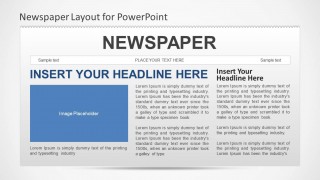
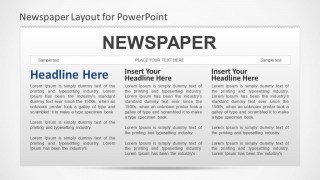
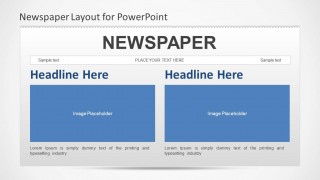
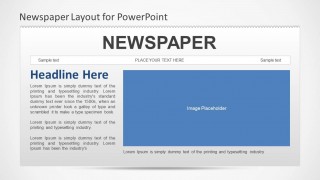
Newspaper PowerPoint Template is a 1-slide news-themed presentation template for Microsoft PowerPoint and Google Slides. The contact sheet shows newspaper front-page variants with a masthead, headline area, image placeholders, multi-column article text, and two-story layouts. It suits educators, internal communications teams, and presenters framing updates as news.
- Category
- Shapes
- Rating

 Loading...
- Aspect ratio
- 16:9, 4:3
- Item ID
- 6163-01
- Colors
 Microsoft PowerPoint
  Microsoft Copilot
  Claude for PowerPoint
 Other formats supported
Subscribe today and get immediate
access to download our PowerPoint templates.