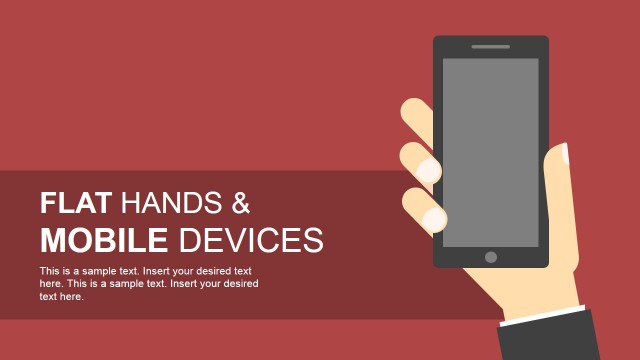
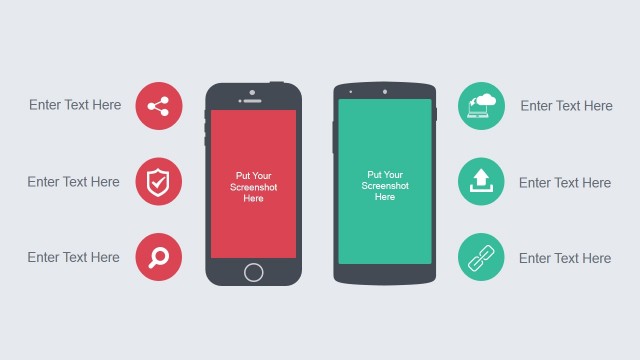
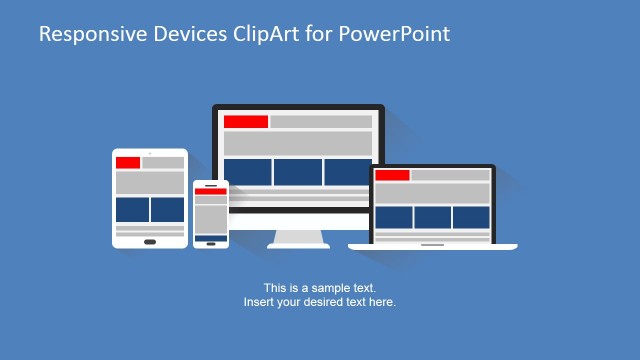
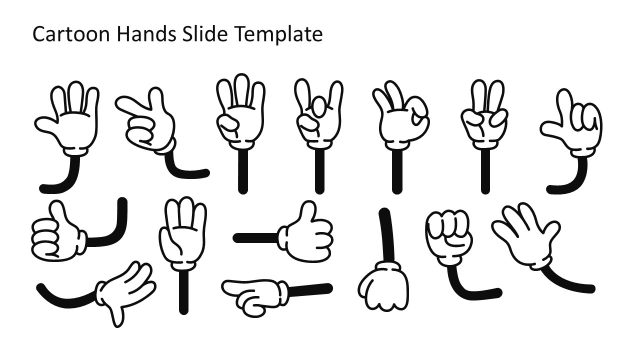
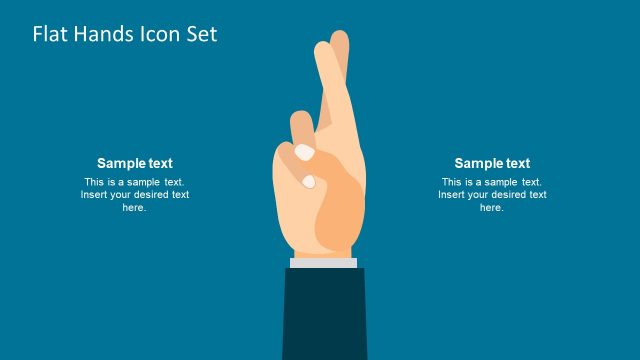
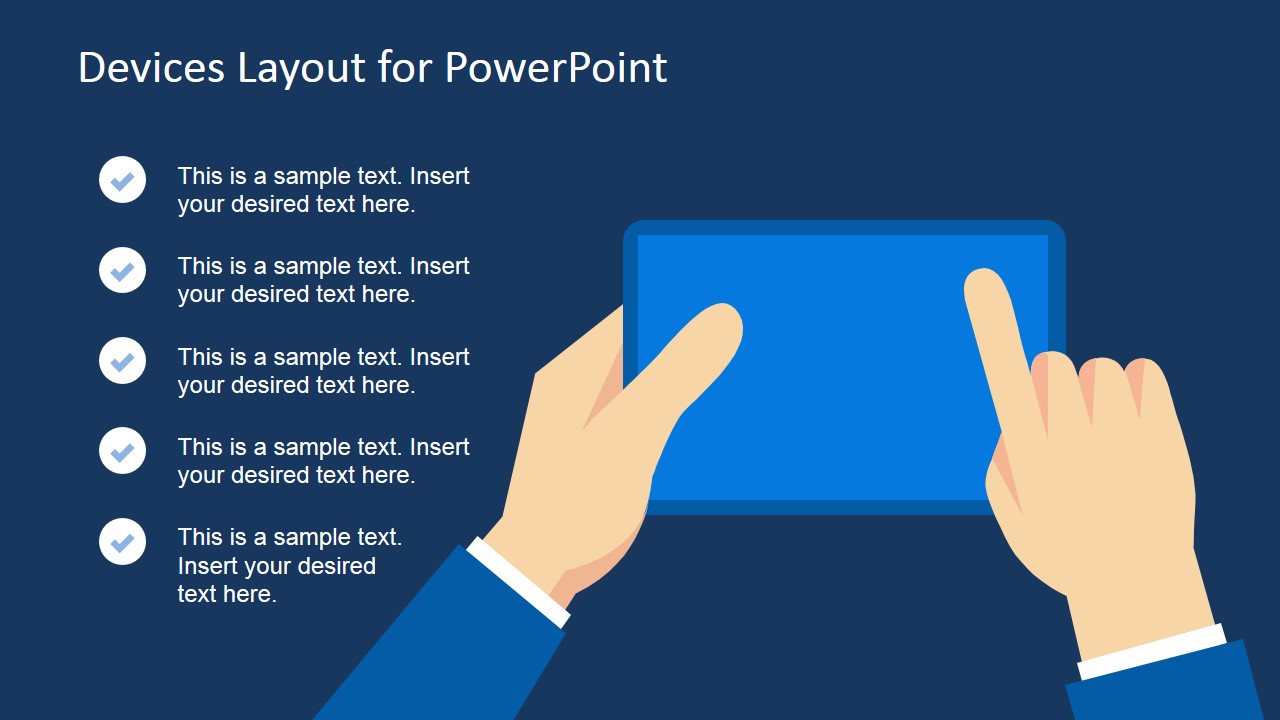
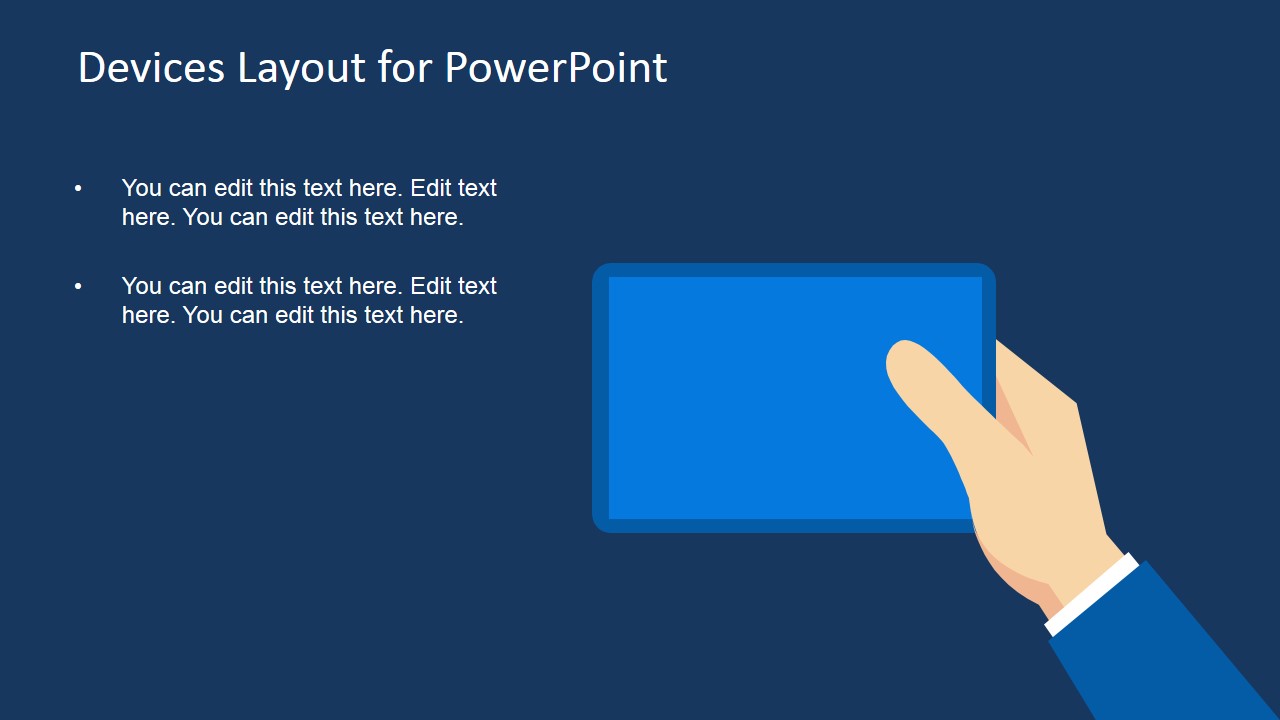
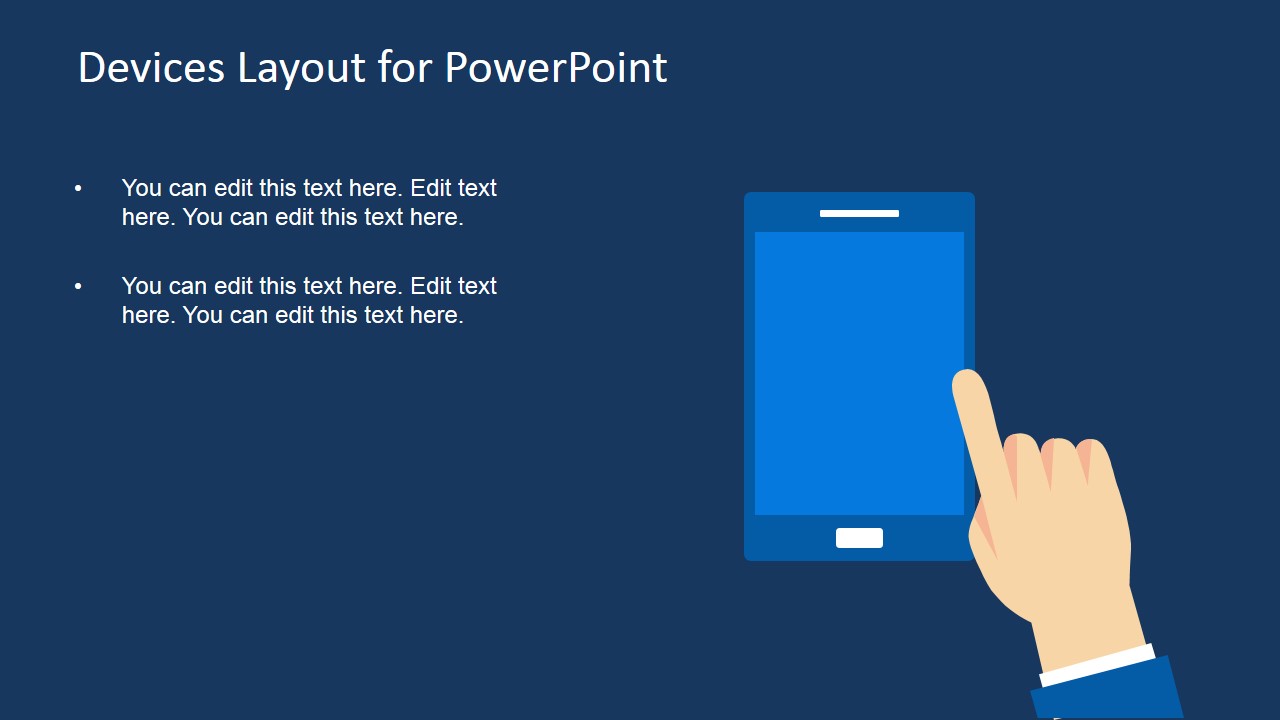
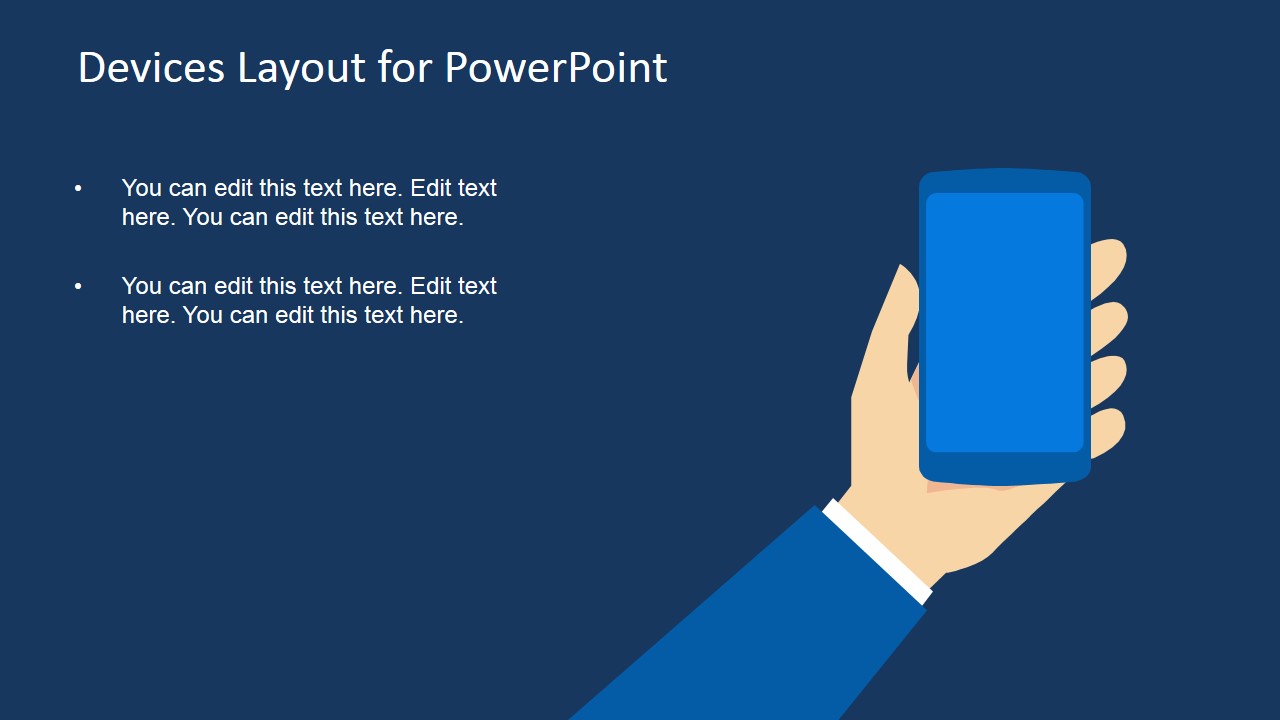
Hands Touching Screen & Technology Devices PowerPoint Template is a presentation template for Microsoft PowerPoint containing creative slides with technology devices and hands touching screens. You can use this technology devices PowerPoint template to present a mobile application or create a demo presentation with hands simulating the usage of an app. Moreover, using built-in animations in PowerPoint you can easily animate the hands as these are created with PowerPoint shapes.
In this presentation template you can find useful slides with editable shapes including arms and hand cliparts that you can move along the slide or rotate to match any desired position. Since the picture and PowerPoint graphics in this presentation template are created with PowerPoint shapes, you can easily ungroup the shapes and isolate each graphic to make other new & original slides with custom designs.
What’s inside this template
Example presentation scenarios
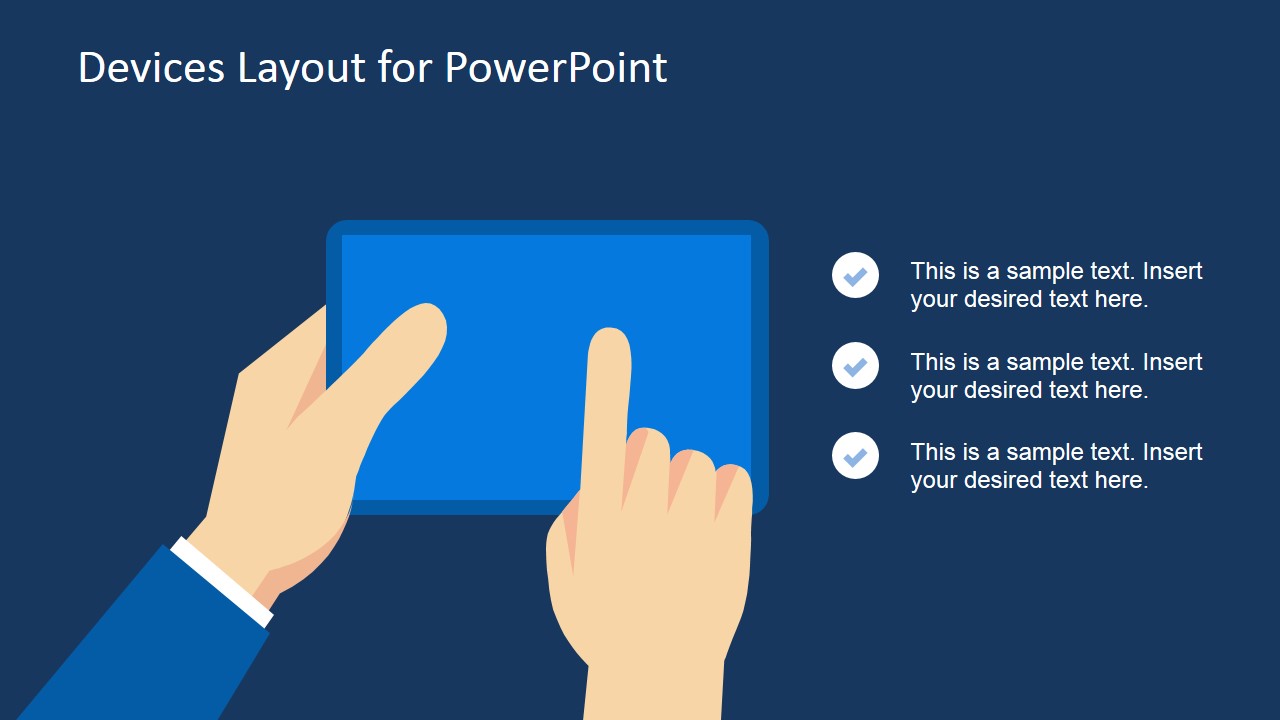
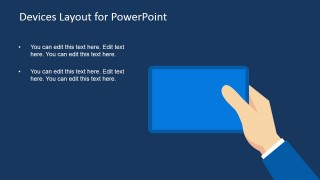
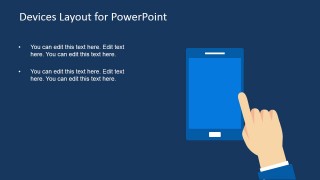
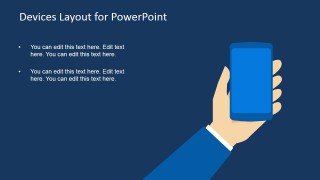
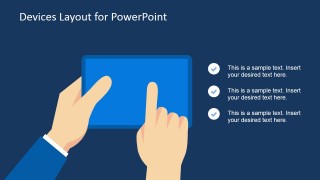
- A product manager can present a mobile app walkthrough by placing feature notes beside the hand-touch tablet and smartphone mockups.
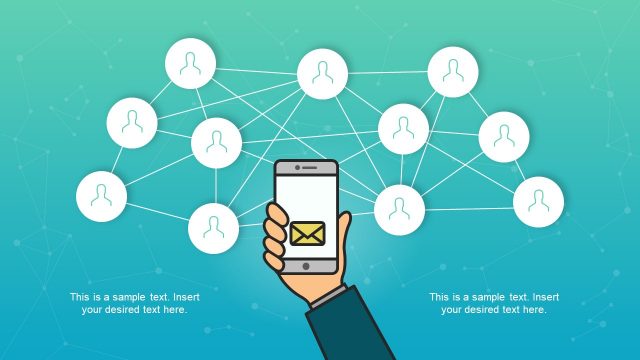
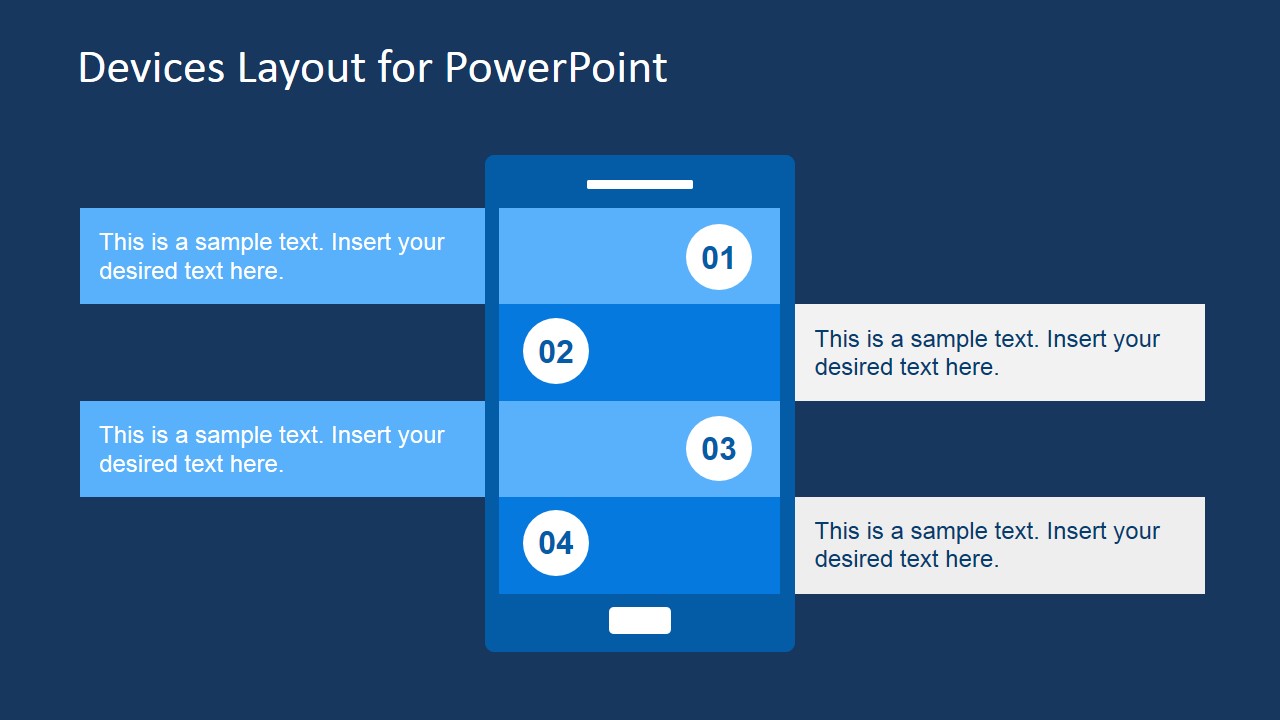
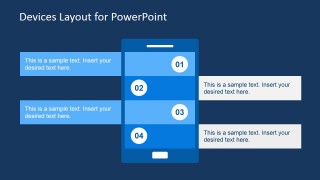
- A UX designer can explain touchpoints in a customer journey using the numbered mobile process diagram and short callout bands.
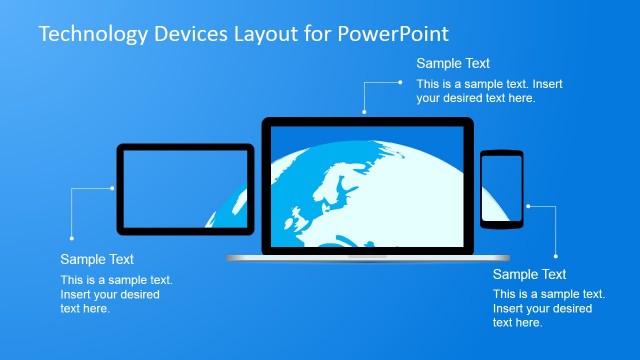
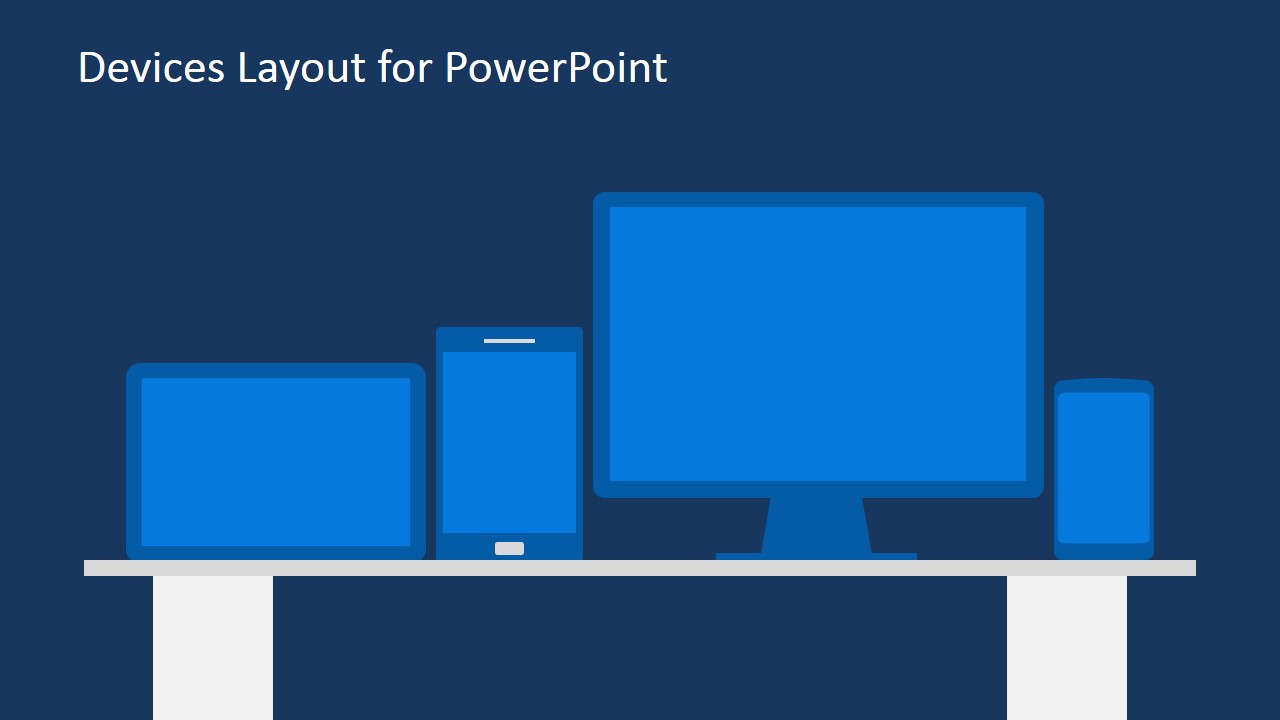
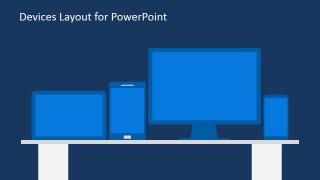
- A startup founder can introduce a digital product concept by showing the device lineup slide before moving into screen-specific benefits.
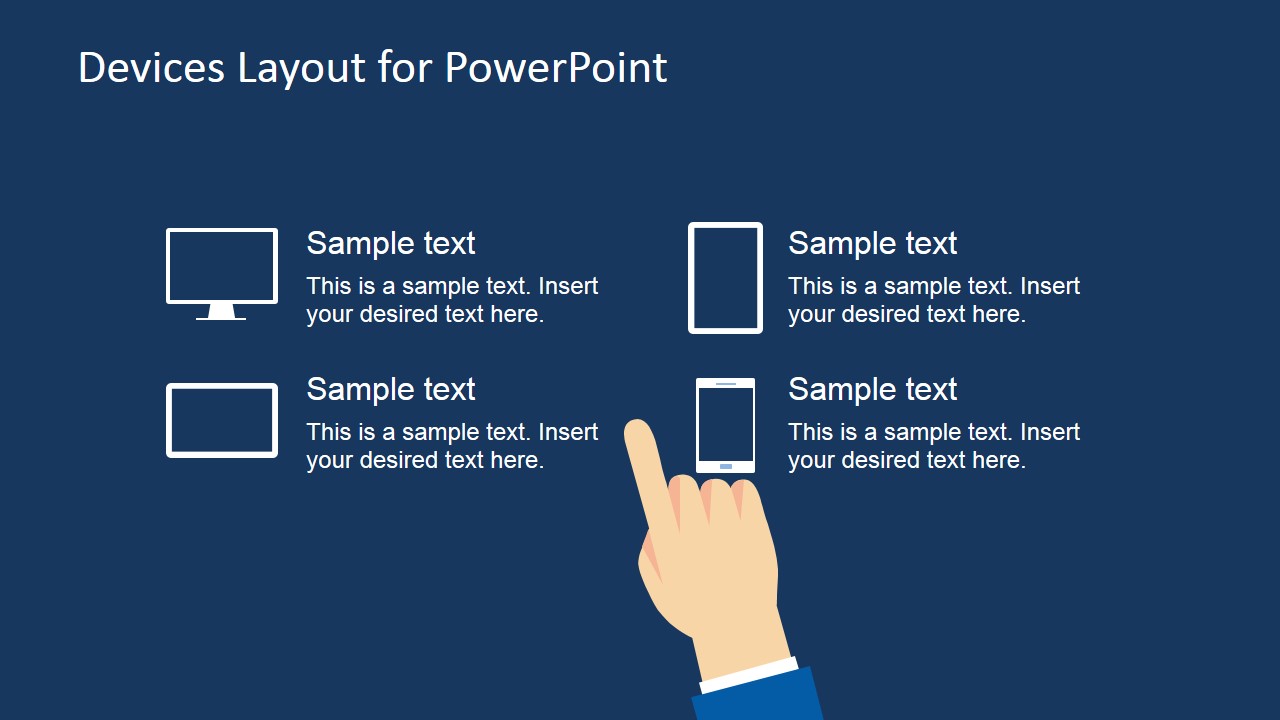
- A technology marketer can describe campaign touchpoints across desktop, tablet, and phone using the device category icons and checklist layouts.
Features
- 100% editable presentation template
- Compatible with Microsoft PowerPoint and Google Slides
- Scalable vector shapes, icons and illustrations
- AI-Ready for Microsoft Copilot and Claude
- Instant access and download
Frequently asked questions
Q: How should a presenter structure an app demo with this template?
A: Start with the device lineup to establish the platforms being discussed, then use the hand-touch tablet or smartphone slides for key interactions. Keep each screen focused on one user action or feature. End with the numbered mobile process diagram if the audience needs a simple sequence for onboarding, purchase, setup, or service use.
Q: Who is this template best suited for?
A: This template fits product managers, UX teams, founders, and technology marketers who need to explain how a user interacts with a mobile or touch-screen experience. It works best when the message is about app behavior, digital service touchpoints, or device-based access rather than technical architecture or back-end systems.
Q: Why do the hand and screen illustrations help the message?
A: The hands create an immediate interaction metaphor: the audience sees a user acting on a screen, not just a static device. That visual cue makes app demos easier to follow because each layout points attention toward tapping, holding, choosing, or progressing through steps. The dark background also keeps focus on the bright blue screen areas.
Hands Touching Screen & Technology Devices PowerPoint Template
10-slide presentation template for app demos with hand touch gestures, mobile screens, and device mockups
Hands Touching Screen & Technology Devices PowerPoint Template is a 10-slide set of editable technology device mockups for Microsoft PowerPoint and Google Slides. It includes hand-touch tablet scenes, smartphone callouts, a desktop device lineup, and a mobile step diagram for app demos, product walkthroughs, and digital experience presentations.


 Loading...
 Microsoft PowerPoint
  Microsoft Copilot
  Claude for PowerPoint
 Other formats supported
Subscribe today and get immediate
access to download our PowerPoint templates.