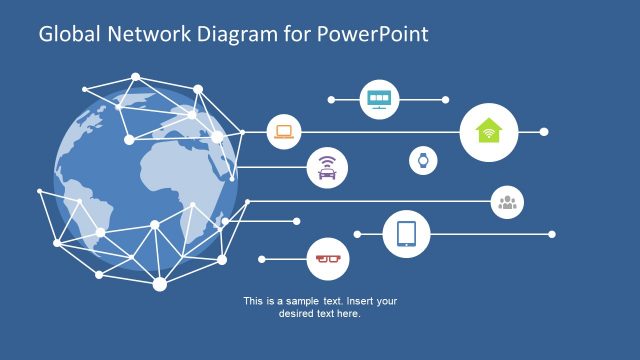
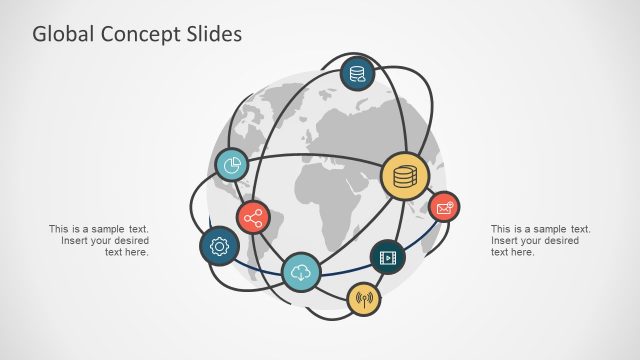
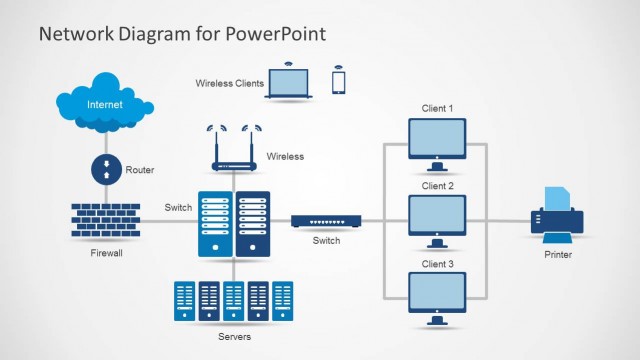
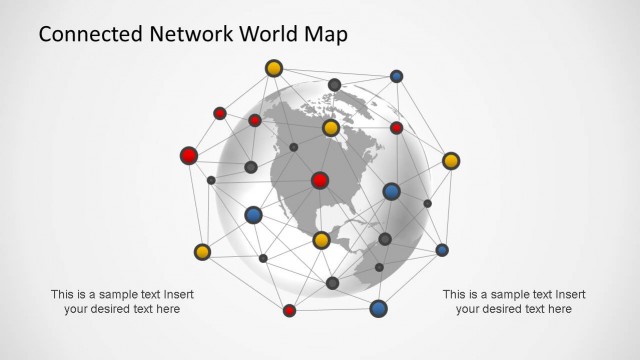
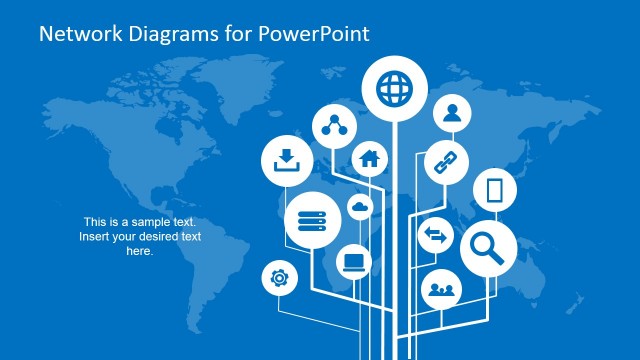
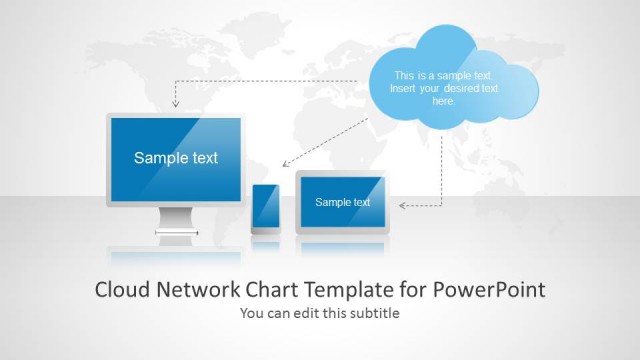
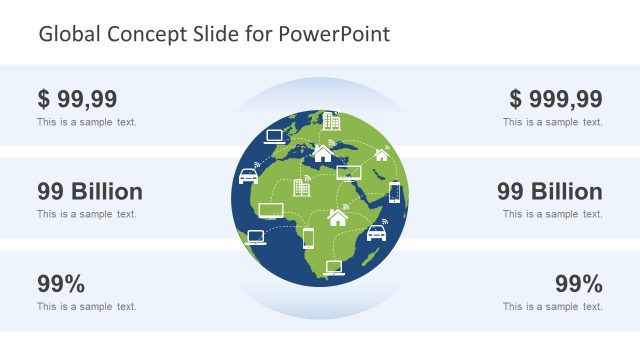
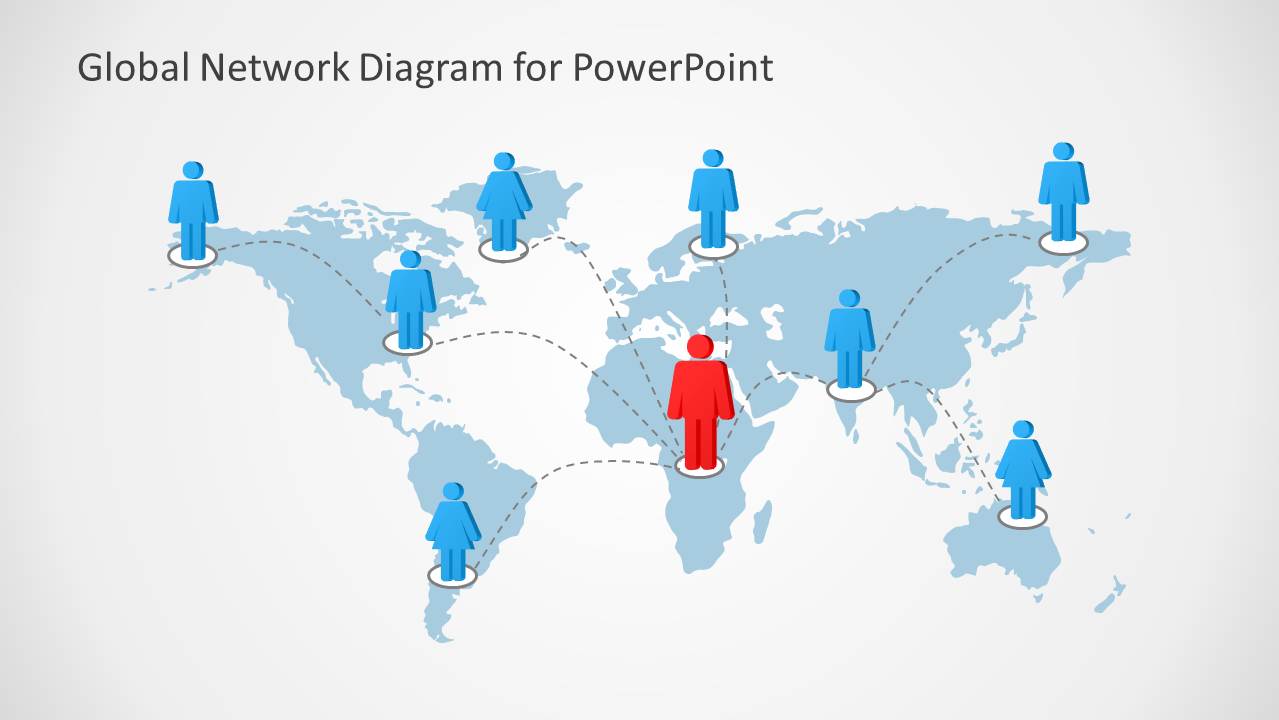
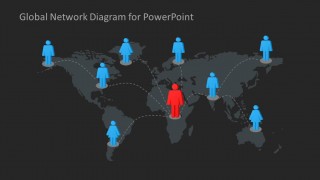
Global Network Diagram for PowerPoint is a presentation template containing global networking diagrams like a world map showing connections between different points. You can use this presentation template to design awesome PowerPoint presentations with global connectivity and distributed systems as well as cloud computing PowerPoint presentations and slide designs.
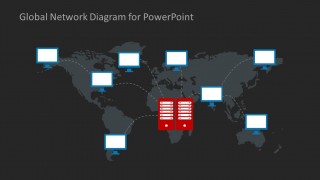
The presentation template for network connections and global networking comes with useful shapes that you can edit in PowerPoint to represent different layouts and including server shapes, computer shapes and other illustrations.
What’s inside this template
Example presentation scenarios
- A network architect can brief executives on regional infrastructure by using the world map diagrams to show how users, endpoints, and central services connect across continents.
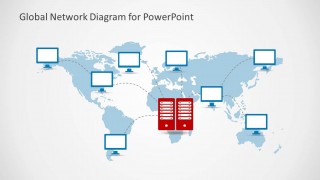
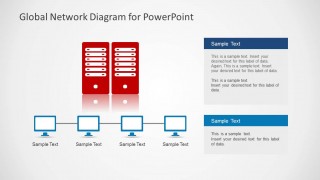
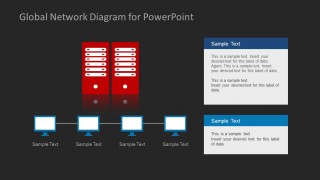
- An IT manager can explain a server migration plan by using the server-to-computer topology slides to separate the central server role from local desktop endpoints.
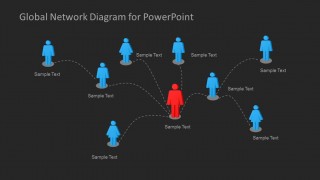
- A cloud consultant can present a distributed services model by using the hub-and-spoke user network diagrams to show client groups connected through a central node.
- A technology sales presenter can describe global service coverage by combining the dark world map slide with concise text labels for locations, customer sites, or support regions.
Features
- 100% editable presentation template
- Compatible with Microsoft PowerPoint and Google Slides
- 16:9 aspect ratio slides
- Scalable vector shapes, icons and illustrations
- AI-Ready for Microsoft Copilot and Claude
- Instant access and download
Frequently asked questions
Q: How should a presenter explain a global network without overloading the audience?
A: Start with one world map slide to establish geographic reach, then move to a simpler hub-and-spoke or server-to-computer diagram for the operating model. Keep labels short and name only the most important regions, users, or endpoints. The red central object should represent the key system, team, or control point.
Q: Who is this template best suited for in a business presentation?
A: This template fits IT leaders, cloud consultants, network architects, and technical sales teams who need to explain connectivity at a business level. It is strongest when the audience must understand where users, computers, servers, or regions connect, rather than inspect low-level network specifications or performance data.
Q: Why do the map and hub diagrams help communicate network structure?
A: The maps provide a geographic metaphor for reach, while the dotted lines show relationships without turning the slide into a wiring diagram. The repeated red hub, blue endpoints, and simplified icons create a clear visual hierarchy, helping viewers distinguish central infrastructure from connected users or computers quickly.





Global Network Diagram for PowerPoint
10-slide presentation template for global network maps, server topology, and connectivity diagrams
Global Network Diagram for PowerPoint is a 10-slide diagram template for showing worldwide connectivity, distributed users, and server networks. It includes world map connection diagrams, hub-and-spoke user networks, server-to-computer topology layouts, and text callout slides for IT, cloud, and networking presentations in PowerPoint and Google Slides.
- Category
- Diagrams
- Rating


 Loading...
- Aspect ratio
- 16:9
- Item ID
- 6177-01
- Colors
 Microsoft PowerPoint
  Microsoft Copilot
  Claude for PowerPoint
 Other formats supported
Subscribe today and get immediate
access to download our PowerPoint templates.