Cloud Network Template for PowerPoint is a presentation template with an awesome technology & cloud design that you can use to make presentations on cloud computing.
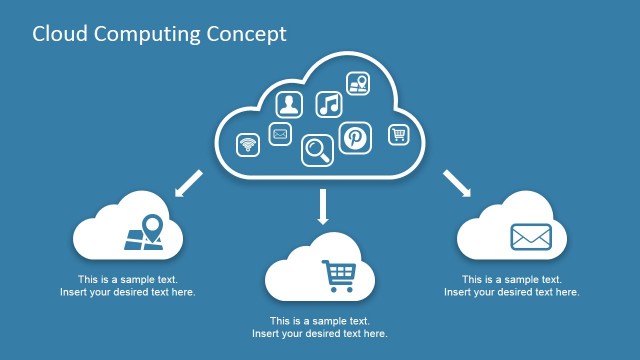
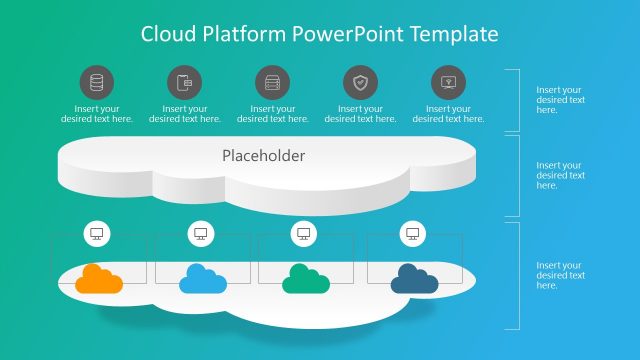
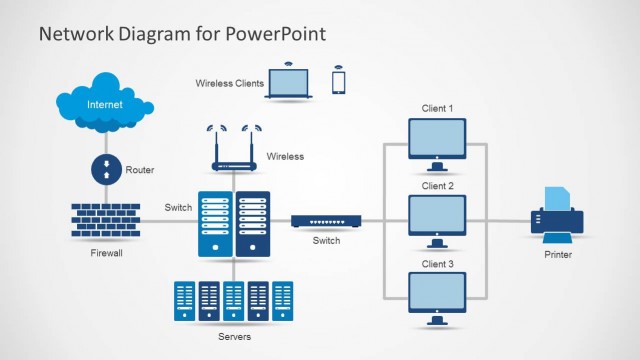
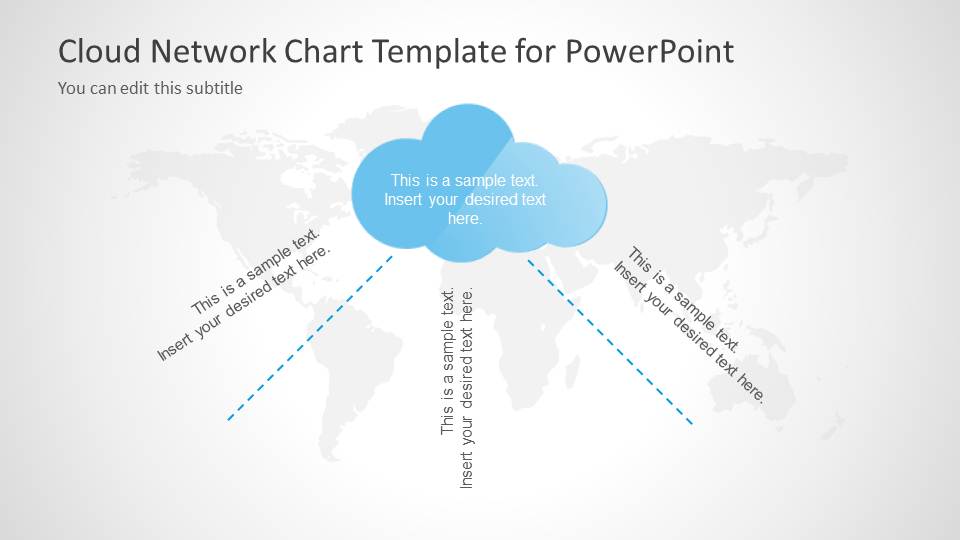
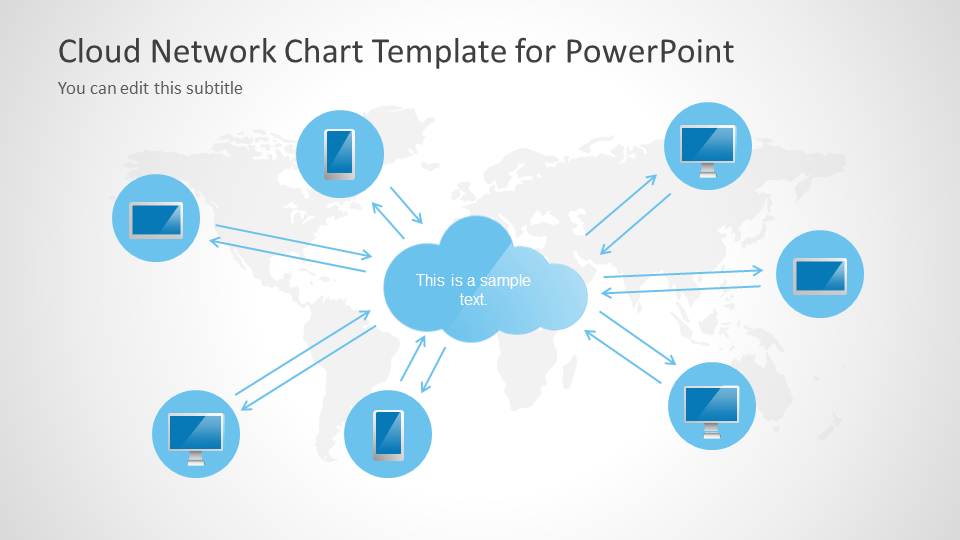
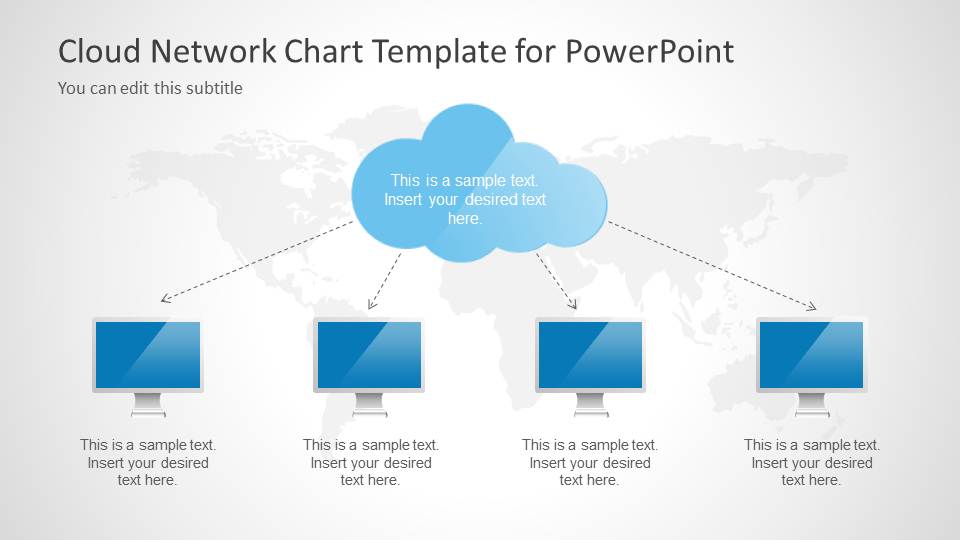
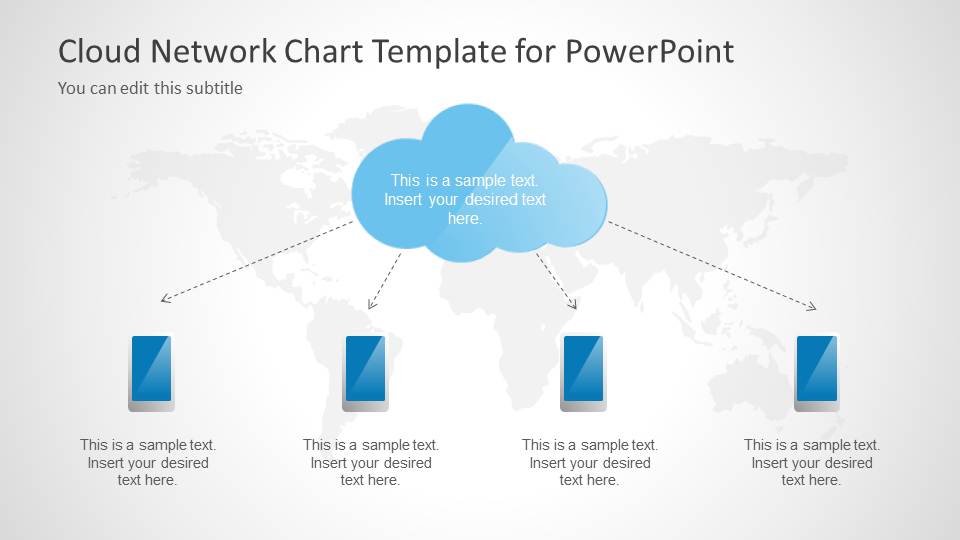
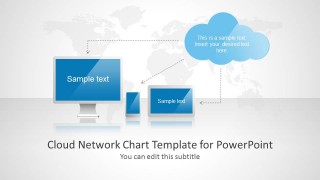
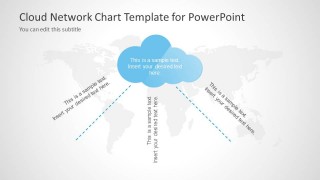
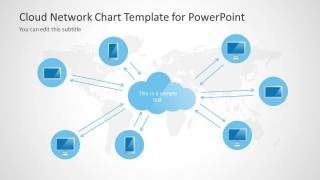
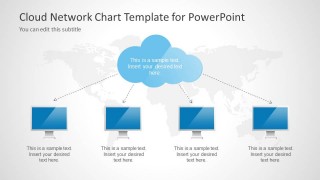
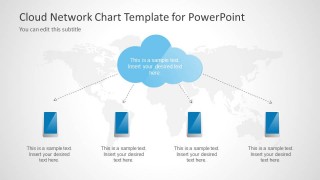
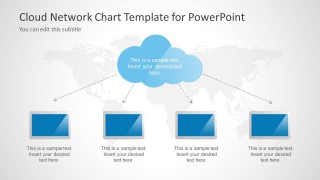
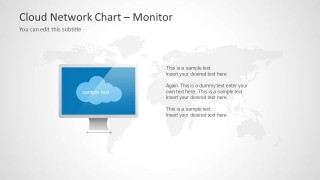
The slide design contains different layouts and illustrations for technological presentations like smartphones, LCD monitors as well as cloud shapes for PowerPoint. Inside this cloud network PPT template you can find different cloud computing diagrams and layouts to model a cloud computing architecture.
Alternatively, you can download other presentation templates for PowerPoint & Google Slides, including infographics and diagrams for IT and cloud services, like the cloud computing PPT templates.
What’s inside this template
Example presentation scenarios
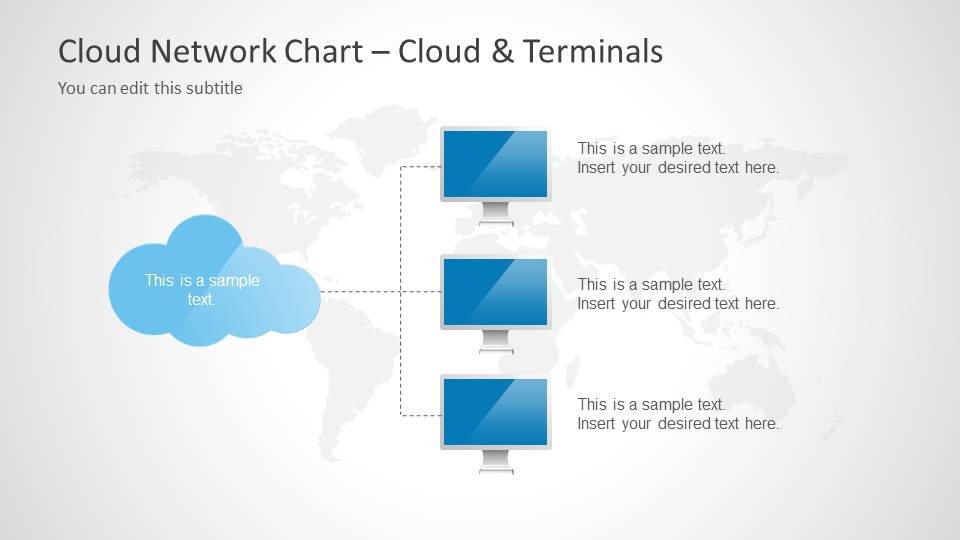
- A cloud architect can use the hub-and-spoke cloud diagram to explain how user devices connect to a central service layer during an architecture review.
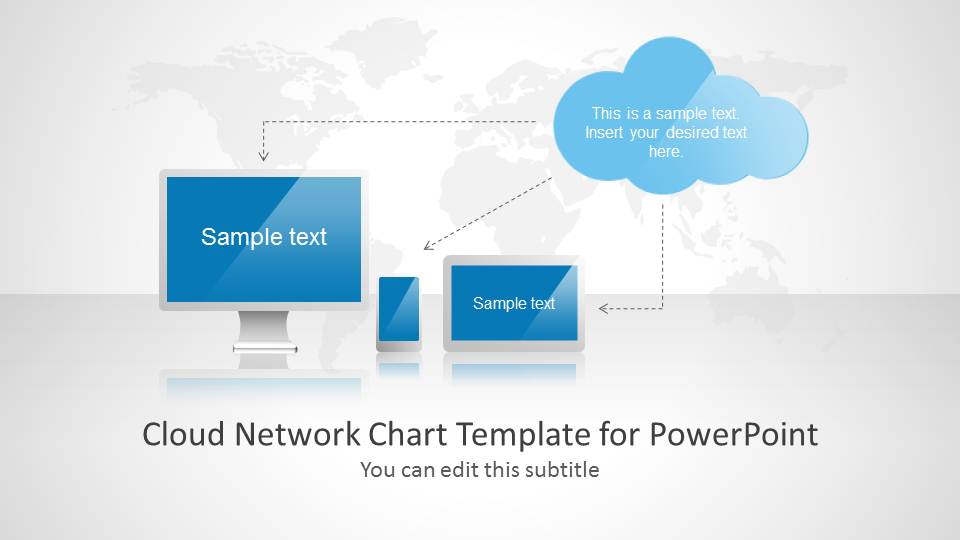
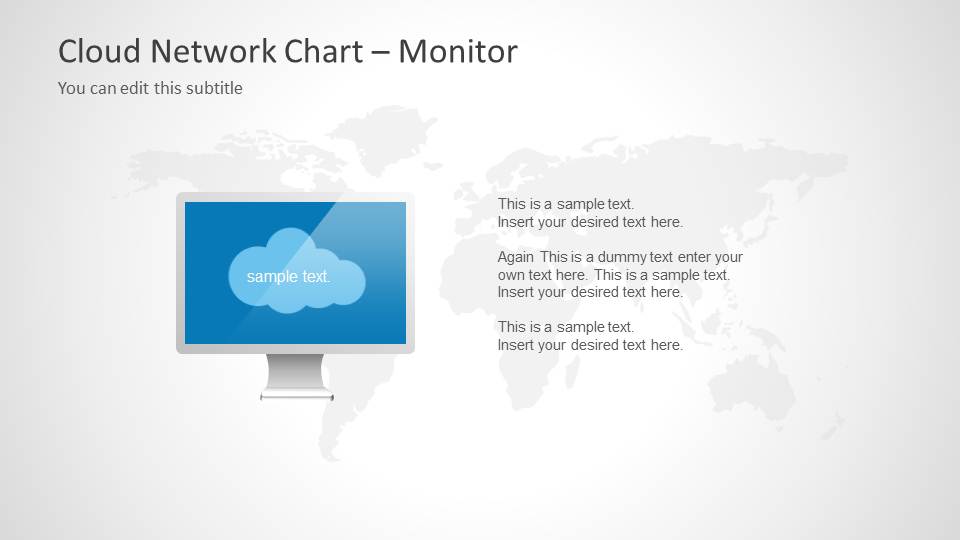
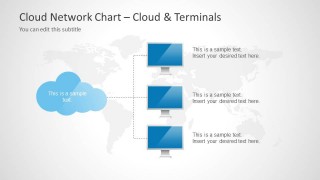
- A sales engineer can present a managed cloud offer with the terminal layouts, showing how monitors, smartphones, and screens access the same cloud environment.
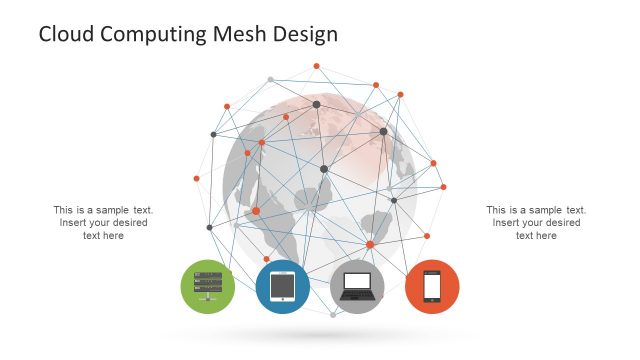
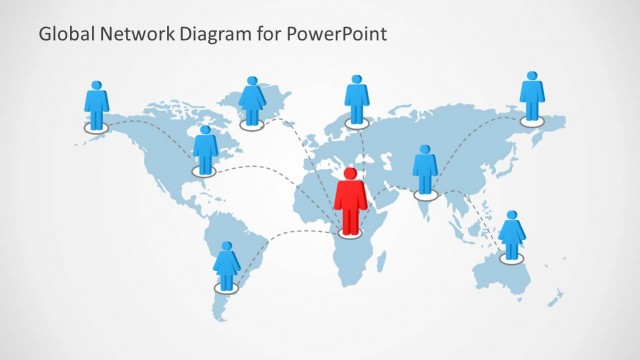
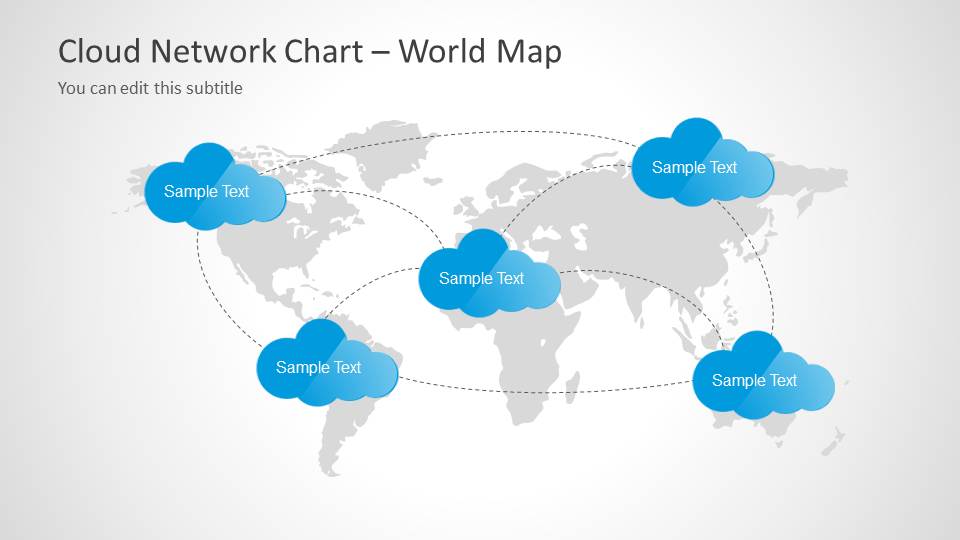
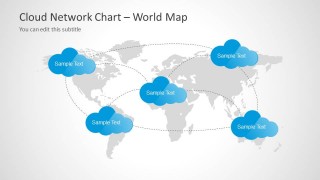
- An IT manager can use the world map network slide to brief leadership on distributed cloud locations, regional access points, or global service reach.
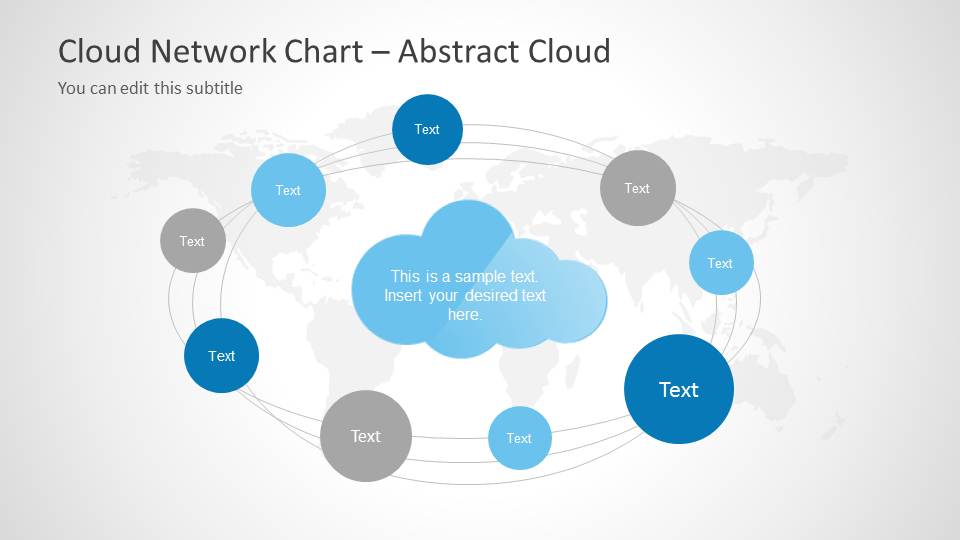
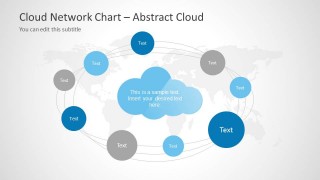
- A technology consultant can use the abstract orbit network to compare service nodes, dependencies, or integration points around a central cloud concept.
Features
- 100% editable presentation template
- Compatible with Microsoft PowerPoint and Google Slides
- 16:9 aspect ratio slides
- Scalable vector shapes, icons and illustrations
- AI-Ready for Microsoft Copilot and Claude
- Instant access and download
Frequently asked questions
Q: How should a presenter explain a cloud architecture with this template without overcrowding the slides?
A: Start with the cover to frame the cloud topic, then use one device connection layout per idea. Keep the cloud as the shared service or platform, and label each monitor, smartphone, or terminal as a user group, endpoint, or application. Move detailed technical specifications to speaker notes or appendix material.
Q: Who is this template best suited for, and what message does it support?
A: This template fits IT managers, cloud architects, consultants, and sales engineers who need to explain connectivity rather than deep infrastructure. It is strongest for service overviews, cloud adoption briefings, and client presentations where the audience must understand how devices, users, and locations relate to one cloud environment.
Q: Why do the cloud, device, and world map metaphors help communicate the topic?
A: The central cloud metaphor gives the audience a clear anchor for shared services, storage, or applications. Device icons make access points tangible, while the world map introduces scale and geographic reach. Together, the metaphors reduce abstraction and let the presenter show relationships before adding technical detail.

Cloud Network Template for PowerPoint
10-slide cloud network presentation template with device diagrams, hub connections, and world map layouts
Cloud Network Template for PowerPoint is a 10-slide 16:9 presentation template for explaining cloud computing architecture and connected devices. It includes a cover with monitors and mobile devices, hub-and-spoke cloud diagrams, device terminal layouts, an abstract orbit network, and a world map connection diagram for Microsoft PowerPoint and Google Slides.
- Category
- Shapes
- Rating


 Loading...
- Aspect ratio
- 16:9
- Item ID
- 6056-01
- Colors
 Microsoft PowerPoint
  Microsoft Copilot
  Claude for PowerPoint
 Other formats supported
Subscribe today and get immediate
access to download our PowerPoint templates.