Global Corporate Diagrams for PowerPoint– a Microsoft presentation template with a variation of diagrams for process flow and infographical charts. The theme is relative to corporate concepts of business. It has bright colors and an engaging visual. It can surely capture professional audiences and make them grasp the concept easier.
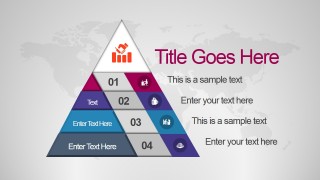
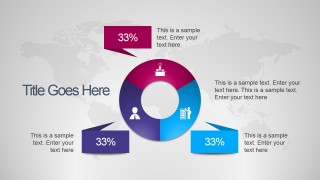
This PowerPoint template is perfect for marketing and sales presentation. It has multiple diagrams that can show statistics and summative graphics. It is ideal for a variation of business report ideas such as organization and project planning. Some of its PowerPoint shapes can metaphor leadership and teamwork. Diagrams such as the 4-level pyramid and 5-step chevron arrow styles can accommodate process flows. The donut chart can incorporate quantitative data.
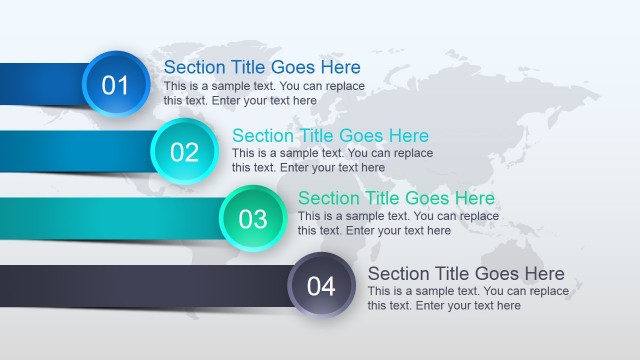
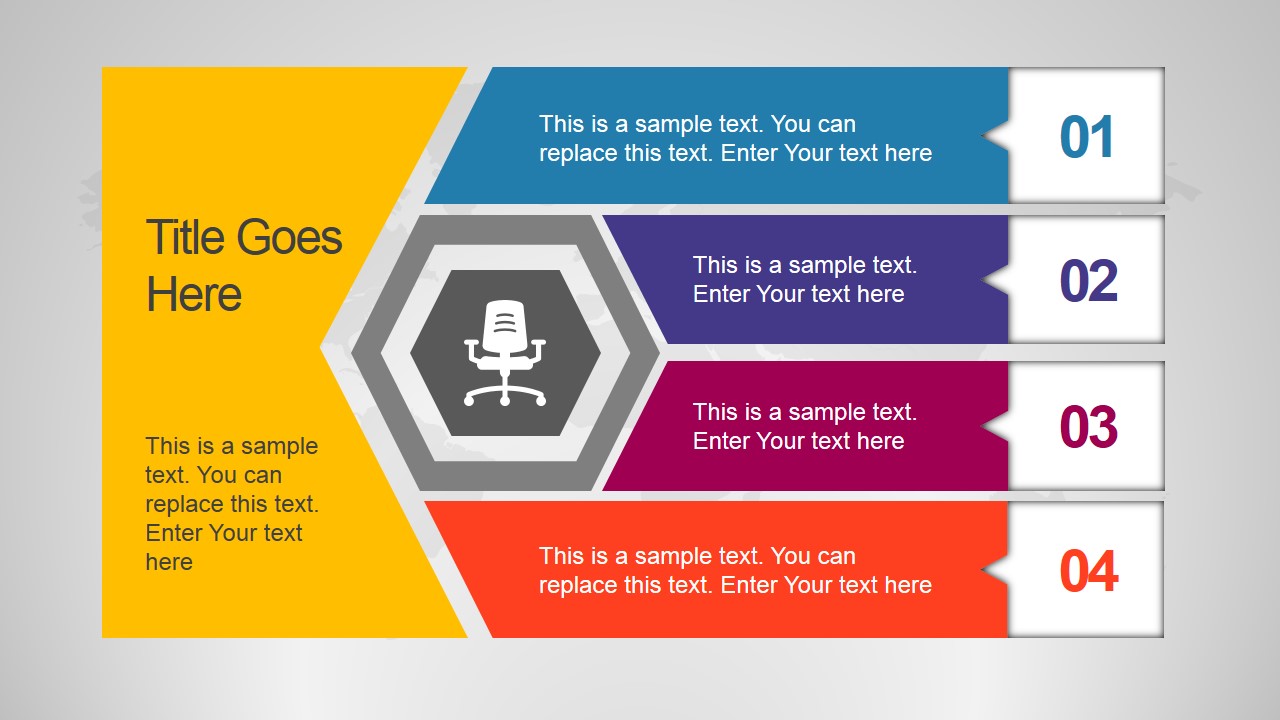
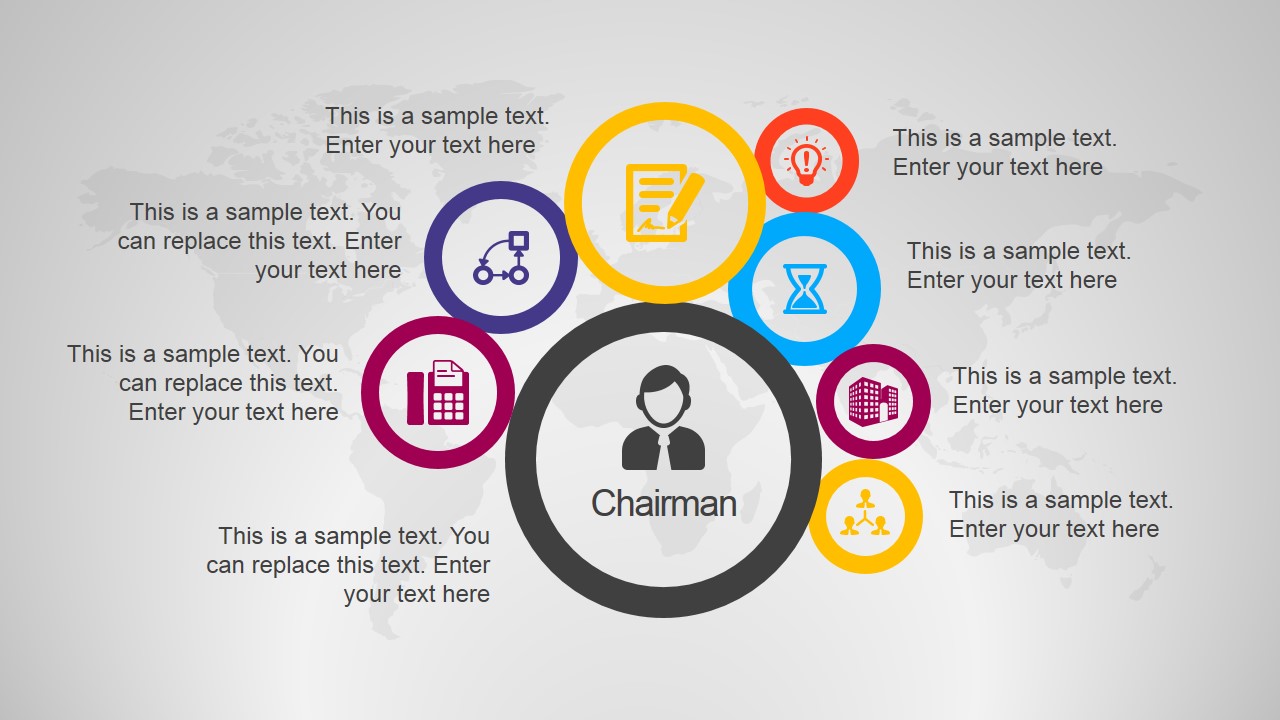
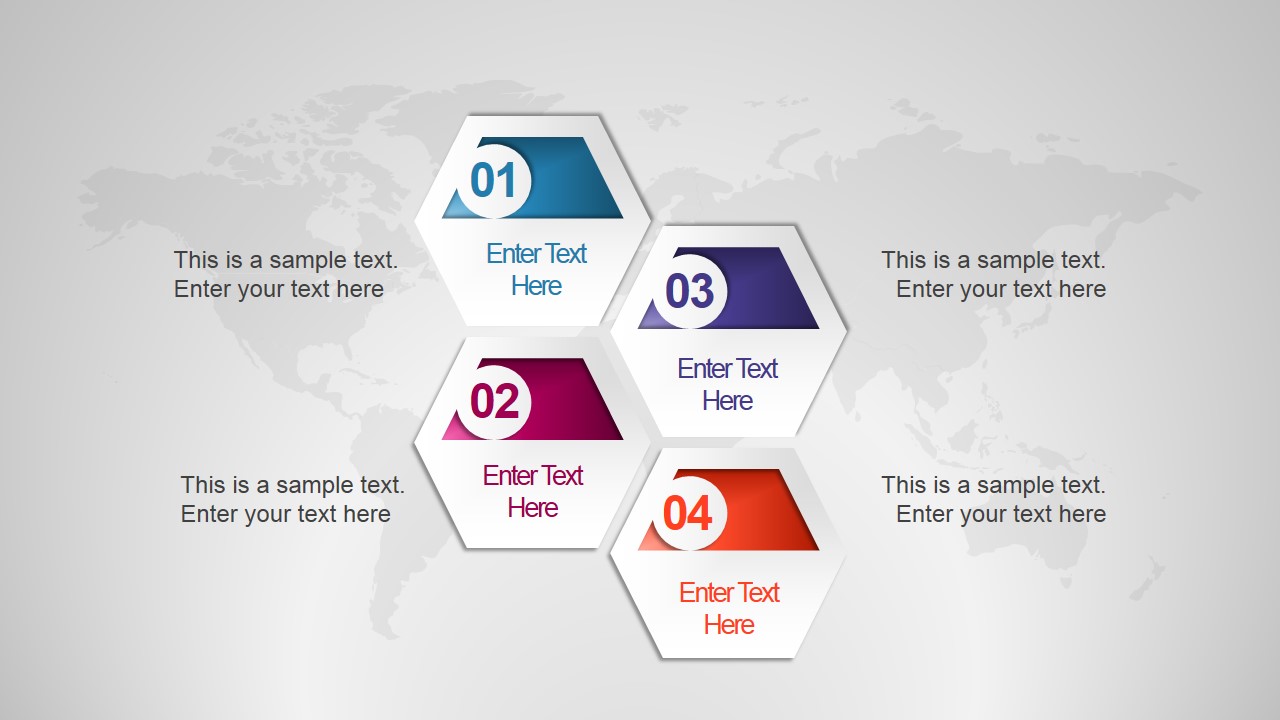
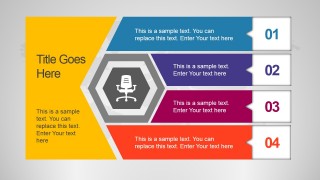
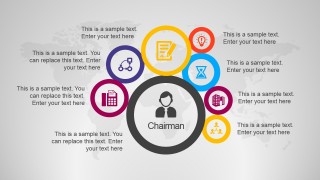
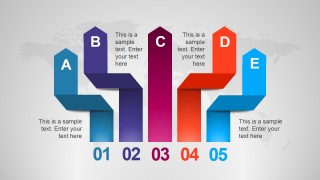
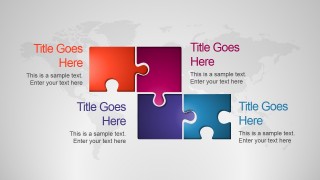
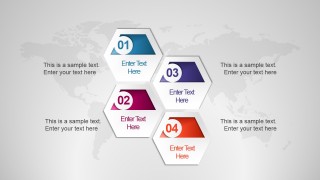
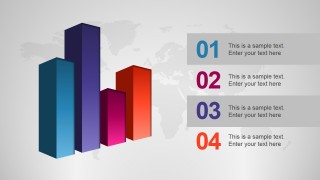
There are 8 slide designs in the Office template. In the first slide, a 4-step diagram is displayed with an office chair clipart. The picture relates the idea to an office or authority which the chair can symbolize. The text placeholders are in flat and bright colors namely blue, indigo, fuchsia and orange. They are numbered in an ascending order from 1 to 4. The second slide is a cloud of office-related icons. Each icon has a textbox that the presenter can utilize to detail on main points. Some slides highlight a pyramid, donut, puzzle, 4-step hexagon and bar charts. The 4th slide is especially designed with a 5-step chevron arrow pointing upwards layout.
Corporate is a term for a group of big companies, a business ownership type and is recognized by legal terms of the state or country. It can refer to office tasks under a corporation or other relative ideas.
Use Global Corporate Diagrams for PowerPoint to decorate professional business and marketing presentations. Business PowerPoint Templates for Presentations are downloadable at the SlideModel gallery.
What’s inside this template
Example presentation scenarios
- A marketing manager can present a campaign overview by using the 4-step process slide for phases and the donut chart slide for share-of-focus or budget allocation.
- A sales lead can explain a global account plan with the icon hub slide for stakeholders and the pyramid slide for priority levels.
- A consultant can map an operating model by using the chevron process slide for sequential actions and the puzzle slide for interdependent business functions.
- A project manager can summarize progress in a leadership update with the hexagon cluster for workstreams and the 3D bar chart for comparative status indicators.
Features
- 100% editable presentation template
- Compatible with Microsoft PowerPoint and Google Slides
- 16:9 aspect ratio slides
- Scalable vector shapes, icons and illustrations
- AI-Ready for Microsoft Copilot and Claude
- Instant access and download
Frequently asked questions
Q: How should a presenter organize these diagrams into a clear business message?
A: Start with the slide that best frames the main idea, such as the 4-step office process or icon hub, then move to a hierarchy or measurement slide like the pyramid or donut chart. Keep one message per diagram. Use the puzzle or hexagon layout only when the parts truly connect, so the visual structure matches the business logic.
Q: What type of business presentation is this template best suited for?
A: This template fits managers, marketers, sales teams, and consultants who need to explain corporate concepts without building a full pitch deck. It is strongest for process overviews, role maps, planning summaries, and global business updates where diagrams such as the chevron process, pyramid, and bar chart can turn short text into structured points.
Q: Why do the global map background and bright diagram colors help communication?
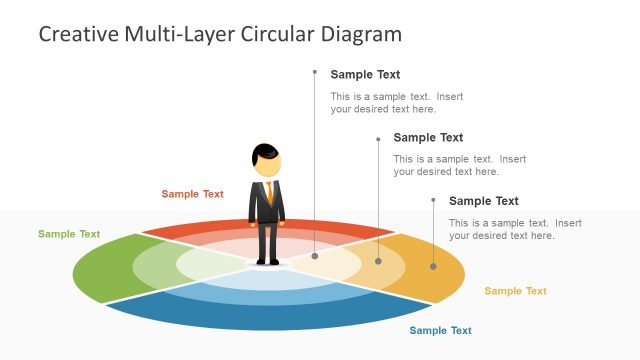
A: The faint world map gives the slides a global business context without competing with the main diagram. Bright colors separate steps, tiers, or parts, which helps the audience scan relationships quickly. The chair, chairman avatar, puzzle, and upward chevrons also work as simple metaphors for authority, leadership, connection, and progress.



Global Corporate Diagrams for PowerPoint
8-slide presentation template with global business diagrams, pyramid, donut chart, and process arrows
Global Corporate Diagrams for PowerPoint is an 8-slide corporate diagram template for business, sales, and marketing presentations. It includes a 4-step office process, icon hub, pyramid, donut chart, puzzle layout, chevron process, hexagon cluster, and 3D bar chart, built for Microsoft PowerPoint and Google Slides.
- Category
- Template Backgrounds
- Rating


 Loading...
- Aspect ratio
- 16:9
- Item ID
- 4130-01
- Colors
 Microsoft PowerPoint
  Microsoft Copilot
  Claude for PowerPoint
 Other formats supported
Subscribe today and get immediate
access to download our PowerPoint templates.