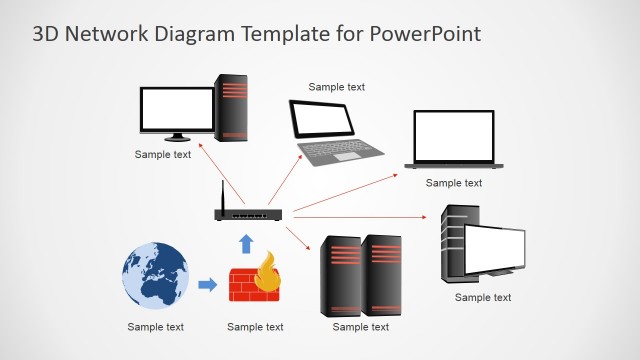
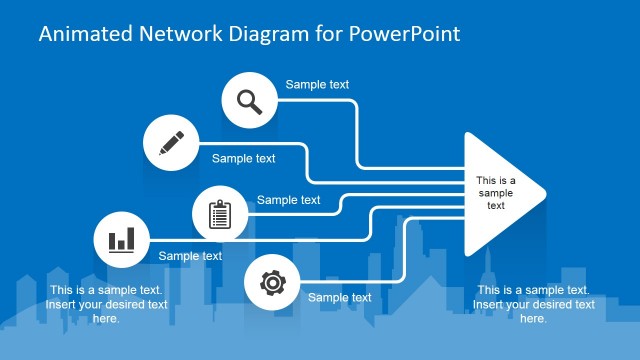
Simple Network Diagrams for PowerPoint is a presentation design containing creative network diagrams and slide layouts that you can use in a Network or IT PowerPoint presentation.
Inside this presentation template you can find creative diagram designs including network related icons and PowerPoint shapes. You can easily edit and customize the slides by changing the shape properties or rearrange the diagrams to match any desired layout. Also, check our collection of network PowerPoint templates.
What’s inside this template
Example presentation scenarios
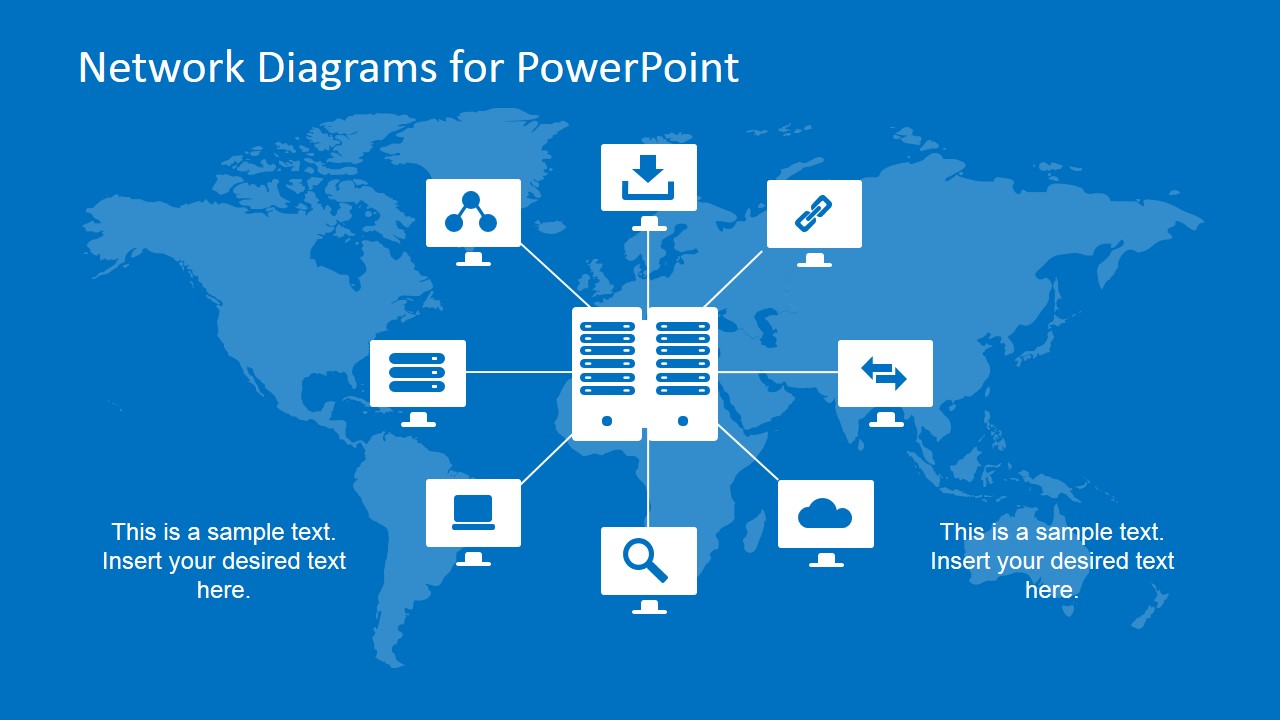
- An IT manager can use the server topology hub to brief executives on how core infrastructure services connect to users, cloud resources, and endpoint devices.
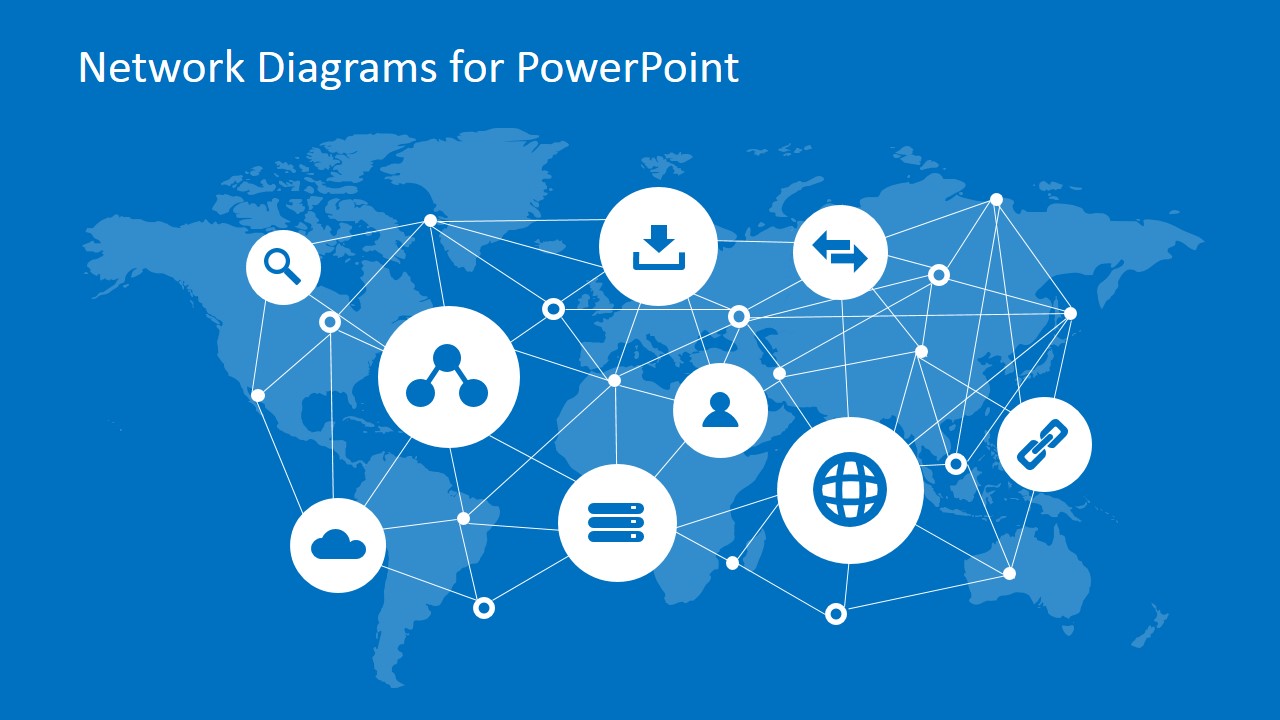
- A network architect can use the global connection map to explain distributed sites, internet services, or data exchange paths to a project steering committee.
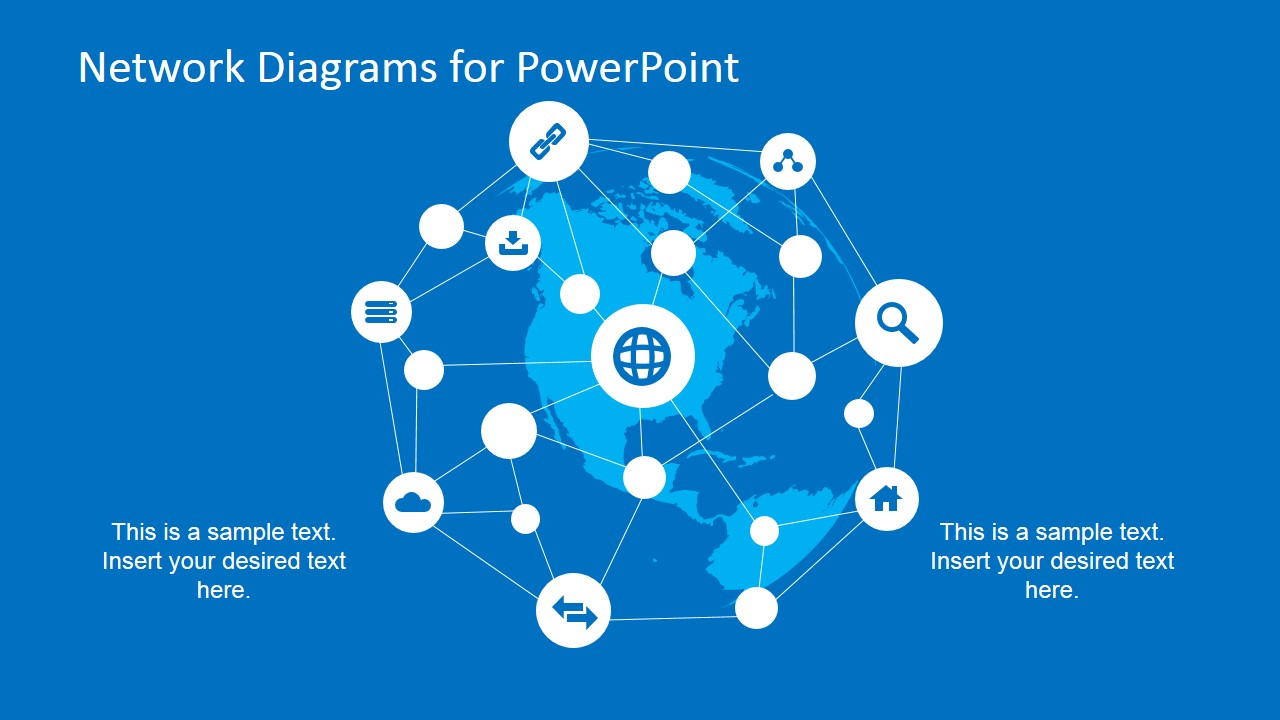
- A technology consultant can use the circular node network to present a high-level operating model before moving into more detailed technical documentation.
- A cybersecurity presenter can use the icon tree and standalone icon set to introduce access points, user groups, cloud services, and monitoring concepts in a clear visual language.
Features
- 100% editable presentation template
- Compatible with Microsoft PowerPoint and Google Slides
- 16:9 aspect ratio slides
- Scalable vector shapes, icons and illustrations
- AI-Ready for Microsoft Copilot and Claude
- Instant access and download
Frequently asked questions
Q: How should I explain a network architecture with these slides without overwhelming nontechnical stakeholders?
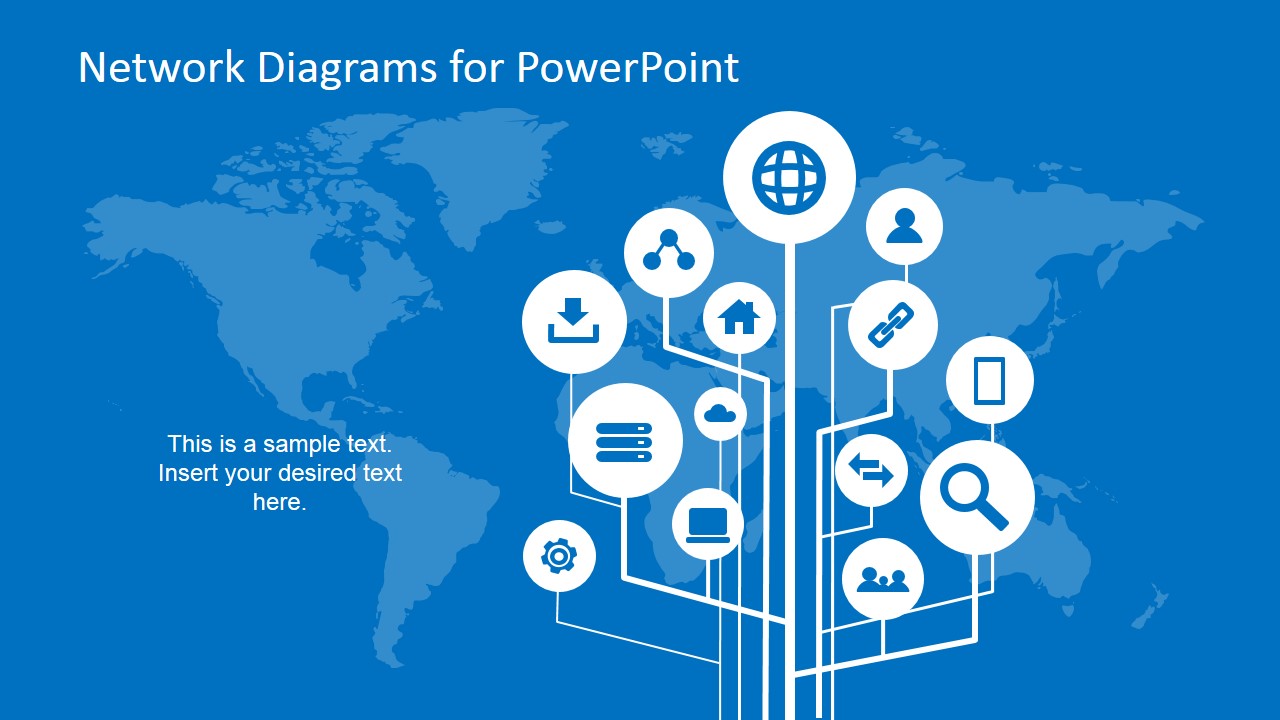
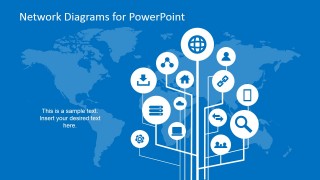
A: Start with the world map icon tree to define the main service categories, then move to the server topology hub to show how systems relate. Keep labels short and use the recurring icons for web, cloud, user, and server concepts. Reserve detailed specifications for a follow-up appendix or technical handout.
Q: When is this template a good fit for an IT or infrastructure presentation?
A: This template fits presentations where the goal is to summarize connectivity, service relationships, or distributed infrastructure rather than document exact engineering detail. IT managers, consultants, and systems architects can use the map-based diagrams to align leaders, customers, or cross-functional teams around how major network components interact.
Q: Why do the map and node metaphors work for network communication?
A: The map metaphor gives the audience a geographic sense of scale, while the node-and-line structure shows relationships without requiring technical notation. Circular icon badges make abstract services look like recognizable concepts. This combination helps presenters explain infrastructure as an organized system rather than a list of devices.


Simple Network Diagrams for PowerPoint
5-slide network diagram presentation template with topology maps, infrastructure icons, and connected node layouts
Simple Network Diagrams for PowerPoint is a 5-slide diagram template for IT and network presentations. It includes a world map icon tree, hub-and-spoke server topology, global connection map, circular node network, and standalone network icon set for infrastructure planning in Microsoft PowerPoint and Google Slides.
- Category
- Diagrams
- Rating


 Loading...
- Aspect ratio
- 16:9
- Item ID
- 6678-01
- Colors
 Microsoft PowerPoint
  Microsoft Copilot
  Claude for PowerPoint
 Other formats supported
Subscribe today and get immediate
access to download our PowerPoint templates.