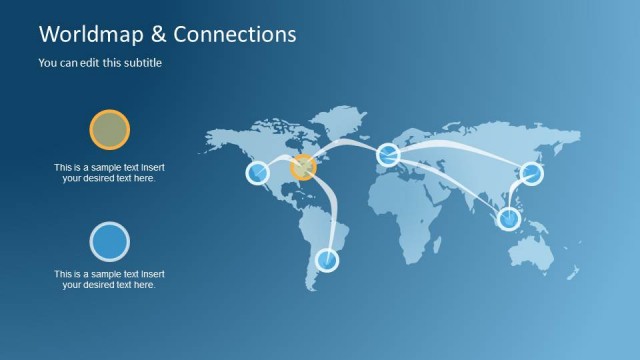
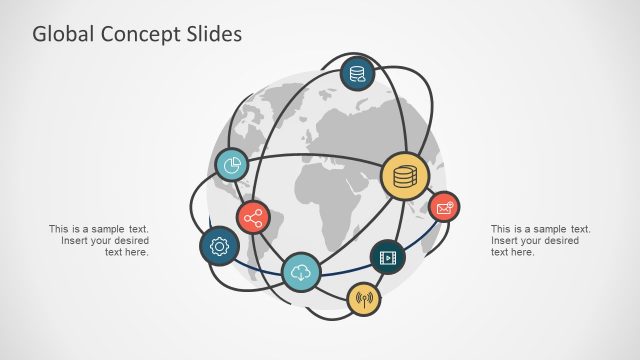
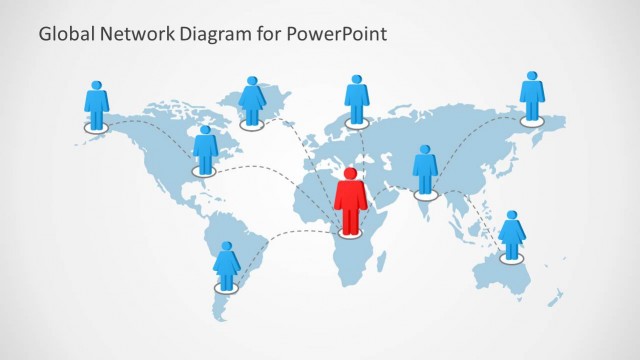
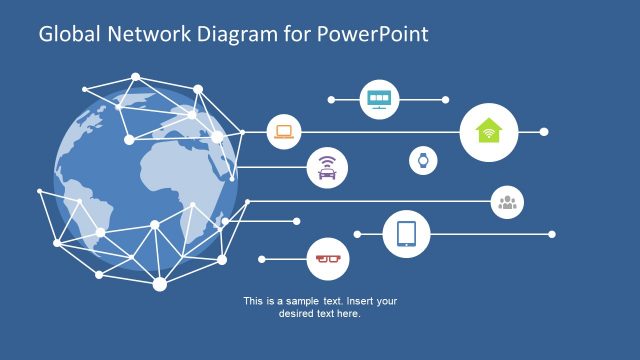
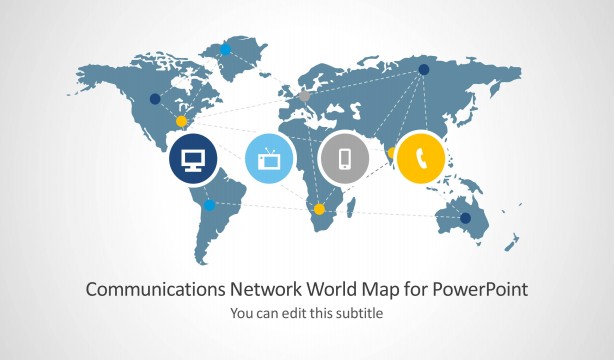
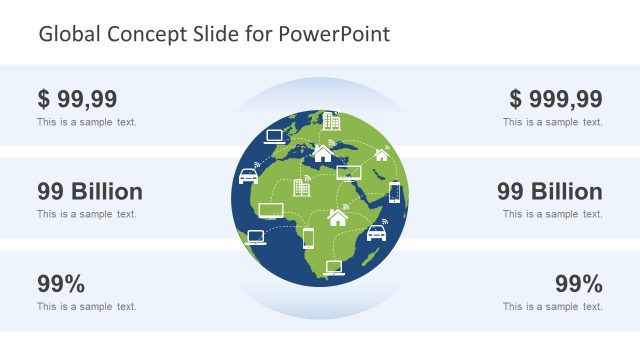
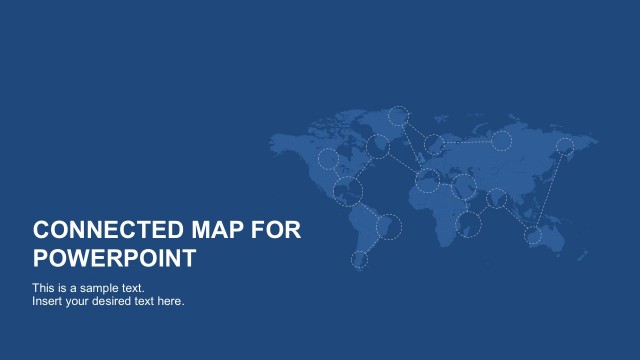
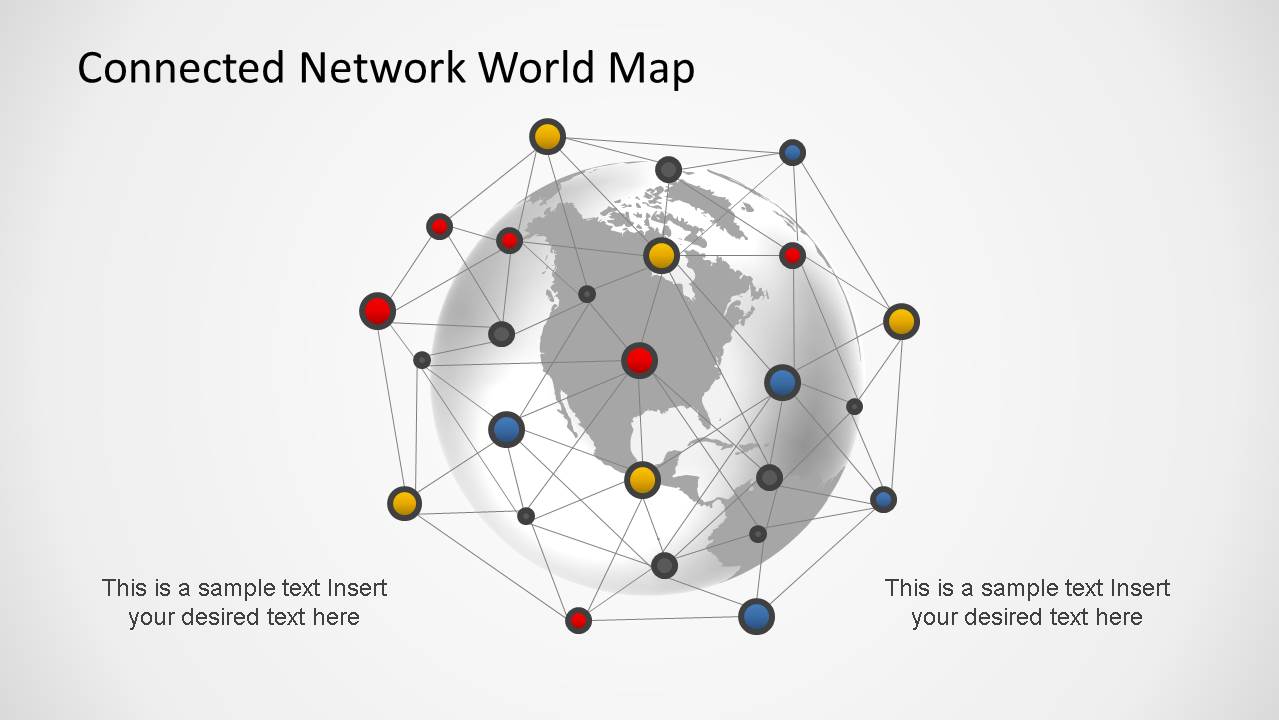
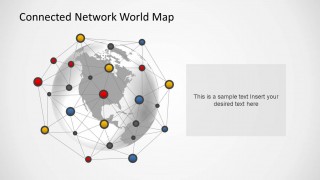
Connected Network World Map PowerPoint Template is a modern presentation with a colorful network over a terrestrial globe representing interconnected circular icons.
Ideal for lectures of globalization , international commerce or political relationships, the presentation is completely customizable, allowing the user to reconnect the dots or re-structure the network shape into a different graph.
Combine this Connected Network World Map PowerPoint Template with our Internet of the Things presentation or any of our Maps PowerPoint Templates and create powerful PowerPoint Presentations that appeal to global audiences.
Save time and engage your audience with this pre-baked PowerPoint Template.
What’s inside this template
Example presentation scenarios
- A market analyst can use the connected world map and side captions to introduce where international demand, partners, or customer segments are located.
- A university instructor can use the globe network diagram and stacked text cards to explain globalization concepts, cross-border commerce, or political relationships.
- An e-commerce manager can use the map with colored nodes to show international order flow, vendor links, or regional service coverage.
- A consultant can use the large callout panel to summarize a global operating model while keeping the network map visible as geographic context.
Features
- 100% editable presentation template
- Compatible with Microsoft PowerPoint and Google Slides
- Scalable vector shapes, icons and illustrations
- AI-Ready for Microsoft Copilot and Claude
- Instant access and download
Frequently asked questions
Q: How should the presenter explain the network map without making it feel too abstract?
A: Start by defining what each colored node represents, such as locations, partners, markets, or systems. Then use the connector lines as relationship cues, not as exact routes unless the data supports that claim. The side captions, stacked text cards, and callout panel should translate the map into clear business meaning.
Q: Who is this template best suited for in a business or education setting?
A: It fits presenters who need to explain international relationships at a high level, rather than country-by-country detail. Consultants, global commerce teams, instructors, and policy presenters can use the globe network visual to frame a topic, then use the text areas to name regions, themes, risks, or coordination points.
Q: Why does the globe-and-node metaphor work for global network topics?
A: The spherical world map immediately signals international scope, while colored nodes and thin lines suggest distributed activity and interdependence. This visual metaphor is useful when the message is about connected markets, systems, or organizations. The text panels keep the slide from becoming only decorative by anchoring the visual in specific points.


Connected Network World Map PowerPoint Template
3-slide presentation template with connected world map network diagrams for globalization and international commerce topics
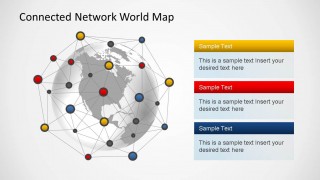
Connected Network World Map PowerPoint Template is a 3-slide map diagram deck built around a gray globe, linked nodes, and colored network points. It includes a title map with side captions, a map with three stacked text cards, and a map with a callout panel for global business, e-commerce, and international relationship presentations.


 Loading...
 Microsoft PowerPoint
  Microsoft Copilot
  Claude for PowerPoint
 Other formats supported
Subscribe today and get immediate
access to download our PowerPoint templates.