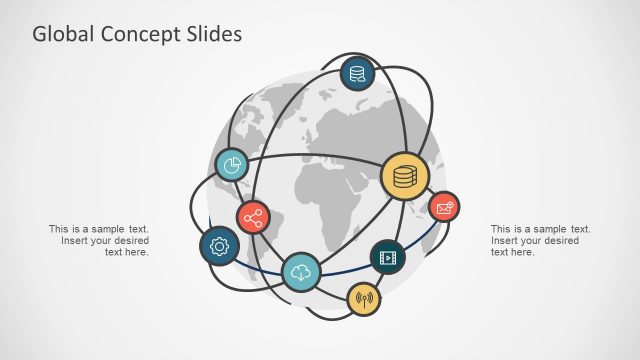
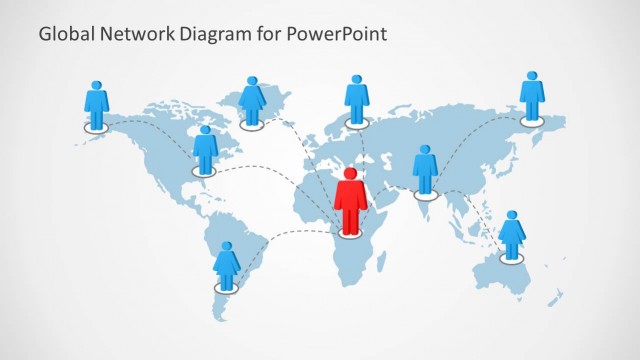
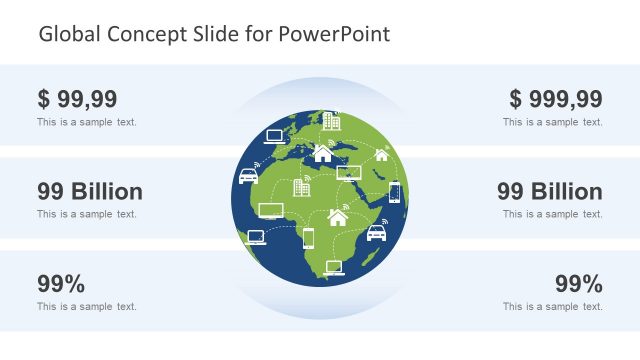
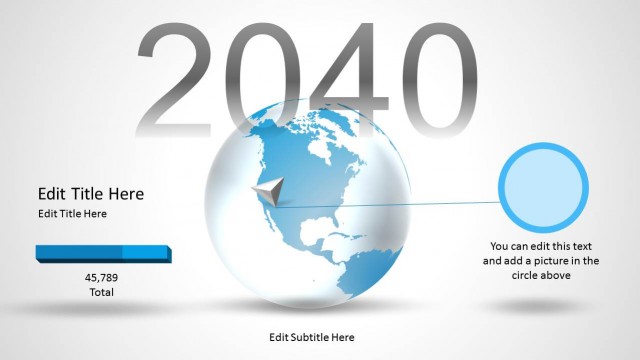
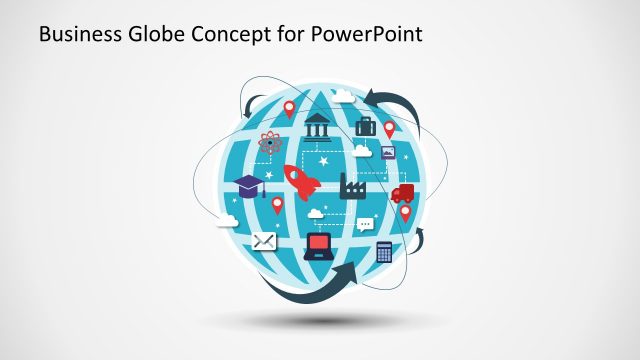
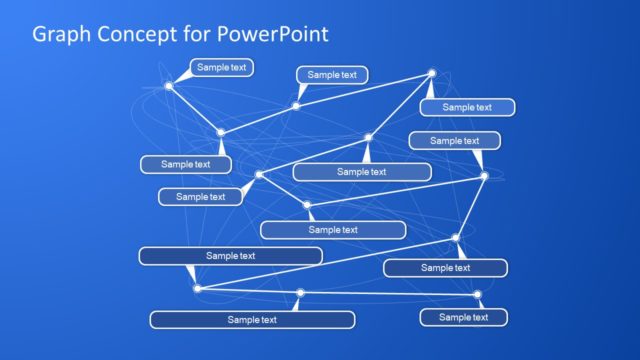
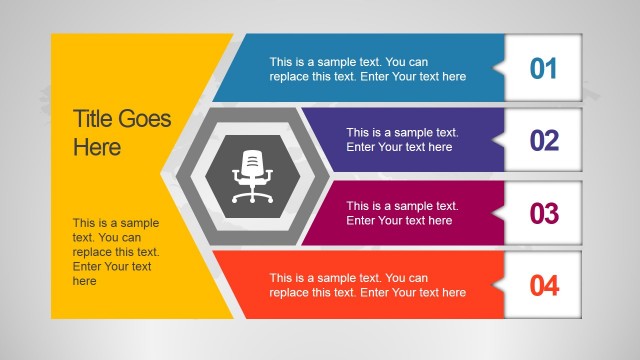
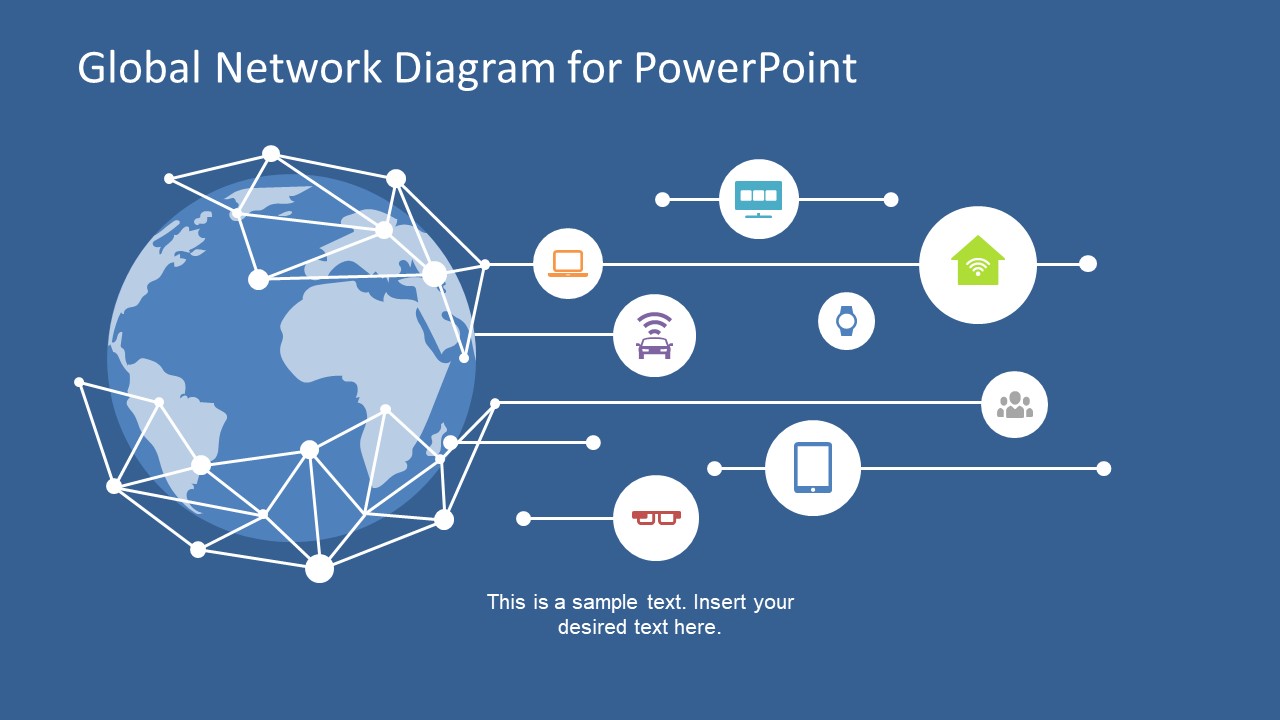
The Global Network Concept for PowerPoint is a web communication concept presentation of modern technologies. This template is an amazing tool to demonstrate marketing of company’s brand globally. Further, the network clipart of nodes shows interaction of customers and subscribers worldwide. The 2-slide PowerPoint of global network diagram has blue and white background templates. The diagram is a flat design vector of amazing infographics representing various communication and connection terms. For example, the circular infographic icons in first slide shows how internet is accessible through home, car, and smart devices. Moreover, the use of lines with nodes assist users to connect the dots in the global network diagram as require. The fully customizable PowerPoint enables presenter to move, resize, rotate and resize the objects quickly and easily.
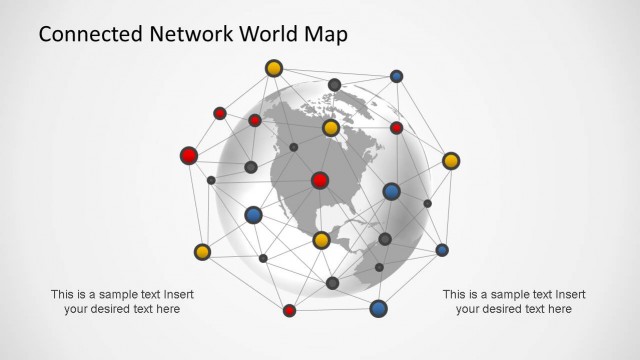
The Global Network Diagram for PowerPoint is an exceptional template to present topics like internet, international roaming and social media. It is a minimalist design to highlight major points with cool infographics to the audience. The slides contain earth globe clip art and the cage of node over it defining the scope of global network. The global network diagram template of PowerPoint has two versions of creative design. For instance, the first template displays cage style cut from the middle. Whereas, the second template has earth image fully cover with network. Further, the variation in background color, as well as the color of connecting lines suggest the option of customizing colors. The SlideModel catalog has another amazing design of global network concept to present data storage and cloud computing.
Ideally, the global network diagram for PowerPoint is a business presentation design for its international trades. Such as managing oversees outlets, marketing and customer service. This PowerPoint of global network diagram is useful in making a quick presentation of communication features. However, the globe image and infographics are accessible as standalone infographics for number of presentations.
What’s inside this template
Example presentation scenarios
- A technology product manager can use the globe network diagram to explain how connected devices, users, and services interact across regions.
- A marketing leader can present international brand reach by pairing the world map visual with circular callout icons for customer touchpoints.
- A telecommunications presenter can use the node-link mesh to show roaming, internet access, or distributed communication coverage at a concept level.
- A business development team can use the dark blue and white slide variants to introduce a global partnership or market expansion discussion.
Features
- 100% editable presentation template
- Compatible with Microsoft PowerPoint and Google Slides
- 16:9 aspect ratio slides
- Scalable vector shapes, icons and illustrations
- AI-Ready for Microsoft Copilot and Claude
- Instant access and download
Frequently asked questions
Q: How should a presenter use this diagram without making the message too abstract?
A: Start with one clear sentence that defines what the globe represents, such as customers, offices, devices, or data routes. Then assign each circular icon to a specific touchpoint and use the short text area for the main takeaway. Avoid explaining every node; treat the network mesh as context for scale and connection.
Q: Who is this template best suited for?
A: This template is best for presenters who need a quick concept slide about global reach, digital access, or connected technology. It fits marketing, telecommunications, software, and operations discussions where the audience needs to understand presence and connection before hearing detailed plans, metrics, or technical architecture.
Q: Why does the globe-and-network metaphor work for this message?
A: The globe signals worldwide scope immediately, while the node-link mesh suggests interaction, routing, and many connected endpoints. The circular callout icons translate that abstract network into recognizable user, device, home, and service touchpoints. This combination helps audiences connect the strategic idea of reach with practical communication channels.


Global Network Concept for PowerPoint
2-slide presentation template for global network diagrams, connection nodes, and technology communication concepts.
Global Network Concept for PowerPoint is a 2-slide diagram template for explaining worldwide connectivity, digital communication, and technology reach. It includes a globe network diagram, node-link mesh, circular device callouts, and short text areas. It is designed for business, technology, marketing, and communications presenters in Microsoft PowerPoint and Google Slides.
- Category
- Diagrams
- Rating

 Loading...
- Aspect ratio
- 16:9, 4:3
- Item ID
- 7735-01
- Colors
 Microsoft PowerPoint
 Microsoft Copilot
 Claude for PowerPoint
Other formats supported
Subscribe today and get immediate
access to download our PowerPoint templates.