Slide 8 of 10 from Global Network Diagram for PowerPoint
6177-01-global-network-diagram-8
Global Network Diagram for PowerPoint
- Diagram
- Network Graph
- Process Slide
- 16:9
- 100% Editable
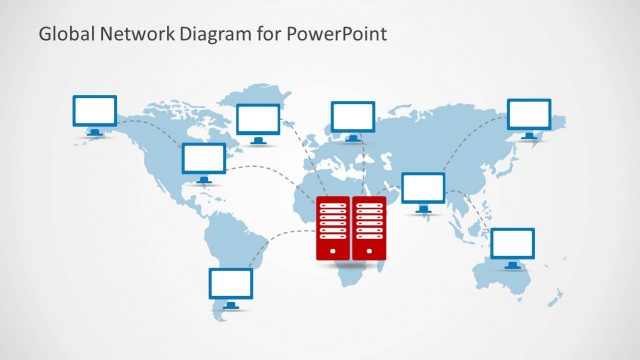
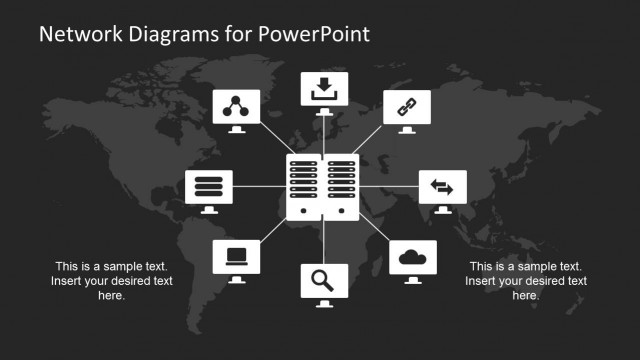
The Global Network Diagram slide from the Global Network Diagram for PowerPoint template effectively visualizes server-client relationships and IT infrastructure using editable shapes and vector icons. This slide layout supports clear communication of network architecture in business presentations or technical slide decks, enhancing understanding of global connectivity through well-organized PowerPoint slides.
What’s on This Slide
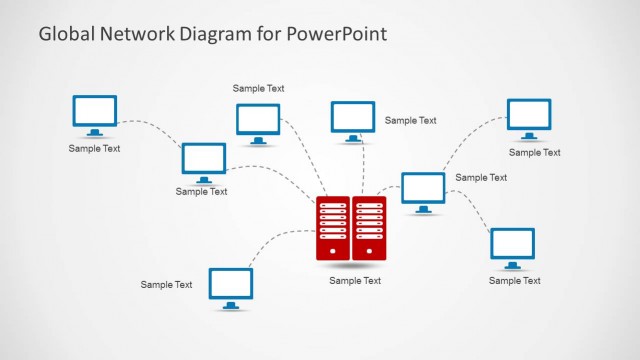
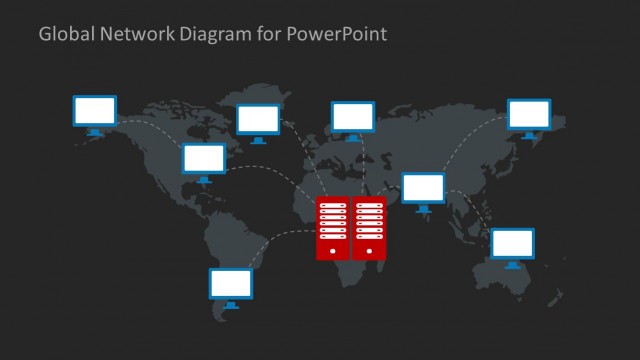
The layout features a central red server icon flanked by eight blue computer icons arranged in a circular pattern. Dashed lines connect each computer to the server, indicating network connections. Each icon has a text placeholder below it, aligned centrally. The background is dark, enhancing the visibility of the icons. The title is positioned at the top center, creating a clear visual hierarchy. The overall composition is balanced, with equal spacing between the icons and the central server, ensuring clarity in the diagram's structure.
How to Use It
This layout serves as a network diagram, illustrating connectivity between a central server and multiple computers. It fits well in presentations discussing IT infrastructure, cloud computing, or global networking strategies. This slide can be used to depict data flow, server-client relationships, or network architecture in business contexts. It is effective in visually summarizing complex network systems, making it suitable for technical discussions or project updates in technology-focused presentations.
Text Placeholders & Capacity
Keep your copy within these limits so it fits without resizing. Node labels can hold about 2-3 words each.
| Placeholder | Count | Max characters (approx.) |
|---|---|---|
| Item heading | 8 | 12 |
| Item body | 8 | 12 |
| Slide title | 1 | 40 |
Slide Keywords
Download unlimited PowerPoint templates, charts and graphics for your presentations with our annual plan.
DOWNLOADReturn to Global Network Diagram for PowerPoint.