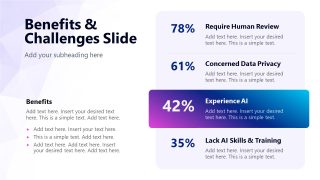
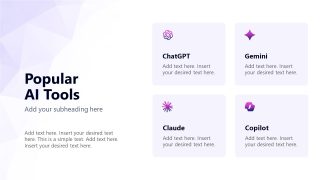
Structure the tools and techniques for using Gen AI in business operations effectively with our Generative AI Training PowerPoint Template. Artificial intelligence is the need of the hour. Implementing AI systems, workflows, intelligent growth frameworks, and using smart devices is key to business growth. Generative AI is the type of AI that produces outputs such as text, images, videos, audio, and other documents. Gen AI is useful for completing mundane tasks such as reporting, data sorting, data visualization, and other content generation. The type of response from Gen AI mainly depends on how you contextualize your prompt and describe the output you want. To ensure employees use AI properly, this Gen AI template enables AI consultants to share the approach to using AI responsibly and efficiently. They explain the components of AI workflow, the benefits and challenges in using Gen AI, and popular AI tools.
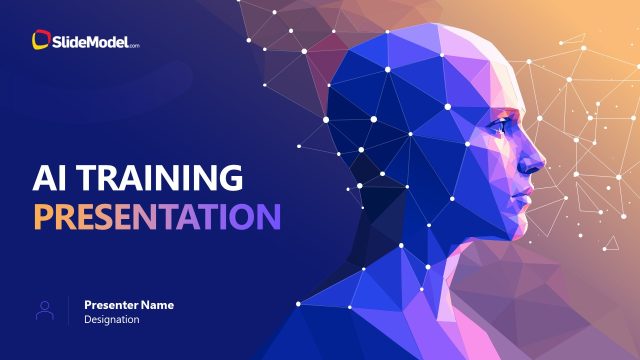
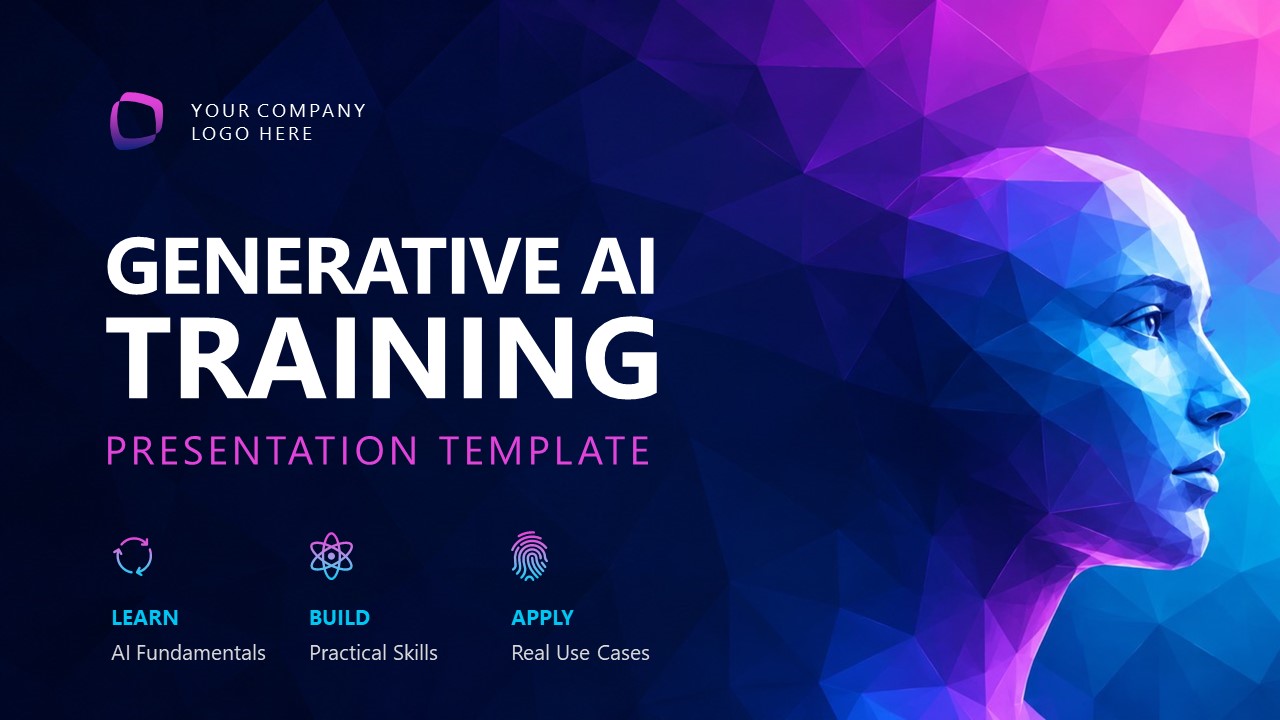
The Generative AI Training PowerPoint Template begins with a purple gradient cover slide showing a human silhouette with a forward-facing pose. Next, after the agenda presentation, AI trainers can share techniques for writing the best prompts, i.e., prompt engineering for generating content like summaries and visuals. Some of the key slides in this gen AI training slide deck are:
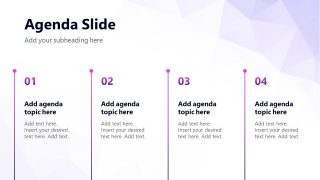
- Agenda Slide
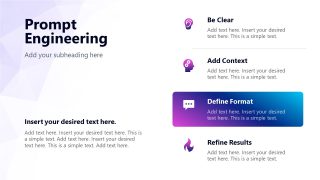
- Prompt Engineering
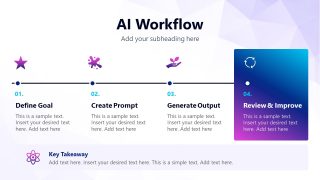
- AI Workflow
- Benefits & Challenges Slide
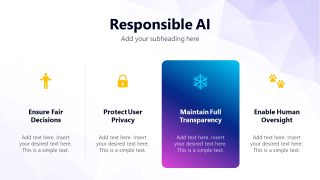
- Responsible AI
- Popular AI Tools
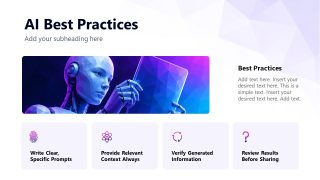
- AI Best Practices
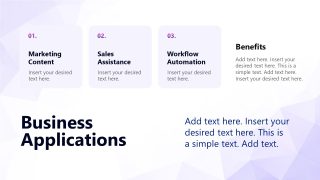
- Business Applications
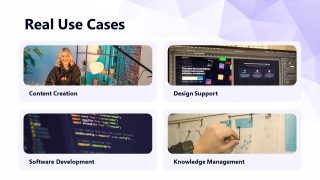
- Real Use Cases
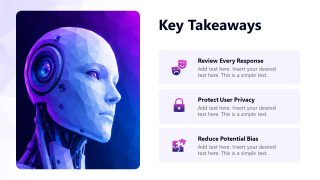
- Key Takeaways
- Thank You
At the end, AI product and strategy consultants visualize the key business applications and use cases of AI in the company systems. Furthermore, we allow users to modify the color scheme and adjust the template layout to accurately match their presentation needs. Download the generative AI training slide template to deliver a structured approach to using gen AI effectively in employee engagement presentations.
What’s inside this template
Example presentation scenarios
- An AI consultant can use the prompt engineering checklist and AI workflow timeline to teach employees how to move from a business goal to a reviewed AI output.
- A learning and development manager can use the agenda, best practices cards, and key takeaways slide to structure an internal workshop on generative AI adoption.
- A compliance or risk presenter can use the responsible AI slide and privacy-focused takeaway cards to explain safe AI behavior to business teams.
- A department leader can use the business applications and real use cases slides to show where AI can support marketing content, sales assistance, workflow automation, and knowledge work.
Features
- 100% editable presentation template
- Compatible with Microsoft PowerPoint and Google Slides
- 16:9 aspect ratio slides
- Scalable vector shapes, icons and illustrations
- AI-Ready for Microsoft Copilot and Claude
- Instant access and download
Frequently asked questions
Q: How should a trainer present this deck so the AI lesson feels practical instead of abstract?
A: Start with the agenda, then use the prompt engineering slide as the first hands-on concept. Move directly into the AI workflow timeline so the audience sees a repeatable process: define the goal, write the prompt, generate output, and review. End each section by connecting the idea to the use case cards and takeaway slide.
Q: Who is this template best suited for in an organization?
A: This template fits presenters responsible for business adoption of generative AI, such as AI consultants, learning teams, transformation leaders, and department managers. It is strongest when the goal is to train nontechnical employees on prompt writing, responsible AI behavior, common tools, and practical business applications rather than explain deep technical model design.
Q: Why does the deck combine AI portrait visuals with cards, timelines, and checklists?
A: The AI portrait creates an immediate training theme, while the agenda columns, workflow timeline, and checklist cards turn a broad topic into learnable steps. This mix helps audiences separate concepts, actions, risks, and examples. The repeated gradient highlight cards also signal which point deserves extra attention on each slide.



Generative AI Training PowerPoint Template
12-slide presentation template for generative AI training with prompt engineering, AI workflow, and responsible AI layouts
This 12-slide generative AI training presentation template gives AI consultants, trainers, and managers a structured lesson deck for employee enablement. Visible layouts include an agenda, prompt engineering checklist, AI workflow timeline, benefits and challenges statistic panel, responsible AI principles, tool cards, use cases, and takeaways for Microsoft PowerPoint and Google Slides.
- Category
- Multi-purpose
- Rating

 Loading...
- Aspect ratio
- 16:9
- Item ID
- 94246-01
- Colors
 Microsoft PowerPoint
  Microsoft Copilot
  Claude for PowerPoint
 Other formats supported
Subscribe today and get immediate
access to download our PowerPoint templates.