Present the strategies to implement artificial intelligence in the company systems with our customizable AI Digital Transformation PowerPoint Template. AI is getting smarter with every passing day. Companies are integrating AI in their marketing, workflows, and CRMs. Entire company workflows are being replaced by AI automation workflows, where AI agents are frequently utilized. We have created this template to help professionals showcase the steps to digital transformation in their business sessions. They can discuss the benefits, use cases, limitations, and finances related to AI implementation. This best PPT template has a professional layout with infographics and AI images to make the presentation more impactful. They can communicate their ideas in a visually appealing format.
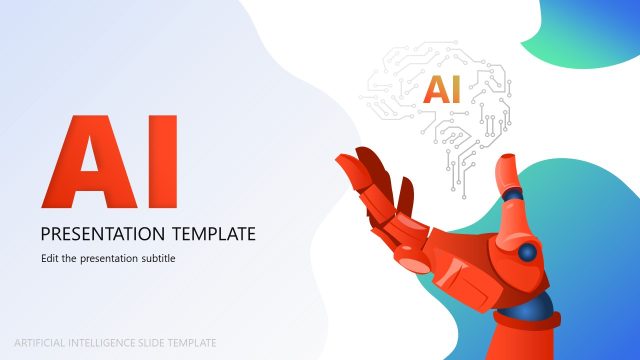
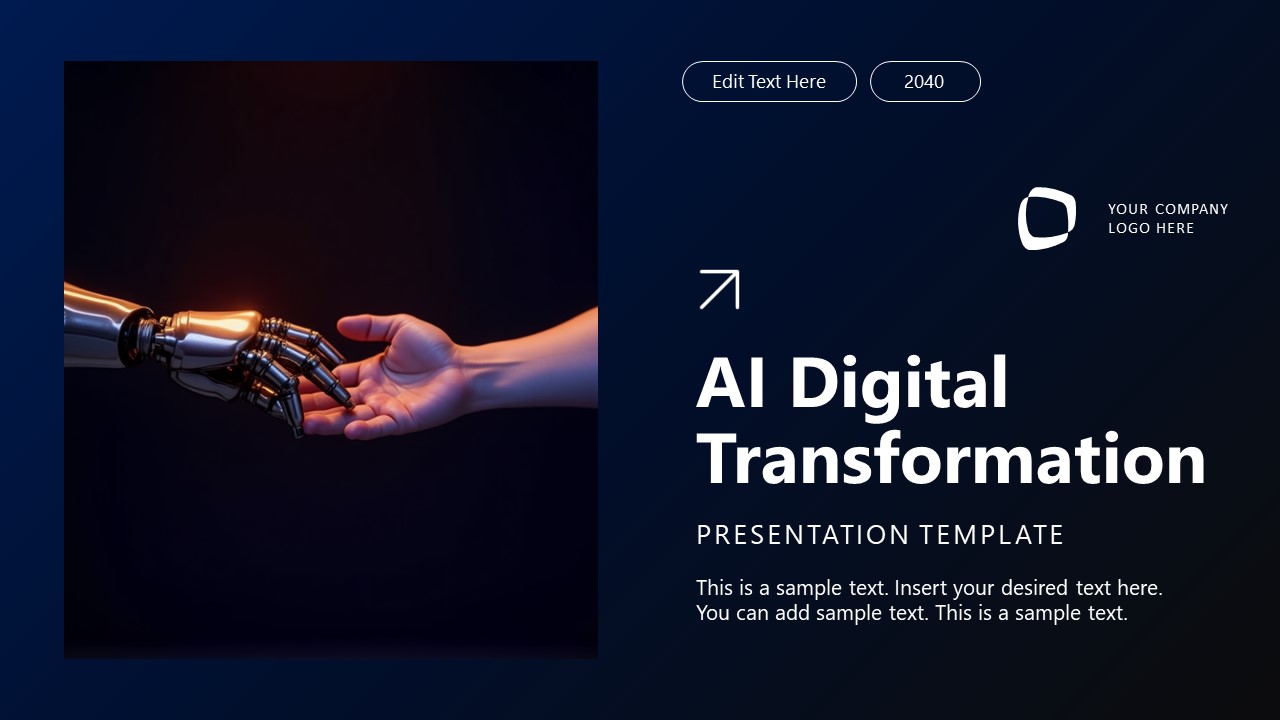
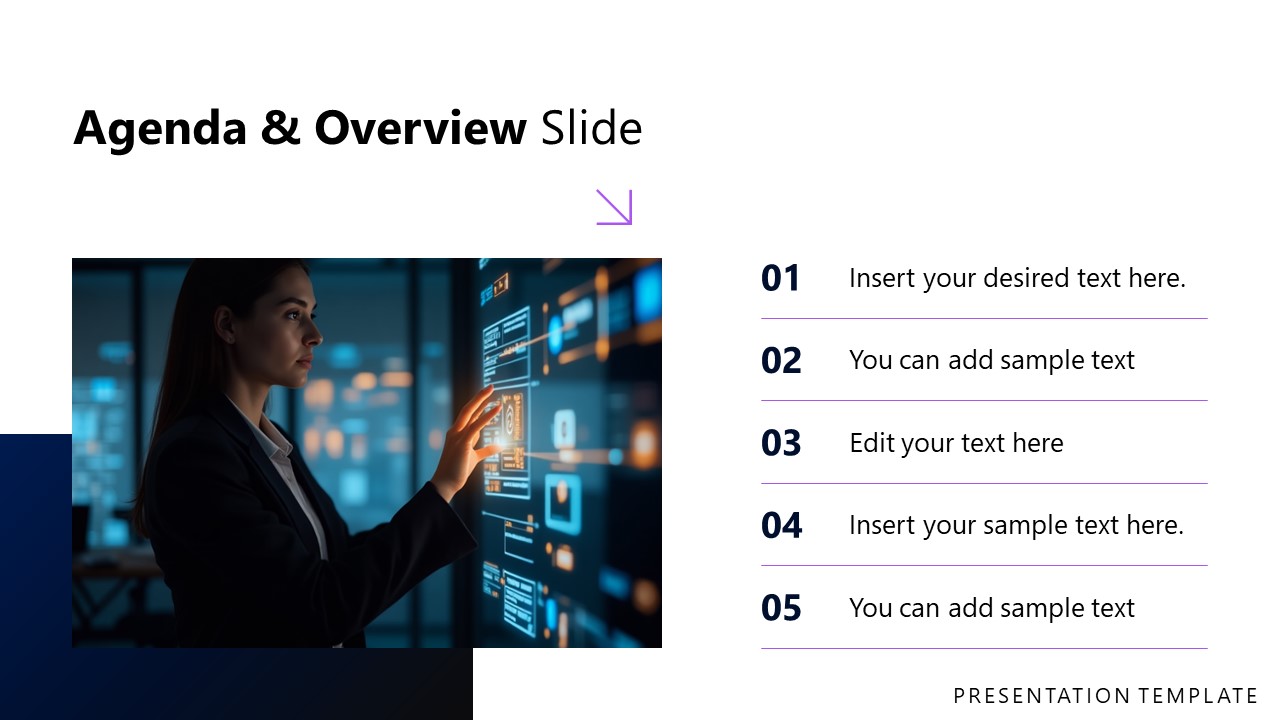
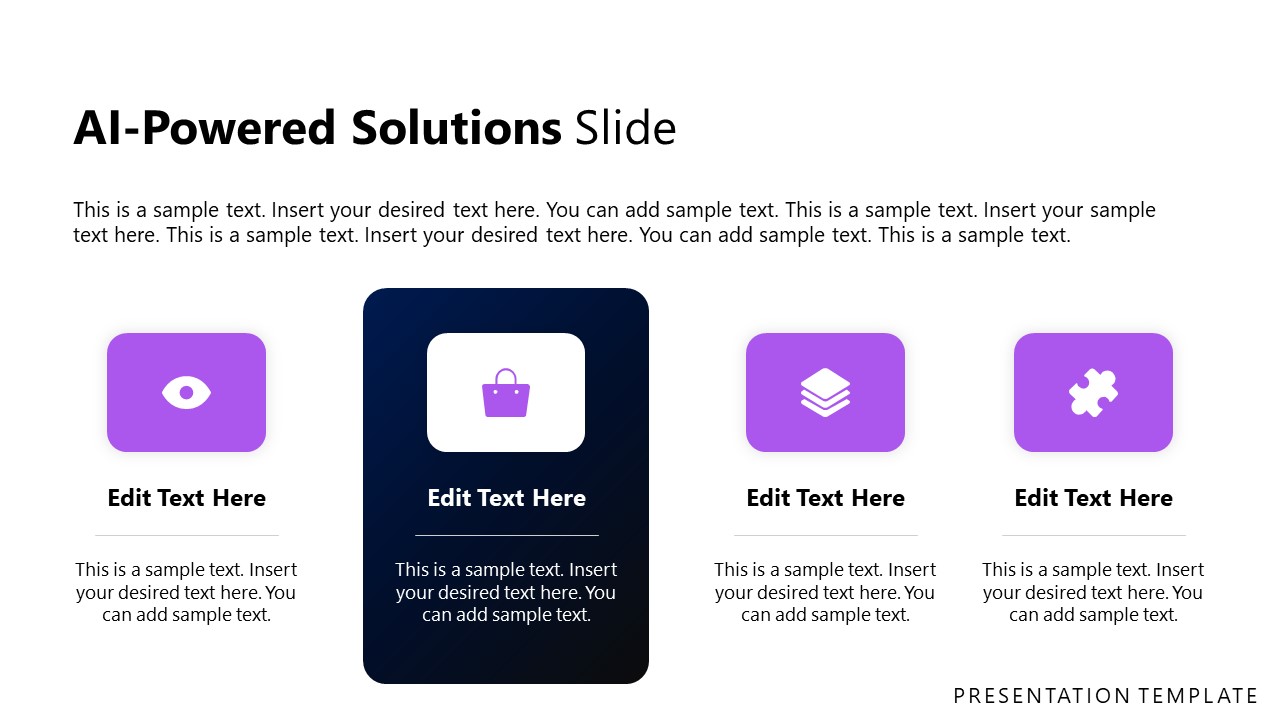
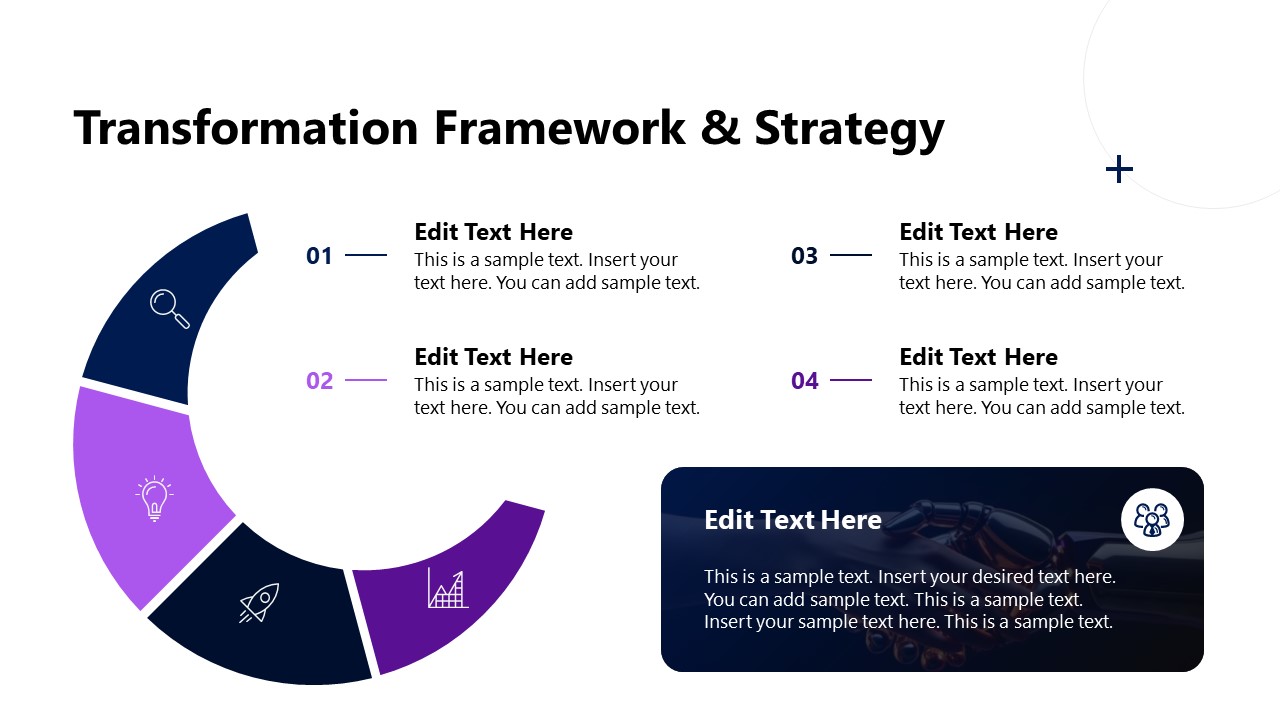
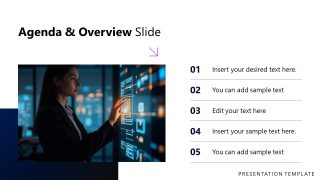
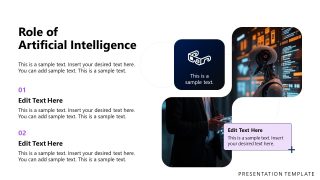
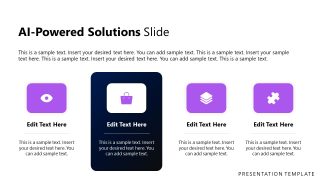
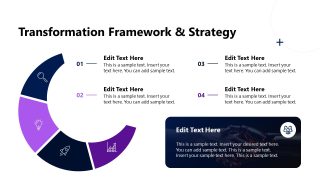
The AI Digital Transformation PowerPoint Template begins with a cover slide featuring an image of a human hand shaking hands with a robotic hand. After the agenda and AI overview, professionals can introduce the concept of digital transformation. They can present the role of AI and how they can solve their current business challenges using AI. We have provided infographics blocks so users can showcase AI-powered solutions. The transformation framework and strategy slide contains a crescent diagram with segments and relevant icons. We also have slides for:
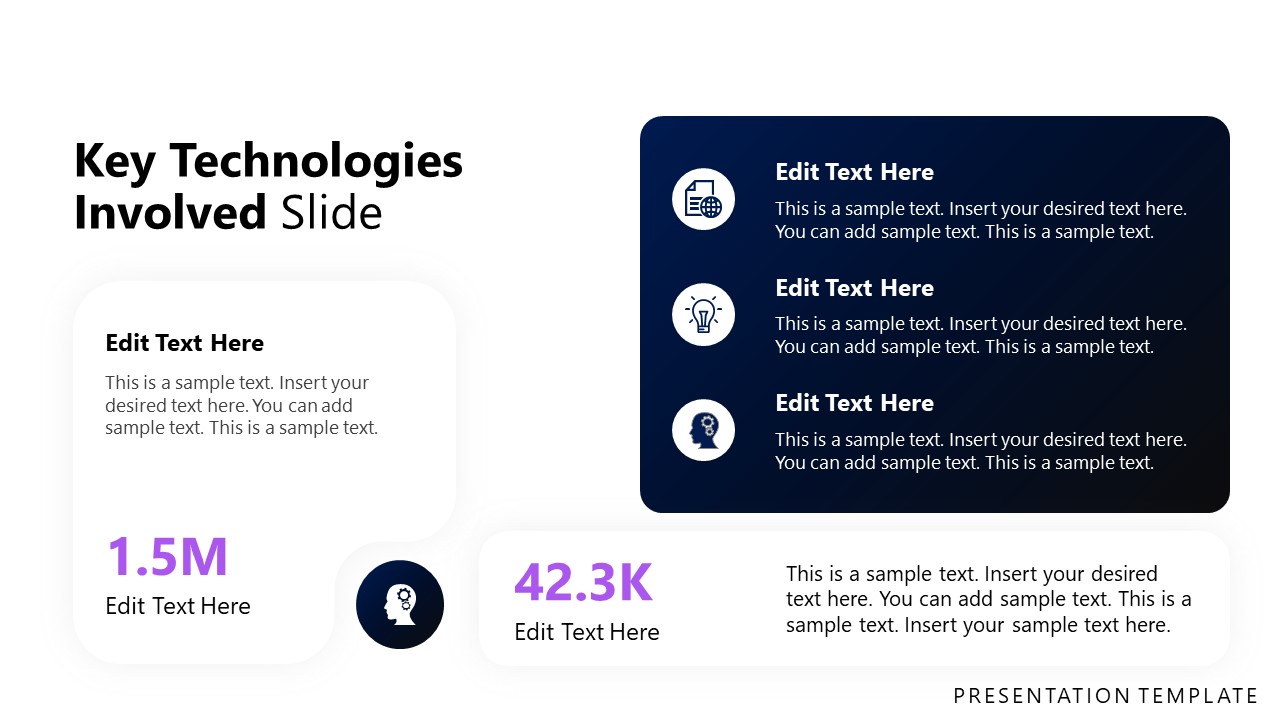
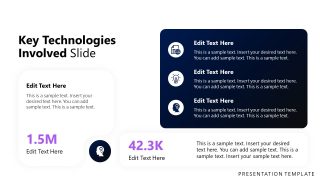
- Key Technologies Involved
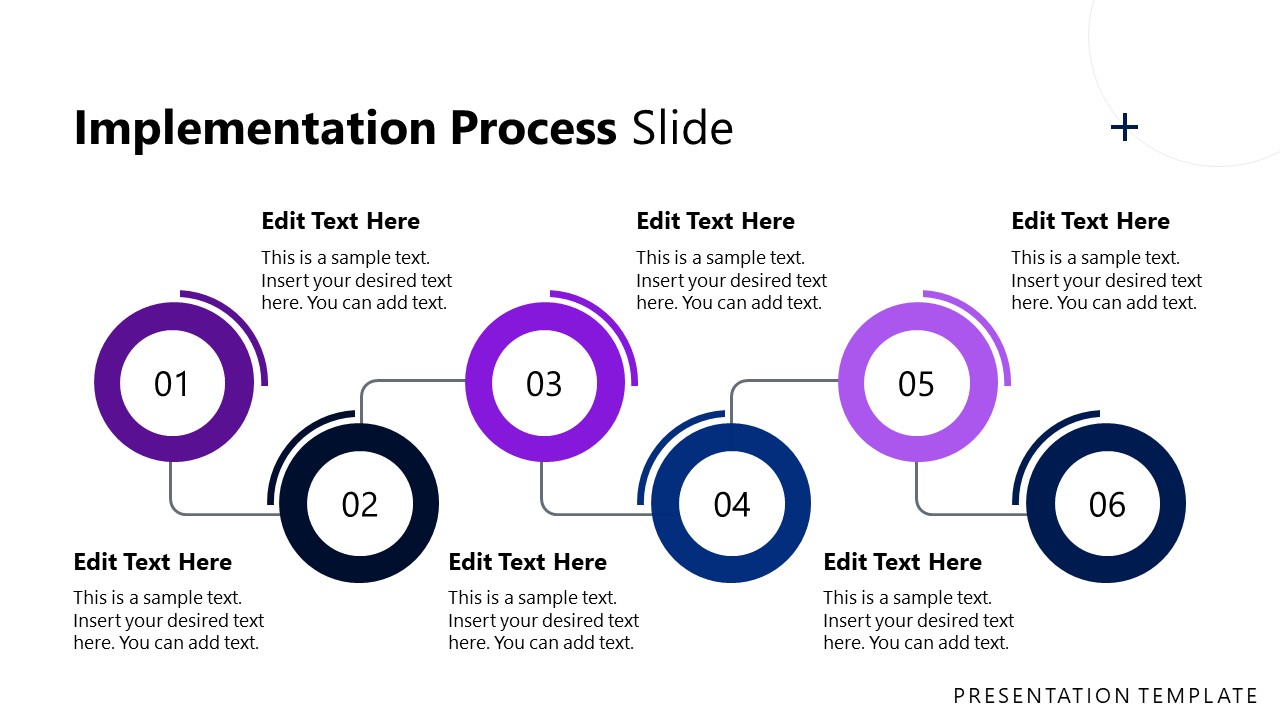
- Implementation Process
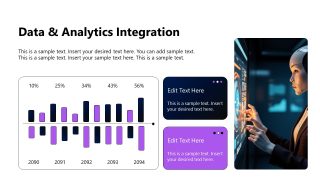
- Data and Analytics Integration
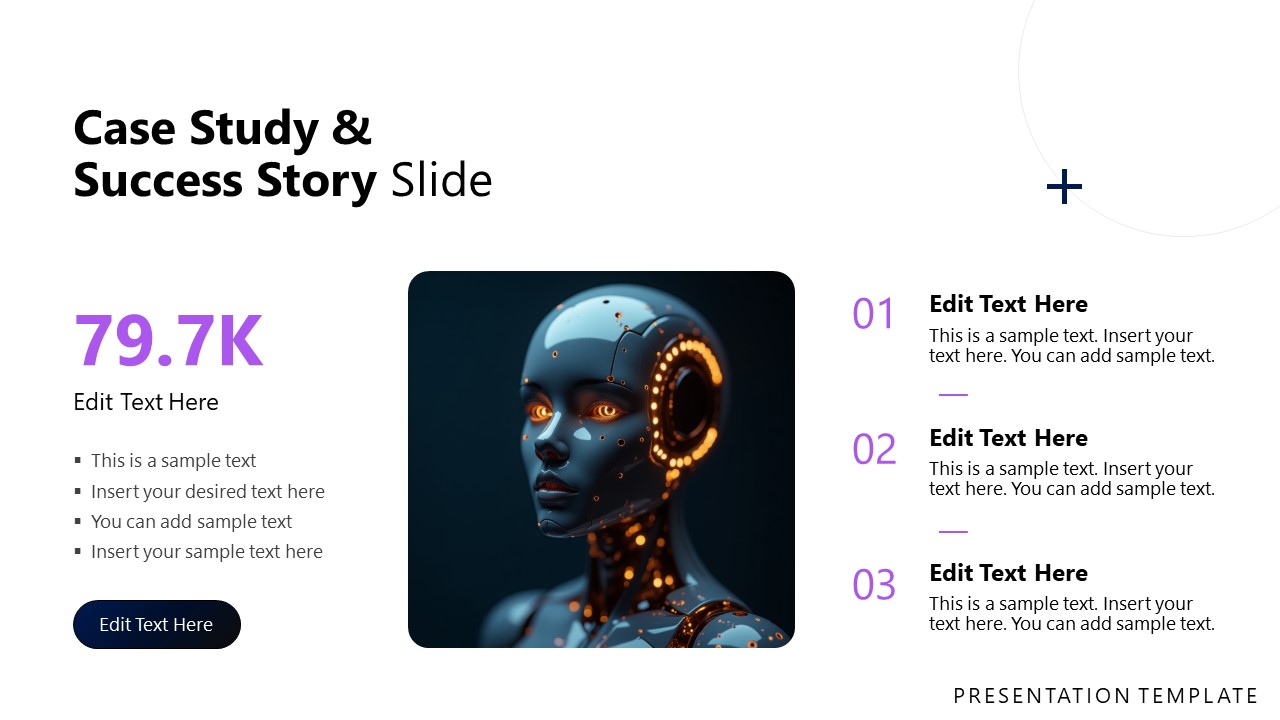
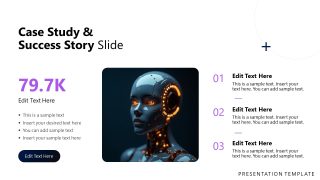
- Case Study and Success Story
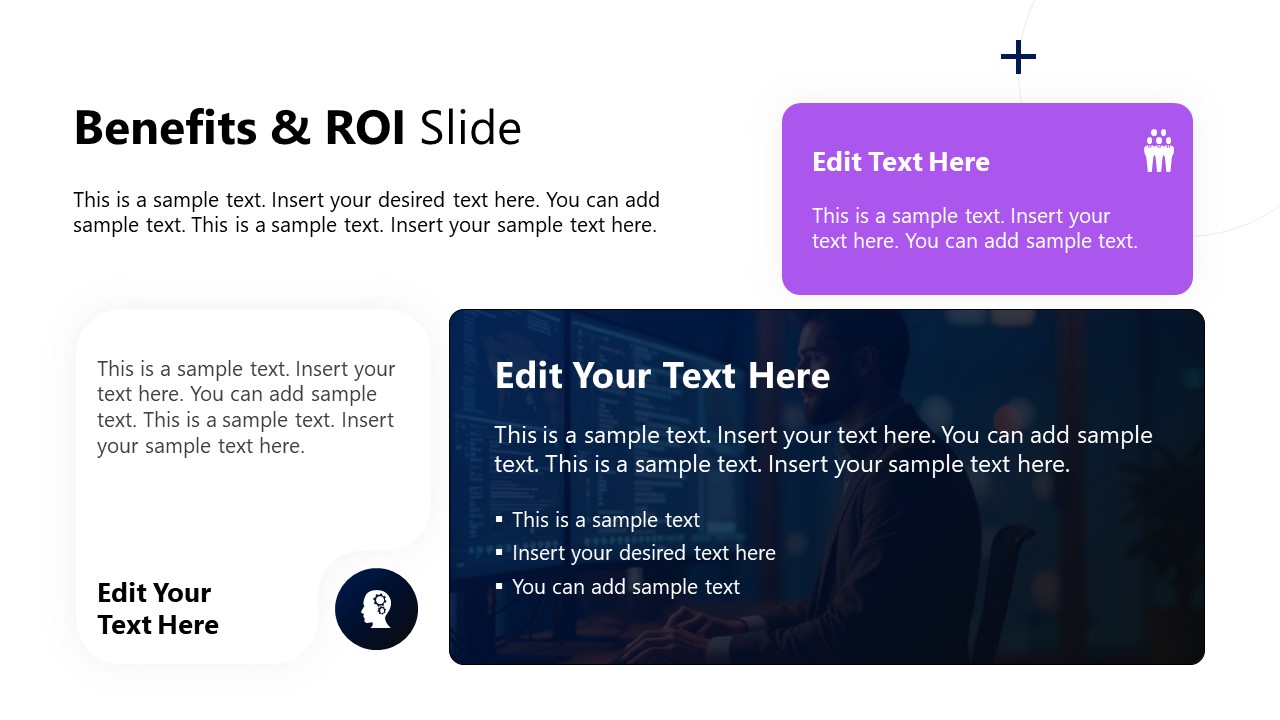
- Benefits & ROI
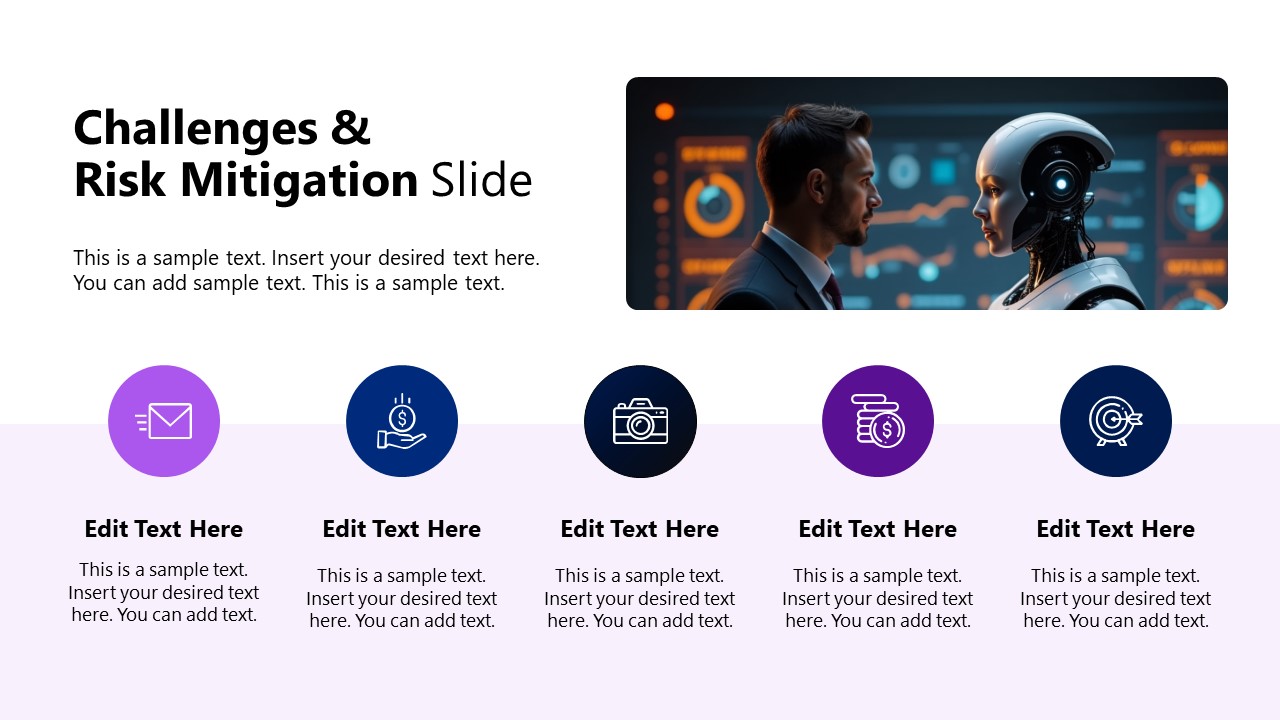
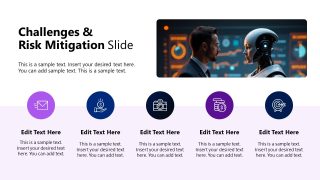
- Challenges and Risk Mitigation
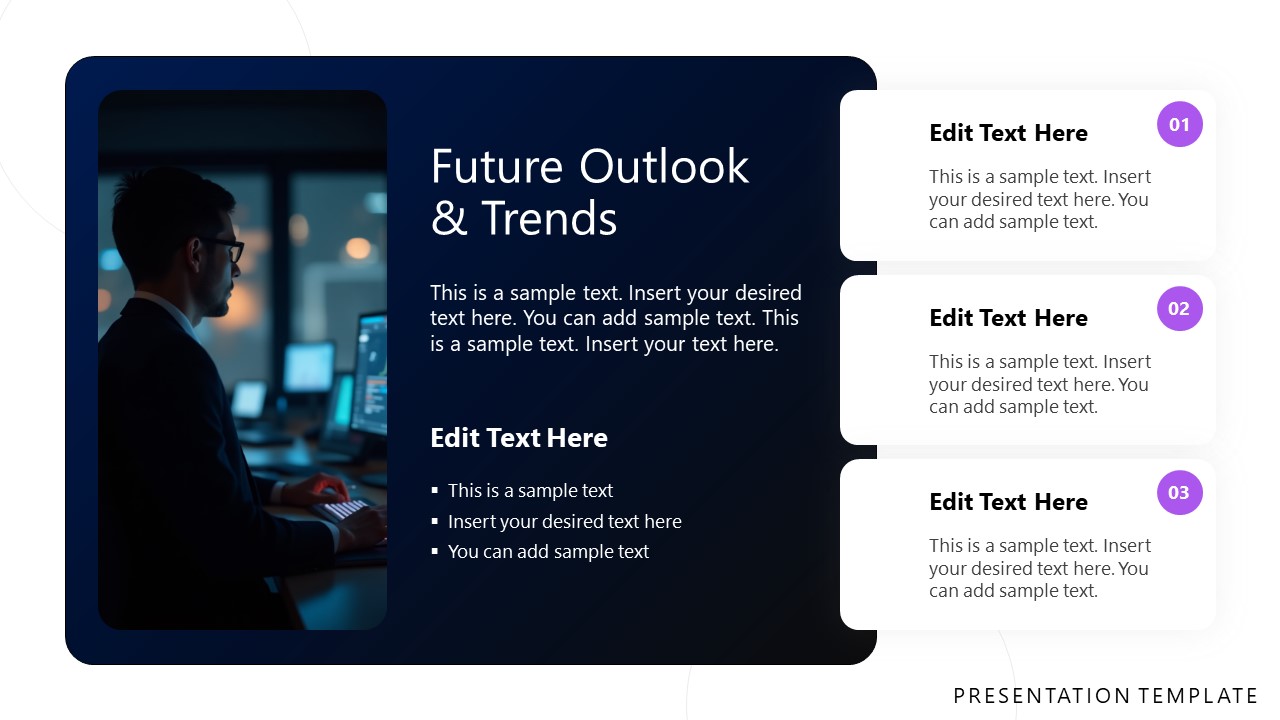
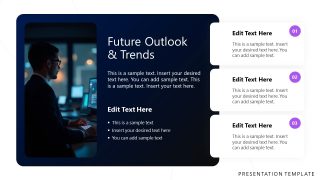
- Future Outlook & Trends
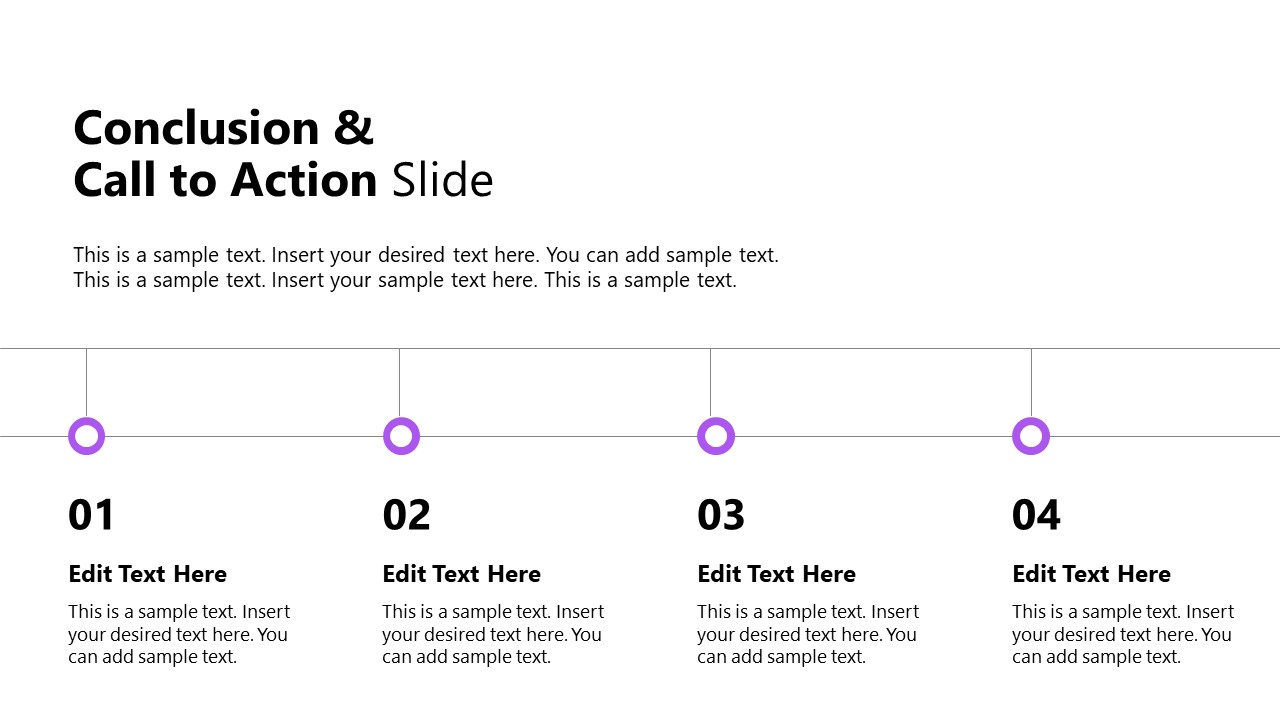
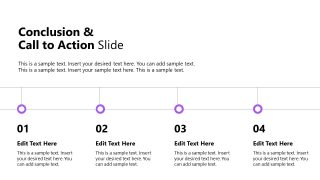
- Conclusion & CTA
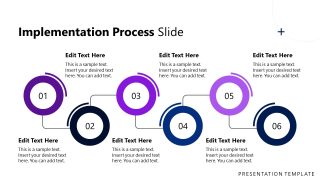
The process slide features a zigzag circular infographic icon, allowing users to visually present the series of events involved in implementing AI within the organizational structure. The data slide contains data visualizations that effectively summarize the data. You can modify the elements used in our animated PPT template to present your strategies effectively. Download the AI Digital Transformation Template for PowerPoint. Additionally, you can explore our relevant digital transformation templates to discover other design options.
What’s inside this template
Example presentation scenarios
- A digital transformation leader can use the crescent framework and implementation process timeline to explain how AI initiatives move from strategy definition to staged execution.
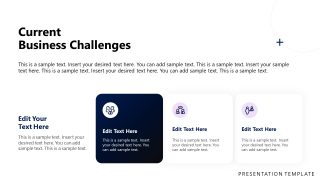
- A strategy consultant can use the current business challenges slide and AI-powered solutions cards to connect client pain points with proposed automation or analytics capabilities.
- An IT or data leader can use the data and analytics integration chart and key technologies slide to brief executives on infrastructure, metrics, and technical priorities.
- An innovation team can use the case study, Benefits and ROI slide, and risk mitigation columns to support an AI investment recommendation.
Features
- 100% editable presentation template
- Compatible with Microsoft PowerPoint
- 16:9 aspect ratio slides
- Scalable vector shapes, icons and illustrations
- Ready with Animations & Transitions in PowerPoint
- AI-Ready for Microsoft Copilot and Claude
- Instant access and download
Frequently asked questions
Q: How should a presenter structure the message with this AI transformation deck?
A: Start by setting context with the introduction slide, then use the current business challenges slide to create urgency. Move into AI-powered solutions, the transformation framework, and the implementation process timeline to show a plan. Close with data integration, case study proof, Benefits and ROI, risk mitigation, and the call-to-action slide.
Q: Who is this template best suited for in an AI adoption discussion?
A: This template fits presenters who need to make AI adoption understandable to decision makers, such as transformation leaders, consultants, IT executives, and innovation teams. It is strongest when the goal is to explain business value, implementation stages, and executive-level risk controls rather than teach technical AI model design.
Q: Why do the AI imagery and circular diagrams help the presentation?
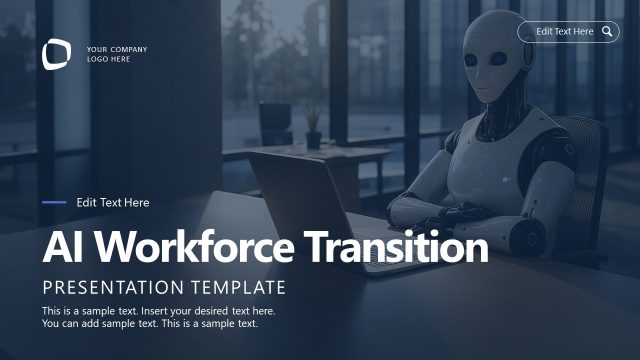
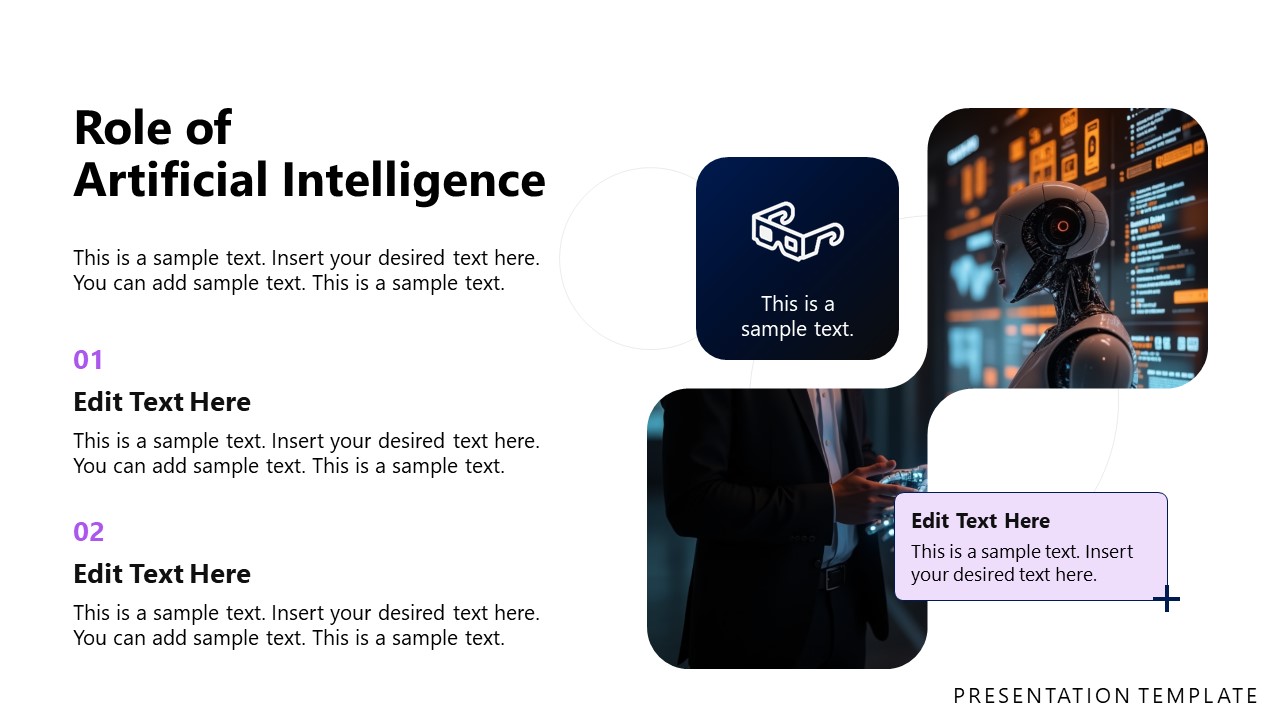
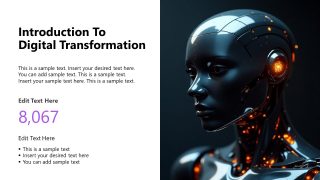
A: The robotic hand and AI portrait create an immediate digital transformation metaphor before the business content begins. Circular and crescent diagrams help position transformation as an organized system rather than a random list of projects. The timeline, cards, and icon columns then break the story into steps that are easier to compare and remember.




AI Digital Transformation PowerPoint Template
15-slide presentation template for AI transformation strategy, implementation process, ROI, and analytics reporting.
This 15-slide Microsoft PowerPoint template presents an AI digital transformation strategy using an agenda, crescent framework diagram, implementation process timeline, data and analytics chart, case study, benefits and ROI slide, risk mitigation icons, and call-to-action layout. It is designed for business leaders, consultants, and strategy teams planning AI adoption.
- Category
- Strategy
- Rating

 Loading...
- Aspect ratio
- 16:9
- Item ID
- 77283-01
- Colors
 Microsoft PowerPoint
  Microsoft Copilot
  Claude for PowerPoint
 Other formats supported
Subscribe today and get immediate
access to download our PowerPoint templates.