Present the significance and roadmap of learning artificial intelligence for business operations with our AI Training PowerPoint Template. AI, or Artificial Intelligence, is advancing by leaps and bounds with each passing day. Learning AI and incorporating it to create smart systems, smart devices, and smart management frameworks is the need of the hour. Businesses today cannot sustain or grow without AI in their workflows.
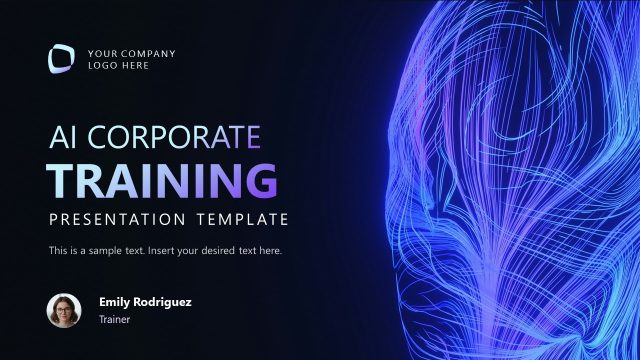
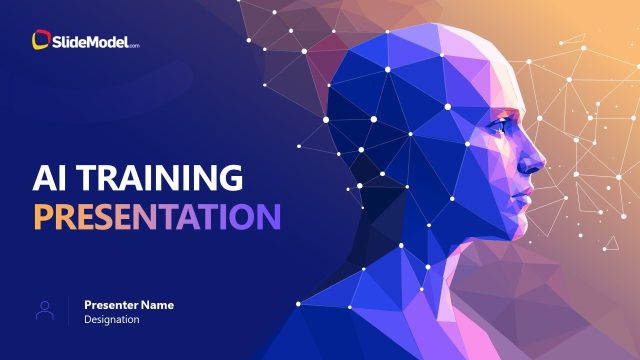
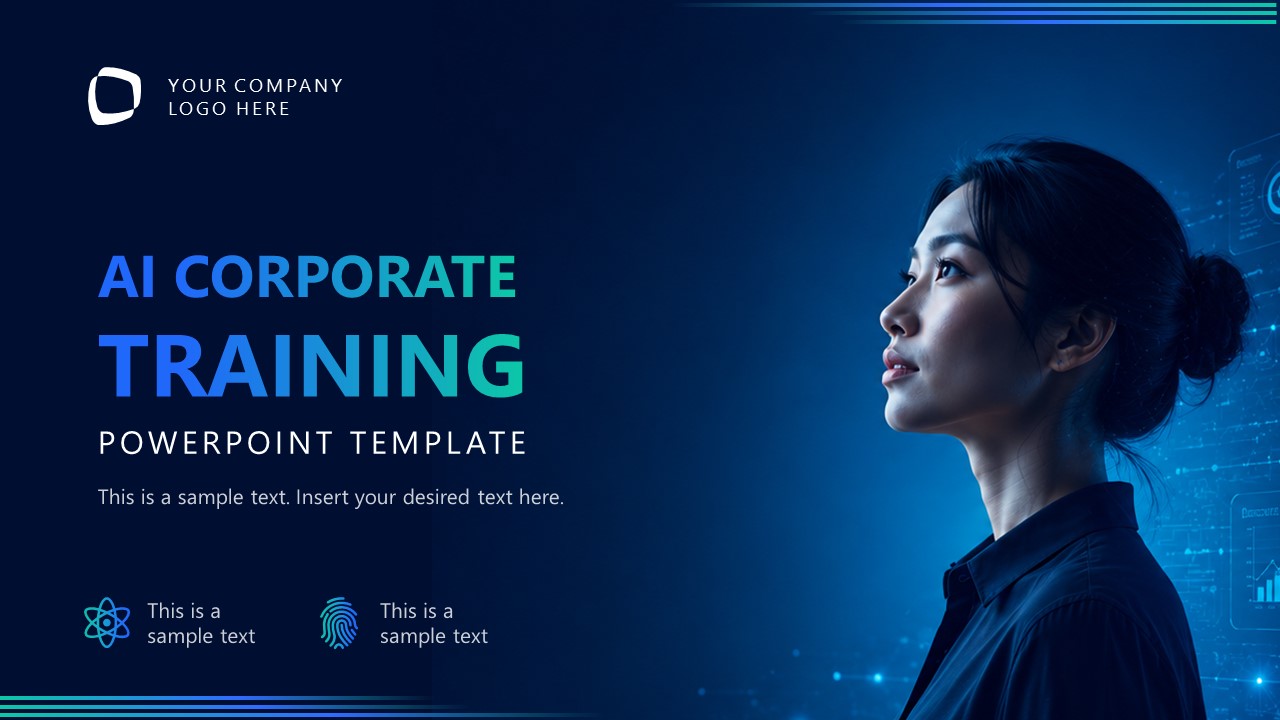
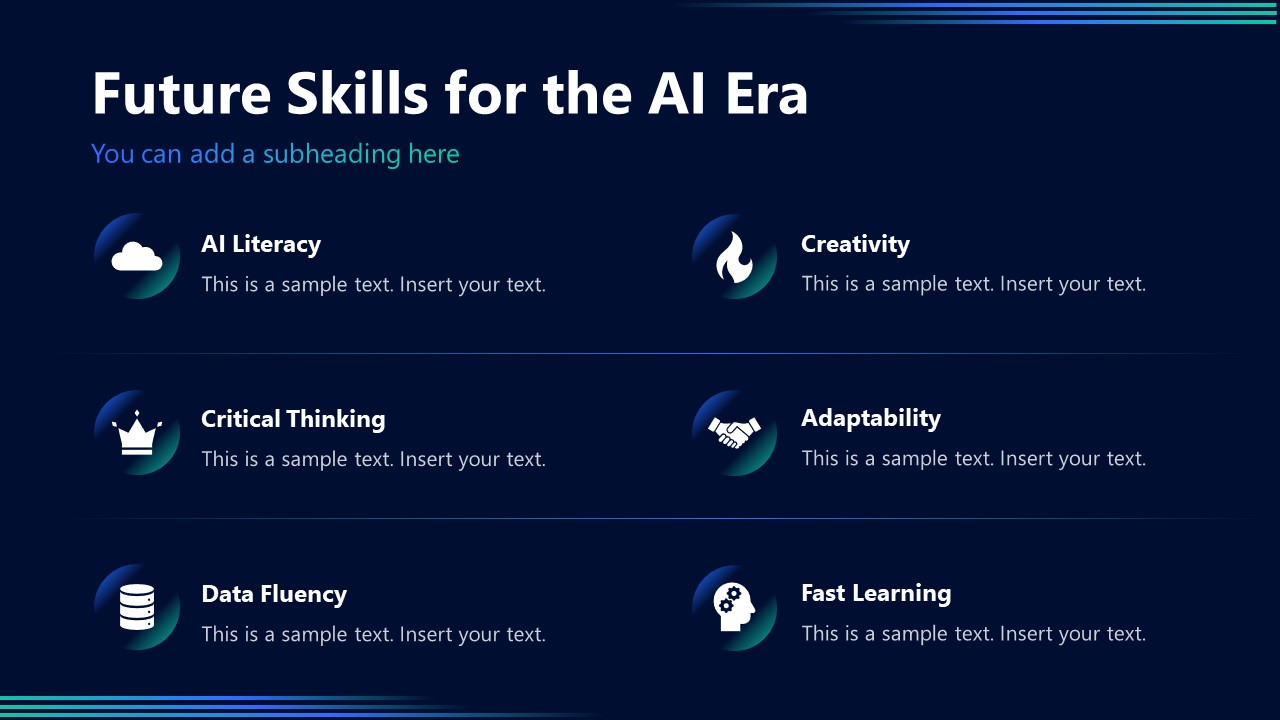
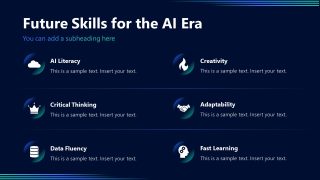
This AI training slide deck is perfect for outlining why AI matters today and how adopting AI will boost system productivity. The cover slide shows a lady against a dark tech background. You can showcase the presentation title and agenda at the beginning of the corporate training. AI consultants, use this slide to highlight future skills for the AI era, such as AI Literacy, critical thinking, data fluency, creativity, adaptability, and fast learning, using infographics.
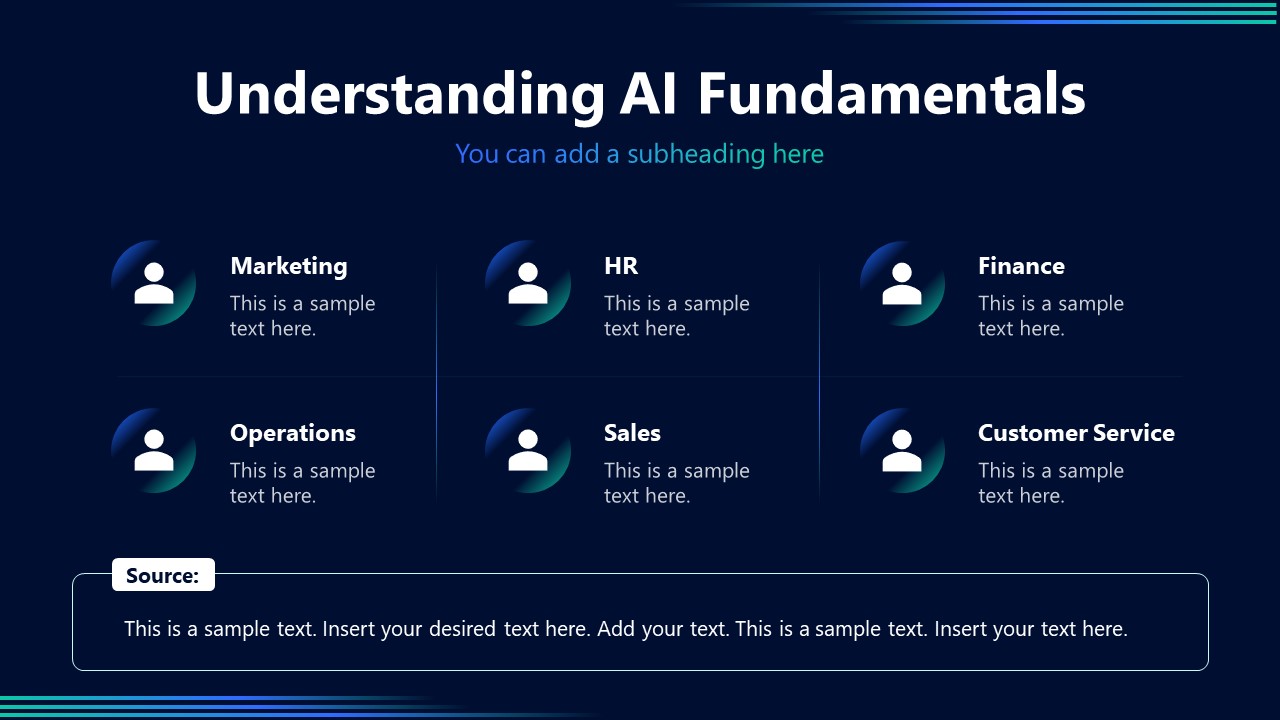
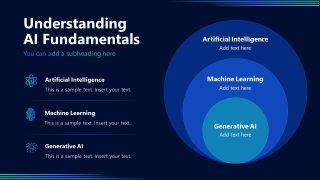
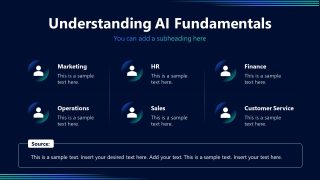
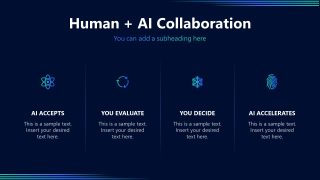
The infographics, numbers, and bold text feature a blue-green gradient that gives them a cohesive appearance. AI consultants and trainers used the AI corporate training template to communicate how humans and AI collaborate in employee presentations. They discuss understanding AI fundamentals and their use cases across industries such as Marketing, HR, Sales, Operations, Finance, and Customer Service. The AI Training PowerPoint Template contains modern slides with a dark background. Business analysts use the concentric circles diagram to showcase multiple layers of AI, such as Generative AI or ML.
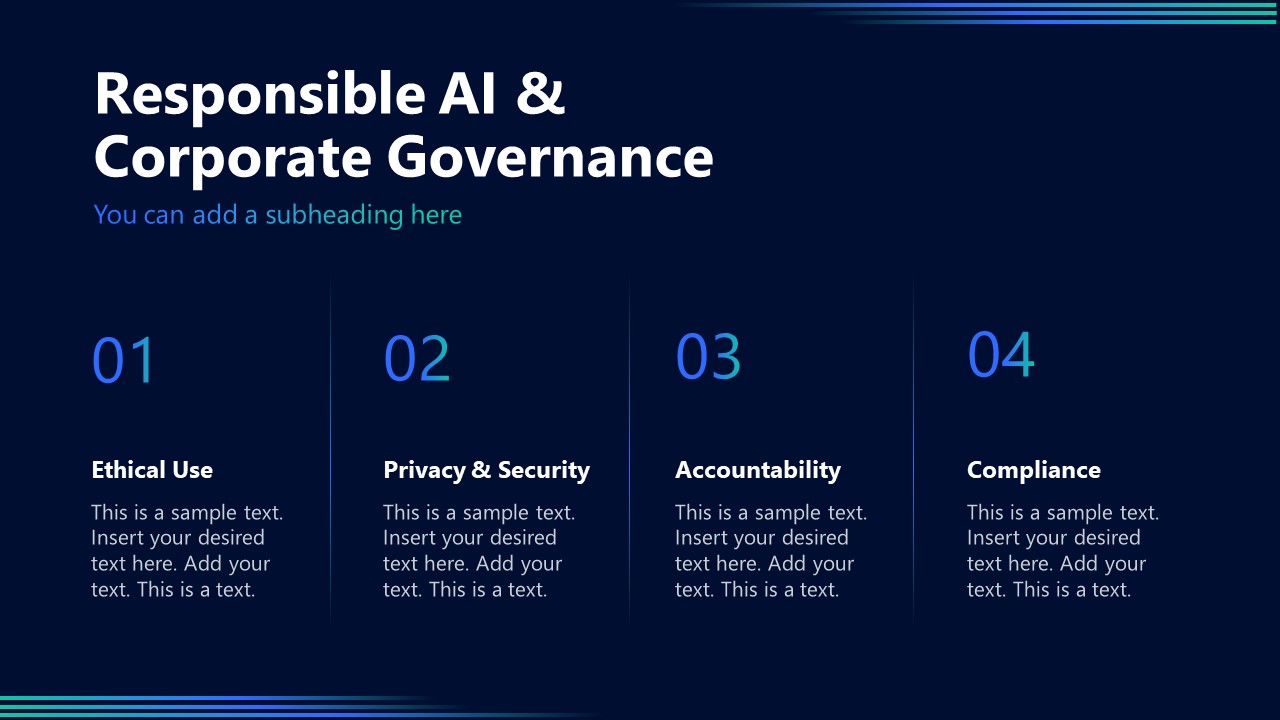
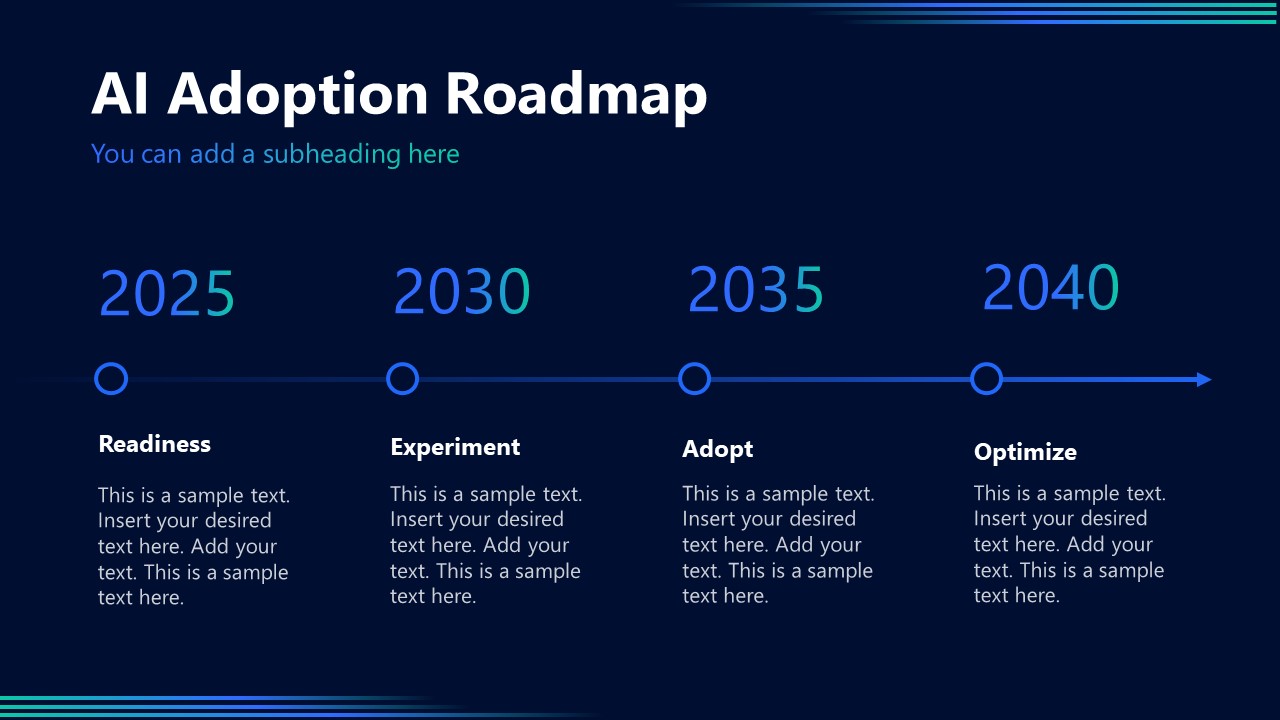
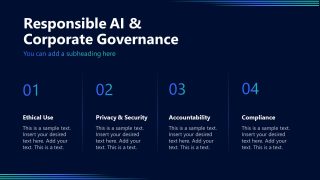
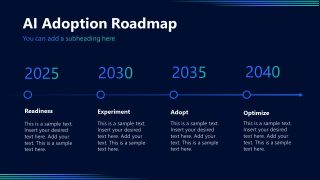
The template enables AI leaders to highlight the key factors for responsible AI & corporate governance: ethical use, privacy & security, accountability, and compliance. In the end, AI strategists use the timeline diagram slide to share the AI Adoption roadmap and discuss the steps in the process.
In addition, AI engineers adjust the layout, graphical icons, and other elements to showcase their plans effectively.
Download the AI corporate training PPT template to communicate the uses and impact of AI in modern corporate structures. Alternatively, you can download other PowerPoint templates and presentation slides, with 100% editable placeholders for Microsoft PowerPoint and Google Slides, and fully compatible with Copilot for PowerPoint and Claude for PowerPoint.
What’s inside this template
Example presentation scenarios
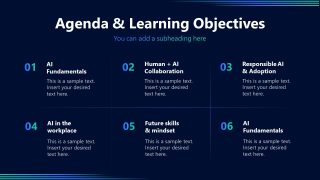
- An AI consultant can use the agenda slide and AI fundamentals concentric circles diagram to introduce a structured learning session for executives who need a shared vocabulary before making adoption decisions.
- A corporate trainer can use the future skills list and human plus AI collaboration slide to teach employees how AI changes day-to-day work without positioning AI as a replacement for human judgment.
- A digital transformation lead can use the responsible AI governance pillars and adoption roadmap to align managers around policy, accountability, and phased implementation steps.
- A business analyst can use the workplace use case slide to compare AI applications across Marketing, HR, Finance, Operations, Sales, and Customer Service during a cross-functional briefing.
Features
- 100% editable presentation template
- Compatible with Microsoft PowerPoint and Google Slides
- 16:9 aspect ratio slides
- Scalable vector shapes, icons and illustrations
- AI-Ready for Microsoft Copilot and Claude
- Instant access and download
Frequently asked questions
Q: How should a presenter structure an AI training session with this deck?
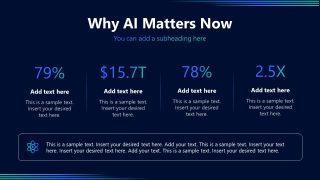
A: Start with the agenda to set learning expectations, then use the AI impact statistics slide to establish urgency. Move into the concentric fundamentals diagram before discussing workplace use cases. Close with governance and the adoption roadmap so the session shifts from awareness to practical next steps rather than staying at concept level.
Q: Who is this template best suited for during an AI adoption initiative?
A: It fits AI consultants, corporate trainers, and digital transformation leads who need to educate nontechnical business audiences. The deck works well when participants must understand AI fundamentals, see department-level use cases, discuss human decision roles, and agree on governance principles before a rollout or pilot program.
Q: Why do the circle, pillar, and roadmap layouts help explain AI training topics?
A: The concentric circles make AI, machine learning, and generative AI feel nested rather than disconnected. The governance pillars separate policy themes into clear responsibilities, while the roadmap turns adoption into a time-based path. These metaphors reduce abstraction and help audiences remember how the concepts relate.




AI Training PowerPoint Template
10-slide AI training presentation template with agenda, fundamentals diagrams, governance, and adoption roadmap
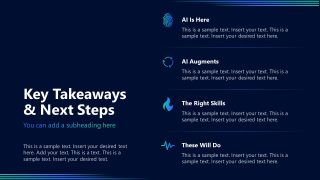
AI Training PowerPoint Template is a 10-slide corporate training deck for explaining artificial intelligence adoption in business. It includes an agenda, impact statistics slide, concentric AI fundamentals diagram, collaboration model, governance pillars, and adoption roadmap. It is designed for trainers, consultants, and business leaders using Microsoft PowerPoint or Google Slides.
- Category
- Multi-purpose
- Rating

 Loading...
- Aspect ratio
- 16:9
- Item ID
- 94218-01
- Colors
 Microsoft PowerPoint
  Microsoft Copilot
  Claude for PowerPoint
 Other formats supported
Subscribe today and get immediate
access to download our PowerPoint templates.