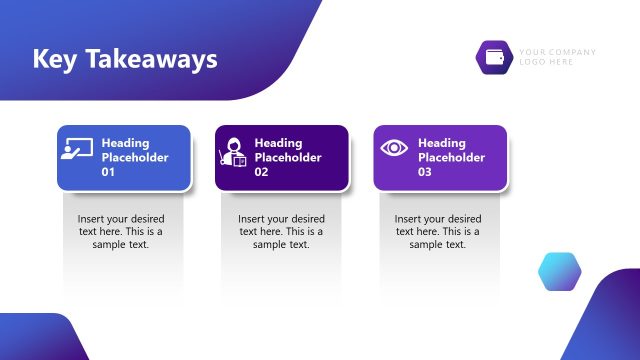
Slide 11 of 12 from Generative AI Training PowerPoint Template
Key Takeaways Presentation Slide for Gen AI Template
Key Takeaways Slide for AI Training Presentation
- Text Layout
- List Blocks
- Summary Slide
- 16:9
- 100% Editable
The Key Takeaways slide from the Generative AI Training PowerPoint Template offers a structured summary layout ideal for concluding business presentations. Featuring editable shapes and vector icons, this slide template supports clear communication of essential points, making it suitable for corporate presentations and training sessions focused on AI principles and best practices.
What’s on This Slide
The layout features a prominent image of a robotic head on the left side, occupying about one-third of the slide. To the right, three rectangular text boxes are stacked vertically, each containing a title and a placeholder for additional text. The first box is labeled 'Review Every Response,' the second 'Protect User Privacy,' and the third 'Reduce Potential Bias.' Each box includes an icon corresponding to its title. The background is a gradient transitioning from purple to white, enhancing visual contrast and focus on the content. The overall composition is balanced, with a clear visual hierarchy.
How to Use It
This layout serves as a summary slide, effectively presenting key points in a structured manner. It is suitable for concluding sections of a presentation, particularly after discussing AI principles or best practices. This slide can be used in training sessions, workshops, or seminars to reinforce critical concepts. It fits well in a sequence that emphasizes learning outcomes, providing a clear takeaway for the audience. The layout is versatile for various business contexts where summarizing information is essential.
Text Placeholders & Capacity
Keep your copy within these limits so it fits without resizing. Node body slots can hold about 15-20 words each.
| Placeholder | Count | Max characters (approx.) |
|---|---|---|
| Slide title | 1 | 30 |
| Item heading | 3 | 30 |
| Item body | 3 | 100 |
Slide Keywords
Download unlimited PowerPoint templates, charts and graphics for your presentations with our annual plan.
DOWNLOADReturn to Generative AI Training PowerPoint Template.