Slide 1 of 12 from Generative AI Training PowerPoint Template
Cover Slide – Generative AI Training PPT Template
Generative AI Training Presentation Slide
- Text Layout
- Single Statement
- Context Slide
- 16:9
- 100% Editable
The Generative AI Training Introduction slide from the Generative AI Training PowerPoint Template provides a clear opening for corporate presentations and training sessions. Featuring editable shapes and vector icons, this slide template supports engaging business presentations and pitch deck templates focused on artificial intelligence topics.
What’s on This Slide
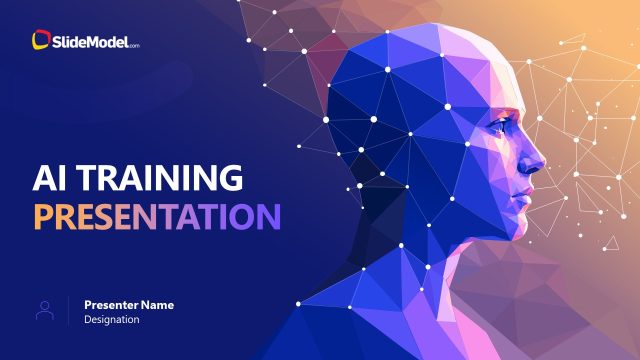
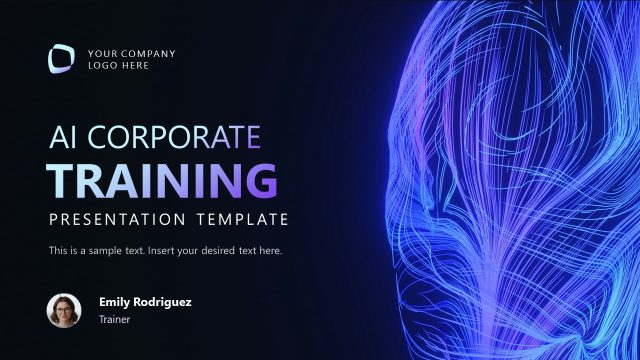
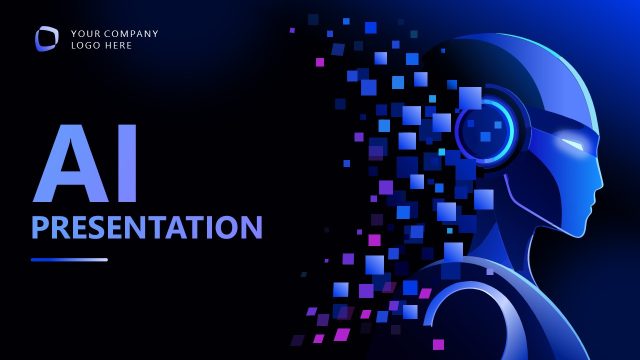
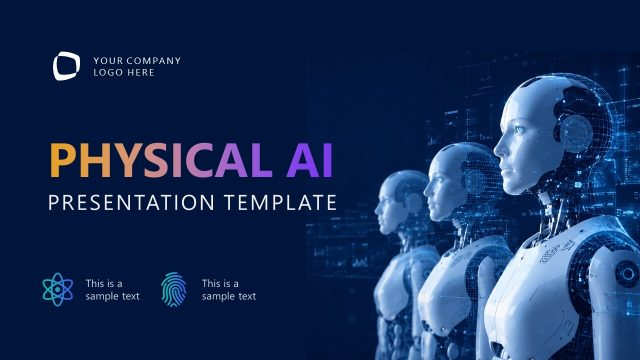
The slide features a dark gradient background with a geometric pattern. On the left, a stylized profile of a human head is depicted, rendered in shades of blue and purple. The title 'GENERATIVE AI TRAINING' is prominently displayed in large white font at the center. Below the title, the phrase 'PRESENTATION TEMPLATE' appears in smaller pink font. Three icons are aligned horizontally at the bottom, each accompanied by text labels: 'LEARN' with a circular arrow icon, 'BUILD' with a gear icon, and 'APPLY' with a fingerprint icon. A logo placeholder is positioned in the top left corner.
How to Use It
This layout serves as an introductory title slide, establishing the theme of generative AI training. It is suitable for the opening of a presentation, setting the stage for subsequent content. This slide can be used in various contexts, such as corporate training sessions, workshops, or educational seminars focused on artificial intelligence. It effectively captures attention and communicates the primary focus areas of the training, making it ideal for engaging an audience right from the start.
Text Placeholders & Capacity
Keep your copy within these limits so it fits without resizing. Title and subtitle slots are spacious, allowing for clear visibility.
| Placeholder | Count | Max characters (approx.) |
|---|---|---|
| Slide title | 1 | 30 |
| Subtitle | 1 | 25 |
| Item heading | 3 | 15 |
Slide Keywords
Download unlimited PowerPoint templates, charts and graphics for your presentations with our annual plan.
DOWNLOADReturn to Generative AI Training PowerPoint Template.