Slide 7 of 12 from Generative AI Training PowerPoint Template
Popular AI Tools – Generative AI Training Presentation Slide Template
Popular AI Tools Overview
- Text Layout
- List Blocks
- Context Slide
- 16:9
- 100% Editable
The Popular AI Tools slide from the Generative AI Training PowerPoint Template offers a clear, visually balanced layout ideal for business presentations and training sessions. Featuring editable shapes and distinct containers, this slide template supports concise introductions to AI technologies, making it a practical choice for corporate presentations and pitch deck templates focused on AI tool overviews.
What’s on This Slide
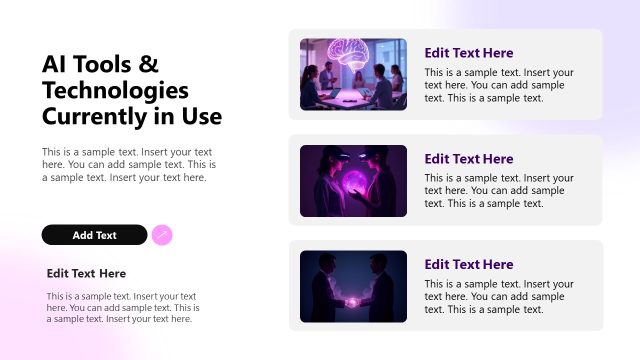
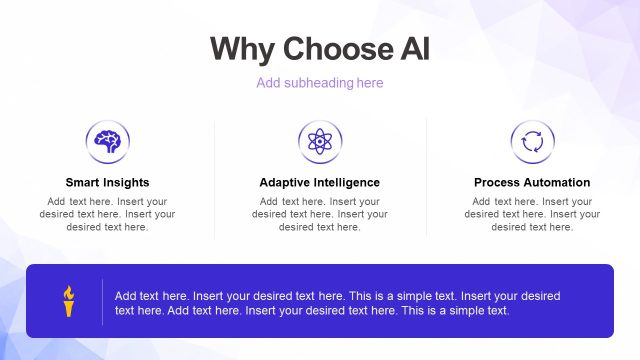
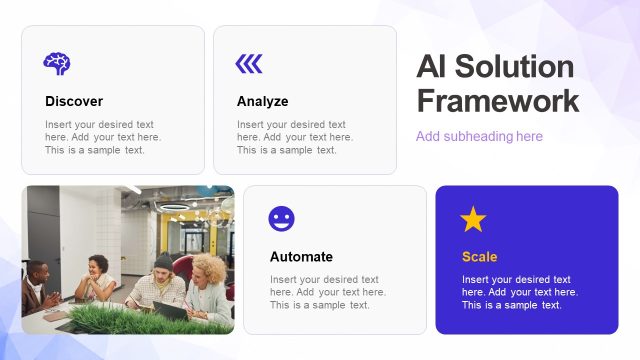
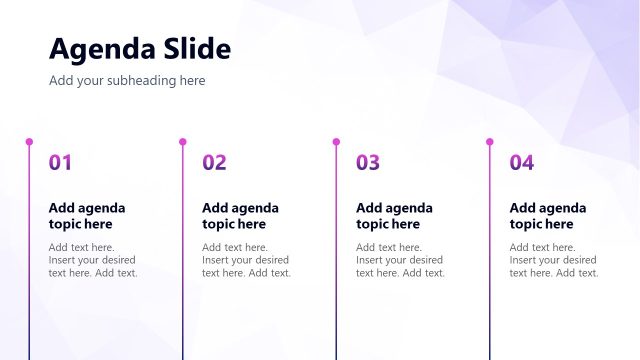
The layout features a prominent title at the bottom left, stating 'Popular AI Tools,' with a subtitle positioned directly beneath it. To the right, four square containers are arranged in a 2x2 grid, each containing the name of an AI tool and a text placeholder for additional information. The containers are visually distinct with rounded corners and varying background colors, creating a clear separation between them. The background is a light gradient with geometric shapes, enhancing the overall visual appeal. Each container is of equal size, contributing to a balanced composition.
How to Use It
This layout serves as an overview of various AI tools, suitable for a section highlighting popular technologies in a training presentation. It fits well after introductory content and before detailed discussions on each tool's application. This structure is useful in business scenarios where a quick comparison or introduction of tools is needed, such as training sessions, workshops, or product demonstrations. It can effectively summarize key offerings in a concise manner.
Text Placeholders & Capacity
Keep your copy within these limits so it fits without resizing. Node body slots can accommodate roughly 15-20 words each.
| Placeholder | Count | Max characters (approx.) |
|---|---|---|
| Slide title | 1 | 30 |
| Subtitle | 1 | 50 |
| Item heading | 4 | 20 |
| Item body | 4 | 100 |
Slide Keywords
Download unlimited PowerPoint templates, charts and graphics for your presentations with our annual plan.
DOWNLOADReturn to Generative AI Training PowerPoint Template.