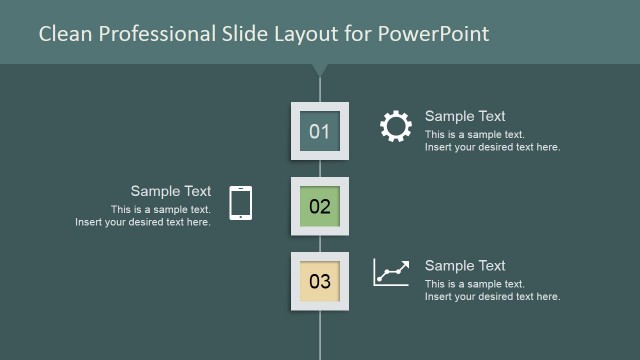
This elegant squares PowerPoint template layout is a creative presentation design and PowerPoint template that you can use in your own presentations. It contains an original slide layout that can help to present important concepts or make an agenda slide in PowerPoint with a professional looking style.
The squared layout for PowerPoint contains placeholders to present up to 10 concepts but you can easily adjust the number of steps or elements to any desired quantity. Moreover, since the graphics used in this PowerPoint template were created with PowerPoint shapes, you can easily ungroup and re-arrange the shapes to match any other layout.
Alternatively you can download more PowerPoint template designs or find creative presentation ideas for business slides.
What’s inside this template
Example presentation scenarios
- A project manager can use the numbered callout list to introduce a 10-point project agenda and assign each section a simple icon cue.
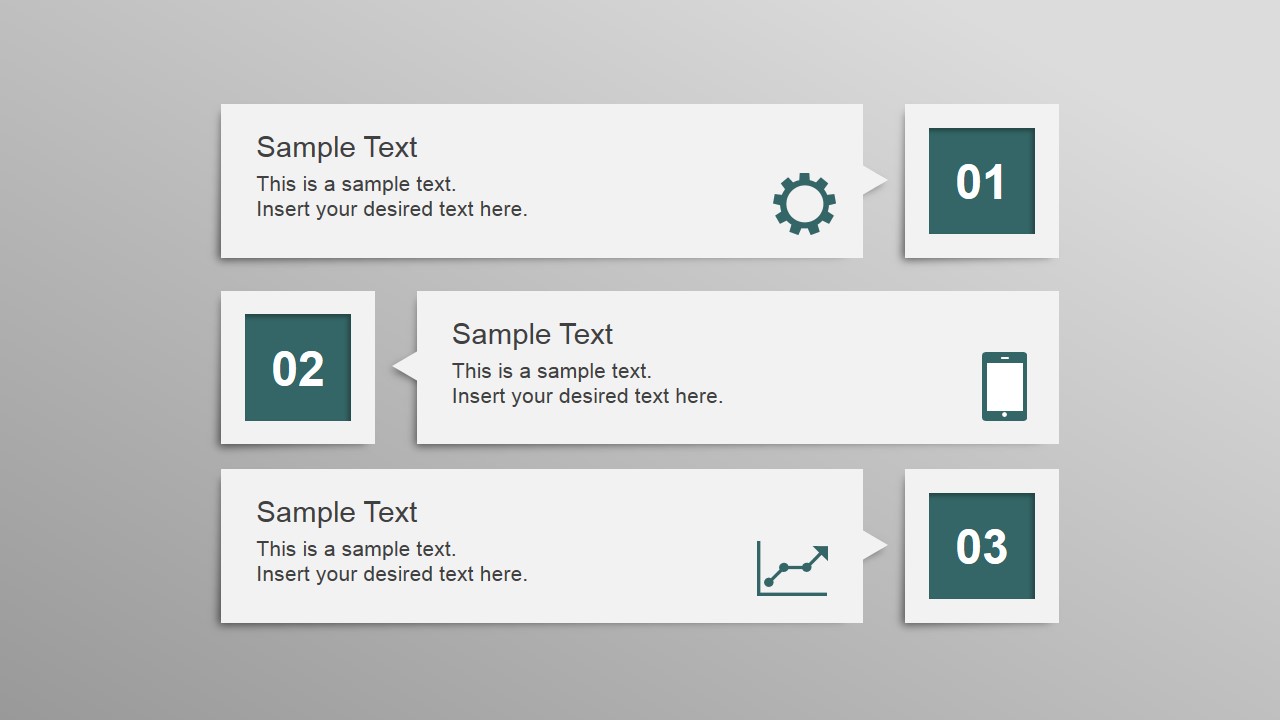
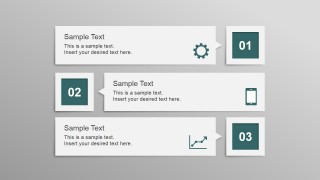
- A consultant can use slides 1-3 to summarize analysis themes, service areas, or recommendations before moving into detailed evidence.
- A trainer can use the step 01-10 sequence to preview learning modules and use the icon sheet to keep activity types visually distinct.
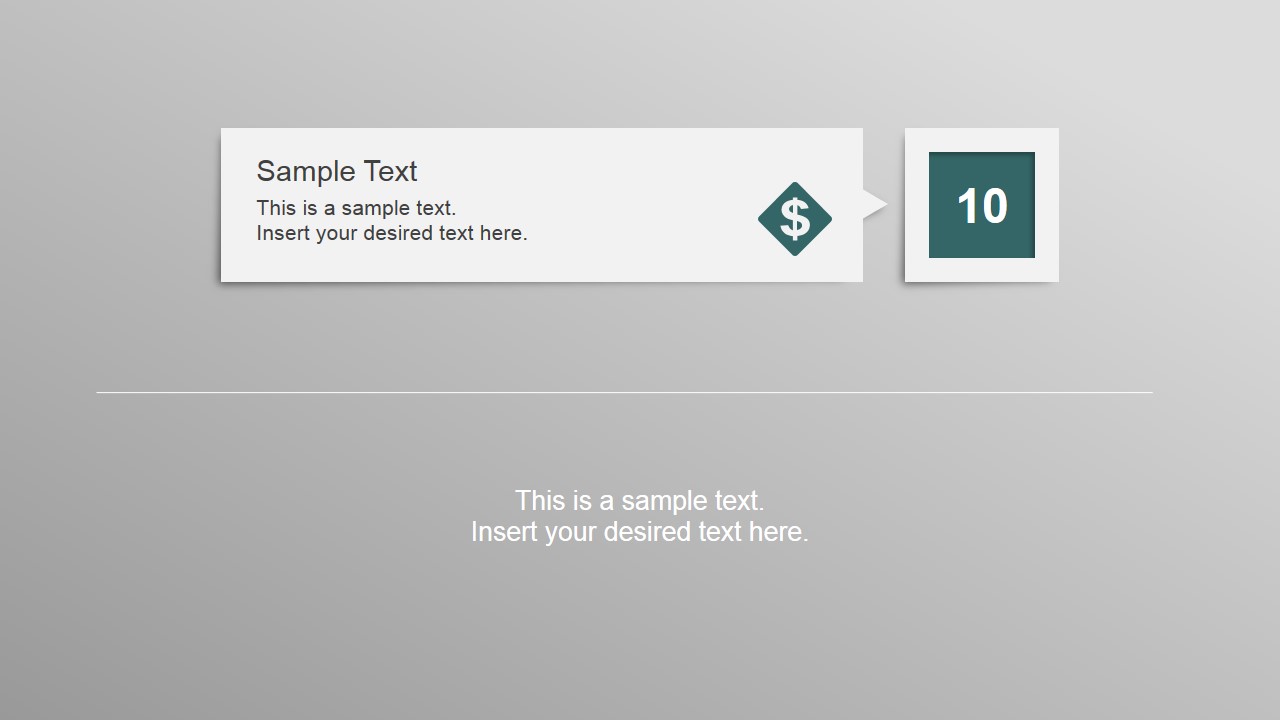
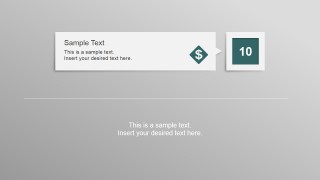
- An operations lead can use the single step 10 slide as a closing checkpoint, final action item, or appendix reference after a sequence of nine topics.
Features
- 100% editable presentation template
- Compatible with Microsoft PowerPoint and Google Slides
- 16:9 aspect ratio slides
- Scalable vector shapes, icons and illustrations
- AI-Ready for Microsoft Copilot and Claude
- Instant access and download
Frequently asked questions
Q: How should a presenter structure a message with this 10-step square layout?
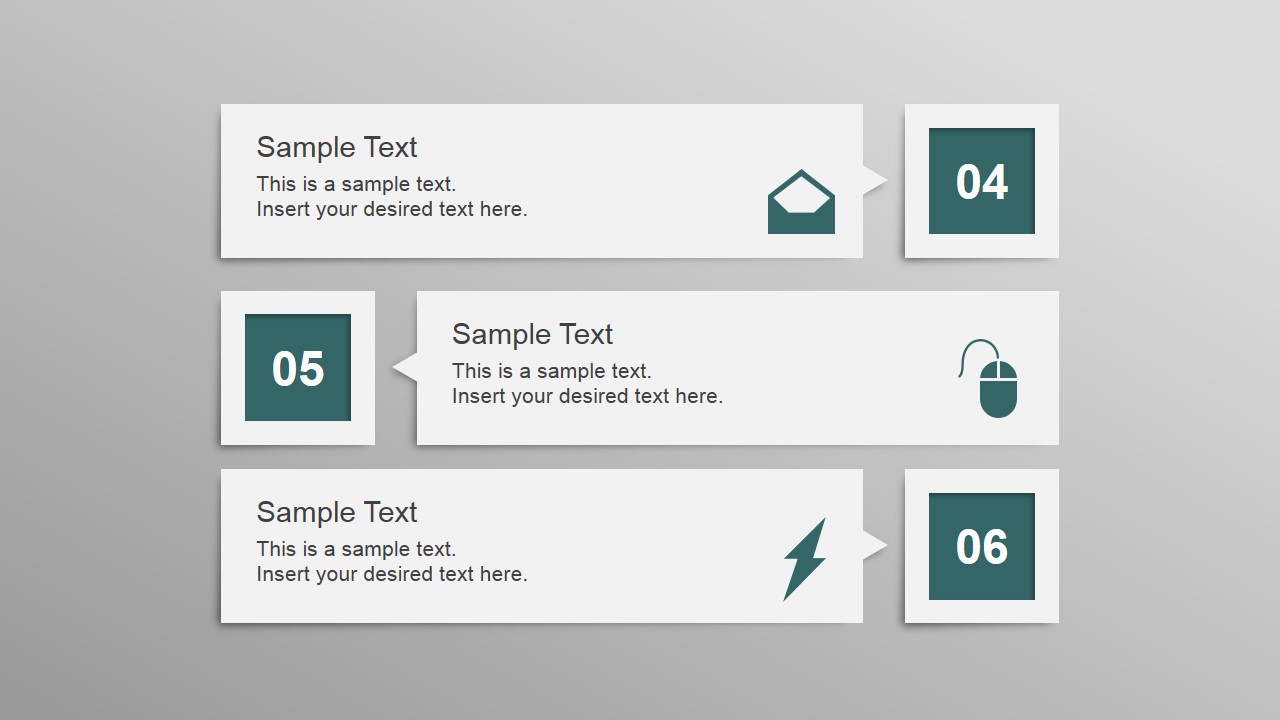
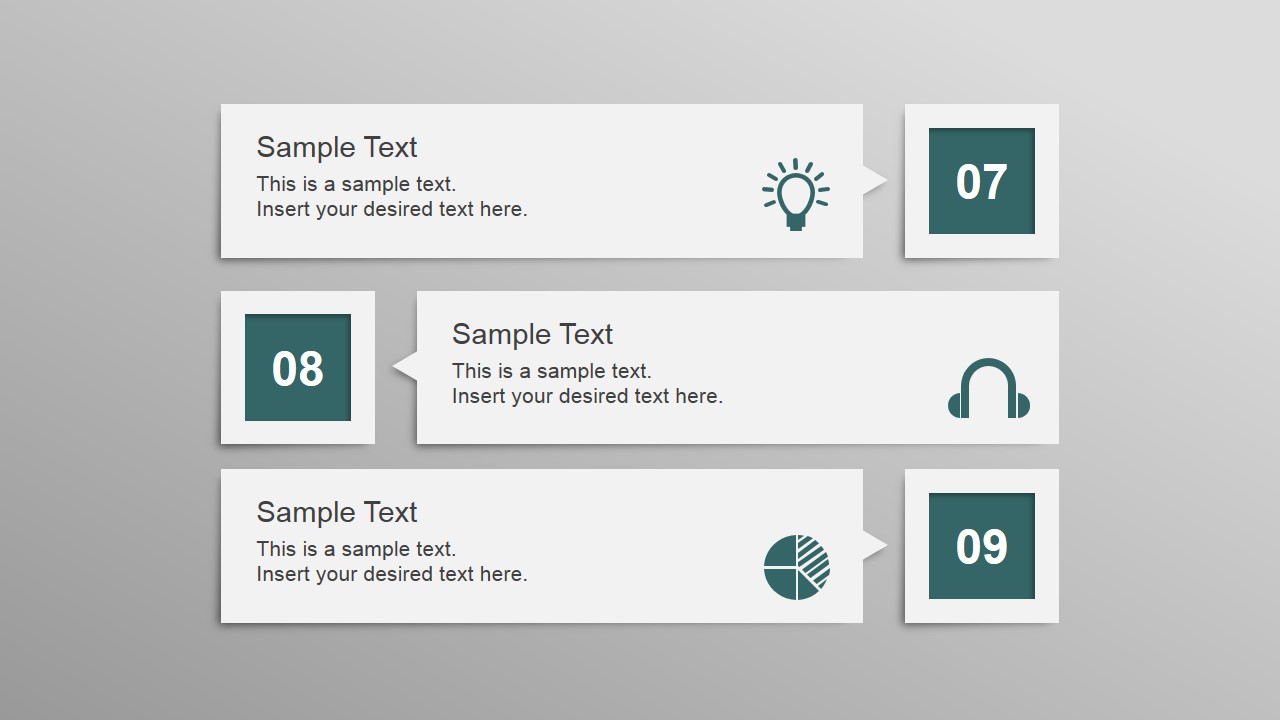
A: Use the first three slides as a paced table of contents rather than filling every box with full paragraphs. Keep each callout to one short label and one supporting phrase, then use the icons to signal topic type. This keeps the numbered square badges prominent and helps the audience track progress through the list.
Q: Who is this template best suited for in a business presentation?
A: This template works best for presenters who need to organize a finite set of topics, such as project leads outlining workstreams, consultants listing recommendations, or trainers introducing modules. The layout is less about proving a data argument and more about making an ordered set of concepts easy to scan.
Q: Why does the square-number design help communicate an agenda or content list?
A: The square number badges create a clear visual anchor for sequence, while the white callout cards give each item its own readable space. Because the icons sit near the text, the slide can combine order, category, and short explanation without relying on dense bullet lists.


Elegant Squares Professional Layout for PowerPoint
5-slide presentation template for agenda squares, 10-step content lists, and editable icon callouts
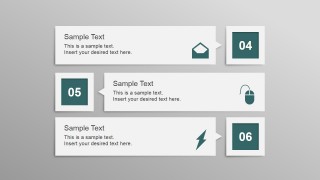
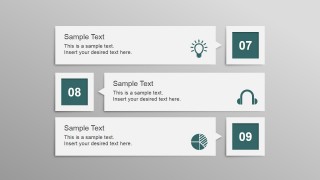
The Elegant Squares Professional Layout for PowerPoint is a 5-slide presentation template for numbered agenda and content slides. It includes three stacked callout layouts for steps 1-9, a closing step 10 layout with a divider line, and an icon sheet. It fits business presenters building ordered lists in Microsoft PowerPoint or Google Slides.
- Category
- Text & Tables
- Rating


 Loading...
- Aspect ratio
- 16:9
- Item ID
- 6758-01
- Colors
 Microsoft PowerPoint
  Microsoft Copilot
  Claude for PowerPoint
 Other formats supported
Subscribe today and get immediate
access to download our PowerPoint templates.