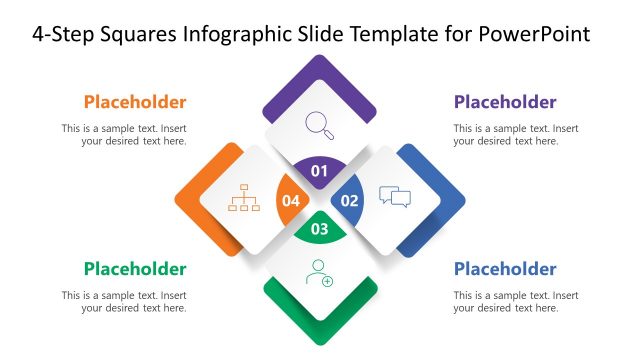
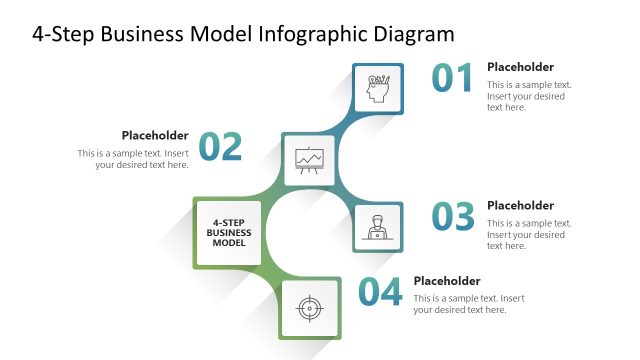
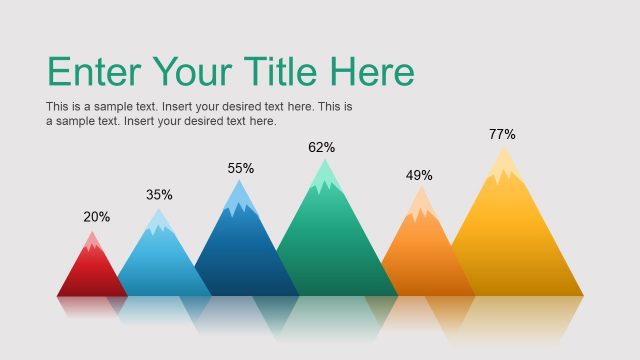
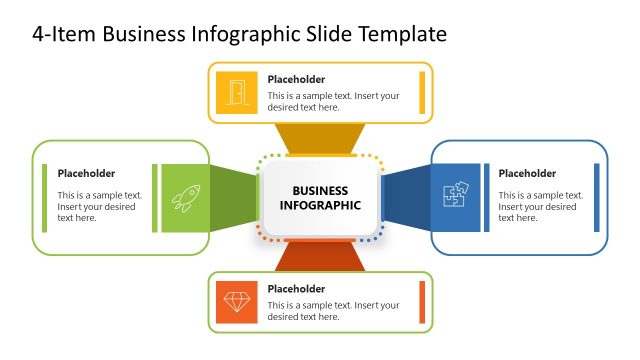
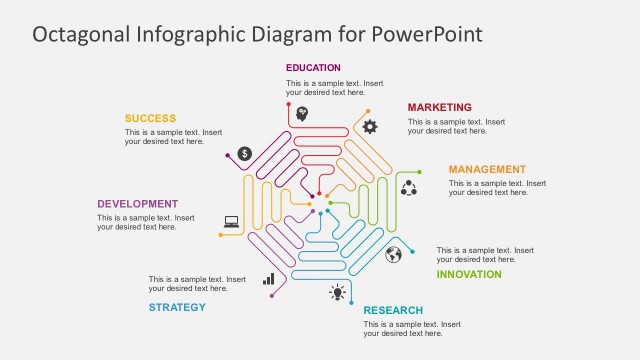
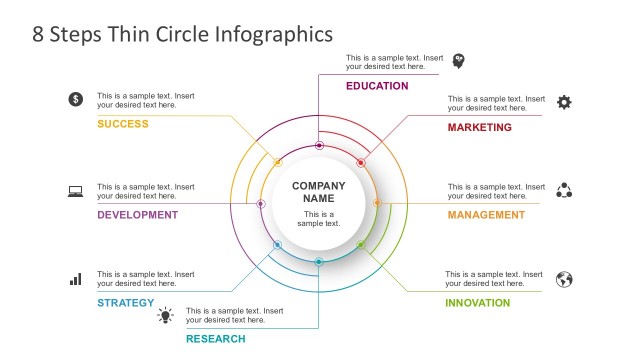
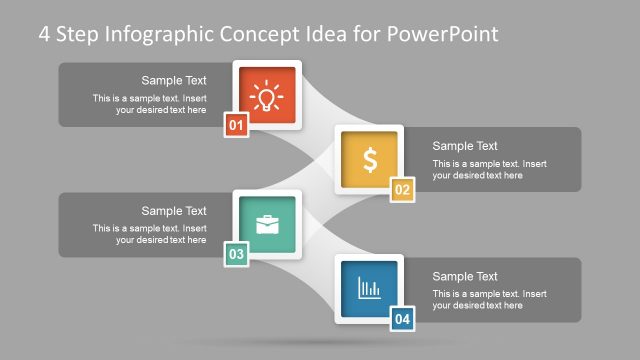
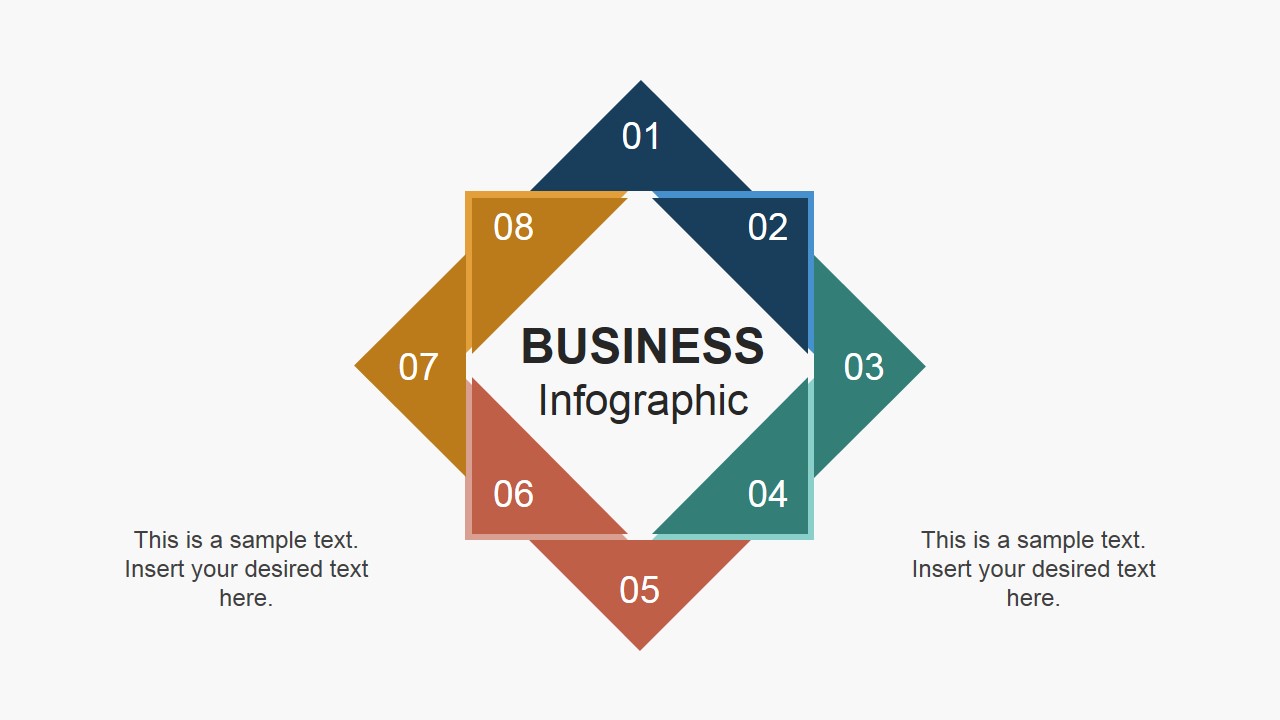
Square Business Infographic Design for PowerPoint is a PowerPoint template representing a business model or concept of eight steps. Using this striking visual aid can help the audience easily grasp ideas.
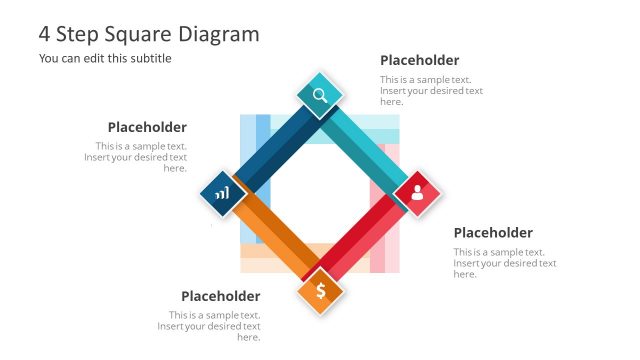
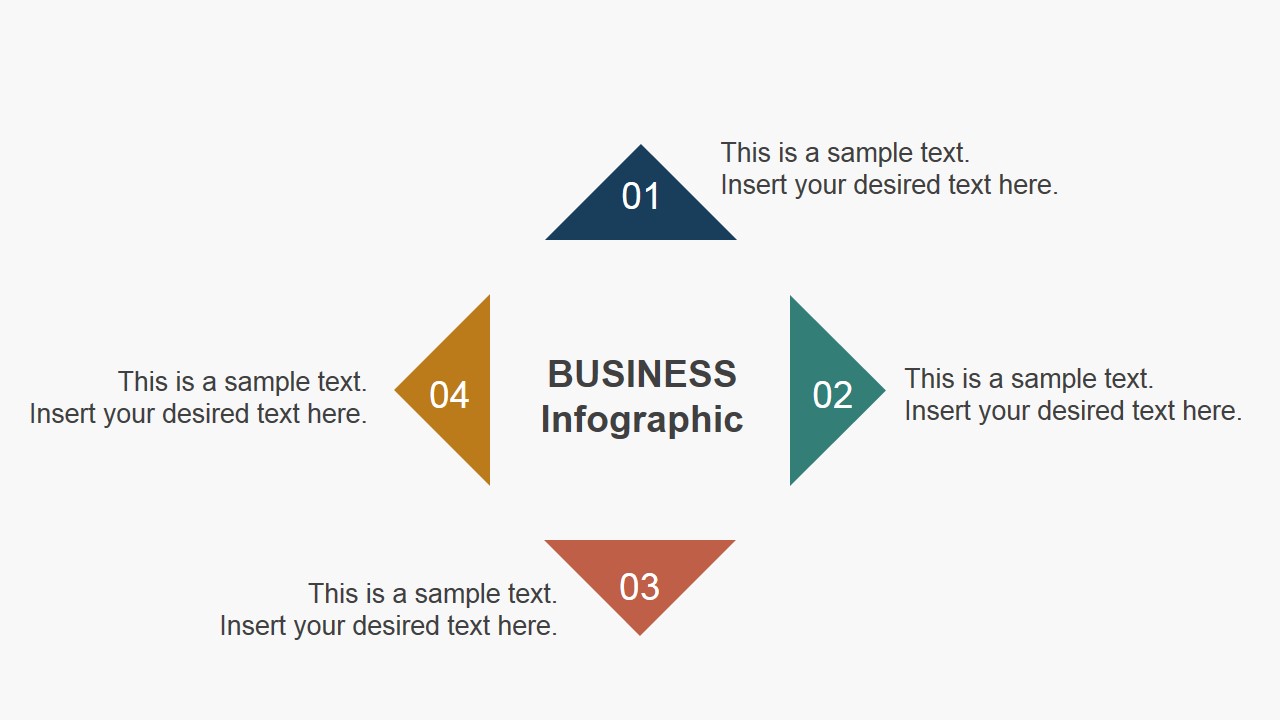
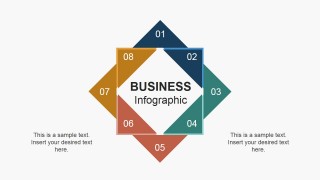
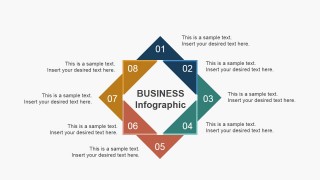
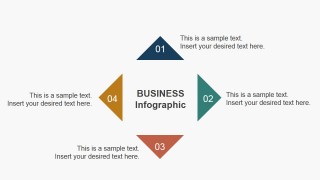
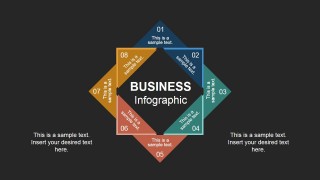
The template contains 4 unique slides with an 8-step diagram. The diagram shows a square overlapping the diamond. All slides contain the title Business Infographic in the middle. Each corner of the shapes involves a placeholder where the user can enter key terms for each step. The sides are colored dull red, green, blue, and yellow. The first slide can serve as an overview during introductions. In the second slide, the presenter is given a venue to detail the process flow or the different parts of the overall idea. The first 4 steps are highlighted in the third slide, while the last slide highlights steps 5 to 8. Further explanations can be given in these slides.
Shapes can be resized easily using the PowerPoint shapes menu. The color scheme can be altered to suit the user’s desire and the presentation’s specific look. All fonts and texts are customizable as well. The design aims to be functional for the presenter. This enables creativity and personality.
Infographics are visual models that provide information in the form of charts, illustrations, or tables. They relay the data in a manner that the audience can easily remember and is designed to be as meaningful as possible.
The model itself is unique with its overlapping yet continuous outline. In addition, its flexibility is also an edge when compared to usual PowerPoint templates. It is ideal for business processes, concepts or company organization. It can serve as an individual presentation or it can supplement broader discussions.
Grab Square Business Infographic Design for PowerPoint now to step up a person’s reporting skills. Flat Infographic Hexagonal PowerPoint Shapes is another dynamic template. More downloadable and related designs can be downloaded from SlideModel gallery.
What’s inside this template
Example presentation scenarios
- A consultant can use the 8-step square-and-diamond overview to introduce a client operating model before discussing each component in a workshop.
- A project manager can use the surrounding callout layout to explain task ownership, handoffs, or process steps during a status meeting.
- A corporate trainer can use the four-step focus slide to teach the first half of a workflow without overwhelming learners with all eight items at once.
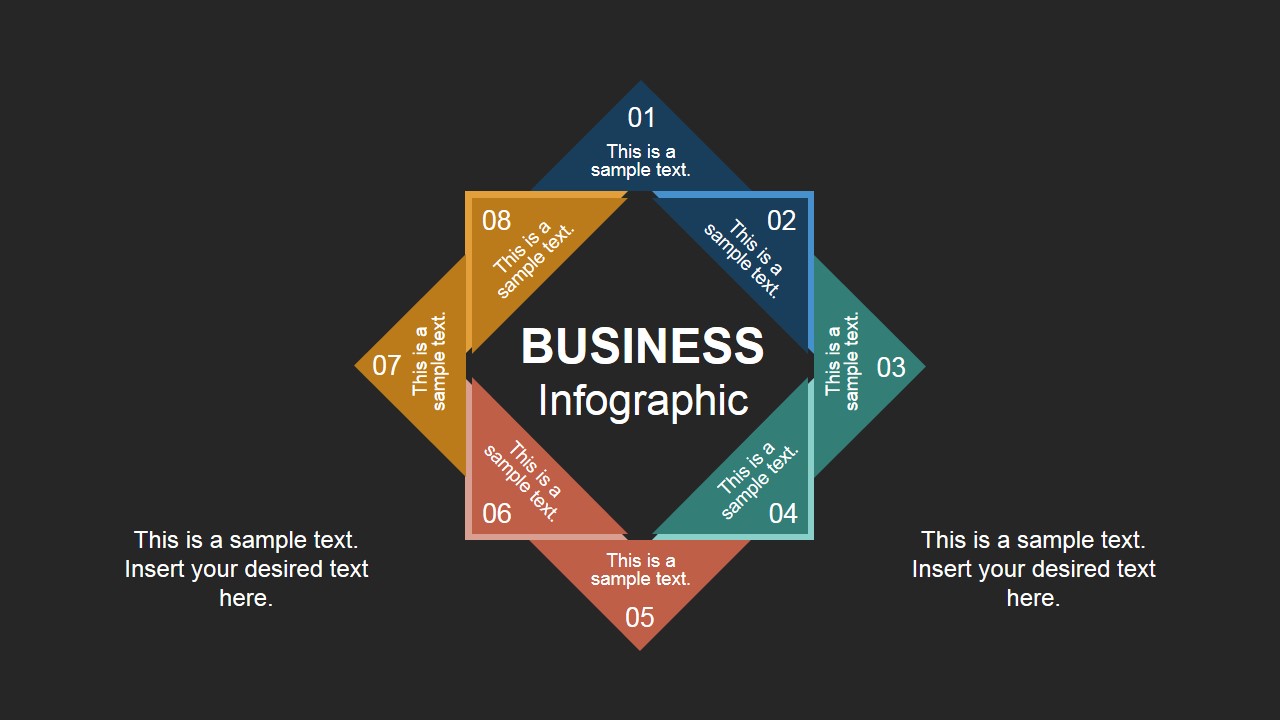
- An operations leader can use the dark-background variant to summarize key process stages in an executive presentation where contrast and emphasis are needed.
Features
- 100% editable presentation template
- Compatible with Microsoft PowerPoint and Google Slides
- 16:9 aspect ratio slides
- Scalable vector shapes, icons and illustrations
- AI-Ready for Microsoft Copilot and Claude
- Instant access and download
Frequently asked questions
Q: How should a presenter explain all eight steps without making the diagram feel crowded?
A: Start with the full square-and-diamond overview to establish the complete system, then move to the callout slide for short explanations. Keep each step label concise and place supporting detail in the surrounding text areas. If the audience needs more teaching time, use the four-step focus slide to slow the discussion.
Q: Who is this template best suited for in a business presentation?
A: It fits presenters who need to explain a structured concept rather than report numbers. Consultants, project managers, operations leaders, and trainers can use the eight numbered segments for processes, frameworks, service models, governance principles, or transformation workstreams where each part belongs to one connected system.
Q: Why does the overlapping square and diamond metaphor work for process communication?
A: The overlapping shapes create a closed visual loop, so the audience reads the eight items as related parts rather than isolated bullets. The central title anchors the topic, while the numbered perimeter gives the presenter a clear reading order. This helps turn an abstract model into a memorable visual structure.

Square Business Infographic Design for PowerPoint
4-slide presentation template with square 8-step infographic diagrams for business processes and concepts
Square Business Infographic Design for PowerPoint is a 4-slide infographic template for explaining eight-step business processes, models, or concept parts. It includes an overlapping square-and-diamond overview, a callout explanation layout, a four-step focus layout, and a dark-background variant for Microsoft PowerPoint and Google Slides.
- Category
- Shapes
- Rating


 Loading...
- Aspect ratio
- 16:9
- Item ID
- 6894-01
- Colors
 Microsoft PowerPoint
  Microsoft Copilot
  Claude for PowerPoint
 Other formats supported
Subscribe today and get immediate
access to download our PowerPoint templates.