Elegant Animated Business PowerPoint Template is a modern PowerPoint presentation design containing very useful slides and diagrams that you can use to make an effective business presentation.
You can download this elegant PowerPoint template to make presentations for business, marketing but also social media presentations and slides for digital marketing campaigns. The animated template design for PowerPoint contains useful diagrams and generic slide layouts that you can reuse in your own slides.
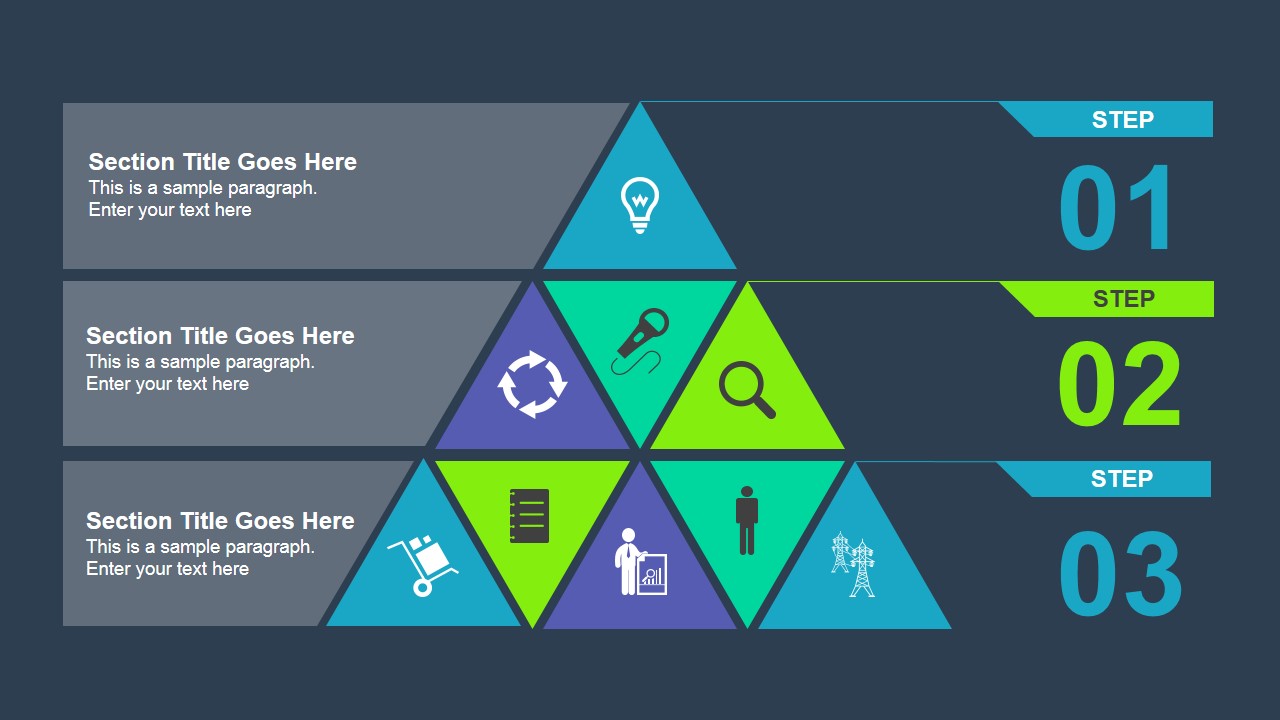
The first slide contains an awesome pyramid diagram that you can edit to fit your presentation needs. This diagram was created with PowerPoint shapes and we added icons inside each component in order you can reuse it to present important concepts with visual aids. The diagram also have there steps or levels that are clearly identified by numbers 1 to 3.
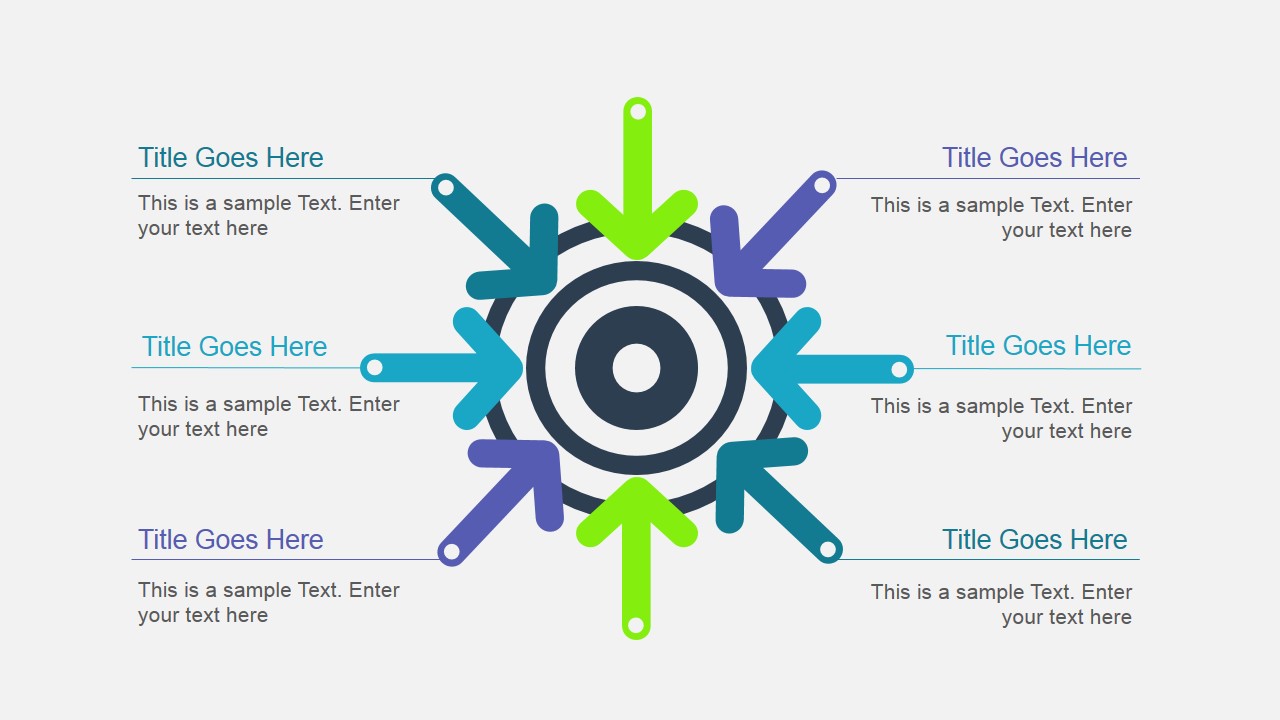
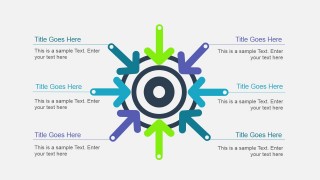
The second slide has a nice goals diagram with arrows pointing to the center that makes it a very useful diagram design to present strategy goals and objectives.
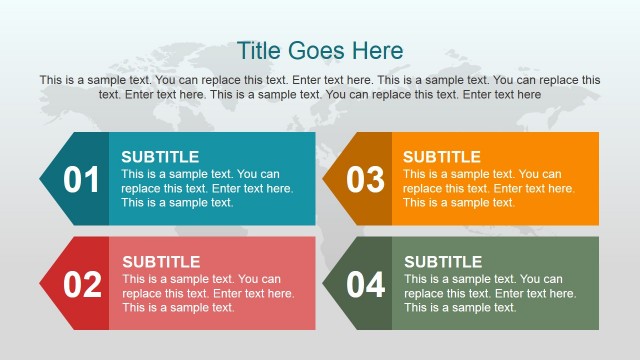
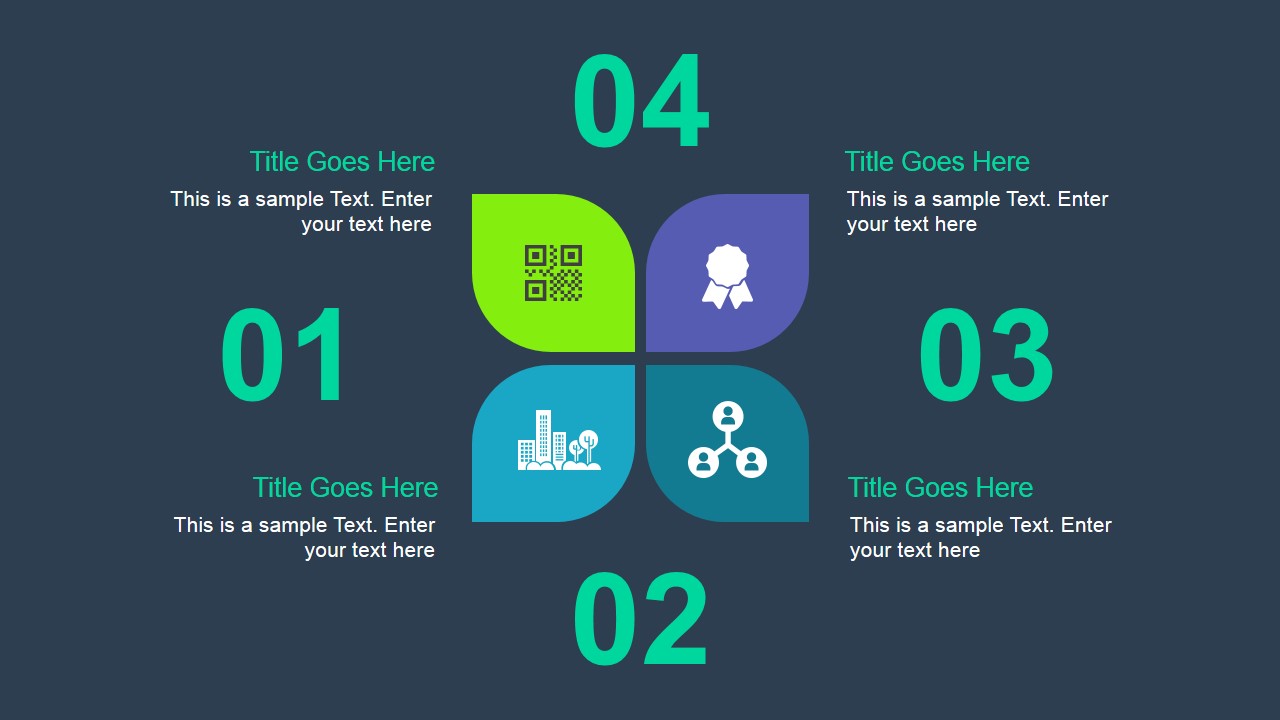
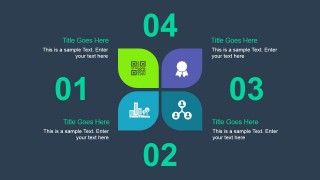
The third slide in this PowerPoint template has a four elements diagram crated with petal shapes in PowerPoint. You can use this diagram to make a slide containing the presentation agenda, key points or concepts.
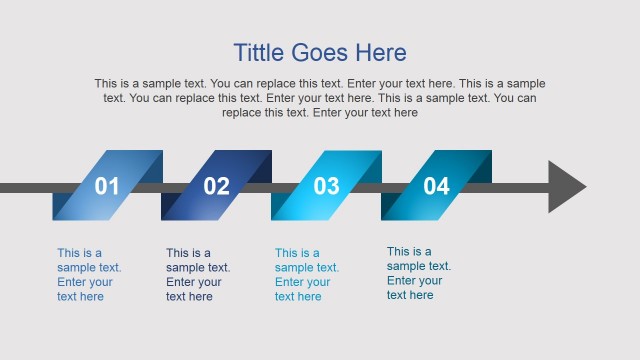
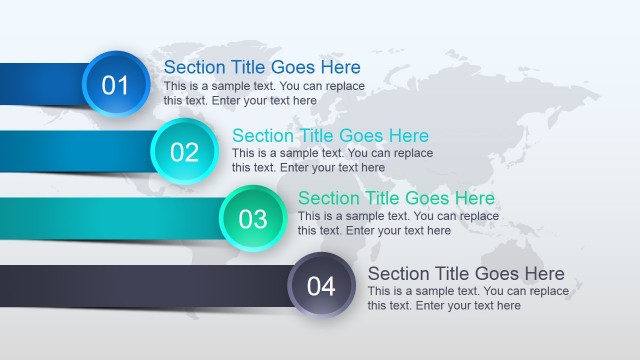
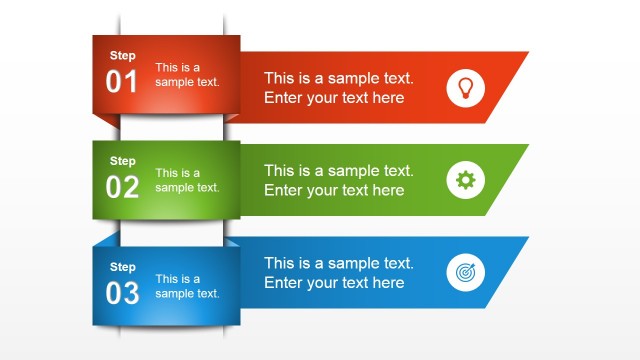
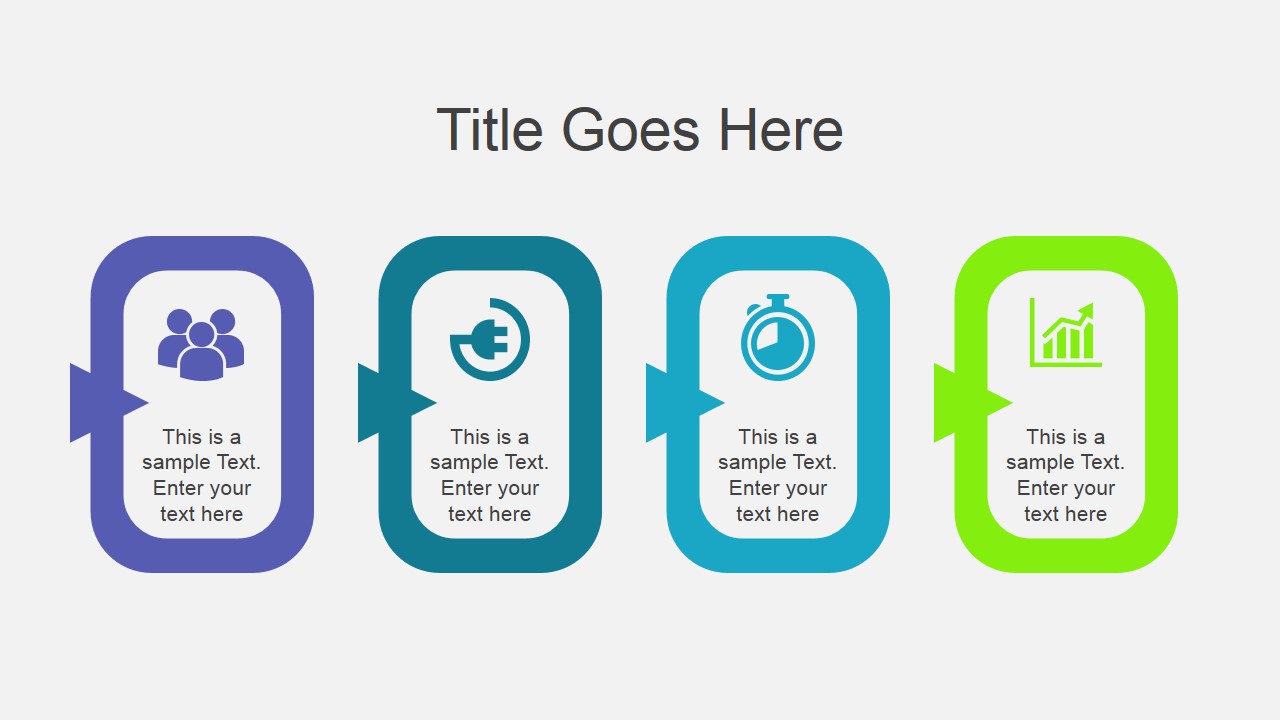
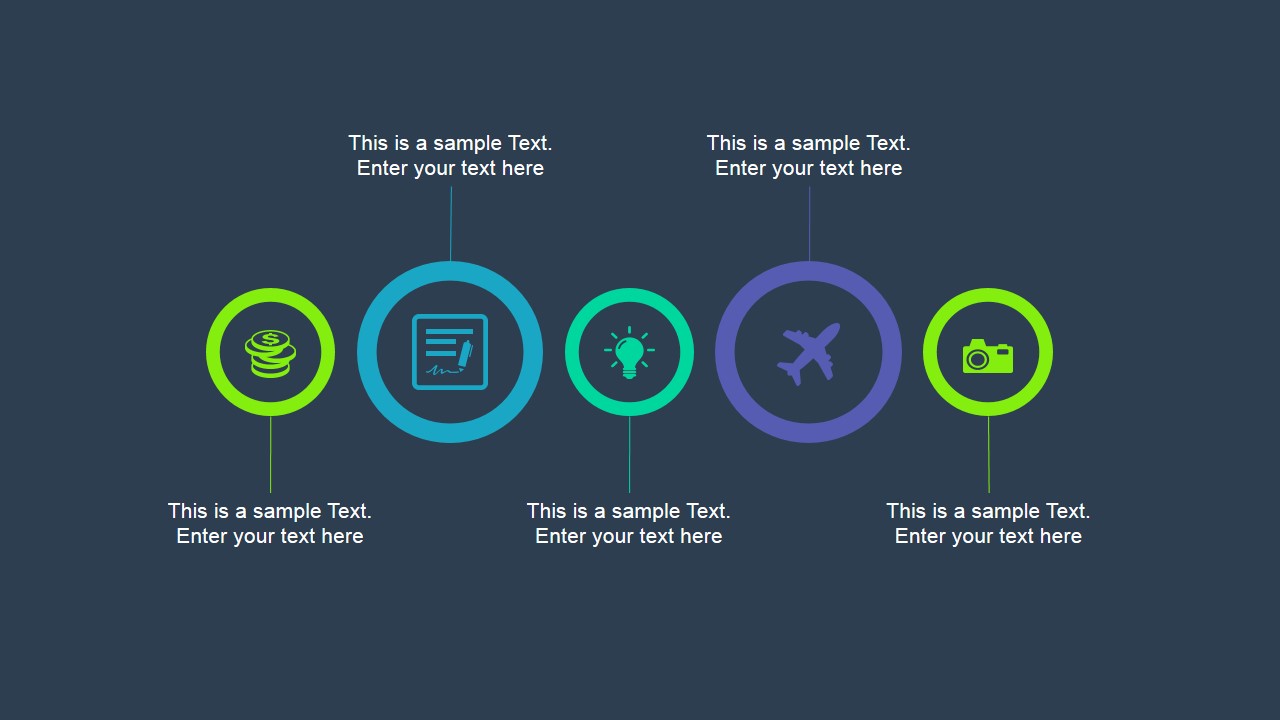
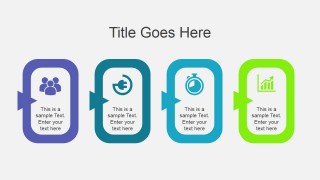
The fourth slide can be used as a timeline but also to present core concepts or presentation goals. You can copy and paste this slide into your own presentation in PowerPoint and edit the layout by manipulating the PowerPoint shapes.
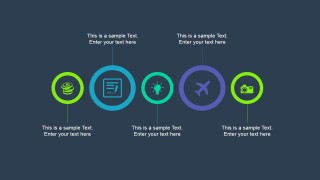
The five animated slide has a special effect (animated objects in PowerPoint) of circles appearing on the screen and it is also very useful to highlight key points during a PowerPoint presentations.
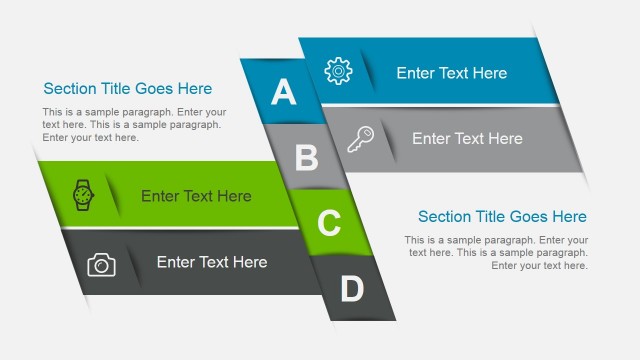
Finally, the last slide can be used to add the presentation conclusions as well as contact information or use it as a Thank You slide.
You can see a live preview of this animated PowerPoint template here:
What’s inside this template
Example presentation scenarios
- A marketing lead can use the target goals diagram to explain campaign objectives and show how separate activities point toward a shared outcome.
- A consultant can use the three-step pyramid to present a phased recommendation, with each level tied to a title, paragraph, and visual icon.
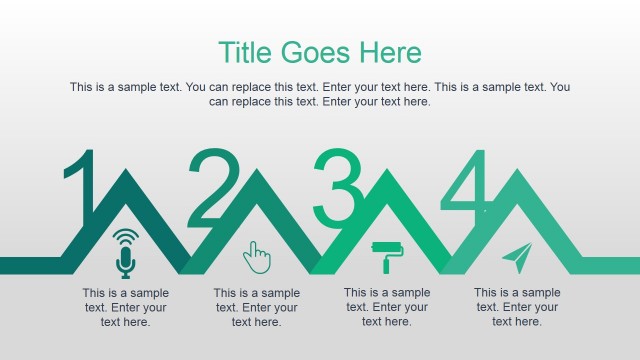
- A project manager can use the icon timeline to summarize milestones, ownership areas, or checkpoints during a short stakeholder update.
- A founder can use the four-petal matrix and four-step process slide to introduce key business concepts before ending with the closing ribbon slide.
Features
- 100% editable presentation template
- Compatible with Microsoft PowerPoint and Google Slides
- 16:9 aspect ratio slides
- Scalable vector shapes, icons and illustrations
- Ready with Animations & Transitions in PowerPoint
- AI-Ready for Microsoft Copilot and Claude
- Instant access and download
Frequently asked questions
Q: How should a presenter structure the message with these diagram slides?
A: Start with the pyramid when the audience needs a hierarchy or phased plan, then move to the target goals diagram to connect actions to one central objective. Use the four-petal or four-step process slide for supporting ideas, and reserve the icon timeline for sequence, milestones, or checkpoints.
Q: Who is this template best suited for in a business setting?
A: This template fits presenters who need a short visual briefing rather than a long report. Marketing managers, consultants, project leads, and founders can use it to explain goals, steps, key points, and takeaways with minimal text while keeping attention on the diagrams and icons.
Q: Why do the pyramid, target, petals, and circles help communication?
A: Each diagram uses a familiar metaphor that reduces explanation time. The pyramid suggests levels or progression, the target shows alignment around one goal, the petals group equal concepts, and the circles create a clear point-by-point rhythm. These shapes guide the audience before they read the body text.

Elegant Animated Business PowerPoint Template
6-slide animated business presentation template with pyramid, goals diagram, and timeline layouts
Elegant Animated Business PowerPoint Template is a 6-slide business presentation template with editable animated diagrams for strategy, marketing, and internal updates. Visible layouts include a three-step pyramid, target goals diagram, four-petal matrix, four-step process, icon timeline, and closing text ribbon. It supports Microsoft PowerPoint and Google Slides.
- Category
- Template Backgrounds
- Rating


 Loading...
- Aspect ratio
- 16:9
- Item ID
- 4014-01
- Colors
 Microsoft PowerPoint
  Microsoft Copilot
  Claude for PowerPoint
 Other formats supported
Subscribe today and get immediate
access to download our PowerPoint templates.