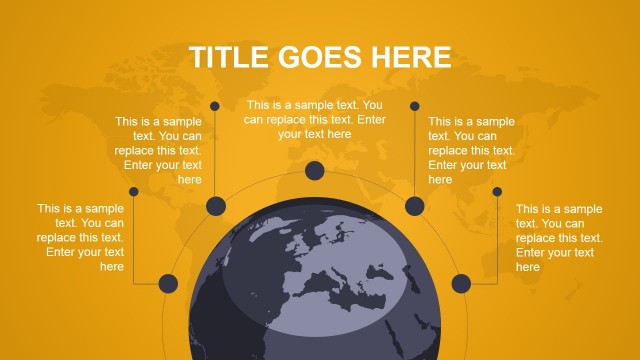
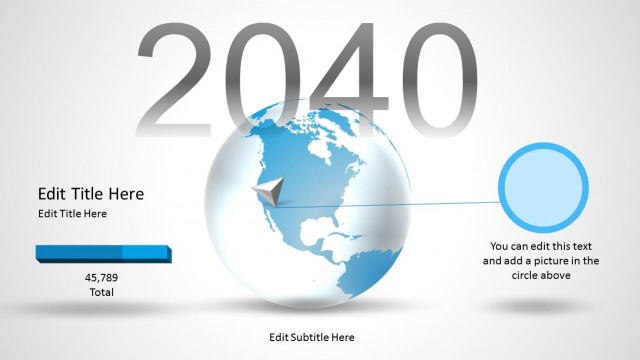
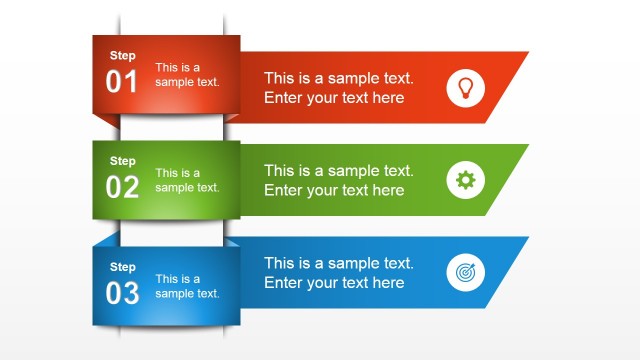
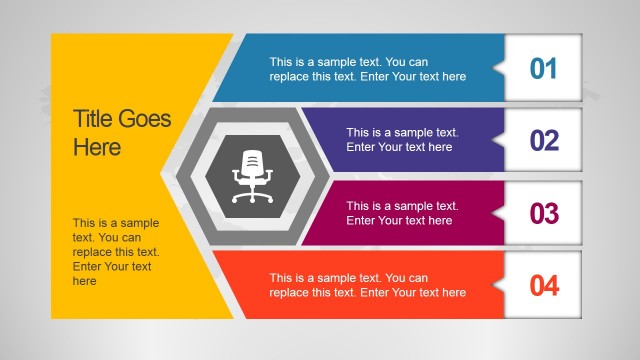
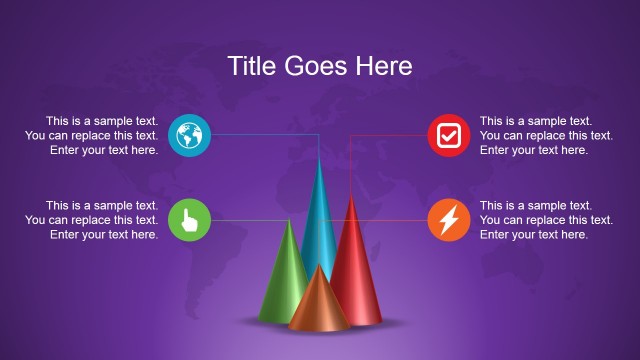
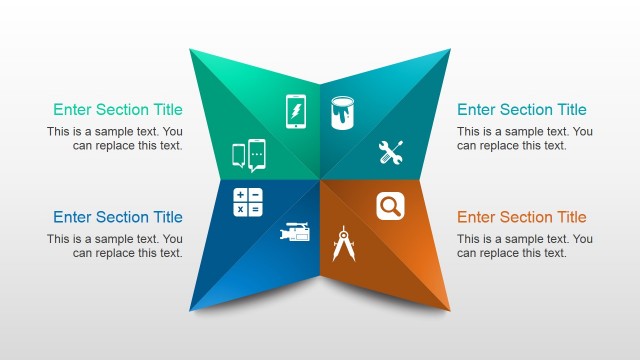
Elegant Global PowerPoint Template– a group of selected high quality designs on a light gray world map background. The wide array of diagrams on the Microsoft PowerPoint template is fully reusable. Appeal to general and professional audiences using Elegant Global PowerPoint Template. The cool graphics can surely engage the audience and generate a productive presentation.
100% customizable, the PowerPoint shapes can aid the user to supplement any presentation. From SWOT analysis to timelines and pyramid charts, the presenter can opt to alter the shapes and placement within the slide designs. The colors can be changed to fit in a color scheme. The text placeholders can be moved around to fit the presentation theme. The features were especially designed to be functional. Thus, they can be easily edited using the PowerPoint shapes menu.
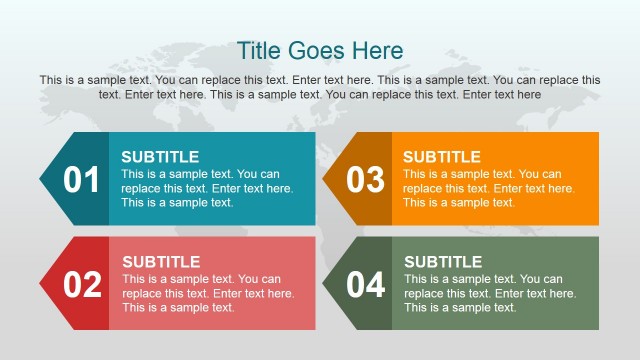
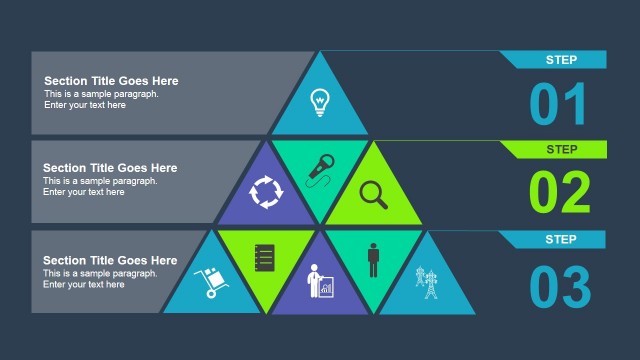
The collection of slides includes a 4-step diagram, SWOT Analysis, 5-step presentation template, pyramid graph and an arrow timeline. They are in 2D and 3D styles with shadow highlights. As the title says, the design is elegant and simple. The casual yet professional feel can capture the audience at any rate. There are 8 unique slide designs. Some slides contain meaningful and useful icons. The second slide for example display a stopwatch, coffee mug and notepad with a check. These can be related to the subject matters in that particular diagram.
The template was made to suit general topics. It is generic and flexible. It is ideal for environment presentation. It is perfect for business reports and in any 4-step and 5-step process presentations. The pyramid graph can be used to showcase value comparison. The timeline can illustrate the flow of a program or plan.
Generate catchy animations and visuals through Elegant Global PowerPoint Template. More options are downloadable at 6 Step PowerPoint Templates found at the SldieModel gallery.
What’s inside this template
Example presentation scenarios
- A consultant can present a client strategy review by using the SWOT slide to compare internal and external factors, then the arrow timeline to map recommended next steps.
- A project manager can brief executives on a rollout plan by using the four-step ribbon list for phases and the five-step tile grid for workstream responsibilities.
- An operations leader can explain a global program by using the world map background, icon network, and layered stack to connect regions, activities, and dependencies.
- A business analyst can present a comparative concept by using the pyramid graph for ranked items and the three-panel layered diagram for grouped recommendations.
Features
- 100% editable presentation template
- Compatible with Microsoft PowerPoint and Google Slides
- Scalable vector shapes, icons and illustrations
- Ready with Animations & Transitions in PowerPoint
- AI-Ready for Microsoft Copilot and Claude
- Instant access and download
Frequently asked questions
Q: How should a presenter build a clear message with these global background diagrams?
A: Start with the 4-step ribbon slide to define the main structure, then move to the SWOT slide for the strategic situation. Use the arrow timeline only after the audience understands the analysis, so the timeline reads as an action path rather than a disconnected schedule. Keep each diagram to one message per slide.
Q: Who is this template best suited for in a business presentation?
A: This template fits consultants, project managers, analysts, and team leads who need to explain structured business information without building a full narrative pitch deck. It works well for global program updates, process briefings, strategy workshops, and operational summaries where diagrams such as SWOT, timelines, layers, and step tiles carry the message.
Q: Why do the map background and dimensional shapes improve communication?
A: The pale world map creates a shared global context without competing with the content, while the dimensional ribbons, tiles, and stacked layers give abstract ideas a physical metaphor. Steps feel like a path, layers feel like hierarchy, and the SWOT diamond creates balance around the center, which helps audiences read relationships quickly.


Elegant Global PowerPoint Template
8-slide PowerPoint presentation template with global map backgrounds, SWOT, timeline, and process diagrams
Elegant Global PowerPoint Template is an 8-slide PowerPoint deck using light gray world map backgrounds with blue, teal, green, and dark gray diagram elements. It includes a 4-step ribbon list, icon network, pyramid graph, layered stack, arrow timeline, SWOT matrix, and numbered tile process for business and general presentations.


 Loading...
 Microsoft PowerPoint
 Microsoft Copilot
 Claude for PowerPoint
Other formats supported
Subscribe today and get immediate
access to download our PowerPoint templates.