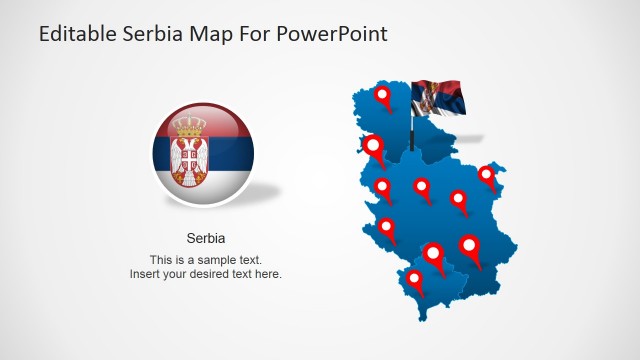
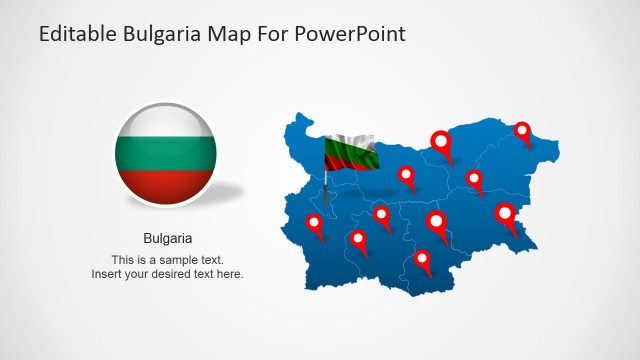
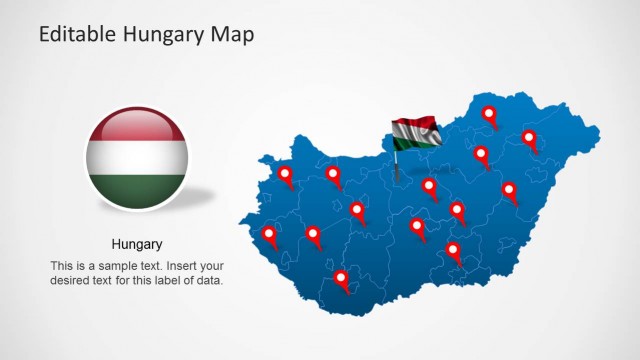
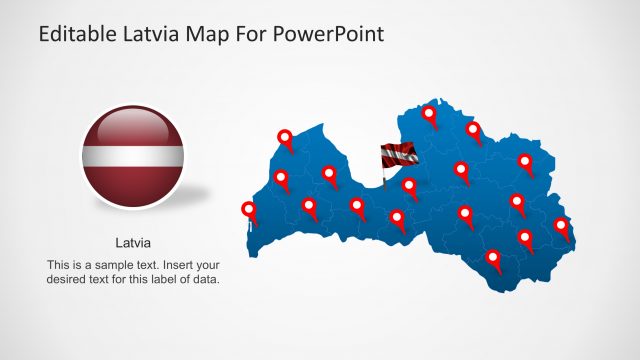
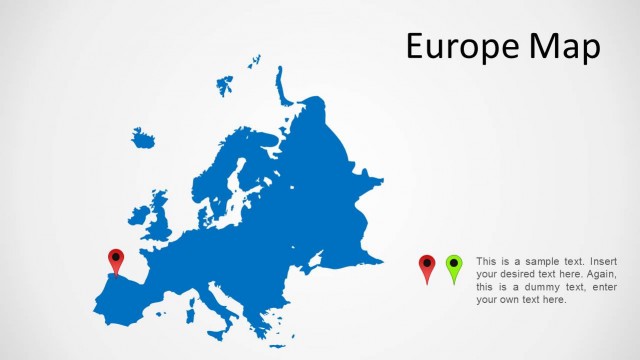
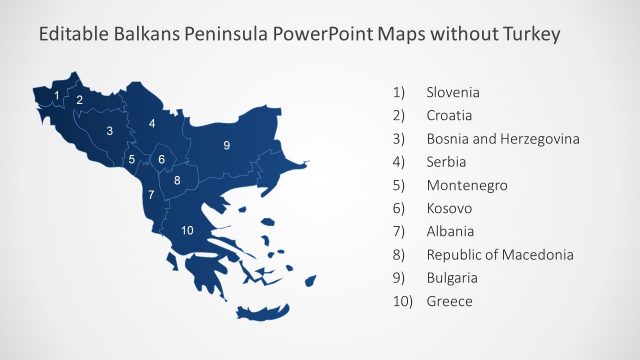
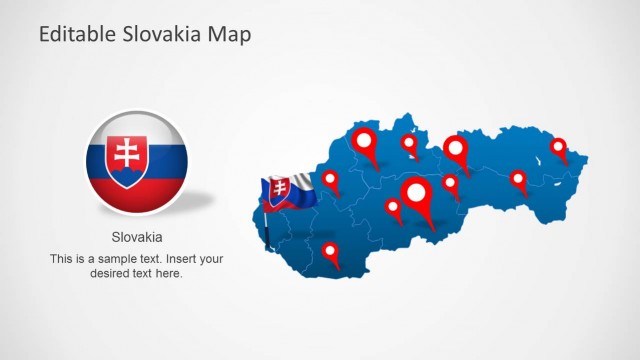
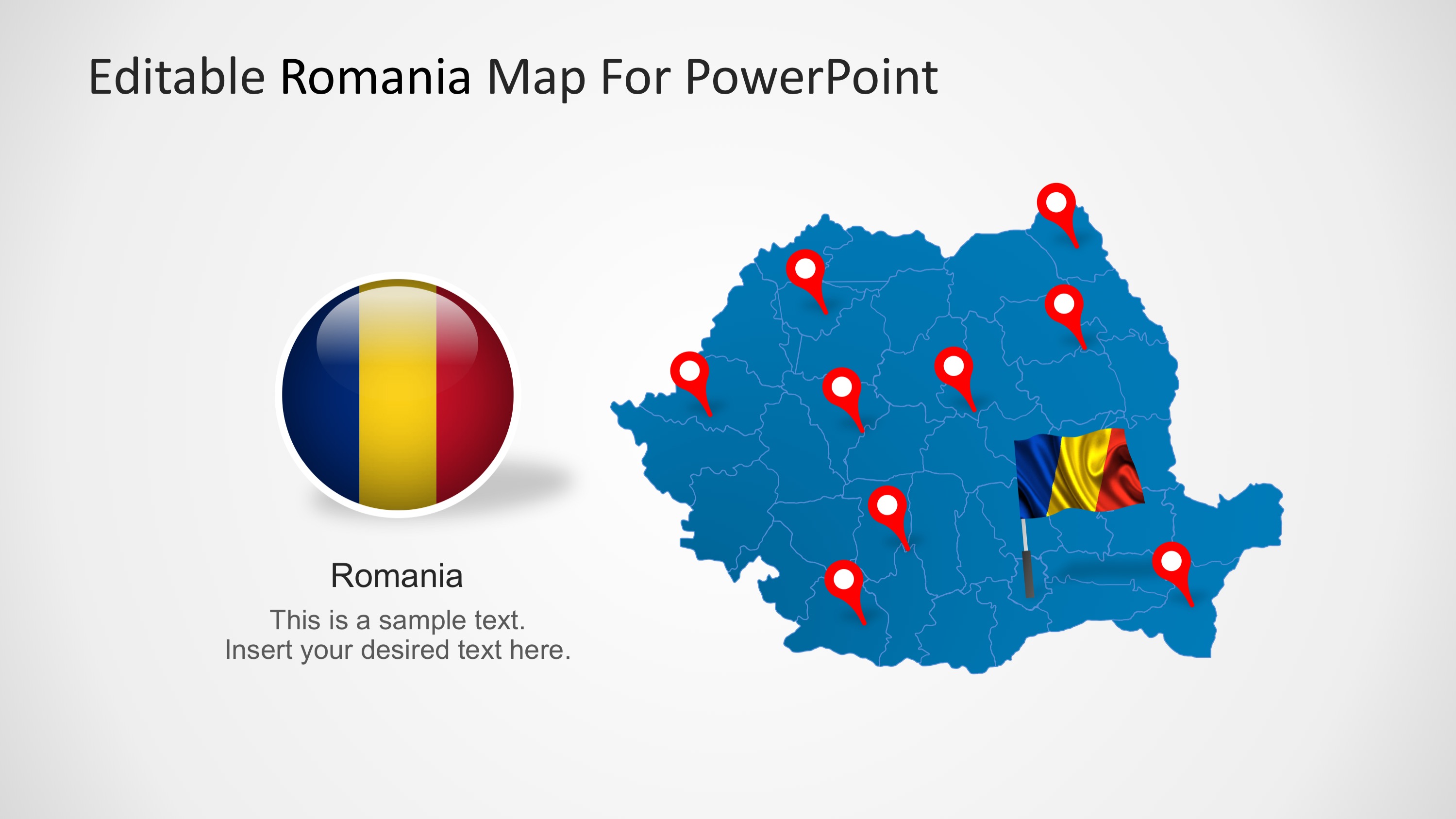
Editable Romania PowerPoint Map is a professional PowerPoint Map vector of Romania. Romania is a state located in Europe (South East). It borders with Bulgaria, Hungary, Serbia, Ukraine, Moldova and the Black Sea. Its Capital City is Bucharest.
What’s inside this template
Example presentation scenarios
- A regional sales manager can present Romanian market coverage by placing office, client, or distributor locations on the pin marker maps and adding notes in the side text panels.
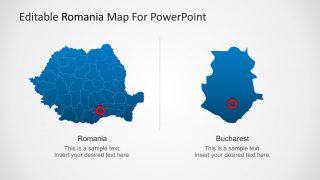
- A consultant can explain a country entry or expansion plan by starting with the full Romania map, then using the Bucharest callout to discuss capital-city operations.
- An educator can teach Romania geography by using the shaded regional map, flag visuals, and province boundary maps to connect location, territory, and national identity.
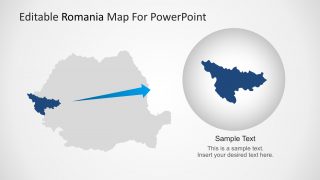
- A logistics planner can show delivery routes, service areas, or priority hubs by adapting the red pin slides and the highlighted region zoom to focus attention on target areas.
Features
- 100% editable presentation template
- Compatible with Microsoft PowerPoint and Google Slides
- 16:9 aspect ratio slides
- Scalable vector shapes, icons and illustrations
- AI-Ready for Microsoft Copilot and Claude
- Instant access and download
Frequently asked questions
Q: How should a presenter organize a Romania geography briefing with this template?
A: Start with the broad country map to orient the audience, then move to the shaded regional map if differences by territory matter. Use the pin marker slides for specific sites, and reserve the Bucharest callout or split country-city slide for the point that needs capital-city focus. Keep each map slide tied to one question.
Q: Who is this Romania map template best suited for?
A: It fits presenters who need to explain where something happens in Romania rather than only describe it in text. Regional managers, consultants, educators, tourism planners, and logistics teams can use the national map, pinned locations, and region zoom to make territory, coverage, or location decisions easier to follow.
Q: Why do the pin markers, flag elements, and zoom layout help communication?
A: The map pins act as attention anchors, the flag graphics identify the country quickly, and the zoom slide separates the selected region from the full map. This design lets the audience see both context and focus: where Romania sits as a whole and which location or region deserves discussion.


Editable Romania PowerPoint Map
8-slide presentation template with Romania map, regional markers, Bucharest detail, and flag callouts
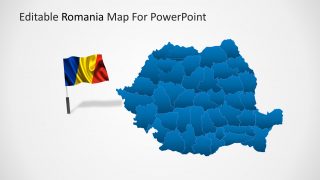
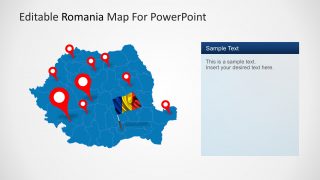
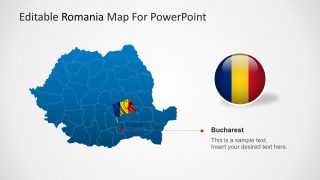
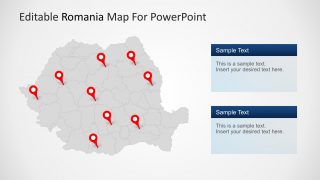
Editable Romania PowerPoint Map is an 8-slide map template for presenting Romanian geography, territories, and locations. Visible layouts include a labeled national map, shaded regional map, pin marker map, Bucharest detail callout, split country-city map, and highlighted region zoom. It is for business, education, planning, and regional reporting in PowerPoint or Google Slides.
- Category
- Maps
- Rating

 Loading...
- Aspect ratio
- 16:9, 4:3
- Item ID
- 7205-01
- Colors
 Microsoft PowerPoint
  Microsoft Copilot
  Claude for PowerPoint
 Other formats supported
Subscribe today and get immediate
access to download our PowerPoint templates.