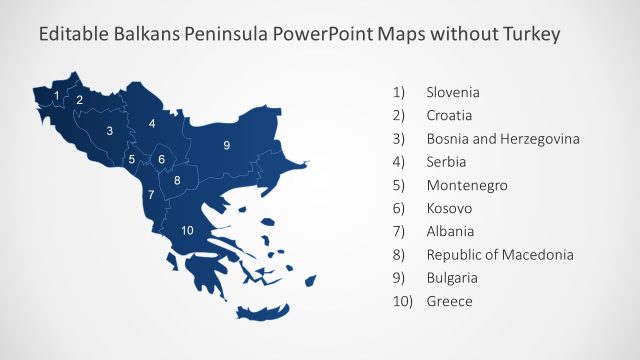
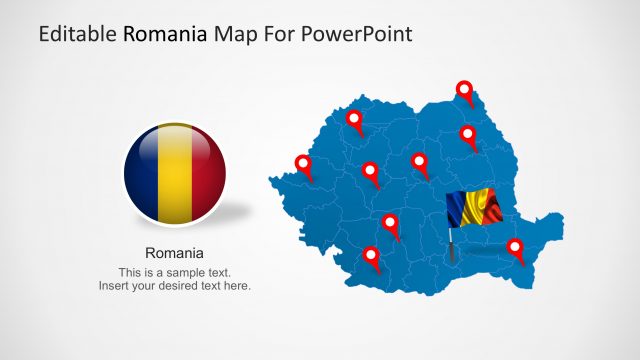
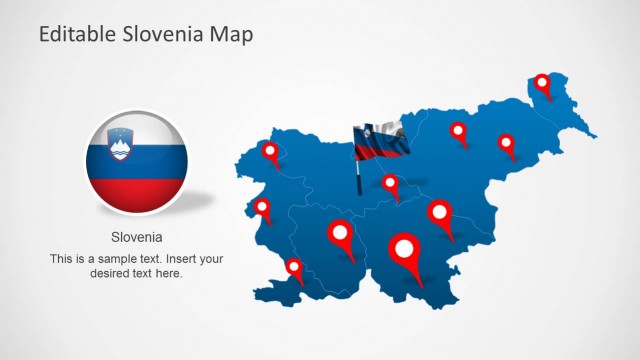
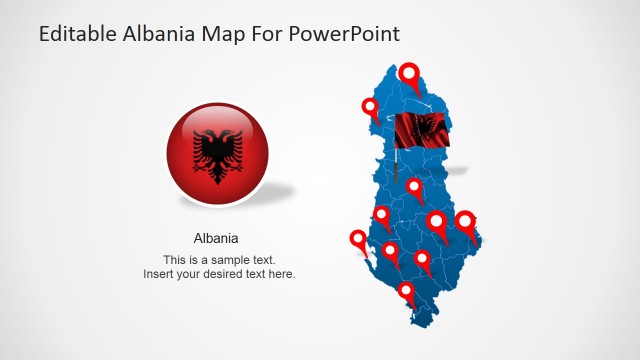
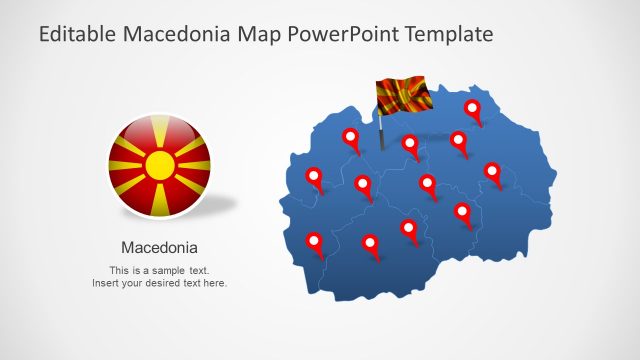
The professionally designed Editable Serbia Map for PowerPoint provides teachers of geography, keynoters and presenters with the ideal tools that they will require to create riveting and engaging presentations for lessons, seminars and lectures on the geography, history, economics and tourism of the nation of Serbia.
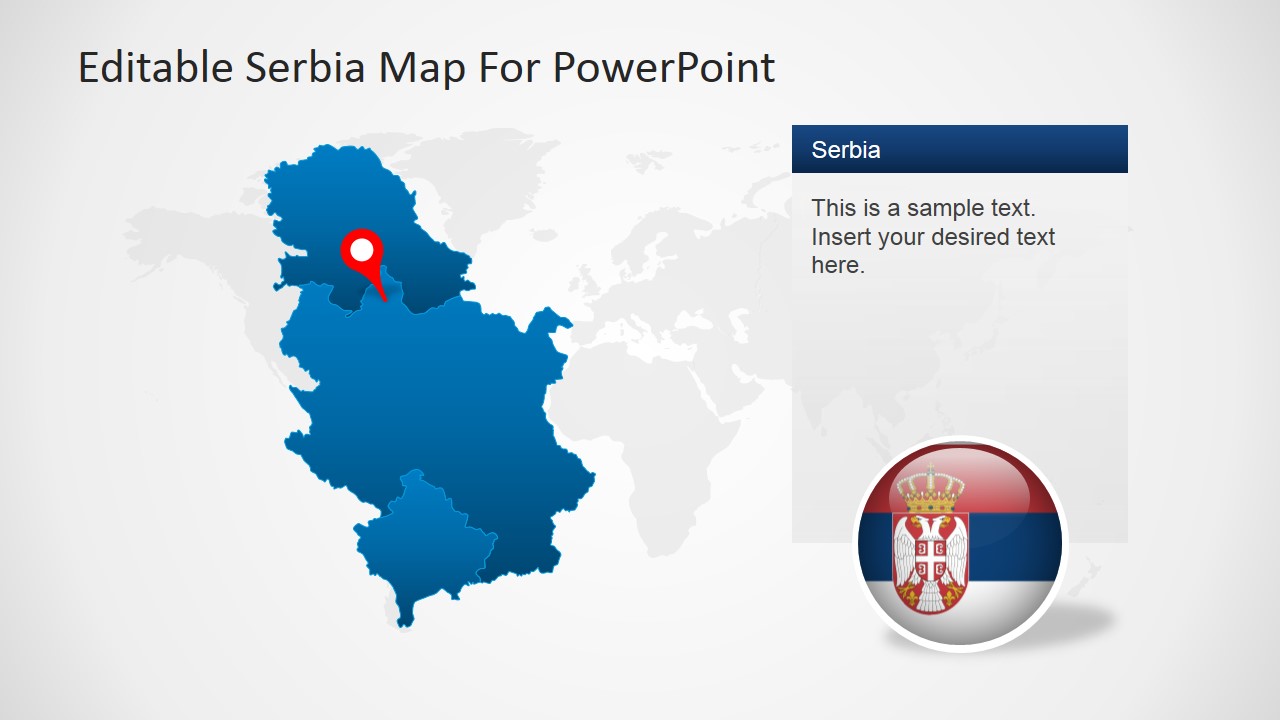
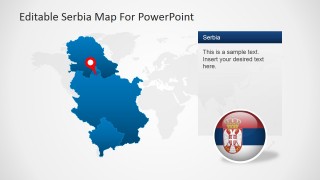
Serbia, known officially as the Republic of Serbia, is situated upon the South East and Center of Europe. The nation covers the southern parts of the Pannonian Plain and the central areas of the Balkans. A landlocked country, Serbia holds borders with Hungary to the North; Romania and Bulgaria to the East; Macedonia to the south; and, to the west, Croatia, Bosnia and Montenegro to the west. Via the disputed territory of Kosovo, Serbia also claims a border with Albania. Interestingly the capital city of Serbia, Belgrade, is known to be one of the largest cities in Southeastern Europe.
Serbia is currently an upper-middle income economy and boasts a dominant service sector followed by those sectors governing industry and agriculture. The Republic of Serbia is a member state of the UN (United Nations), CoE (Council of Europe), OSCE (Organisation for Security and Cooperation in Europe), PfP (Partnership for Peace), BSEC (Organisation of the Black Sea Economic Cooperation) and CEFTA (Central European Free Trade Agreement). It is also recognised as being an official candidate for membership within the EU (European Union). Militarily speaking, Serbia is a neutral state.
This slide is entirely editable, all icons, images and vector graphics having been created using high quality clip art elements which are freely available in all PowerPoint applications. You will be able to amend and alter any aspect of this template.
What’s inside this template
Example presentation scenarios
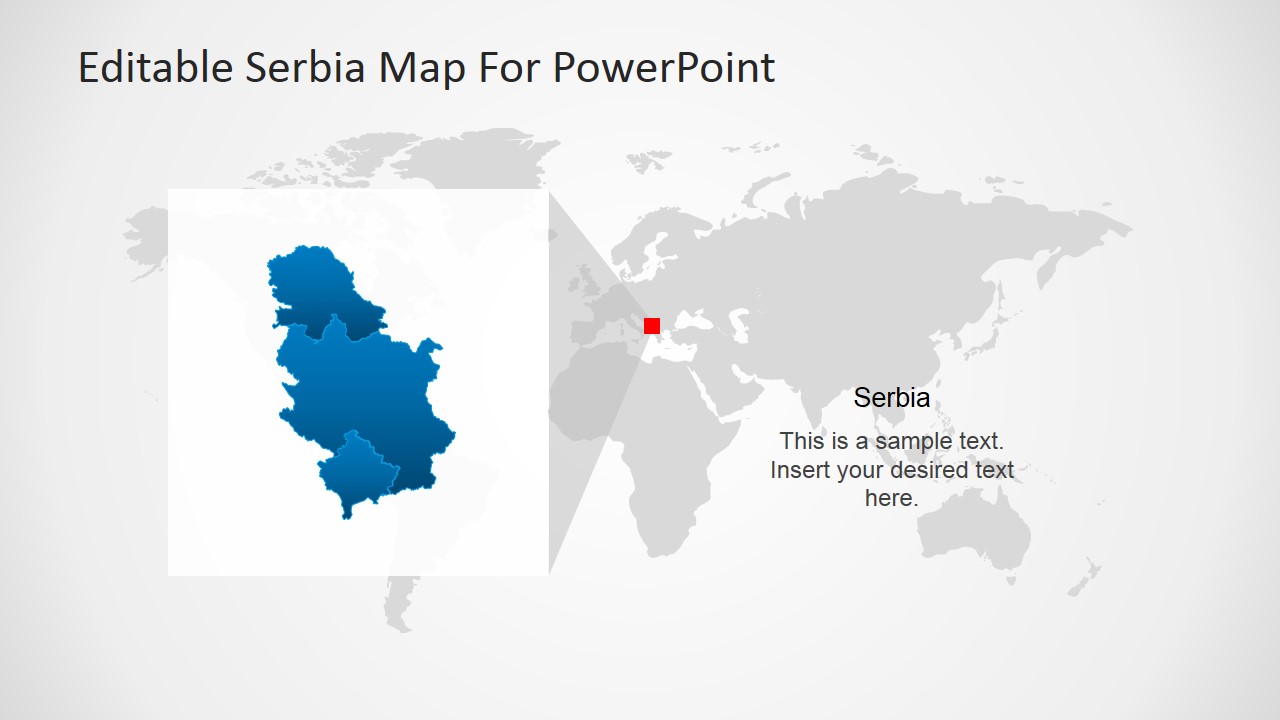
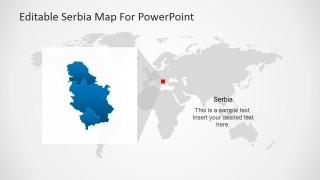
- A geography teacher can introduce Serbia's location and internal regions by moving from the Europe/world locator map to the pinned regional map.
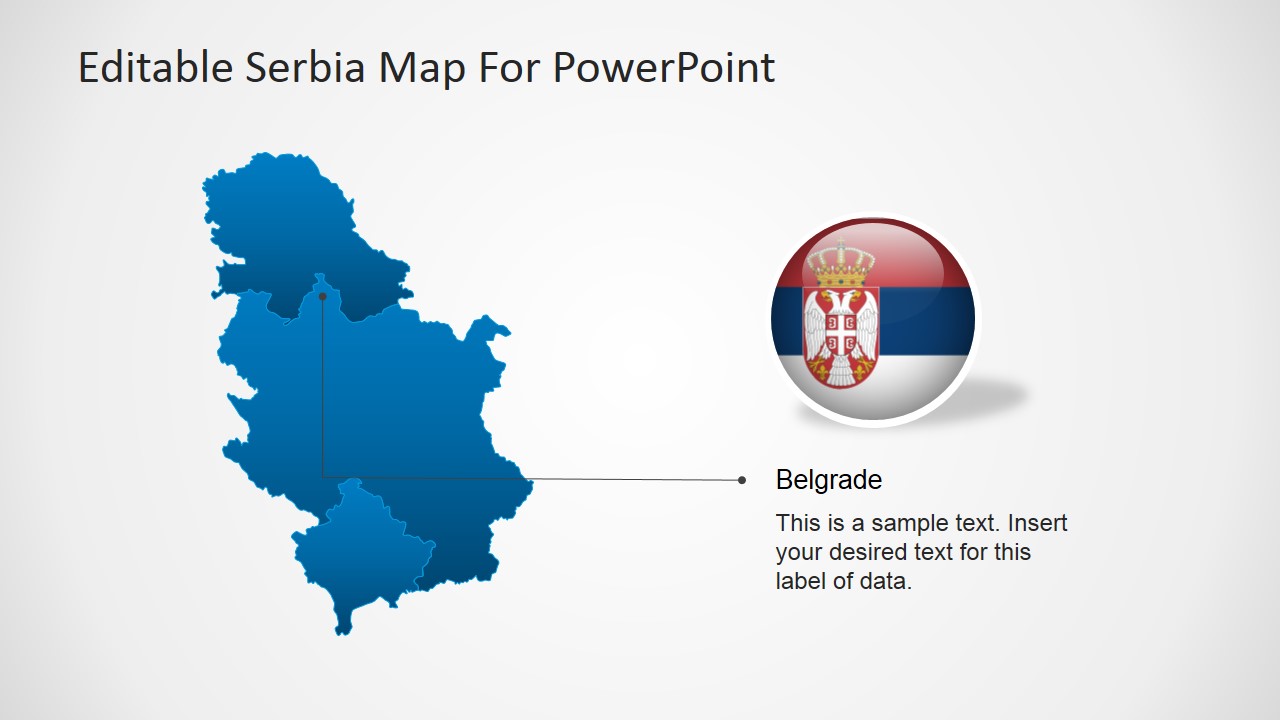
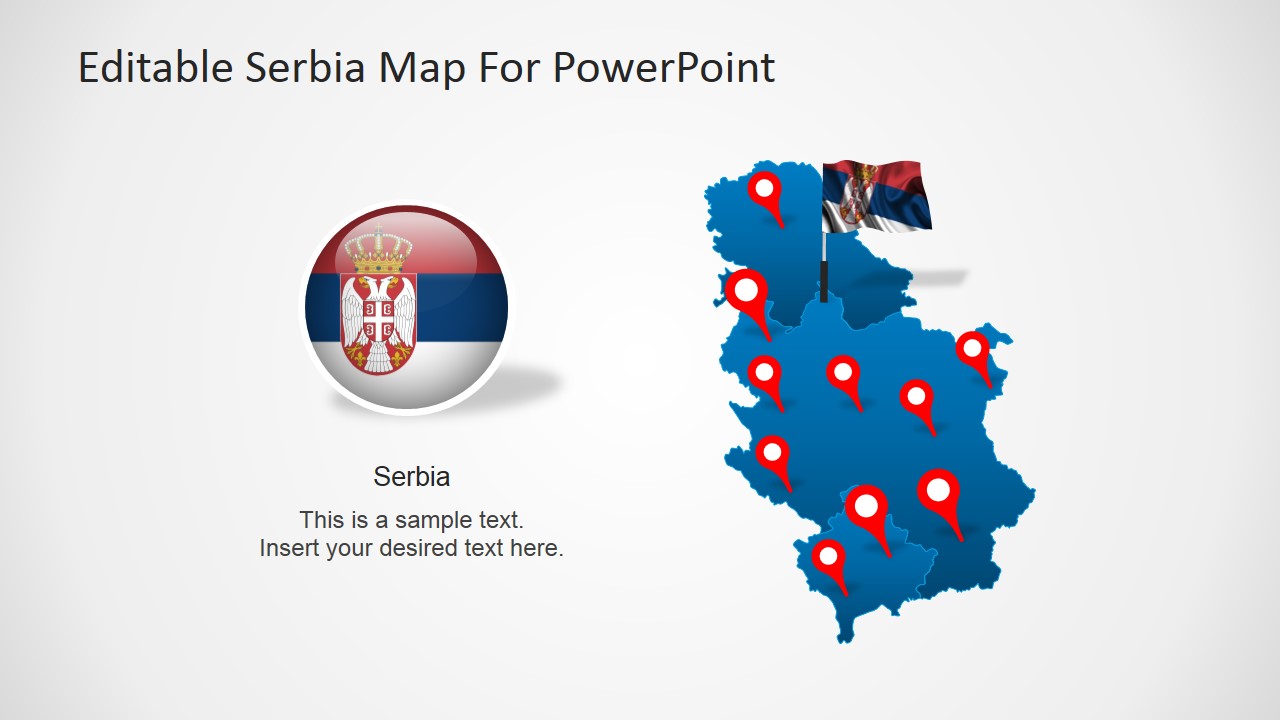
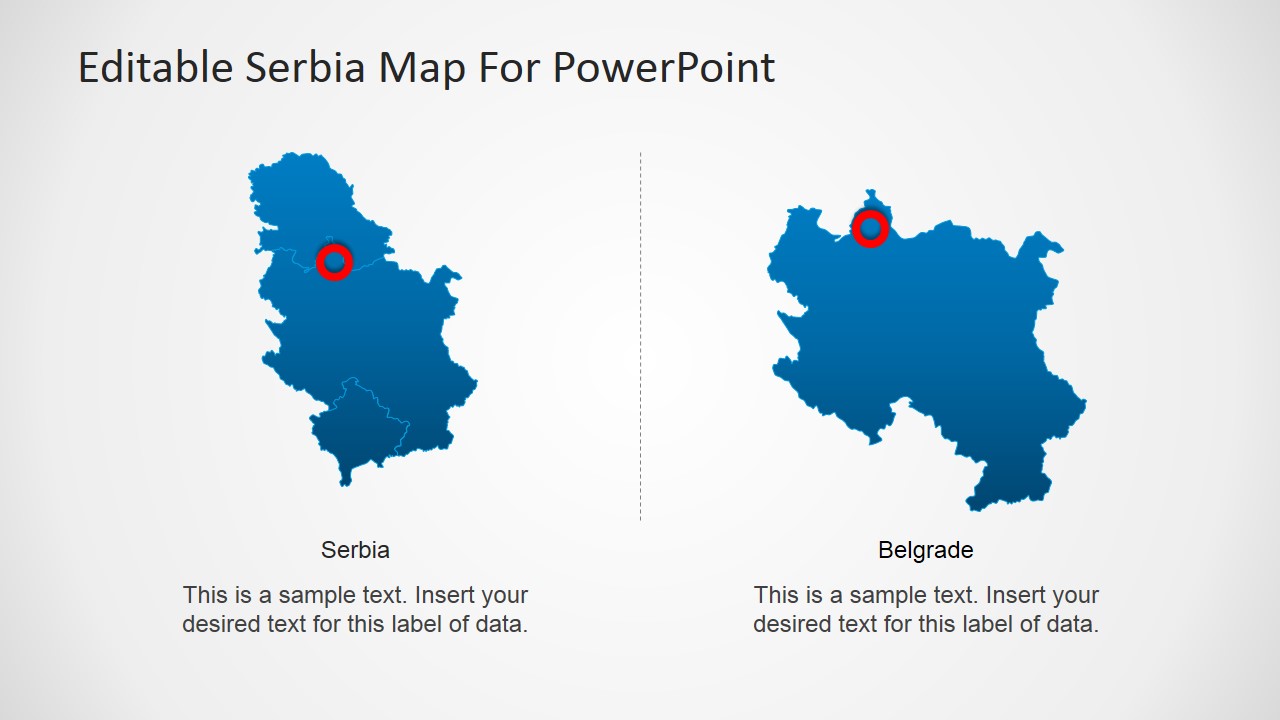
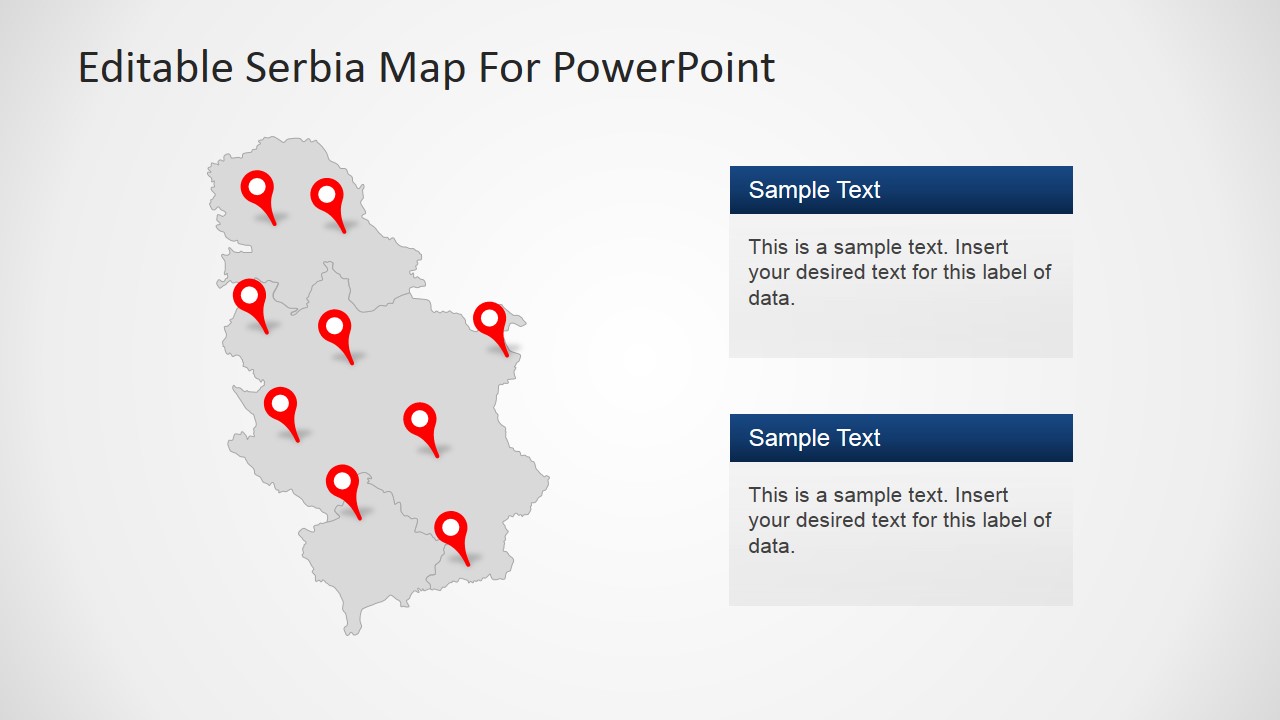
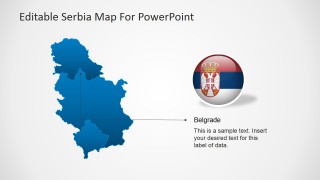
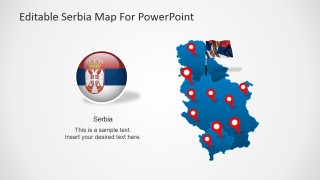
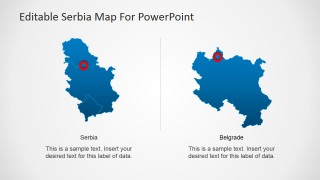
- A tourism presenter can show destination clusters, routes, or city stops using the Serbia map with red location pins and the Belgrade callout slide.
- A business consultant can brief executives on Serbia market coverage by using the two-column comparison map and editable text panels for regional notes.
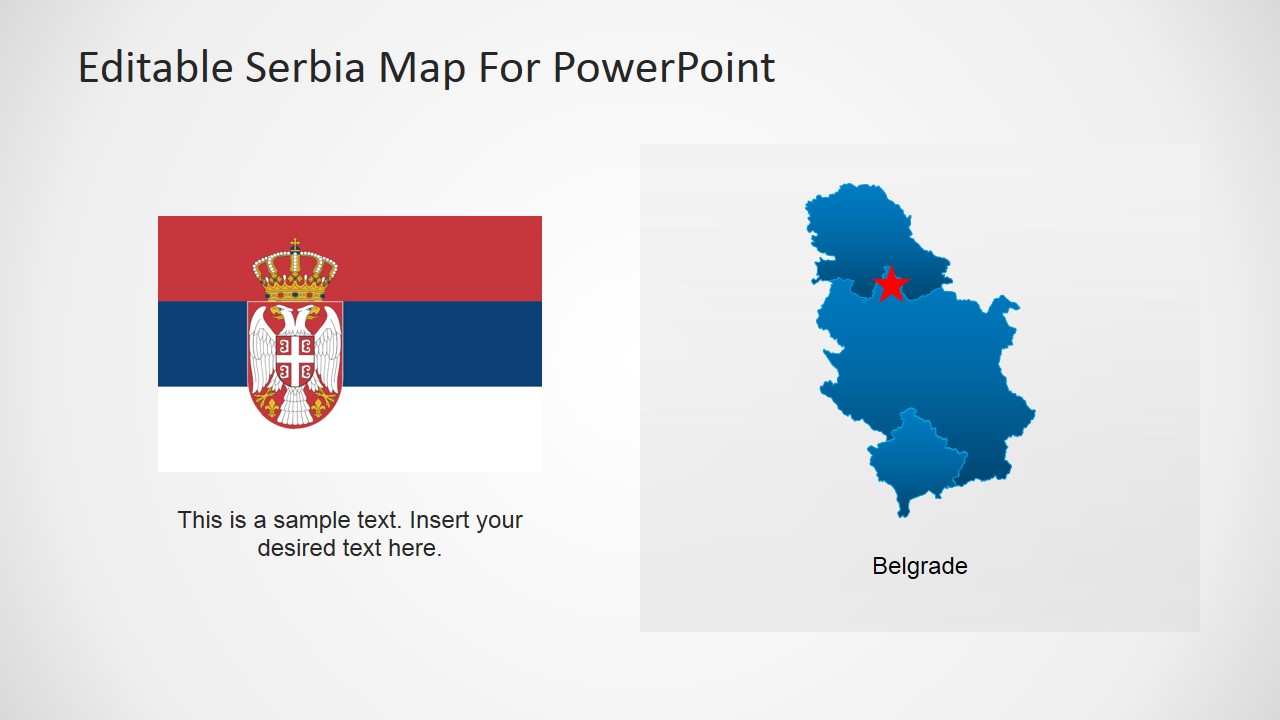
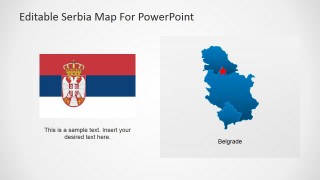
- A policy analyst can explain national context in a public sector briefing using the flag layout, country overview text, and regional focus map.
Features
- 100% editable presentation template
- Compatible with Microsoft PowerPoint and Google Slides
- 16:9 aspect ratio slides
- Scalable vector shapes, icons and illustrations
- AI-Ready for Microsoft Copilot and Claude
- Instant access and download
Frequently asked questions
Q: How should I sequence the slides to explain Serbia's location clearly?
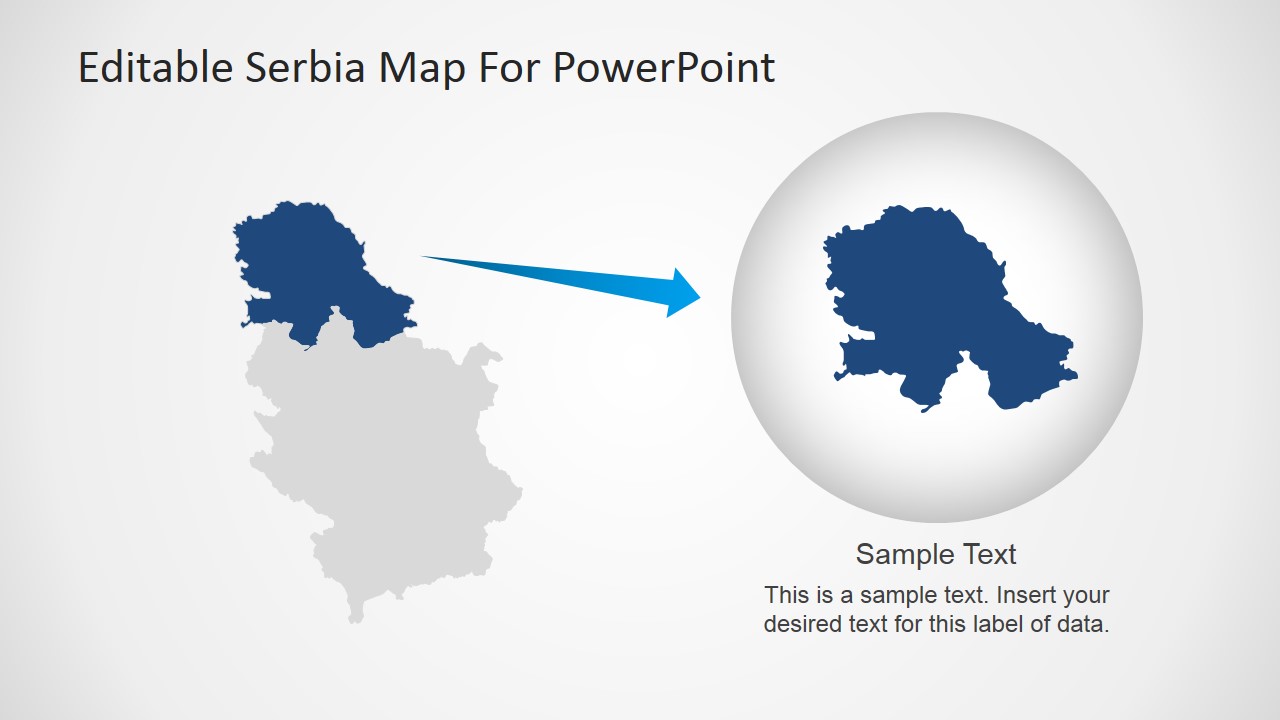
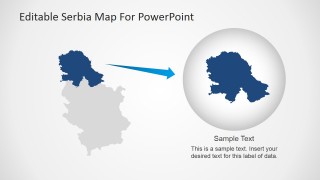
A: Start with the Europe/world locator slide to orient the audience, then use the full Serbia map with pins to show national coverage. Move to the Belgrade callout or regional focus slide for detail. End with the text panel layout if the audience needs summarized implications, actions, or location-specific notes.
Q: Who is this template best suited for?
A: It fits presenters who need to explain where things happen in Serbia, not just describe Serbia in text. Teachers, tourism planners, consultants, policy teams, and international business presenters can use the pinned maps, flag slide, Belgrade label, and regional detail views to make location-based information easier to follow.
Q: Why do the slides combine pins, flags, and locator maps?
A: The design uses familiar map metaphors to reduce explanation time. The flag and emblem signal country identity, the Europe/world locator sets geographic context, and red pins create attention points on the blue map. This mix helps audiences separate national context, city focus, and regional coverage.
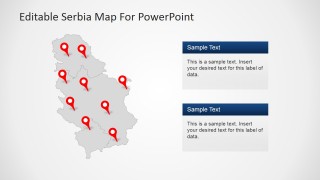
Editable Serbia Map For PowerPoint
8-slide Serbia map presentation template with regional pins, flag layouts, and Europe locator maps
This is an 8-slide Serbia map presentation template for Microsoft PowerPoint and Google Slides. It includes a country map with location pins, a Belgrade callout, a Europe/world locator map, flag and emblem layouts, comparison maps, and regional pin maps. It suits geography, tourism, market, policy, and regional briefing presentations.
- Category
- Maps
- Rating

 Loading...
- Aspect ratio
- 16:9, 4:3
- Item ID
- 6611-01
- Colors
 Microsoft PowerPoint
  Microsoft Copilot
  Claude for PowerPoint
 Other formats supported
Subscribe today and get immediate
access to download our PowerPoint templates.