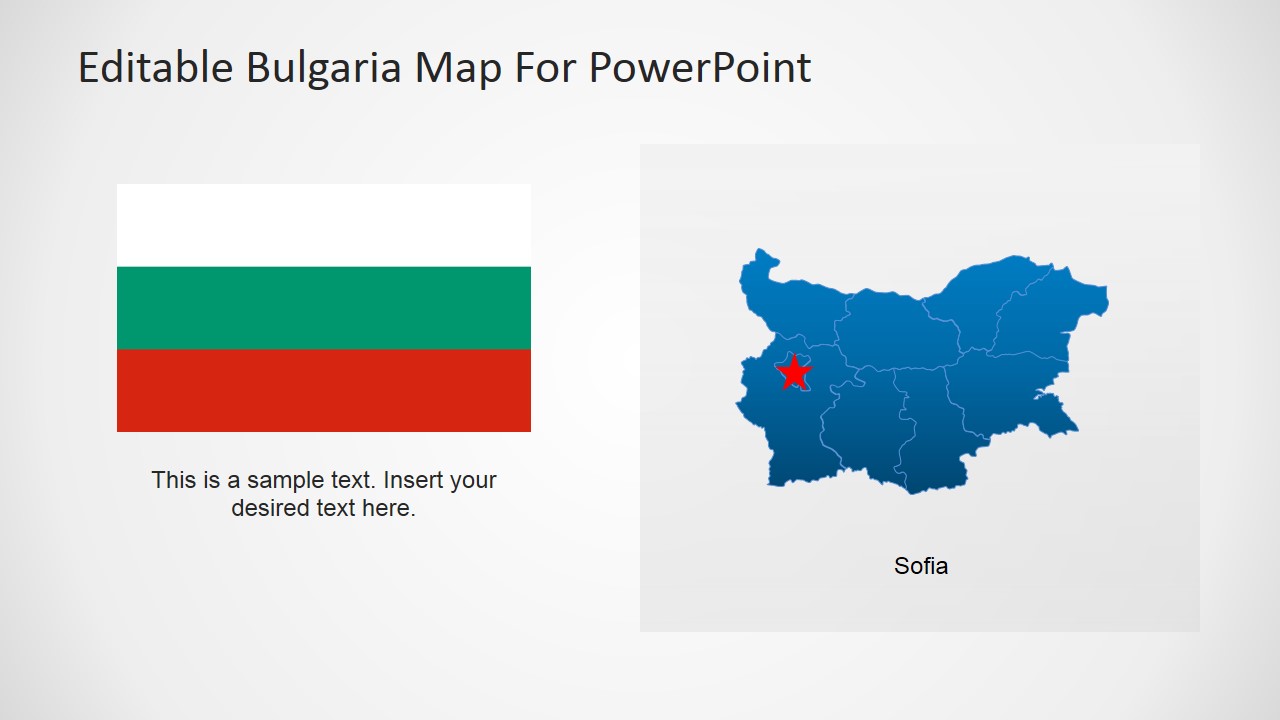
Editable Bulgaria PowerPoint Map – Let your audience discover Bulgaria through a creative presentation using the Editable Bulgaria PowerPoint Map. This PowerPoint template’s construction qualities allow the user to create unlimited concepts in every slide. The whole Bulgaria map is built using pieces of PowerPoint shapes that can be highlighted individually using colors, shades or outlines. These map pieces can be presented individually in a separate slide. It’s perfect for highlighting a specific region in the country such as its capital, Sofia. Each piece of the map is also editable in terms sizes, colors and effects. It can be resized to a small icon to accentuate a concept. Its color is also editable to any shade to fit all presentation themes. These icons can have various markers such as a star, a circle and pin balloons. In addition, it can be presented in a magnified view against the whole map to create a more dramatic effect in the presentation.
This PowerPoint template is perfect for a tourism presentation focusing on Bulgaria’s unique characteristics. One of the most revered products of Bulgaria is its roses. Tourists enjoy visiting the country between May and June while the locals harvest its petals which contribute to up to 85% of the world’s rose oil. Another remarkable product of Bulgaria is its yogurt. It is known to have a unique taste due to a type of yogurt bacteria that is solely found in the country’s atmosphere. Bulgaria also has beautiful beaches in its Black Sea coast. These beaches are swarming with tourists during summer with over 800 hotels to choose from.
Aside from tourism presentations, this PowerPoint template is also great for presenting business plans for the country such as logistic plans, business expansion, production plans and more. The flexibility of the template allows for a more focused report on specific locations in the country as well those in the region.
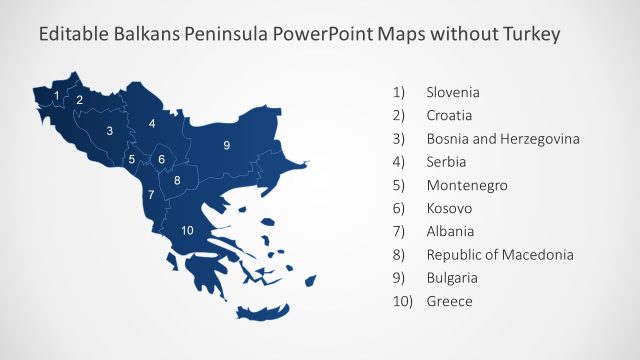
The Republic of Bulgaria borders with the countries of Romania, Serbia, Macedonia, Greece and Turkey. To the east, it borders with the Black Sea.
What’s inside this template
Example presentation scenarios
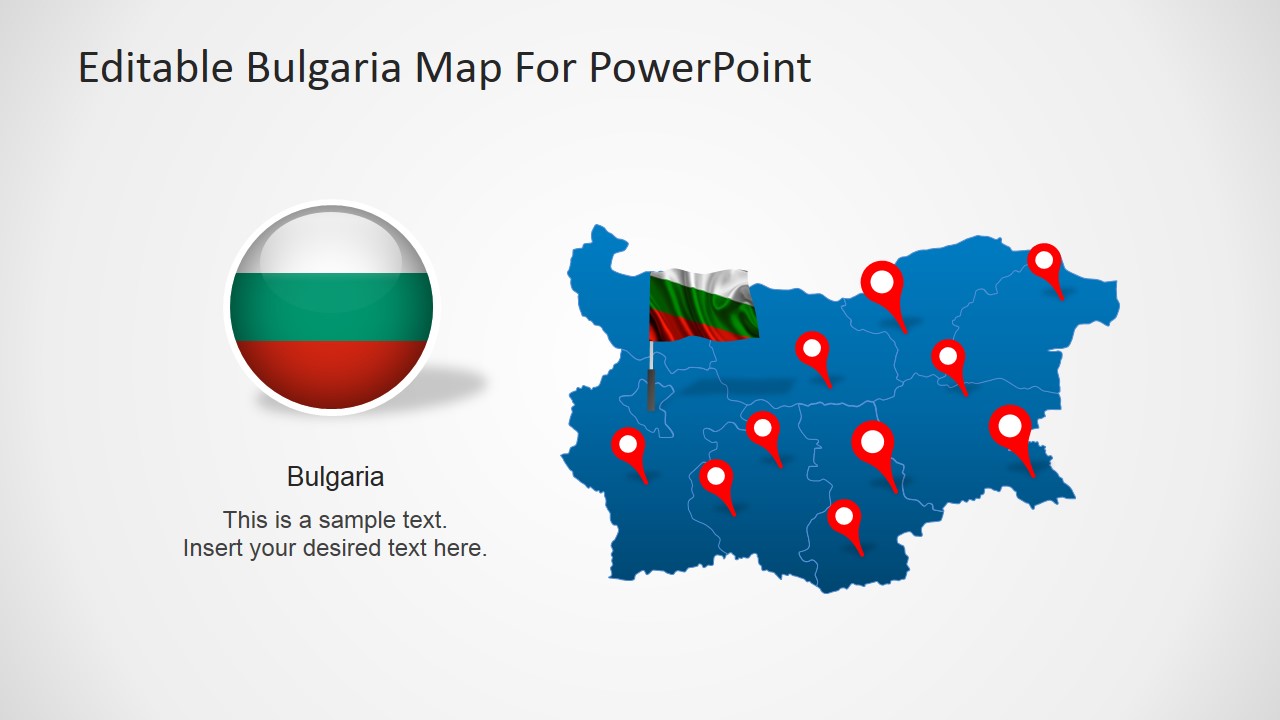
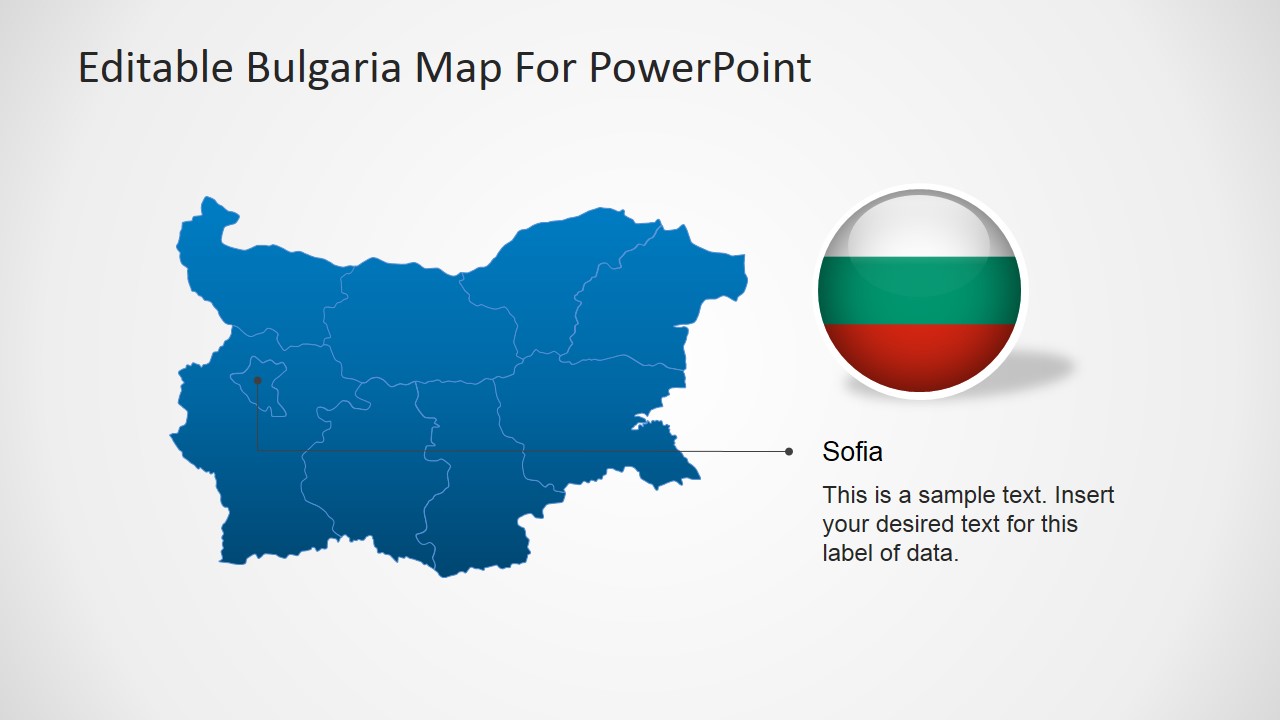
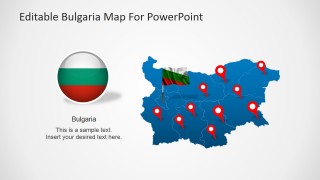
- A tourism presenter can introduce Bulgaria as a destination by using the national map, flag graphic, and location pins to connect attractions, routes, or regional highlights.
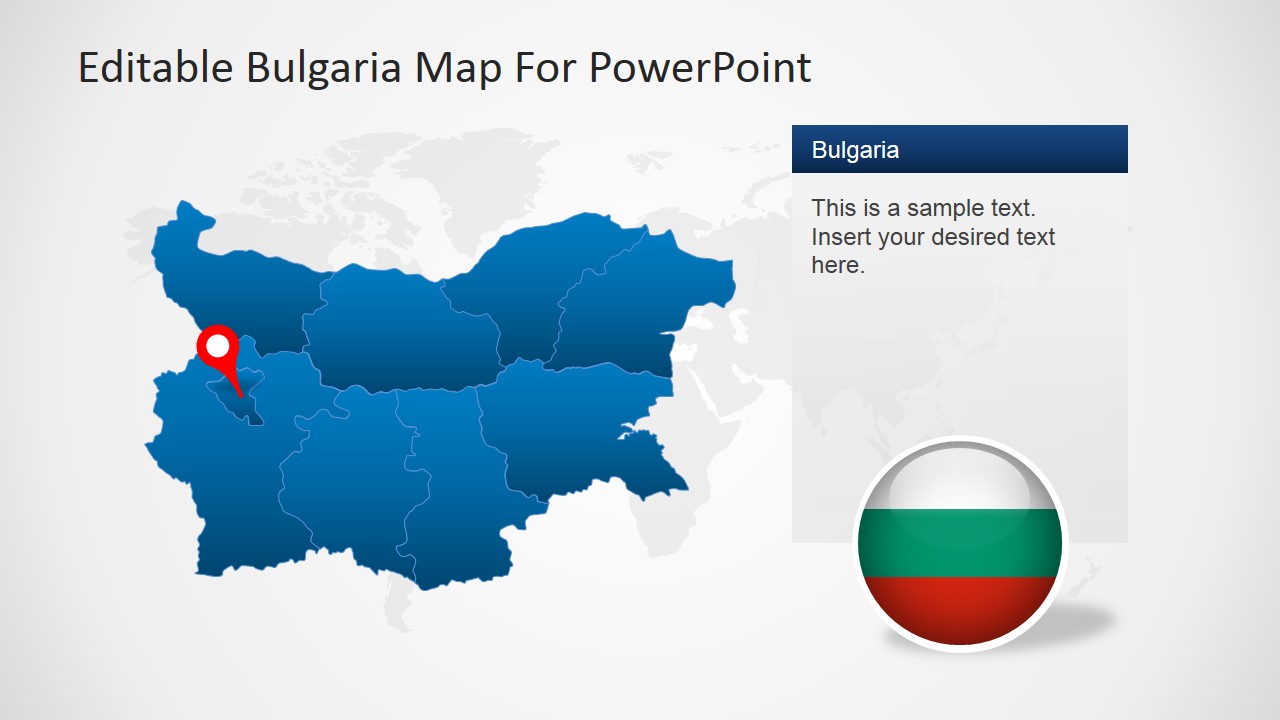
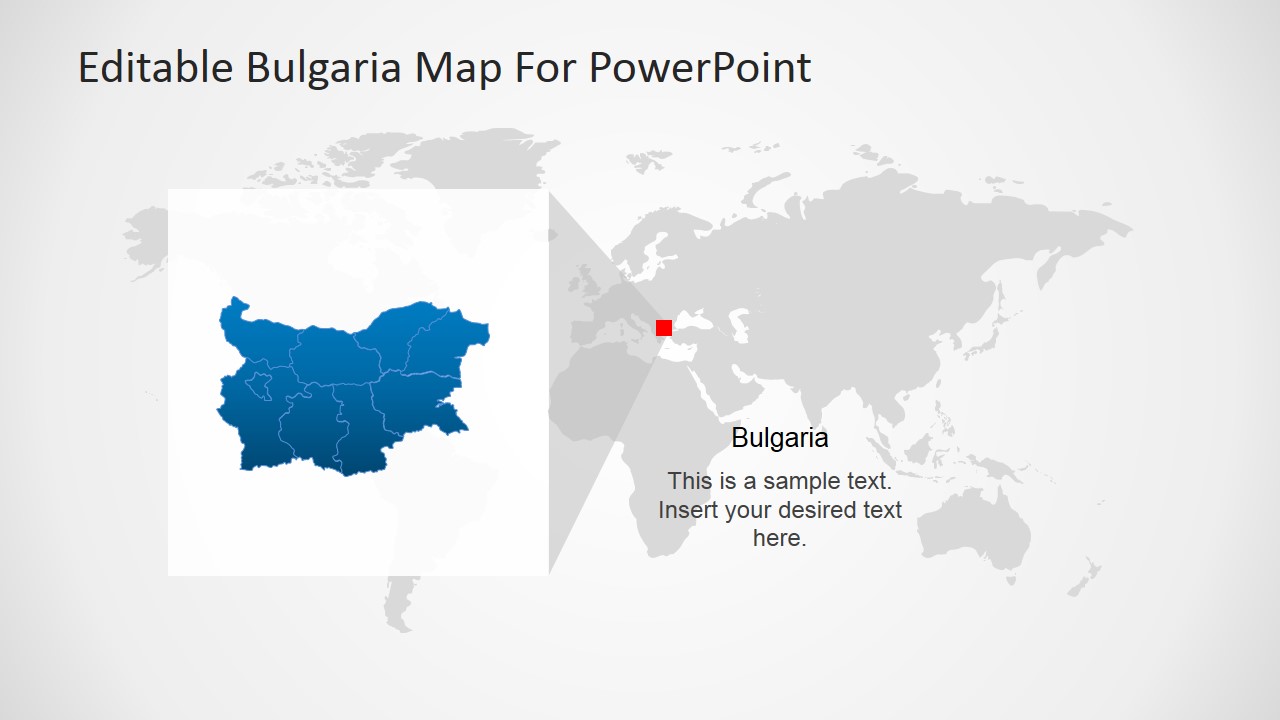
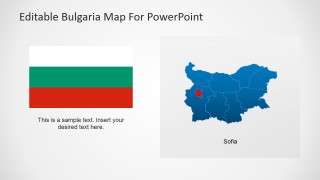
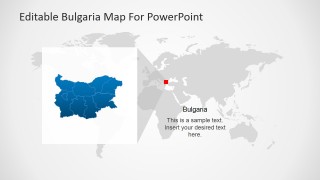
- A business development manager can explain market entry priorities by pairing the world map locator with the Sofia spotlight and regional zoom layouts.
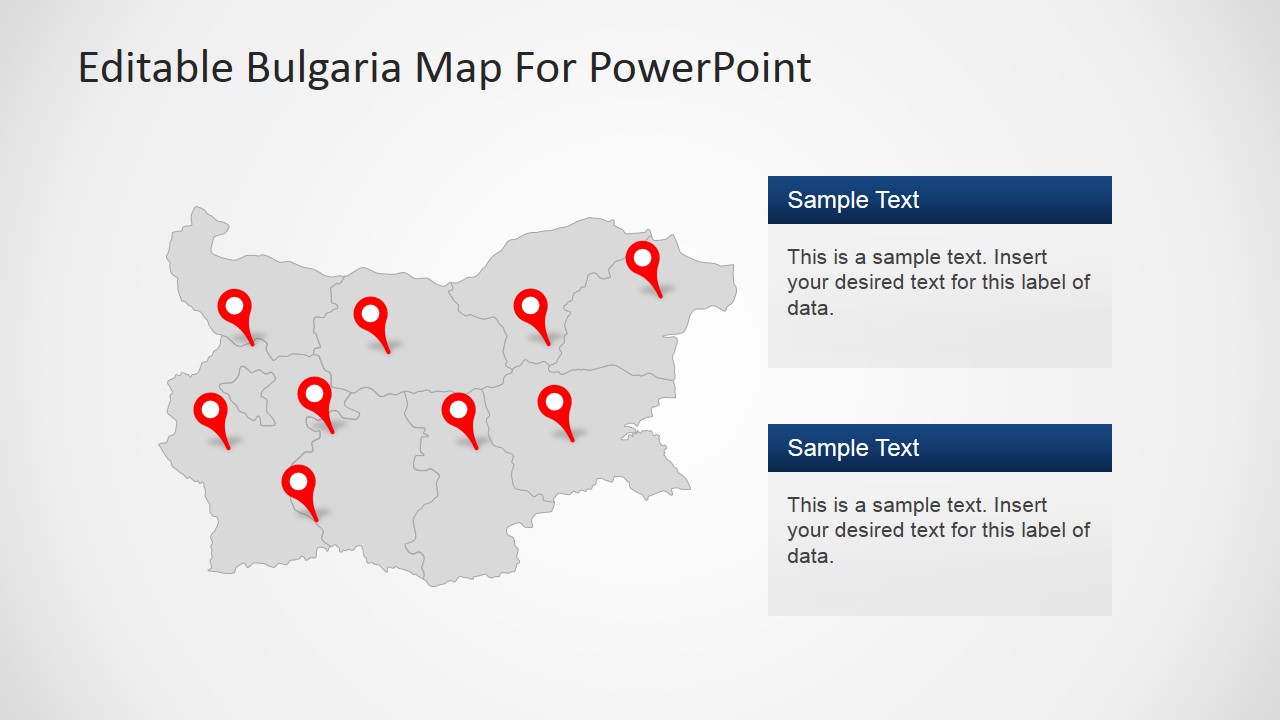
- A logistics planner can show coverage points across Bulgaria with the multi-pin map and right-side data label panels for service regions or branch locations.
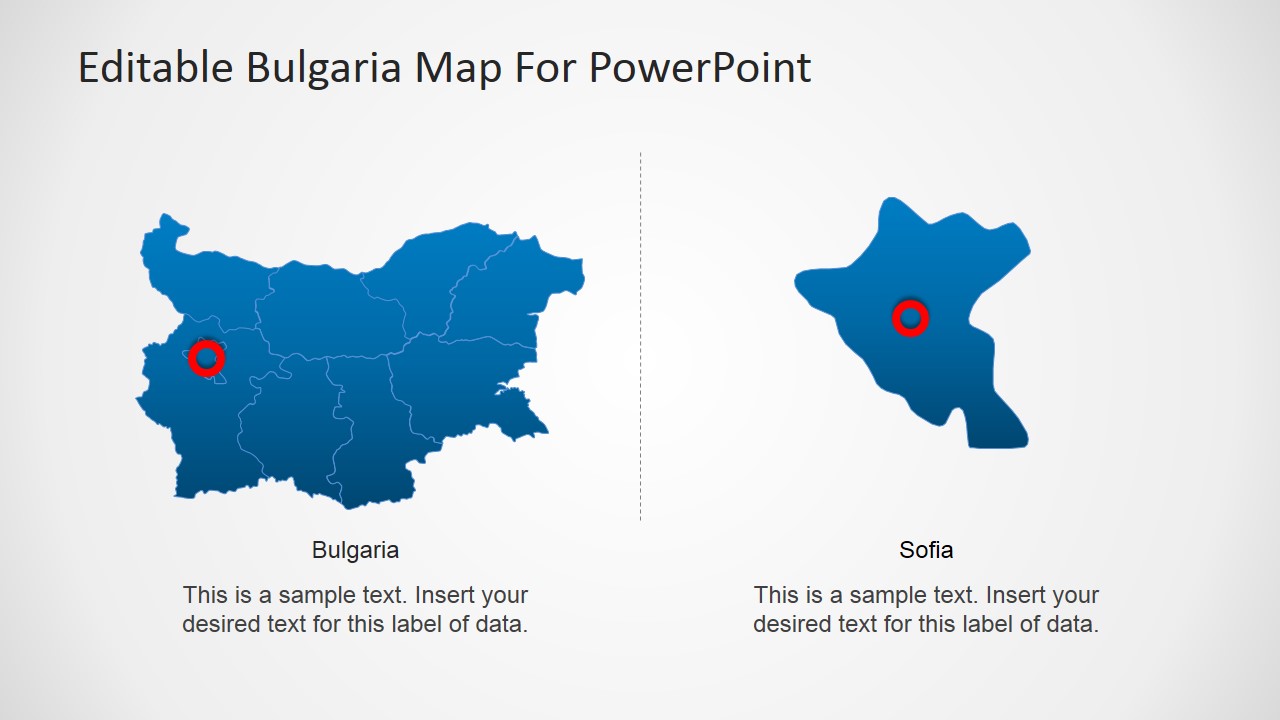
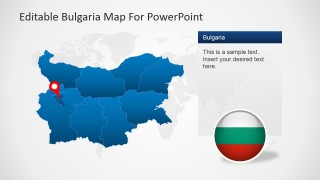
- An analyst can brief executives on a specific province by comparing the full Bulgaria map with the isolated Sofia region and magnified callout slide.
Features
- 100% editable presentation template
- Compatible with Microsoft PowerPoint and Google Slides
- 16:9 aspect ratio slides
- Scalable vector shapes, icons and illustrations
- AI-Ready for Microsoft Copilot and Claude
- Instant access and download
Frequently asked questions
Q: How should a presenter structure a Bulgaria location briefing with this template?
A: Start with the national map to establish geographic scope, then use the world map locator if the audience needs international context. Move to the Sofia spotlight or regional comparison slide for the main area of interest. Keep each pin tied to one decision, route, office, or destination so the map does not become a crowded visual list.
Q: Who is this Bulgaria map template best suited for?
A: It is best for presenters who need to explain where activity happens in Bulgaria rather than present a long narrative deck. Tourism teams, logistics planners, market analysts, and expansion teams can use the pin-marker maps, Sofia callout, and regional zoom to show destinations, coverage, priorities, or operating areas with geographic precision.
Q: Why do the zoom and locator layouts help the message land faster?
A: The deck uses a common map metaphor: broad context first, then a focused area. The world locator places Bulgaria in a larger frame, the national map shows internal regions, and the magnified callout directs attention to one selected area. This sequence reduces orientation effort and helps the audience understand scale, location, and priority.

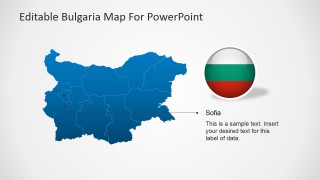
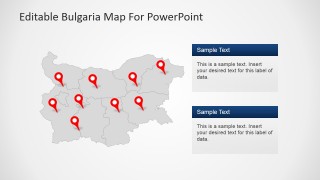
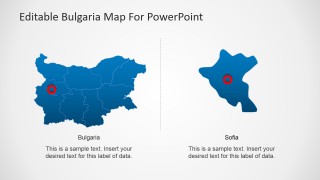
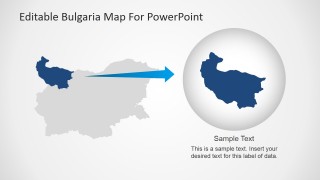
Editable Bulgaria PowerPoint Map
8-slide Bulgaria map presentation template with Sofia spotlight, pin markers, and regional callouts
Editable Bulgaria PowerPoint Map is an 8-slide map presentation template for country, regional, and city-focused presentations. Visible layouts include a pin-marker national map, Sofia spotlight, world map locator, region comparison, and magnified zoom callout. It is designed for tourism, logistics, expansion, and location reports in Microsoft PowerPoint and Google Slides.
- Category
- Maps
- Rating

 Loading...
- Aspect ratio
- 16:9, 4:3
- Item ID
- 6623-01
- Colors
 Microsoft PowerPoint
  Microsoft Copilot
  Claude for PowerPoint
 Other formats supported
Subscribe today and get immediate
access to download our PowerPoint templates.