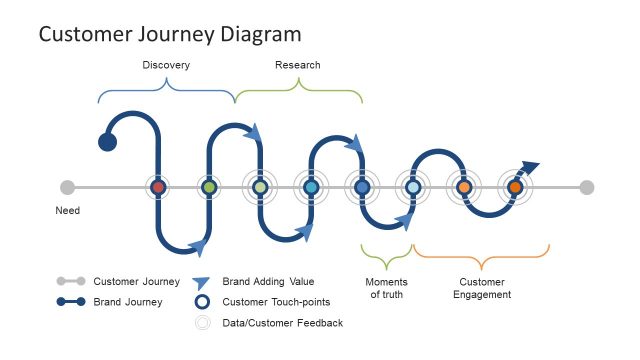
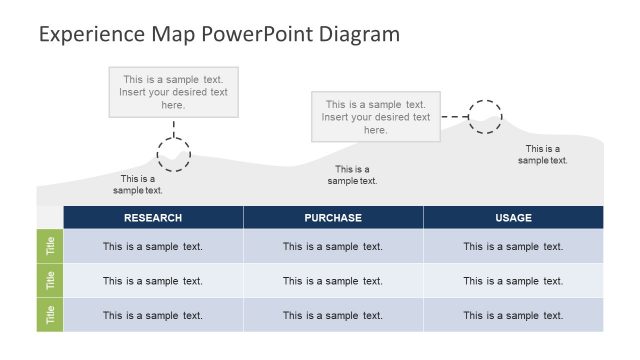
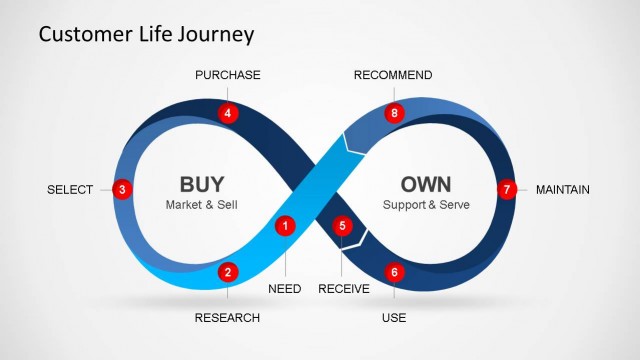
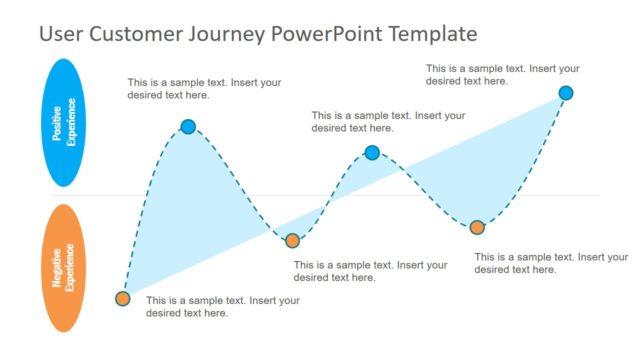
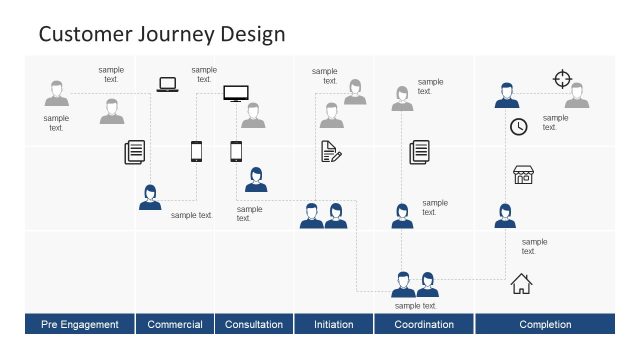
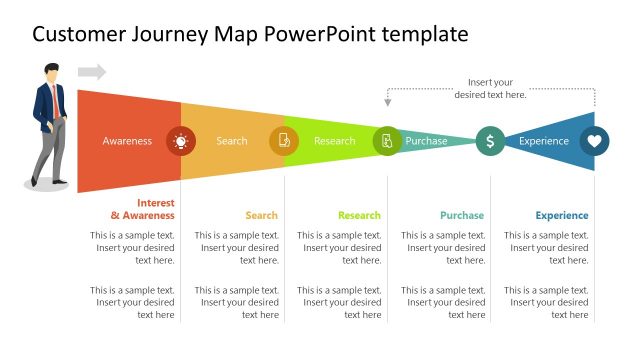
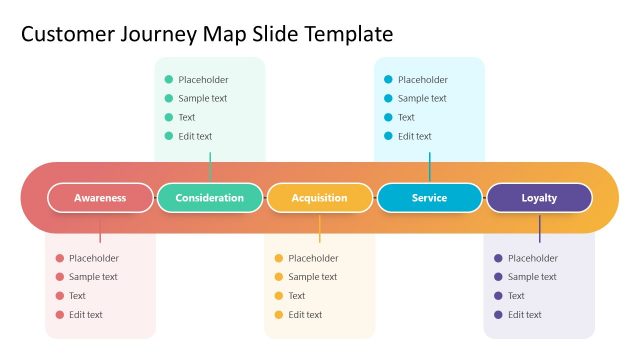
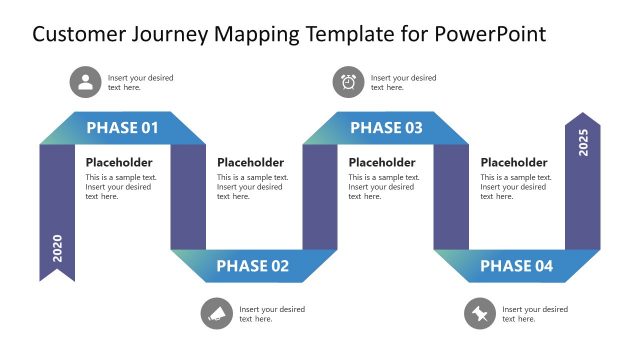
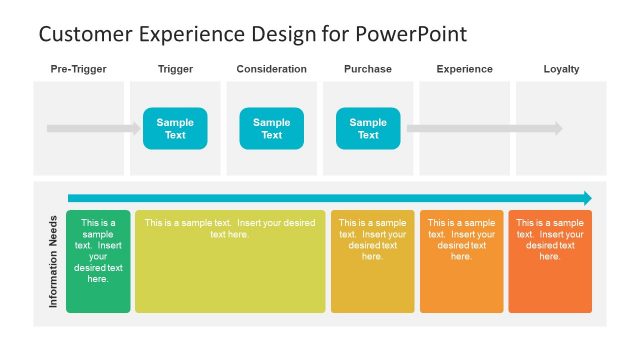
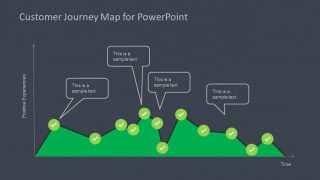
Customer Journey Map Diagram for PowerPoint is a presentation template containing a customer journey map diagram that you can use to represent the customer experience. This customer journey map diagram for PowerPoint presentations can be used in presentations of customer experience management or Marketing PowerPoint presentations.
For example, you may use this Customer Journey Map diagram for presentations to represent the house purchase experience and model the purchase process. Alternatively you can download PowerPoint diagram templates and PowerPoint slide designs for presentations.
What’s inside this template
Example presentation scenarios
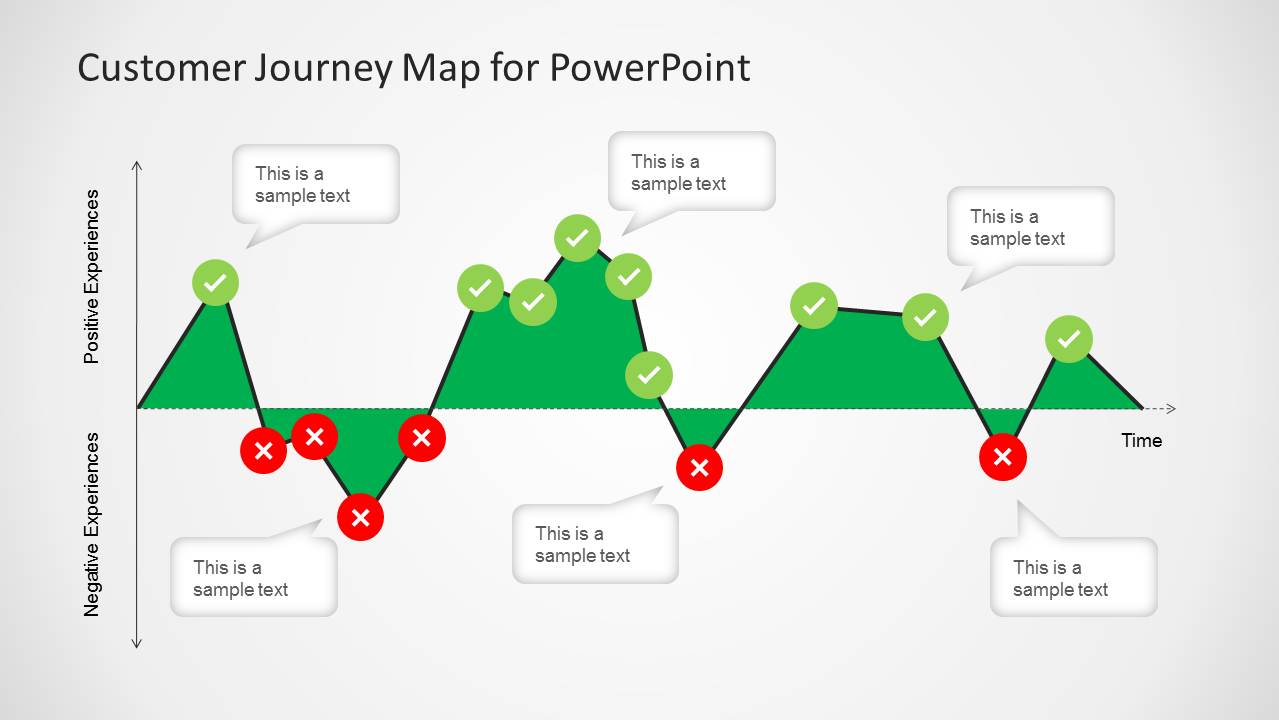
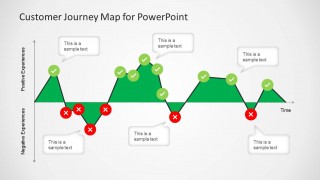
- A customer experience manager can explain where satisfaction rises or drops by using the positive-negative journey map with green check markers and red cross markers.
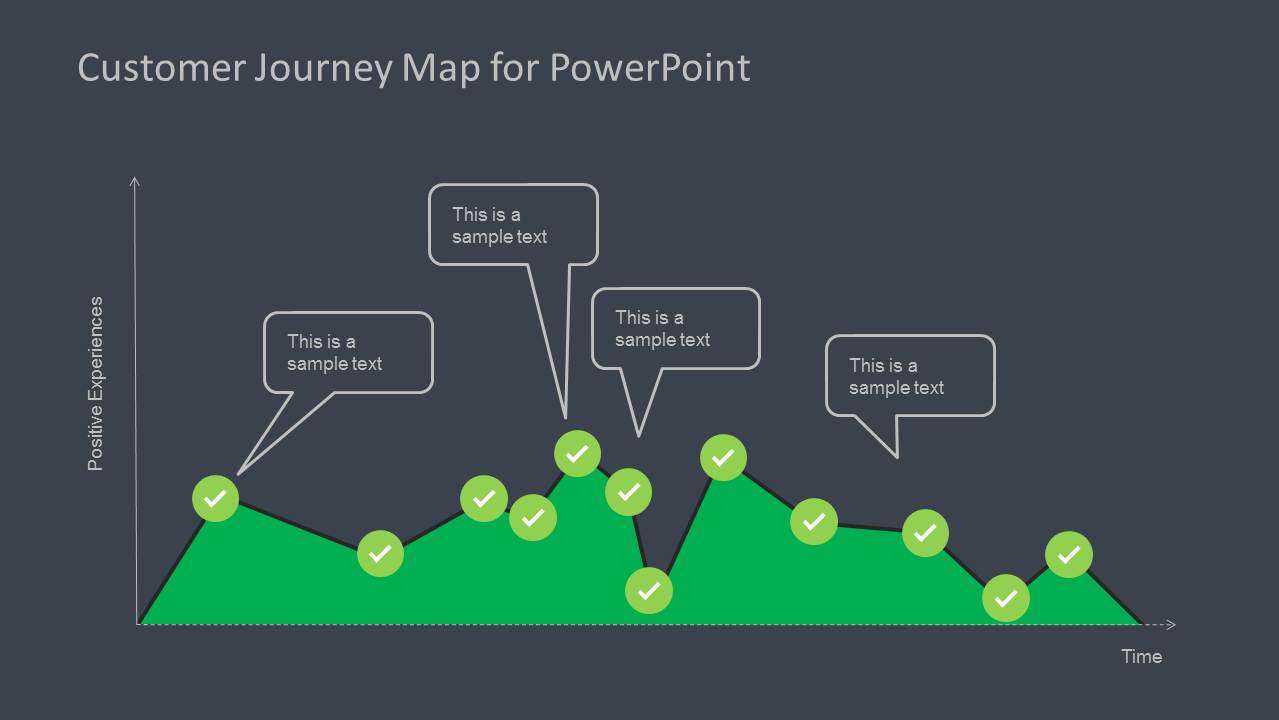
- A marketing strategist can present a purchase journey by labeling each touchpoint with the speech-bubble callouts along the time-based experience curve.
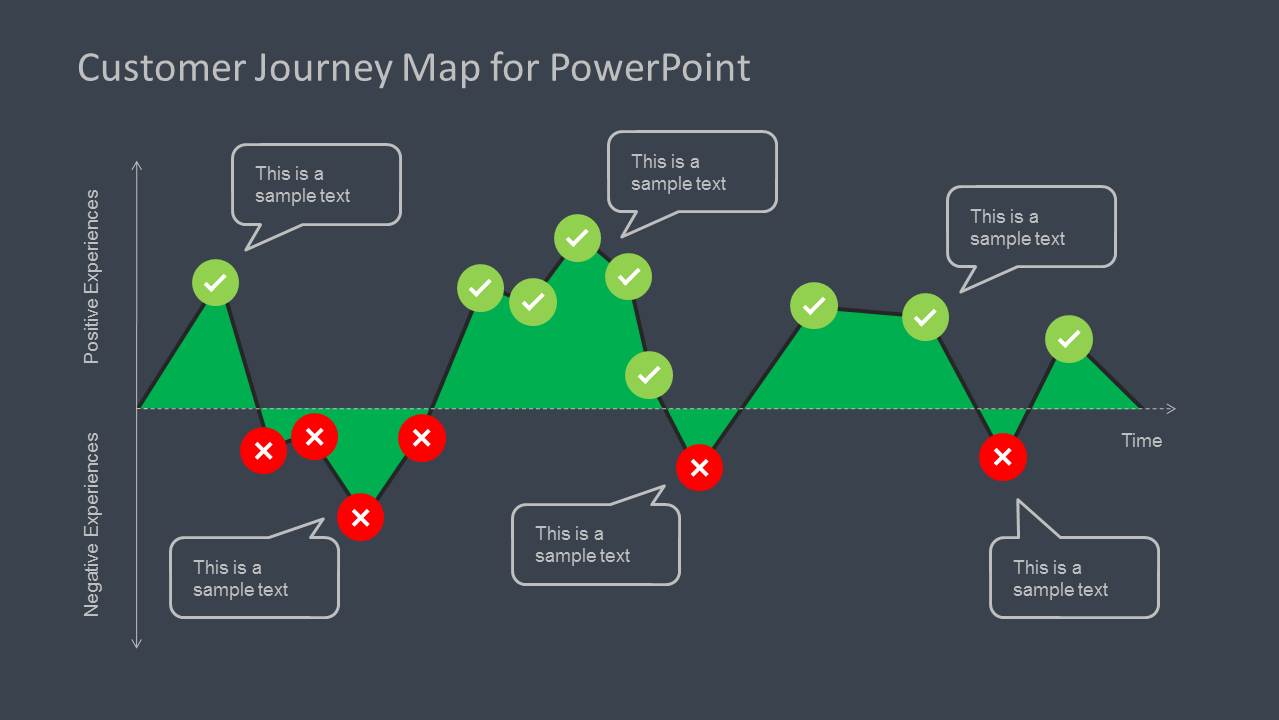
- A service design consultant can compare current and desired customer sentiment by choosing the light or dark journey map versions for different workshop sections.
- A product manager can brief leadership on onboarding or renewal friction by using the negative-experience markers to focus discussion on moments that need action.
Features
- 100% editable presentation template
- Compatible with Microsoft PowerPoint and Google Slides
- 16:9 aspect ratio slides
- Scalable vector shapes, icons and illustrations
- AI-Ready for Microsoft Copilot and Claude
- Instant access and download
Frequently asked questions
Q: How should a presenter explain the customer journey with this diagram?
A: Start by defining the time axis as the sequence of customer touchpoints, then explain the vertical axis as experience quality. Use the green peaks for positive moments and the red cross markers for friction points. Keep each callout short so the audience focuses on cause, emotion, and next action rather than reading long notes.
Q: Who is this template best suited for?
A: This template fits customer experience managers, marketers, product managers, and consultants who need to discuss customer sentiment across a process. It is especially useful for purchase journeys, onboarding flows, service interactions, or account lifecycle reviews where the audience must see highs, lows, and decision moments on one visual path.
Q: Why does the positive-negative journey shape help communication?
A: The area shape turns an abstract experience into a visible emotional curve. Peaks show satisfaction, dips show pain points, and the check and cross icons make judgment clear without heavy text. The callout bubbles then let the presenter attach evidence, quotes, or improvement ideas to the exact moment being discussed.
Customer Journey Map Diagram for PowerPoint
4-slide presentation template for customer journey maps, experience timelines, and positive-negative touchpoint analysis
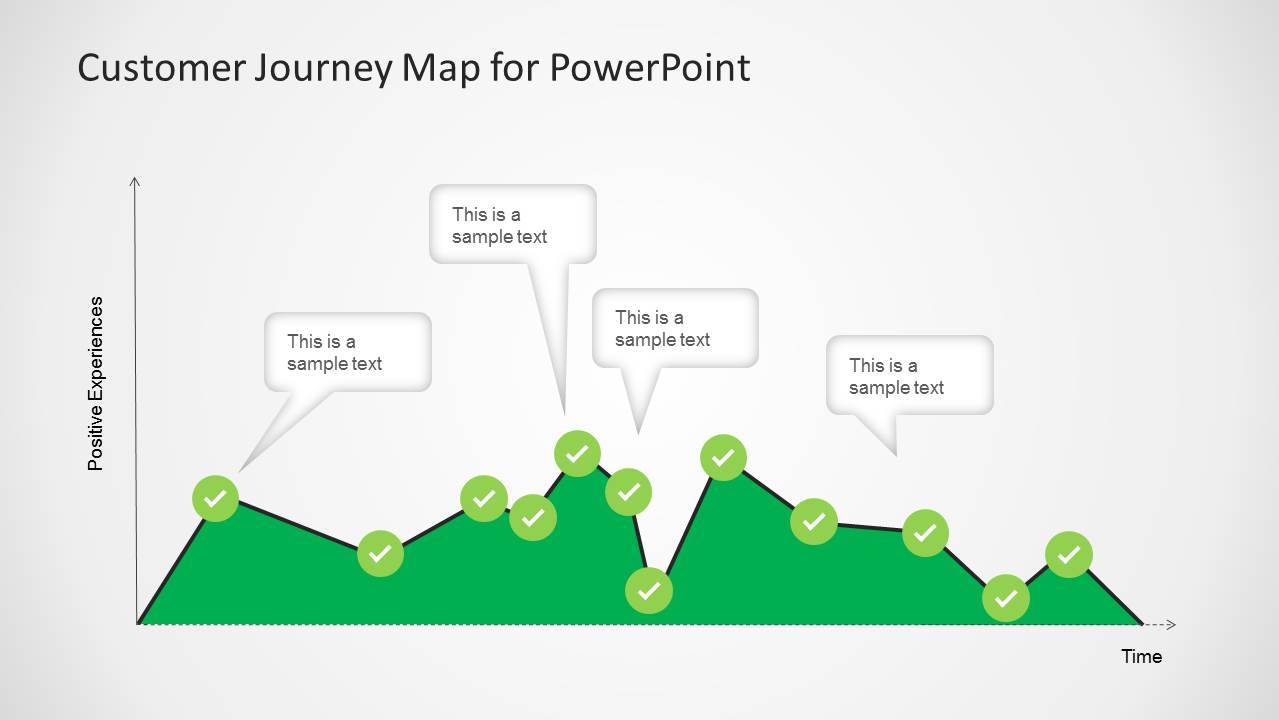
Customer Journey Map Diagram for PowerPoint is a 4-slide diagram template for mapping customer experience over time in Microsoft PowerPoint and Google Slides. It includes positive-negative journey maps, positive-only experience timelines, check and cross markers, callout text boxes, and light and dark background versions for marketing and customer experience teams.
- Category
- Diagrams
- Rating


 Loading...
- Aspect ratio
- 16:9
- Item ID
- 6162-01
- Colors
 Microsoft PowerPoint
  Microsoft Copilot
  Claude for PowerPoint
 Other formats supported
Subscribe today and get immediate
access to download our PowerPoint templates.