Slide 2 of 4 from Customer Journey Map Diagram for PowerPoint
6162-01-customer-journey-map-2
Customer Journey Map Diagram for PowerPoint
- Diagram
- Process Flow
- Customer Journey Slide
- 16:9
- 100% Editable
The Customer Journey Map Diagram slide from the Customer Journey Map Diagram for PowerPoint template offers a clear visual tool for mapping positive customer experiences over time. This slide layout is ideal for business presentations and marketing strategy sessions, providing editable shapes and vector icons to highlight key touchpoints effectively. It supports analysis of customer feedback within a corporate presentation or pitch deck template, enhancing understanding of customer experience dynamics.
What’s on This Slide
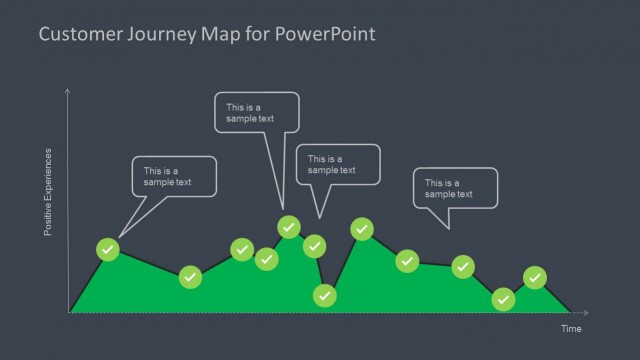
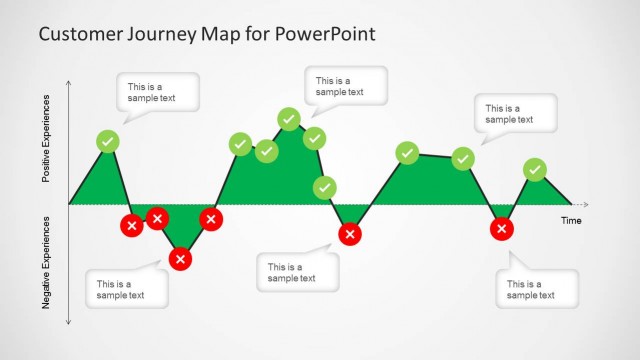
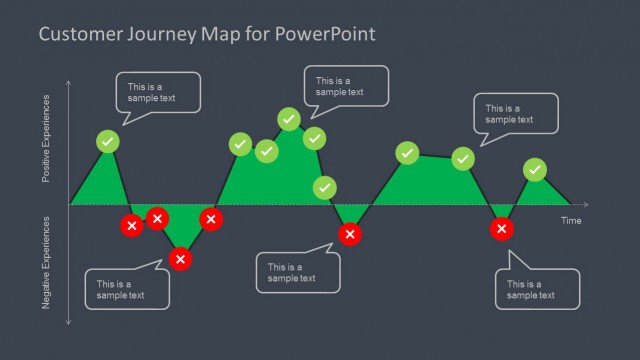
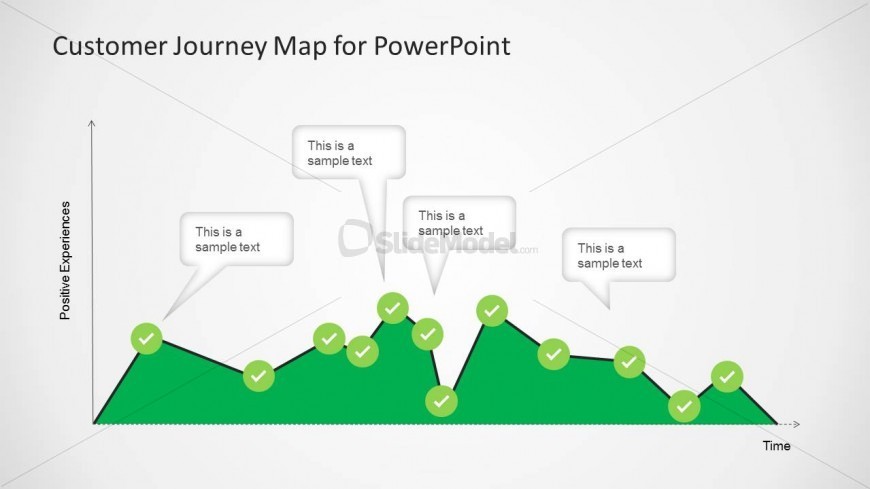
The slide features a line graph representing positive experiences over time. The vertical axis is labeled 'Positive Experiences,' while the horizontal axis indicates 'Time.' The graph consists of a green area below the line, with circular nodes placed along the line, representing key points. Each node is accompanied by a speech bubble containing text placeholders aligned above the nodes. The overall layout is clean, with a light background and a clear visual hierarchy emphasizing the graph and its annotations.
How to Use It
This layout serves as a visual representation of a customer journey, illustrating positive experiences over time. It fits within a presentation sequence that discusses customer experience, typically following problem identification slides. This structure is useful for marketing teams to analyze customer feedback and highlight key touchpoints in the customer journey, making it suitable for workshops or strategy sessions focused on improving customer satisfaction.
Text Placeholders & Capacity
Keep your copy within these limits so it fits without resizing. Node labels can accommodate roughly 3-4 words each.
| Placeholder | Count | Max characters (approx.) |
|---|---|---|
| Item heading | 6 | 20 |
| Item body | 6 | 30 |
| Slide title | 1 | 40 |
Slide Keywords
Download unlimited PowerPoint templates, charts and graphics for your presentations with our annual plan.
DOWNLOADReturn to Customer Journey Map Diagram for PowerPoint.