Home PowerPoint Templates Curves & Lines Creative Wave PowerPoint Shape

Creative Wave PowerPoint Shape – Create an entertaining presentation with the Creative Wave PowerPoint Shape template. This is a great alternative to the usual bar, line, pie and other type of charts. Its illustration similar to sound waves gives a catchy and interesting vibe to your presentation while maintaining simplicity. The fun yet uncomplicated design of the template enables the audience to focus on a single image. This method helps the audience to maintain their focus between the figure and the host.  It will take them just a few seconds to contemplate on the image and then anticipate a statement from the host. The audience anticipates the host’s statement to satisfy their curiosity about the illustration.

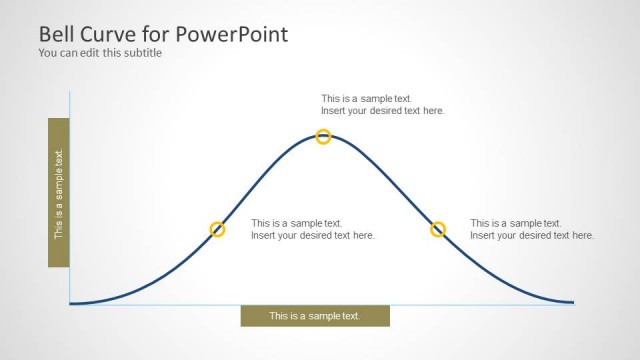
This PowerPoint template is great for presenting business trends such as sales monitoring, stock charts and market analysis. The curves are created using PowerPoint lines. The user can edit the lines propoerties. The color palette is configurable through the theme functionality in PowerPoint. Each Bell curve, can be combined with any of our PowerPoint Icons or any of our  shapes from our numerous PowerPoint Shapes gallery.

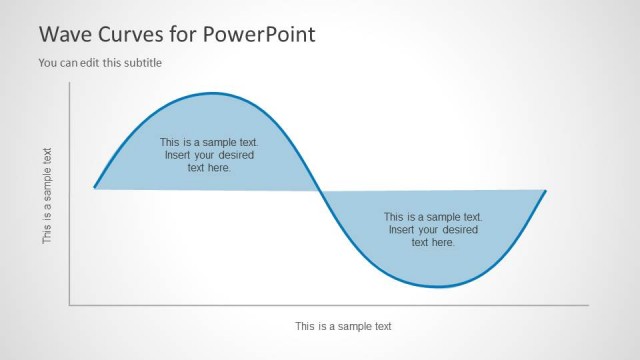
Academic presentations and activities are also very applicable to this PowerPoint template. Its engaging design makes presenting sine and cosine graphs more fun. The template adds interests to students which in turn help them in studying these mathematical functions. The sine and cosine curve repeat itself which produces an image like a sound wave, it’s called the Cosine Wave.  The waves itself produced by the functions are already entertaining, especially when each curve is derived through some math efforts. These waves become more alive and engaging when presented using this template.
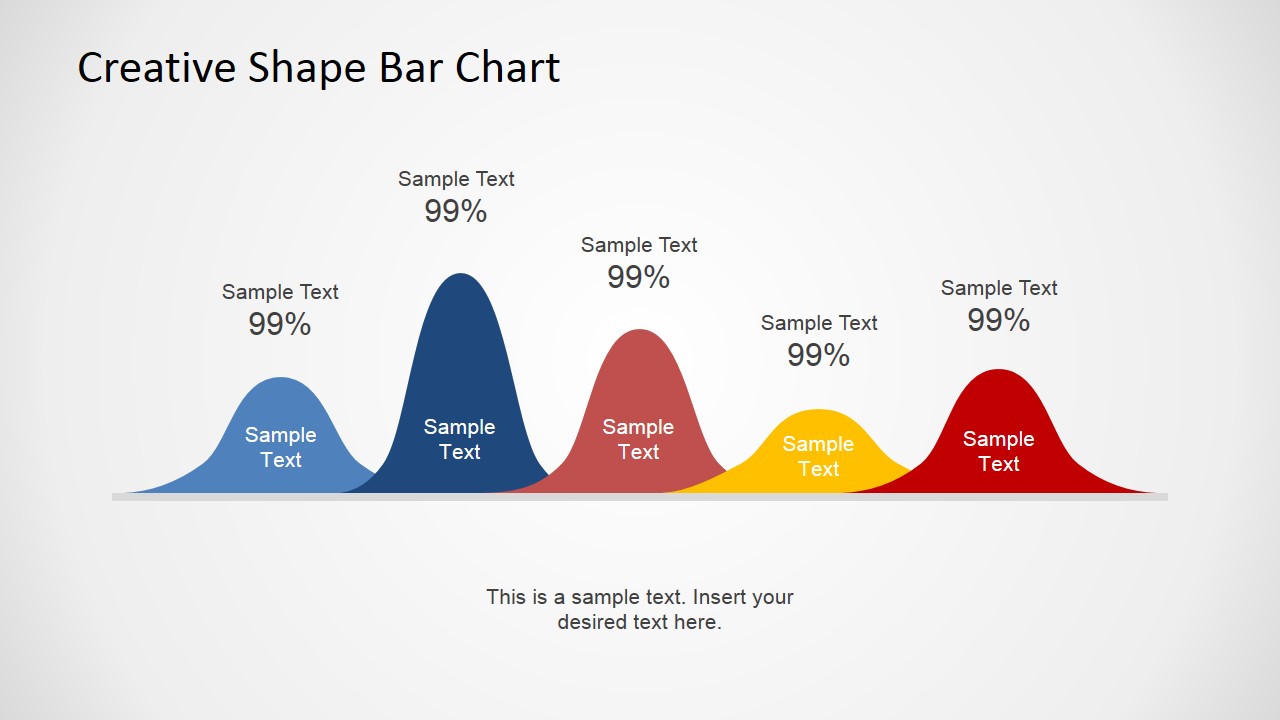
 

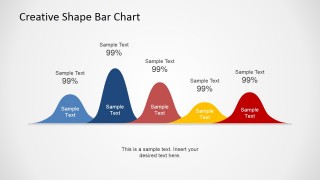
  • Slide 1: Labeled creative shape bar chart with five colored bell-curve peaks on a horizontal baseline, each with sample text and percentage labels; editable title, labels, footer note, curves, and colors.
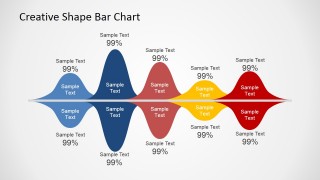
  • Slide 2: Mirrored positive-negative wave chart with colored peaks above and below a center line, using repeated sample text and percentage callouts; editable title, labels, curve shapes, and color fills.
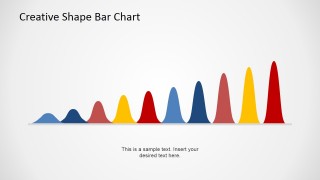
  • Slide 3: Unlabeled pulse sequence with multiple colored wave peaks increasing across a baseline and a short footer note; editable title, note text, peak shapes, and color sequence.
  • A sales manager can use the labeled wave bar chart to compare product, region, or campaign peaks while keeping each data point tied to a short text label.
  • A finance analyst can use the mirrored positive-negative wave chart to explain gains, losses, inflows, or outflows around a central baseline.
  • A math instructor can use the pulse sequence to introduce sine, cosine, or repeated wave behavior before moving into formulas or calculations.
  • A marketing strategist can use the multicolor peak sequence to show campaign bursts, audience signals, or activity waves across a simple visual timeline.
  • 100% editable presentation template
  • Compatible with Microsoft PowerPoint and Google Slides
  • 16:9 aspect ratio slides
  • Scalable vector shapes, icons and illustrations
  • AI-Ready for Microsoft Copilot and Claude
  • Instant access and download

Q: How should a presenter explain trend information with this template?

A: Use each wave peak as a talking point, not as a dense chart. Put the most important item on the tallest or most saturated peak, then keep labels short so the audience can read the visual quickly. If exact numbers matter, state them verbally or add a simple supporting table after the wave slide.

Q: Who is this template best suited for?

A: It fits presenters who need a more visual way to discuss patterns, cycles, or comparative peaks. Sales managers, market analysts, educators, and strategy teams can use the labeled wave chart, mirrored wave, or pulse sequence when the goal is to show direction and emphasis rather than detailed measurement.

Q: Why use wave and bell-curve shapes instead of a conventional bar chart?

A: The wave metaphor suggests movement, rhythm, and fluctuation, which helps when the topic is a trend, signal, market cycle, or mathematical function. The rounded peaks create a single focal path across the slide, making it easier for the audience to follow the presenter's sequence of points.

Creative Wave PowerPoint Shape

4-slide presentation template with editable wave bar charts and bell curve shapes

4 slides AI-ReadyWorks with PowerPoint & Google SlidesDownloadable PPTX + AI prompt kit

Creative Wave PowerPoint Shape is a 4-slide presentation template for showing trends with stylized sine-wave and bell-curve bar visuals. Visible layouts include a labeled wave bar chart, a mirrored positive-negative wave comparison, and an unlabeled pulse sequence. It suits business trend, market, sales, or math explanations in Microsoft PowerPoint and Google Slides.

You must be logged in to download this file.

DOWNLOAD
Details
4 Slides
16:9 Aspect ratio
100% Editable
Rating
7 votes, average: 3.29 out of 57 votes, average: 3.29 out of 57 votes, average: 3.29 out of 57 votes, average: 3.29 out of 57 votes, average: 3.29 out of 5
Loading...
Aspect ratio
16:9, 4:3
Item ID
6596-01
Works with
Microsoft PowerPoint Microsoft Copilot Claude for PowerPoint
Other formats supported
Microsoft 365 Keynote Google Slides
How to get this PowerPoint Template?

Subscribe today and get immediate
access to download our PowerPoint templates.
Subscribe Now