Bell Curve for PowerPoint– Bell curve is a graph of normal distribution of variables in probability and statistics. It is a measurement of frequency of a set of data. The PowerPoint template is composed of simple and comprehensive designs. The powerful visuals can surely capture the meaning of any professional presentation.
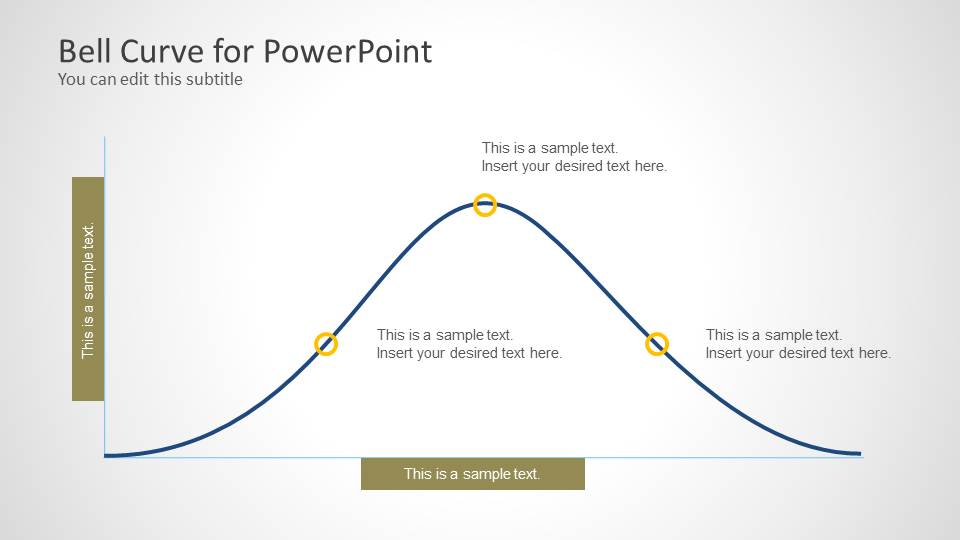
Bell curve is a literal and graphical curve with a bell shape. The arc is facing downwards. The shape has a symmetrical feature symbolizing the Gaussian or normal distribution. The slope goes up to a peak and goes down through the exact opposite values of the initial slope. The peak corresponds to the maximum probability. It can also represent the mean or average quantitative value.
The PowerPoint template is especially significant to research and science concepts. It is ideal for statistics.. It can simplify large amounts of value to a relative and understandable presentation. It is utilized in Mathematics as well. It can be used in probability which can accommodate a variety of subjects. The Office template is extremely flexible. It is custom-designed to be competitive and edgy. The user can choose to modify the PowerPoint shapes using the menu options. Colors, text fonts, content and layout can be fully personalized.
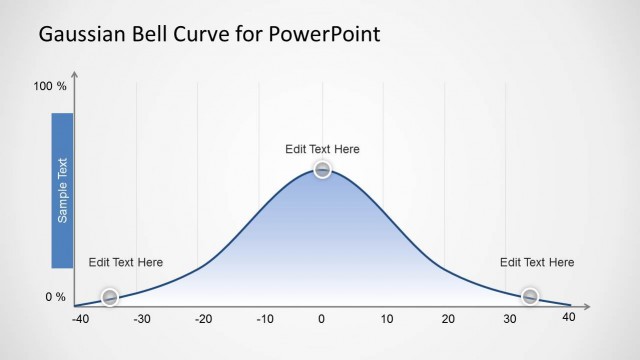
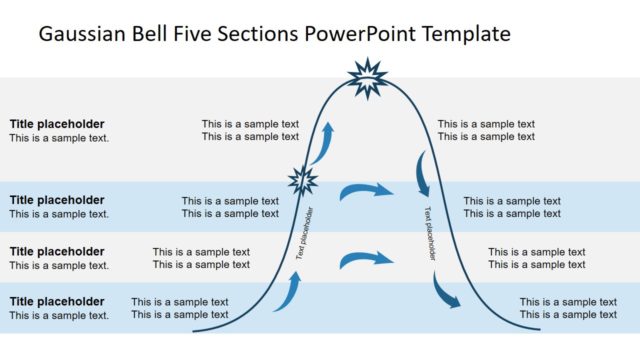
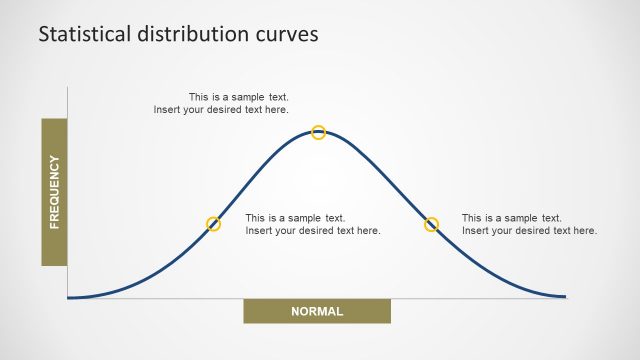
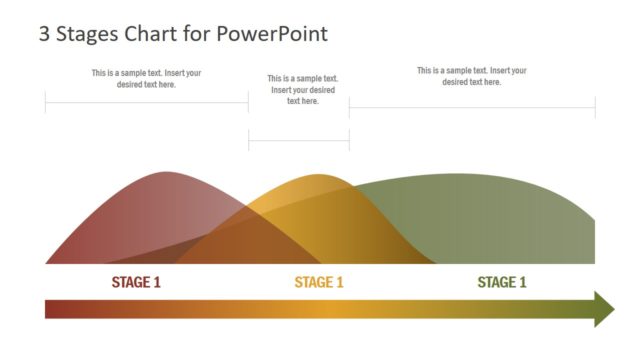
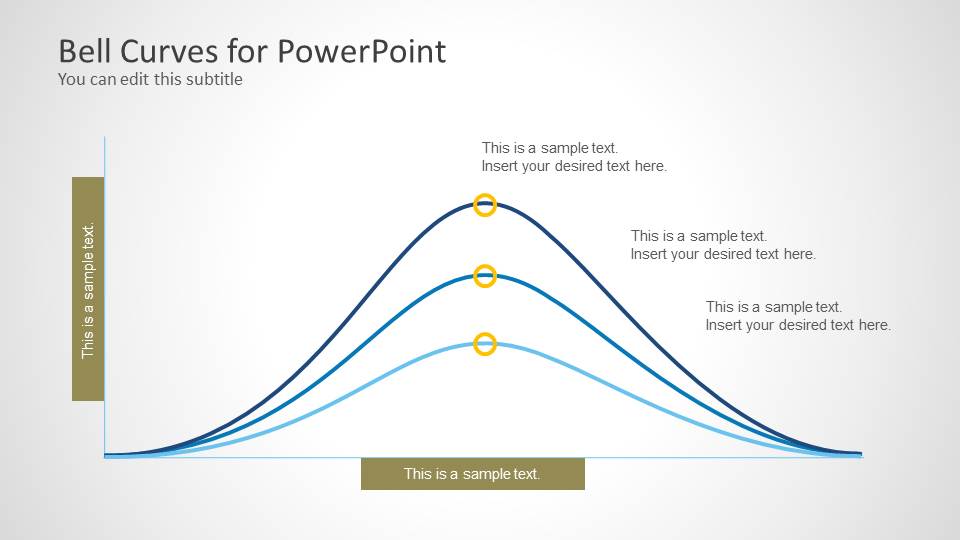
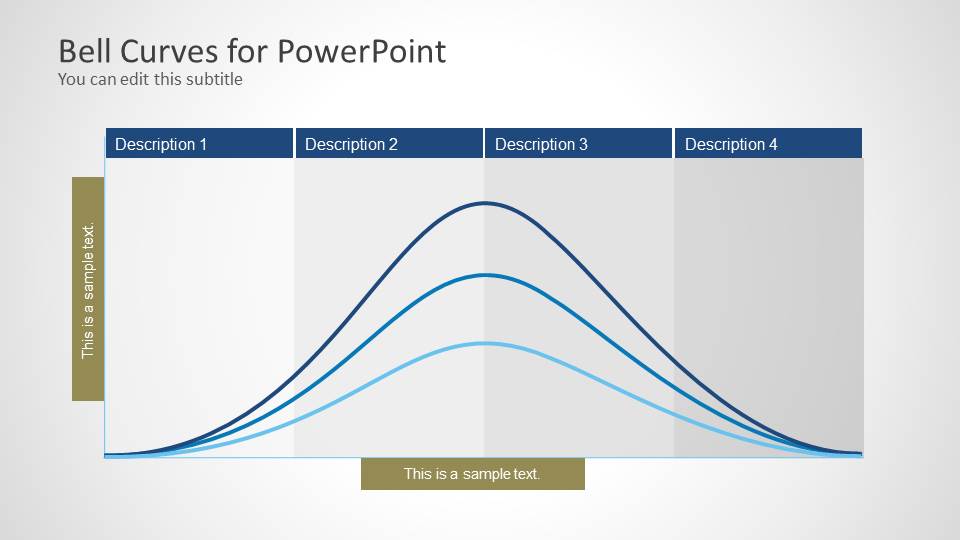
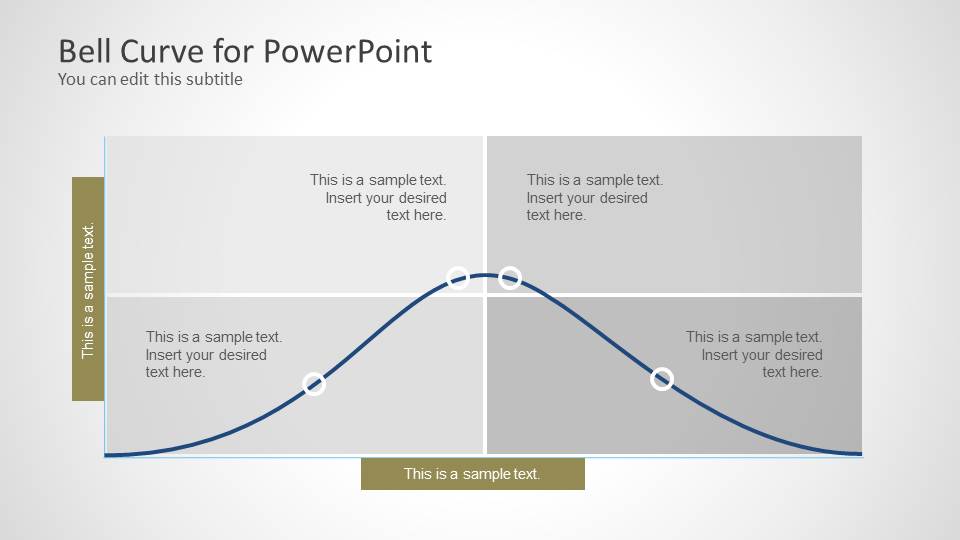
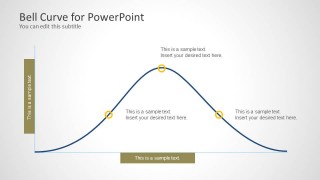
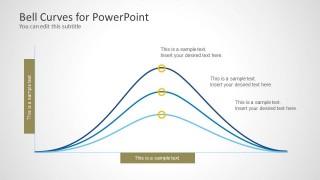
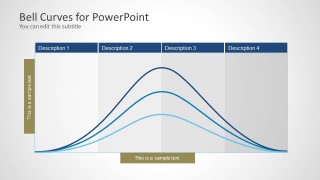
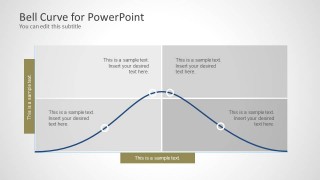
There are 4 slides in the PowerPoint template. In the first one, a single bell curve is shown. Its 3 main points have corresponding text placeholder where the presenter can enter quick details about the values. The 2nd slide displays 3 curves. They have different heights, thus, they are representing different sets of values. Four divisions is shown on the 3rd slide. They are entitled Description 1, 2, 3 and 4. The last slide divides the curve into 4 quadrants.
Generate engaging presentations through Bell Curve for PowerPoint and impress global audiences. Gaussian Bell Curve Template for PowerPoint is downloadable at the SlideModel gallery.
What’s inside this template
Example presentation scenarios
- A statistics instructor can use the single annotated bell curve to explain mean, spread, and probability concentration to students during an introductory distribution lesson.
- A quality manager can use the three overlaid bell curves to compare process variation before and after operational changes in a performance review.
- A researcher can use the four-column distribution slide to describe participant score ranges, response patterns, or grouped outcome categories in a methods presentation.
- A business analyst can use the quadrant-style bell curve to discuss customer segments, risk zones, or performance bands with nontechnical stakeholders.
Features
- 100% editable presentation template
- Compatible with Microsoft PowerPoint and Google Slides
- Scalable vector shapes, icons and illustrations
- AI-Ready for Microsoft Copilot and Claude
- Instant access and download
Frequently asked questions
Q: How should a presenter explain a bell curve without making the slide feel too technical?
A: Start with Slide 1 and define the curve in plain business terms: what is common, what is less common, and where the key point sits. Use the three markers as speaking anchors. Keep the callouts short, then move to Slide 3 or Slide 4 only after the audience understands the basic distribution shape.
Q: Who is this template best suited for in a business or academic setting?
A: This template fits presenters who need to explain distribution logic rather than display raw data. Educators can teach Gaussian concepts, analysts can explain performance bands, and quality teams can discuss variation. The comparative curve slide is especially useful when the message depends on showing narrower or wider distributions.
Q: Why does the template use columns, quadrants, and highlighted points around the curve?
A: The bell curve is an abstract statistical shape, so the supporting structure gives the audience reference points. Columns turn the curve into labeled ranges, quadrants create decision zones, and circular markers tell viewers where to focus. These visual cues reduce the need for dense equations or long explanatory text.
Bell Curve for PowerPoint
4-slide bell curve presentation template for Gaussian distribution, comparison curves, and quadrant analysis
Bell Curve for PowerPoint is a 4-slide presentation template for showing normal distribution concepts. It includes a single annotated bell curve, three comparative bell curves, a four-column distribution view, and a quadrant-based curve layout. It is suited for statistics, research, quality analysis, and training presentations in PowerPoint.

 Loading...
 Microsoft PowerPoint
  Microsoft Copilot
  Claude for PowerPoint
 Other formats supported
Subscribe today and get immediate
access to download our PowerPoint templates.