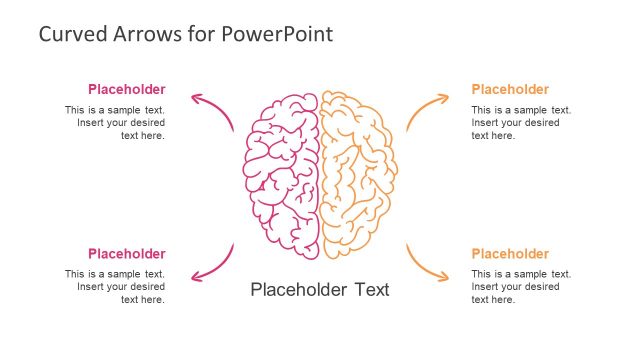
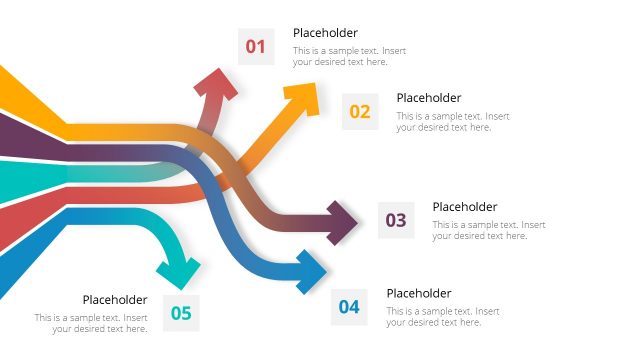
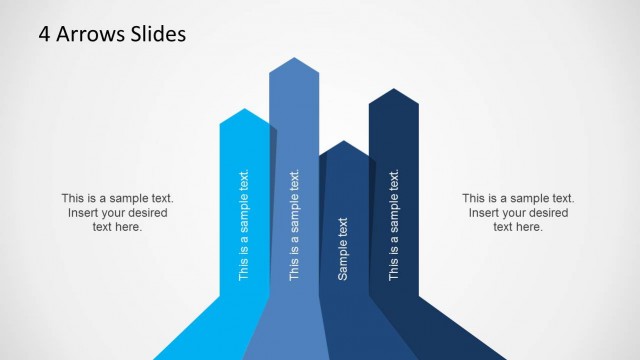
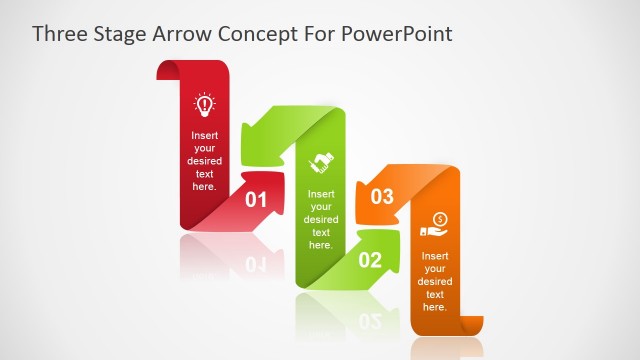
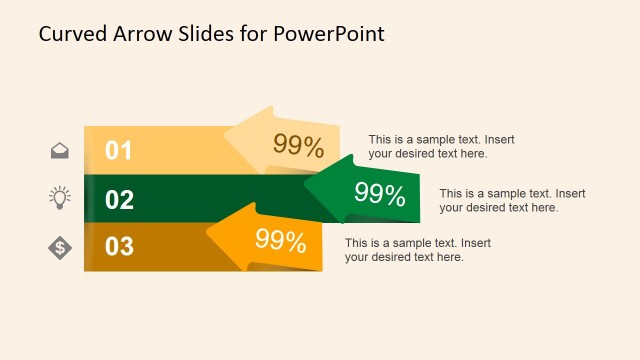
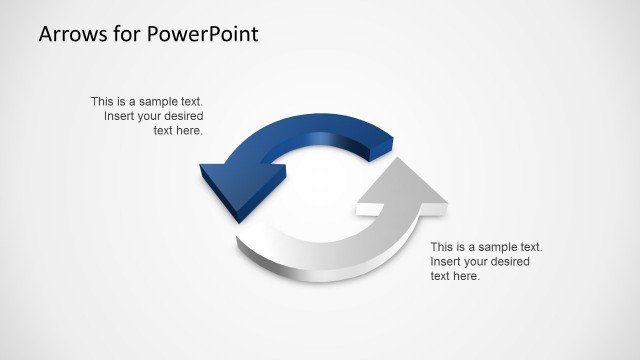
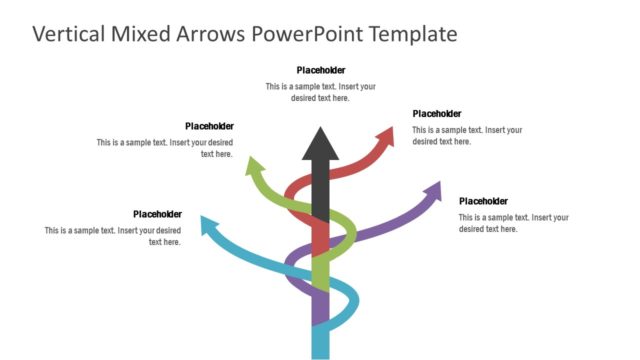
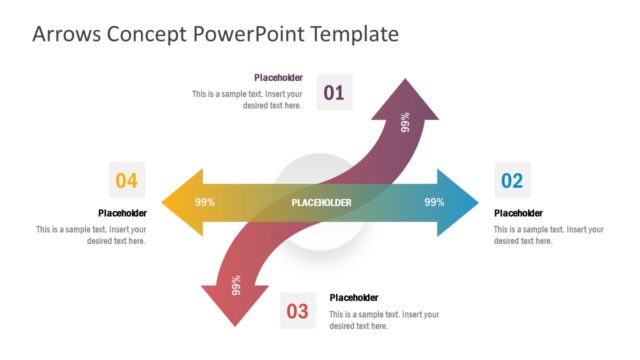
Curved Arrows PowerPoint Template is a presentation design for PowerPoint with four curved arrows. Create colourful, progressive elements in any business presentation using the Office template. The PowerPoint objects in the slides stray away from generic and conventional types of illustrations, giving the audience a fresh, new take on the business presentation.
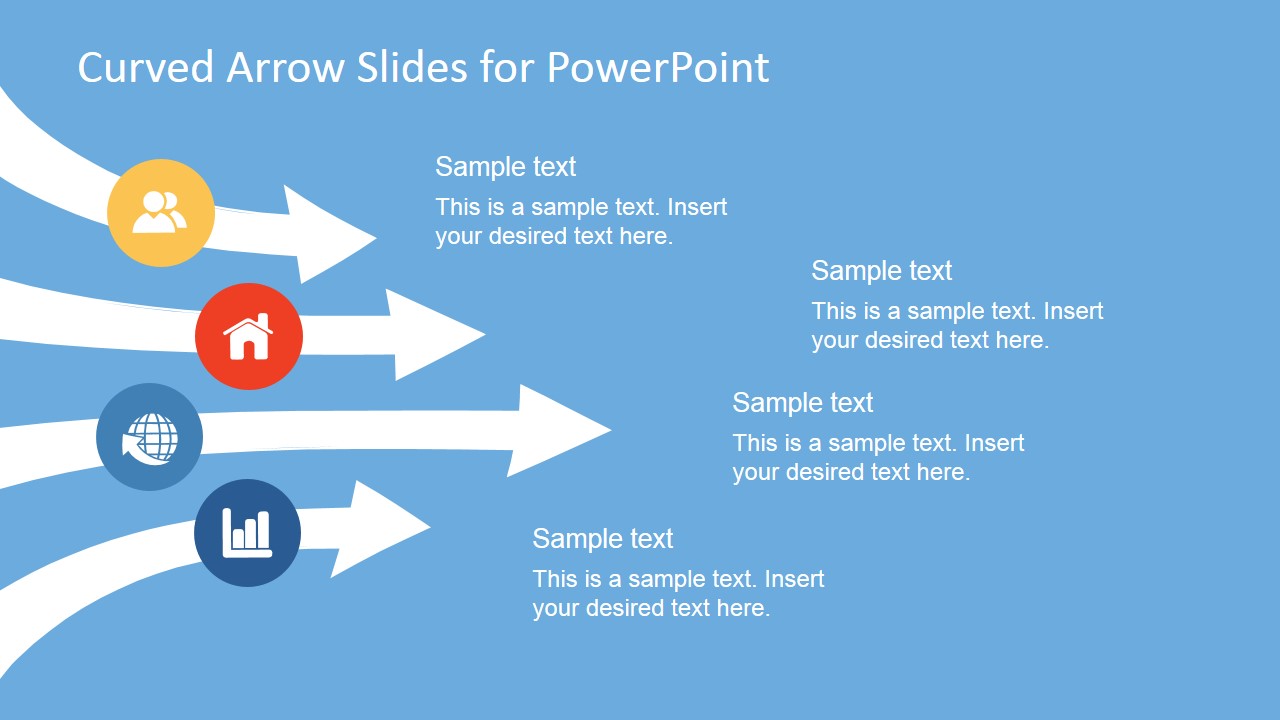
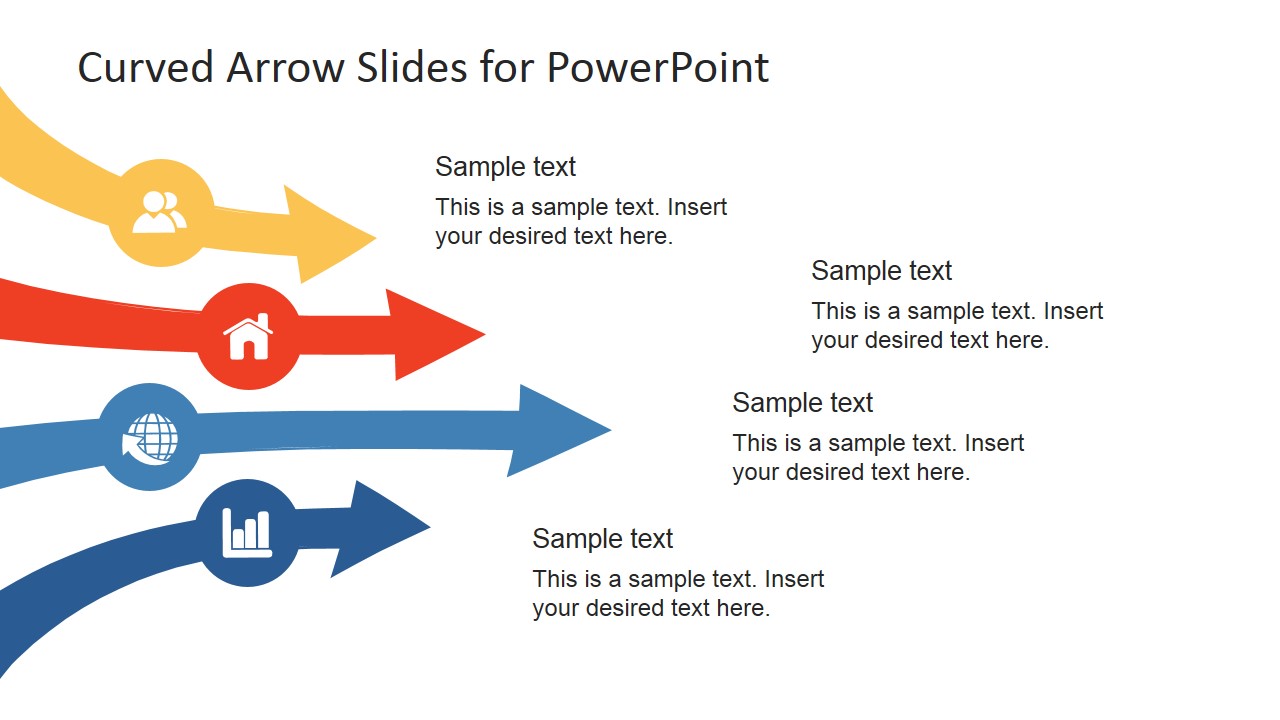
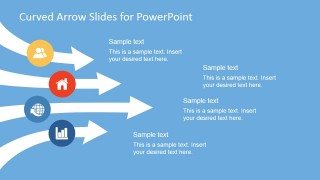
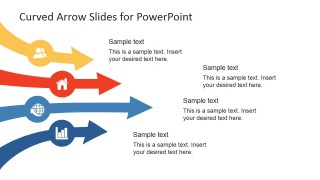
The PowerPoint template uses a set of four arrows curving inward from a side of the PowerPoint slide. The arrows are shown at different lengths, with the third arrow in the lead. Each of these arrows is accompanied by a coloured circular shape which contains a minimalist icon for different elements. These include symbols for a pair of people, a house, the World Wide Web, and a bar graph.
These symbols can represent the different entities involved in a certain business activity. For example, the symbols can signify clients, households, the Internet, and the financial sector. The arrows, in turn, can be used as visual representations of where these entities are, relative to each other, in, say, terms of growth rate. In this way, the presenter can provide the audience with a visual clue as to the state of each of the entities, making the information much easier to remember.
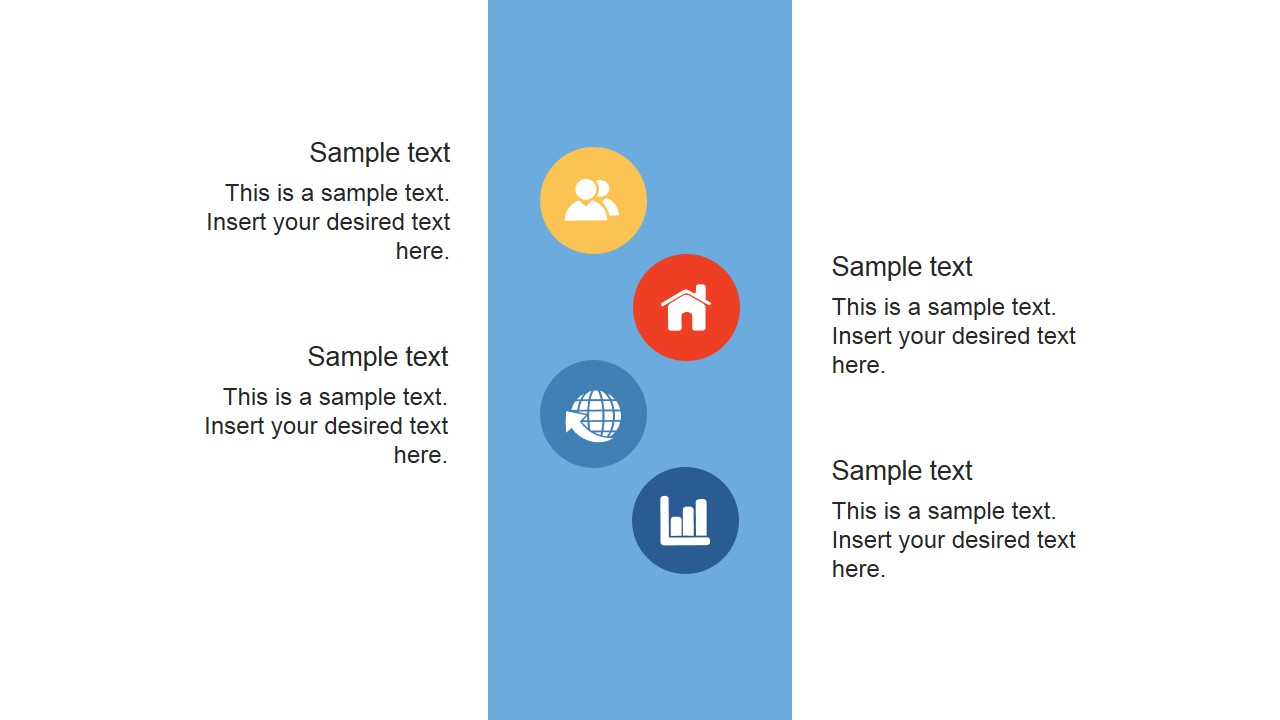
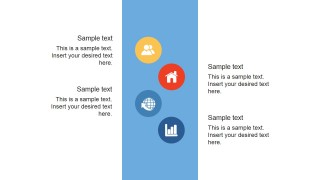
One of the slides in this curved arrow template does not contain the four arrows. Instead, it features the four icons on a rectangular strip at the centre of the PowerPoint slide. The icons are shown inside circular shapes in an alternating pattern. They are accompanied by a text placeholder where the presenter can insert the relevant labels and descriptions for each symbol. Effectively, this slide becomes a legend for the icons in the other slides in the template. The presenter can also opt to download other PowerPoint templates from the Gallery, such as the Go To Market Strategy PowerPoint Template.
Most suitable for the presentation of graphs and elements, the Curved Arrows PowerPoint Template is a creative and colourful supplement to any business presentation. The PowerPoint objects are 100% customizable. This design makes it easier for the presenter to edit and revise the content to his specific needs.
What’s inside this template
Example presentation scenarios
- A marketing manager can explain four acquisition channels by assigning each channel to a curved arrow and using the circular icons as visual anchors.
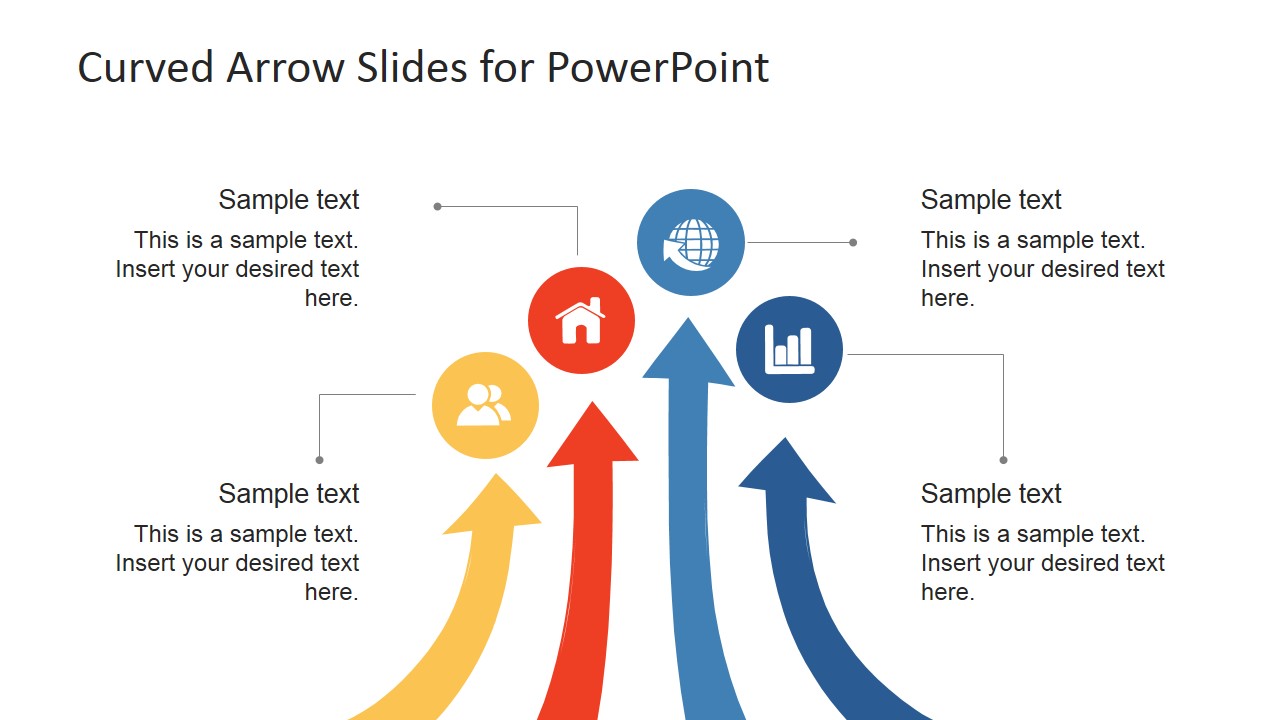
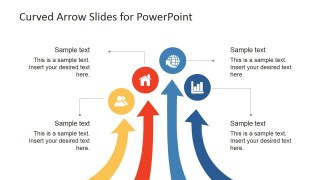
- A consultant can compare four business entities or stakeholder groups with the upward curved arrow layout and callouts that show relative emphasis.
- A project manager can introduce a process flow by using the left-to-right arrow slides to show direction, sequence, and ownership.
- A sales leader can use the vertical icon legend strip to define recurring symbols before presenting a larger business model or plan.
Features
- 100% editable presentation template
- Compatible with Microsoft PowerPoint and Google Slides
- 16:9 aspect ratio slides
- Scalable vector shapes, icons and illustrations
- AI-Ready for Microsoft Copilot and Claude
- Instant access and download
Frequently asked questions
Q: How should I communicate the four-arrow message clearly?
A: Treat each arrow as one distinct category, not as decoration. Give every icon a short label, keep the callout copy to one main idea, and order the arrows by priority, sequence, or relative importance. The third slide works best when the audience needs a visible comparison of upward movement or momentum.
Q: Who benefits most from using this curved arrow template?
A: This template fits managers, consultants, and analysts who need to explain four related business elements without building a full process map. It is useful for channel comparisons, stakeholder groupings, growth drivers, service areas, or ecosystem explanations where icons and direction cues help the audience remember the categories.
Q: Why use curved arrows instead of standard straight arrows?
A: The curved arrows create a sense of motion and grouping while leaving open space for callout text. Because the icons sit directly on the arrow paths, the audience can connect each symbol to its related idea quickly. The repeated four-part structure also makes the message easier to scan across the deck.
Curved Arrows PowerPoint Template
4-slide presentation template with curved arrow diagrams, icon callouts, and process flow layouts
Curved Arrows PowerPoint Template is a 4-slide presentation template for showing movement, priority, or grouped business factors. It includes horizontal curved arrow diagrams, an upward curved arrow comparison, and a vertical icon legend strip with callout text. Business presenters can edit it in Microsoft PowerPoint and Google Slides.
- Category
- Shapes
- Rating


 Loading...
- Aspect ratio
- 16:9, 4:3
- Item ID
- 6741
- Colors
 Microsoft PowerPoint
  Microsoft Copilot
  Claude for PowerPoint
 Other formats supported
Subscribe today and get immediate
access to download our PowerPoint templates.