Produce quality presentations with Upward Curves for PowerPoint and its stunning visuals. The PowerPoint template is in a cool color scheme and neat layout. It is a simple and comprehensive tool. The diagram minimizes textual content which makes the presentation entertaining. This way, the user can capture the audience’s attention and make them engaged to the discussion.
The PowerPoint template is ideal for representing increasing trends. It has a collection of an upward slope in different steepness. This can be used literally to display frequencies. It can be used to illustrate a linear graph with an increasing value. It is of a generic design. Any information that constructs an upward trending curve can be applied to this particular Office template. The graph can be personalized by the user through PowerPoint shapes menu. Features such as the text placeholders, colors and fonts can be modified. The presenter can opt to copy and paste the objects to supplement a bigger report.
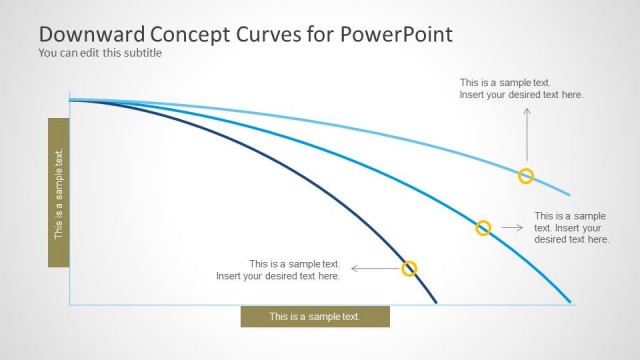
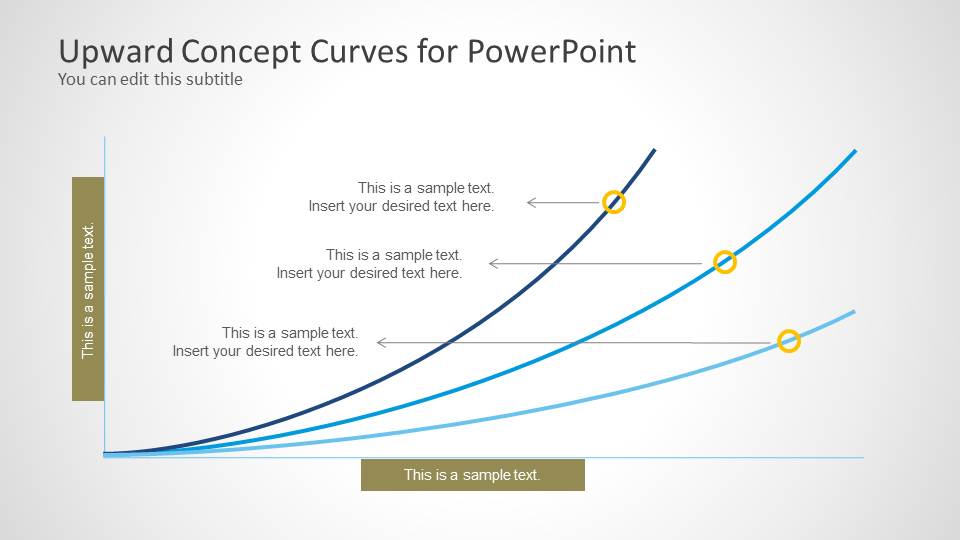
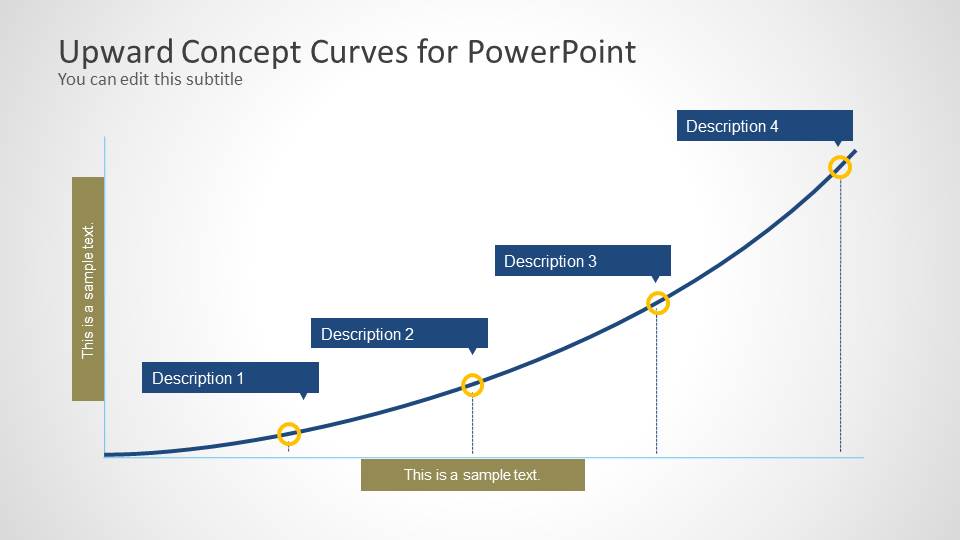
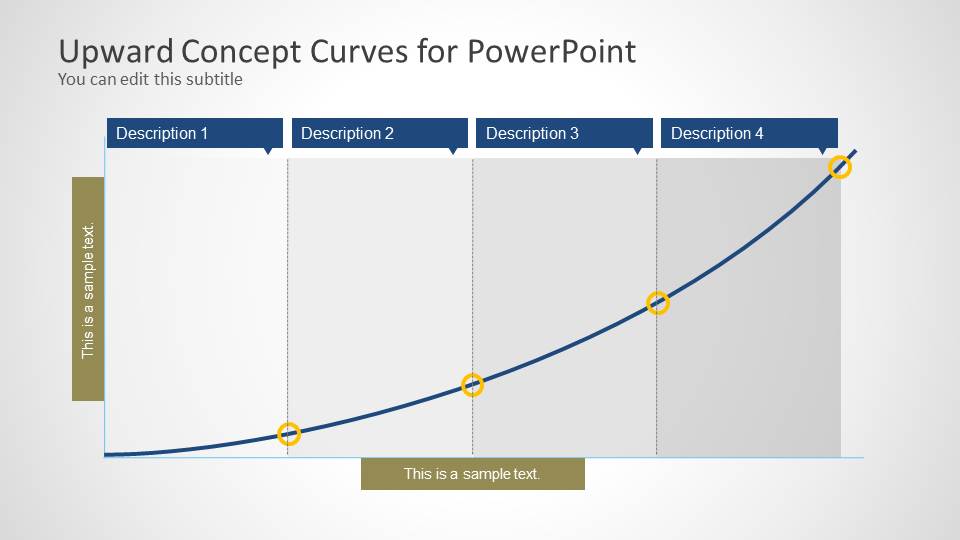
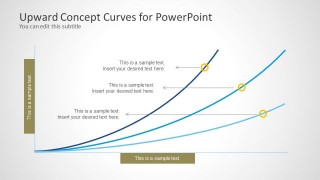
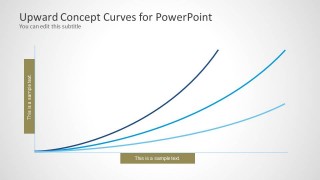
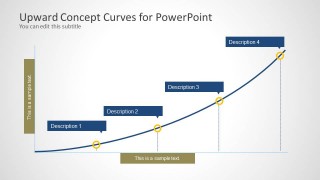
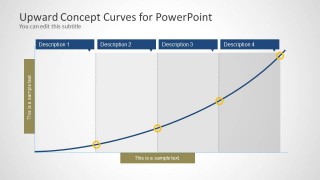
In the first slide, there are 3 curves shown. Each has a variation of height and steepness. They have corresponding text boxes where the user can elaborate some details about the concept. The 2nd slide has a similar diagram, eliminating the text placeholders. The 3rd one divides the curve into 4 main points. They are namely Description 1, Description 2, Description 3, and Description 4. They are arranged in an ascending order from bottom to top. Finally, the last slide divides the entire graph into 4 parts with the same labels. The division creates a vertical grid against the trend.
Upward curves symbolize an increasing pace. It can metaphor concepts relative to progress, growth, innovation, among others. It can mean that the strategy or the business is getting stronger. It refers to positive change.
The powerful and efficient Upward Curves for PowerPoint can enhance any high standard presentation. Look into Curves and Lines PowerPoint Template from the SlideModel gallery.
What’s inside this template
Example presentation scenarios
- A sales leader can use the three-curve comparison slide to explain different pipeline growth paths and show how one path accelerates faster than another.
- A product manager can use the four-point milestone curve to present adoption stages, labeling each point as awareness, trial, repeat use, and scale.
- A consultant can use the segmented trend grid to map phases of a transformation program and explain how each phase contributes to rising performance.
- A marketing analyst can use the clean curve-only slide to introduce a demand trend before showing more detailed evidence elsewhere in the deck.
Features
- 100% editable presentation template
- Compatible with Microsoft PowerPoint and Google Slides
- Scalable vector shapes, icons and illustrations
- AI-Ready for Microsoft Copilot and Claude
- Instant access and download
Frequently asked questions
Q: How should I present growth with these upward curve slides without overclaiming results?
A: Use the curves as directional visuals, not as precise measurement charts. State what the upward movement represents, then label the points or callouts with specific evidence, assumptions, or milestones. The three-curve layout works well for comparing possible trajectories, while the four-point curve is better for a single growth story with named stages.
Q: Who is this template best suited for in a business presentation?
A: This template fits presenters who need to communicate positive movement, progress, or acceleration in a simple visual format. Sales, strategy, product, marketing, and consulting teams can use it to frame rising demand, performance improvement, adoption, or capability growth before moving into detailed numbers, plans, or recommendations.
Q: Why use upward curve metaphors instead of standard bar or line charts?
A: The curved line creates an immediate metaphor for momentum, acceleration, and improvement. Because the slides reduce numeric detail, the audience can focus first on the idea of progress. The milestone markers and segmented grid then give the presenter a way to attach meaning to the curve without turning the slide into a dense chart.
Upward Curves for PowerPoint
4-slide PowerPoint presentation template for upward trend curves, axis labels, and milestone callouts
Upward Curves for PowerPoint is a 4-slide presentation template for showing growth or rising trends with editable curved line diagrams. It includes three-curve comparison views, a clean curve-only graphic, a four-point ascending milestone curve, and a segmented trend grid. It is intended for business presenters building PowerPoint trend narratives.

 Loading...
 Microsoft PowerPoint
  Microsoft Copilot
  Claude for PowerPoint
 Other formats supported
Subscribe today and get immediate
access to download our PowerPoint templates.